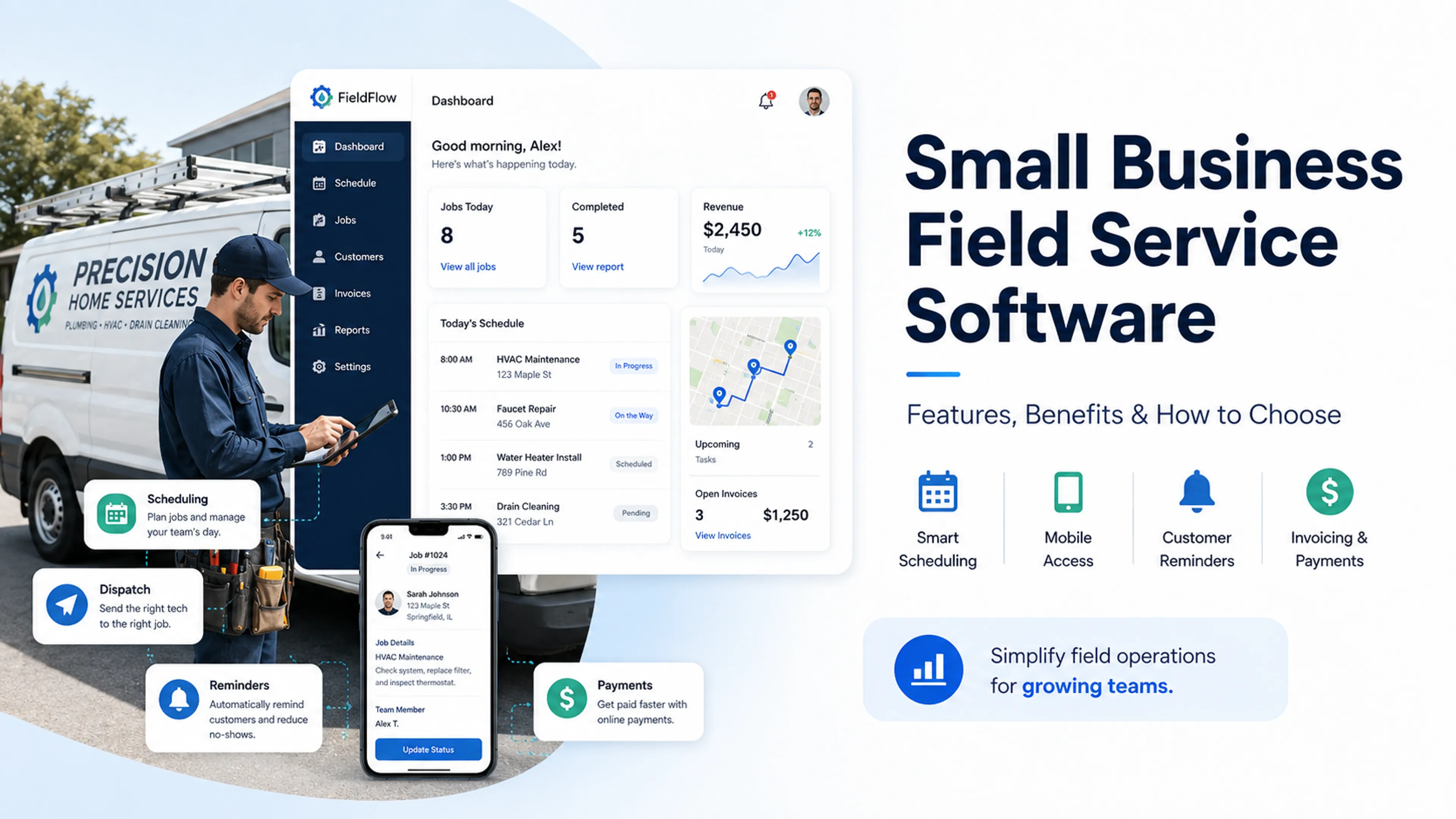


What is field service management software? Our guide reviews the leading tools, their benefits, audience, and how to select the ideal solution.
Nobody likes paperwork; it’s onerous, time-consuming, and can be complex due to regulatory requirements. It can be just as frustrating as missed appointments that cost you time and money too, hence the development of field service management (FSM) software.
FSMs are designed to provide significant efficiencies in the office, reducing human error in billing and scheduling, and dramatically improving overall team efficiency. It puts all the difficult, complex, or onerous but routine tasks most businesses face in one place.
There are a wide variety of FSMs available on the market and the overwhelming choice can be daunting, especially for new business owners. Some FSMs are better for larger companies, others for startups and those working in niche fields.
We’ve put together a guide to finding the right FSM for you, which covers everything you need to know about FSMs, how they work, and a selection of the best tools currently available. Let’s begin by going into more detail about field service management as a concept.
| Rank | Software | Best For | Starting Price | Key Strength | Free Trial |
|---|---|---|---|---|---|
| No. 1 | Calday | Individuals and small businesses | Free | Minimalist designed and third-party app integration | Yes |
| No. 2 | FieldPulse | Mid sized trade companies and professionals | $99 per month | Highly customizable trade-specific forms and workflows | No |
| No. 3 | Housecall Pro | Residential services | $50 per month | Lead generation and automated marketing tools | No |
| No. 4 | Jobber | SMEs | $49 per month | Sales automation and smart route optimization | No |
| No. 5 | ServiceTitan | Large traders | Custom quotes (approx. $245–$400 per tech) | Enterprise grade analytics and marketing ROI analytics | No |
What is field service management?
FSM software can best be imagined as a kind of digital toolkit where you keep everything needed to ensure smooth and continuous business operations all in one place. In the old days, spreadsheets, word documents, email chains, or even whiteboards would have done this job, but thankfully today we have better options available to us.
FSMs don't work as a checklist of tasks required to be performed every day; instead, it’s better to imagine FSMs as the person holding the clipboard. They work by covering the entire lifecycle of a service job, starting with scheduling and dispatching, and then moving forward to updates about the status of a project in real time, including the ability to upload photos and collect digital signatures.
When FSM software was first introduced, it was designed specifically to target pain points, which naturally vary depending on the user’s business or customer base. So, for example, it can stop the "lost invoice" problem by generating digital bills the moment a job is completed and sending them to clients, and provide real-time GPS updates to clients waiting for products rather than your company having to manually send this information.
In essence, whatever the challenge is, field service management software frees business people from drowning in routine tasks. What those are will depend on your business, but the principle remains constant.
Key features of field service management software
We’ll cover our top FSM picks later in this article, but any system you choose should be able to provide the following functions. They are the key essential features of good field service management software free or otherwise.
Scheduling and dispatching
Look for a drag-and-drop calendar that allows you to make quick adjustments to your schedule without having to inform your team yourself.
Real-time GPS tracking
This will provide you with a bird’s-eye view of all your operations, allowing you to optimize transportation and routing.
Time tracking and payroll integrations
Having two systems for these functions is inefficient. The best field service management software combines both into one for better oversight.
Inventory management
Stock levels in warehouses, supplier information, customer orders, etc., should all be covered under inventory management.
Mobile app accessibility
The best field service management software is mobile-optimized. We work, live, and thrive on our phones, so make sure your tool has this feature.
Customer relationship management (CRM)
A centralized CRM system will allow you to control customer information, send automated messages, and gain insight about your clients in one place.
Reporting and analytics
Field service management software, free or otherwise, should be able to provide analysis about your activities and propose improvements.
Billing and invoicing
Automated billing and invoicing removes the stress of getting paid, so get a tool that provides auto-doc generation and allows you to accept digital payments.
How to choose the best field service management software?
Now you know the features to look out for, we’ll walk you through how to choose the best field service management software free of stress or trouble. Consider this a checklist for while you’re choosing an FSM tool.
Ease of use
Is the FSM you’re looking at intuitive enough for both your office staff and your least tech-savvy technicians to use without requiring specific training?
Scalability
Can the FSM tool you’re considering scale effectively with your company? Remember; you don’t want to have to migrate data if, say, you add a new fleet of trucks.
Industry specialization
Is the FSM software able to be tailored to your specific industry? Some tools are generalists, others are designed to be hyper-specific to industries like trucking, plumbing, etc.
Pricing plans
How transparent is the pricing policy? Are there any hidden fees that you’d need to consider? Make sure the pricing is clear and obvious, to you and your team.
Third-party integration
Can the FSM tool in question integrate seamlessly with third-party apps and other tools? For example, check if it can integrate with your existing accounting tools like QuickBooks.
Support and training resources
How good is the app’s customer support? Does it offer any training or education resources for your team? The more support, the better the user experience.
What are the benefits of field service management software?
The benefits of field service management software are numerous; they make your business life easier, more efficient, and less stressful. We’ve already alluded to this, but let’s go into more detail about the benefits of using FSM tools.
Boosts corporate efficiency
With every key process controlled under one system, FSMs allow your team to focus on essential tasks that drive growth, productivity, and profit.
Reduced human error
As routine tasks are automated, you can significantly reduce the chance of human error occurring, whether that be during double-booking, lost paperwork, or something else.
Improved customer satisfaction
What is field service management software? A means to improve the customer experience thanks to a high-quality interface, automatic reminders, and convenient payment options.
Streamlined billing and regulatory compliance
As FSM tools auto-generate invoices and billing processes, it’s simple to keep track of all your payments, making it easier to achieve regulatory compliance.
Improves data security
Another compliance benefit is improved data security, as moving from paper files to encrypted cloud storage ensures that sensitive customer information and financial records are protected.
Improved team communication
With every team member using the same system to manage routine processes, whether they’re in the field or the office, communication ends up being significantly improved.
Enables data-driven decision making
Thanks to automated reporting, you can better identify your most profitable and cost-effective services and which staff members are performing the best, and act accordingly.
The top 5 field service management software solutions in 2026
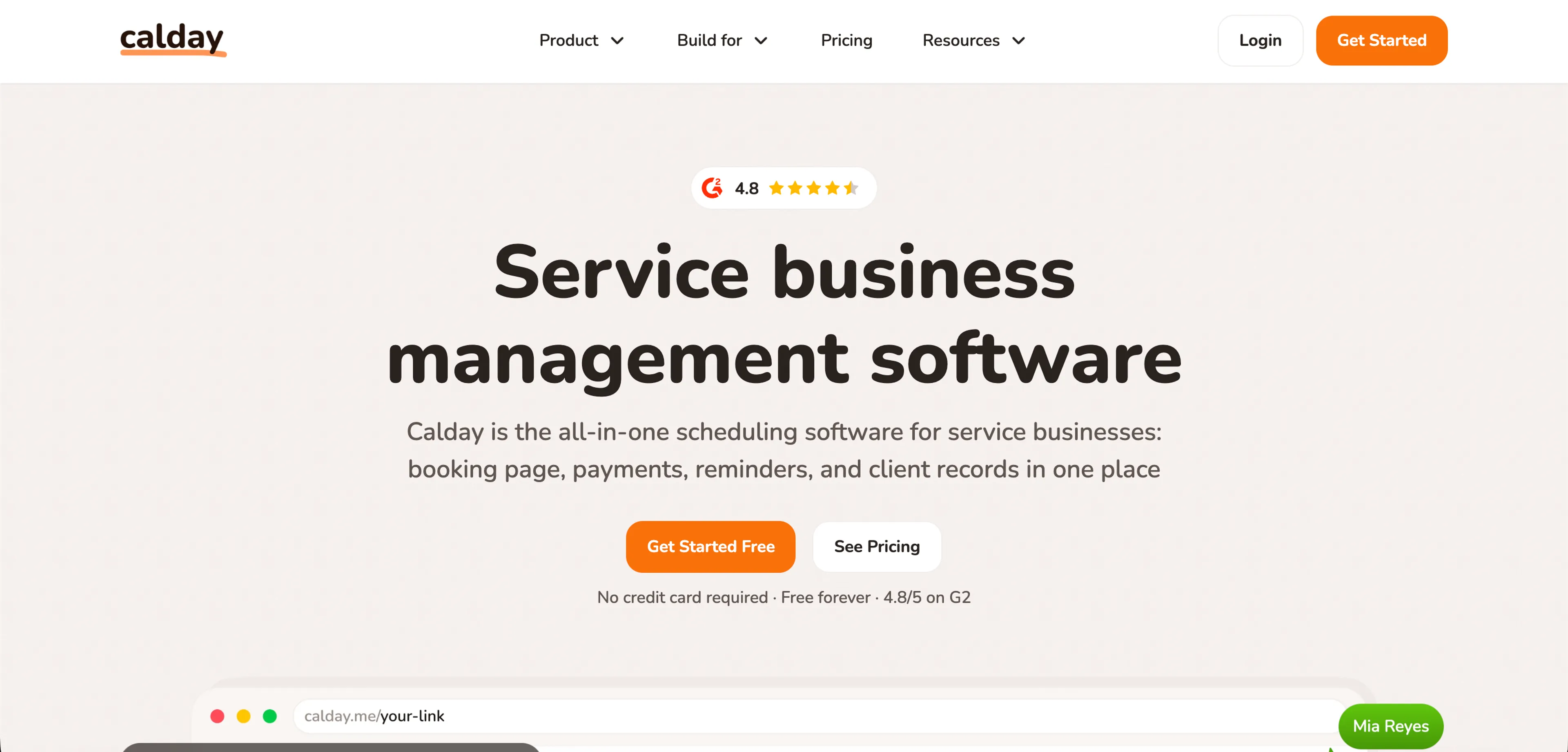
Calday: Best for individuals and small businesses
Streamlined scheduling combined with custom customer management tools make Calday one of the best field service management software tools currently available. Its simplicity, ease of use, and reliability make it a great choice for most users.
Calday is field service management software free of fuss: By providing a minimalist user interface without feature bloat, Calday is arguably the most user-friendly option on our list. Add in powerful, customizable features and a very generous pricing plan, and it’s the ideal pick for most.
“It's good for business. I’ve been using Calday for over 7 months and everything is working smoothly.”
Jackson J. (G2.com reviews)
Key strengths and features
One of Calday’s best features is its powerful third-party app integration; whether you use Microsoft Teams, Google Calendar, etc., you should be able to integrate your account into Calday without any fuss. This goes a long way toward eliminating those costly double-bookings.
The automation on offer is pretty impressive, allowing users to generate SMS follow-ups, emails, etc., with very minimal effort. Booking page customization and links ensure that most people can create a unique experience for employees and customers too.
Who Calday is best for
Calday can be used by almost anyone thanks to its simplicity and high-powered functions, but it’s best utilized by individuals and small teams. It’s ideal for professionals who need a simple-to-use, polished FSM tool without any unnecessary complex features.
If you’re someone who has the "set and forget" mentality and just wants high performance without having to constantly adjust settings, then Calday is the one for you. As such, it’s also highly recommended for beginners to FSM as a concept.
Pros
- Minimalist design that allows users to set up their account almost immediately
- Personalized booking pages that are designed to improve brand image and trust
- Extremely affordable pricing, it’s one of the most cost effective options available
- Powerful mobile app for iOS and Android
Cons
- Calday lacks industrial type features, including accounting, asset tracking etc
- It’s designed for single users or small teams; feature paucity will affect larger groups
- Scalability can also be an issue if your team grows rapidly.
Pricing
Calday offers field service management software free of charge under its basic policy; the premium policy with limitless customization can cost just $12 per month.
“It’s better than other free scheduling software. I got a booking page to share with clients in less than five minutes.”
Andrew R.
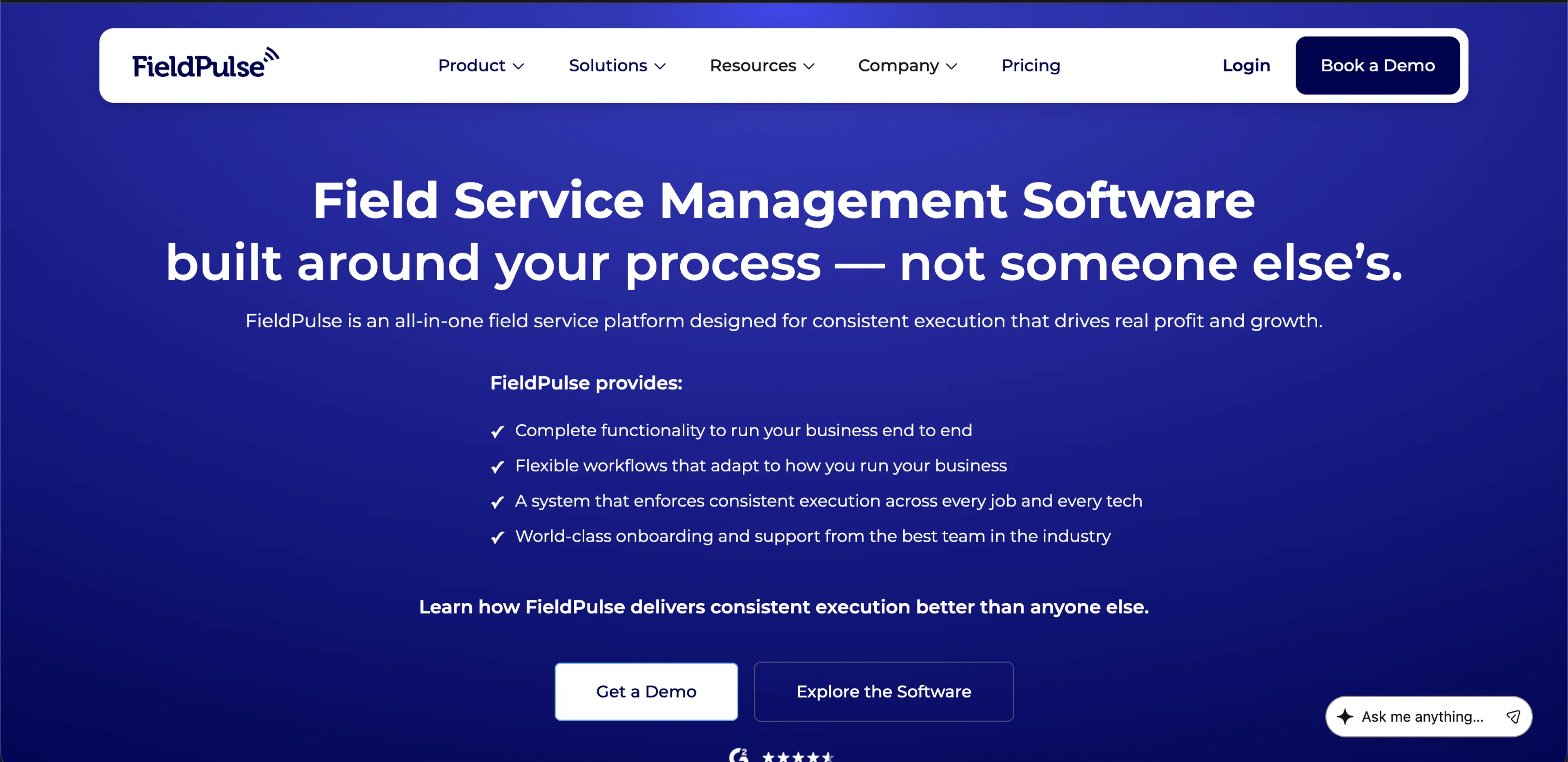
FieldPulse: Best for mid sized trades and professionals
FieldPulse is designed to be an all-in-one tool that covers all the essential processes required by people working primarily in service contracting. The idea behind the tool was that professionals who’d gone beyond basic tools would want something more advanced.
On its launch, FieldPulse was able to do just that, and it became one of the best field service management softwares on the market. In particular, it's become a staple in trade-based businesses like electrical, roofing, plumbing, and others.
Key strengths and features
Personalization is the name of the game; users can take advantage of 60 prebuilt reports and can also create bespoke workflows for their pre-existing processes. This gives it the adaptability to be used by tradespeople working in different or multiple fields.
There’s also a comprehensive pricebook that allows users to provide and maintain consistent, accurate estimates while on-site. Coupled with a bespoke payment portal that includes self-service booking and integrated financing, FieldPulse is a solid choice for tradespeople.
“The setup is highly customizable; tech support is readily available.”
Ethan G.
Who FieldPulse is for
Individuals and small companies working in the trades sector are the intended audience of FieldPulse. It is particularly well-suited to contractors, as the combination of real-time job visibility and data-driven insights are highly valuable in jobs with moving parts and sites.
FieldPulse is best suited for smaller-sized teams, ideally those with between 5–50 workers, whether they’re employees or contracted. It’s a well-balanced, all-in-one tool, which means it covers most issues well but lacks some of the specificity that may be required by some.
Pros
- Highly customizable trade-specific forms and workflows that adapt to your business
- A powerful mobile app that makes it easy to manage invoicing, billing etc on the go
- An integrated communication featured called Engage that easily separates personal and business cals
Cons
- There’s no free version of the app and the pricing plan may be too high for some users
- FieldPulse’s features may require a steep learning curve, especially for this less tech savvy
- Syncing with pre-existing and third party apps can be hard, particularly QuickBooks
“It’s user-friendly for both service technicians out in the field and the office team.”
Sarah Z.
Pricing
Prices are not listed on FieldPulse’s website, however monthly subscription models start from around $99 per month for a base license, with some additional costs.
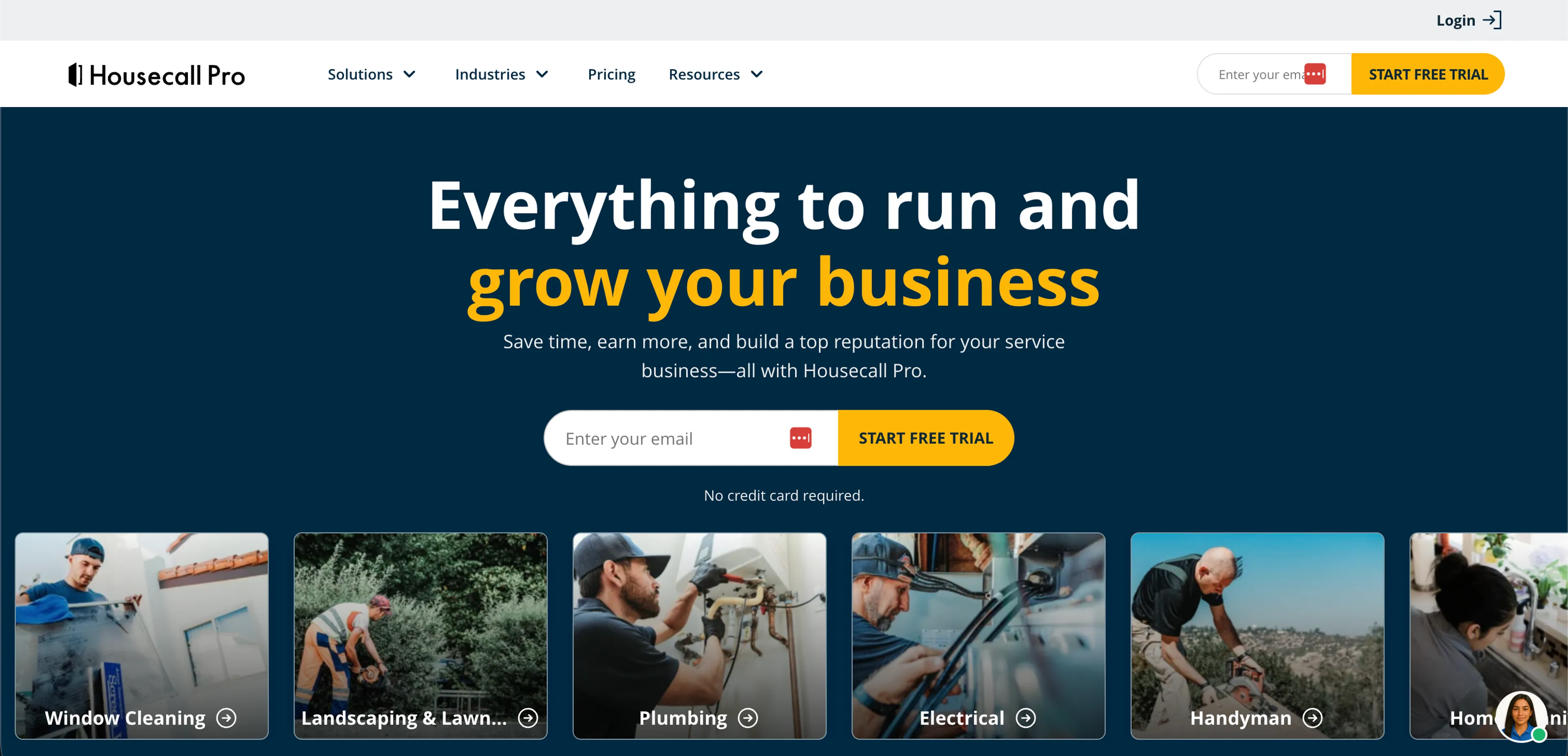
Housecall Pro: The best for residential services
Residential services like care homes have recently increased their queries about what is field service management software. It’s not hard to see why as aging populations increase demand, and Housecall Pro is designed specifically to meet the needs of this growing market.
This FSM tool can be used by anyone working in residential services, and while care homes are perhaps the most obvious example, it can be used by homeowners associations, student dormitories, and more. Lots of small jobs, occurring often, are as such its primary focus.
“I use Housecall Pro for running my business, and it makes things easier.”
Alberto E.
Key strengths and features
Marketing and consumer engagement are the real standouts of Housecall Pro, which include automated postcard marketing and Google Local Services integration. This helps the tool's users to capture leads to convert into new clients, a standout feature compared to other options.
Consumer financing within the system is made possible thanks to Wisetack integration, allowing users to create instant, custom payment plans for large repair bills. The system is also mobile-first, making it easy to control schedules, images, documents, etc., on the go.
Who Housecall Pro is best for
As you can imagine, Housecall Pro is best used by people working in residential buildings and managing multiple properties, especially if they provide repair services for their residents. If you’re likely to have a high frequency of customer interactions, this software’s a good choice.
Of course, as Housecall Pro also has marketing and customer engagement features, it’s ideal for people looking to expand their business as well. Finally, any company working primarily on smartphones is going to find that this software is a really good fit.
“The additional marketing services and website services have been valuable.”
Lesley W.
Pros
- Excellent lead generation and marketing tools to capture new customers
- Built-in customer financing that can auto-generate custom payment plans
- High quality peer support that can be useful for coaching and networking
Cons
- Some of the best features are locked behind expensive paywalls
- As fees are per users there’s no incentive to use the system to scale
- The marketing suite requires a considerable deal of practice to use effectively
Pricing
Pricing starts at $50 per user for the most basic plan, climbing up to $299 for the most advanced tier, which includes most of the best features.
Jobber: The best for SMEs
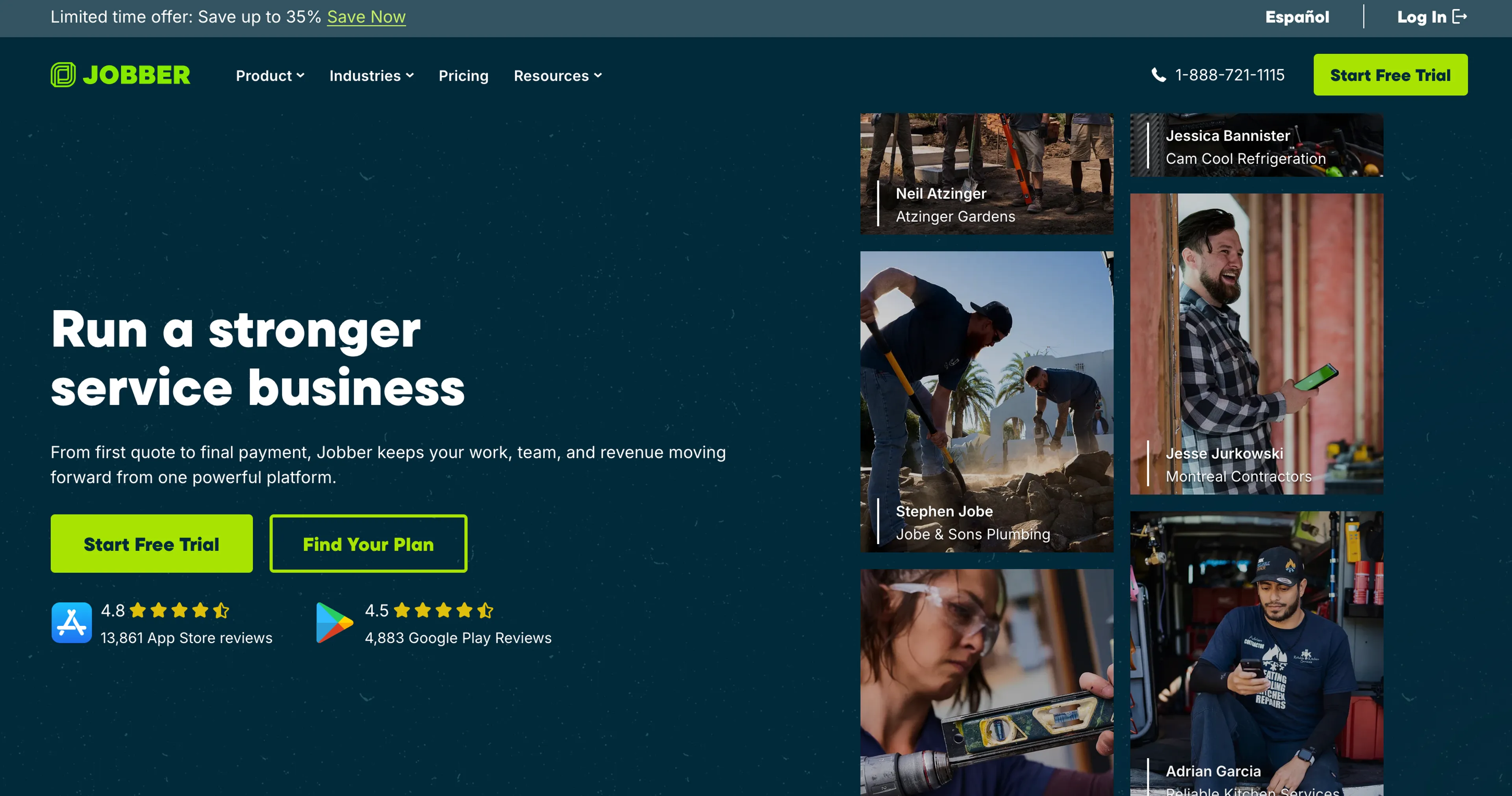
The next of the best field service management software options on our list is Jobber, a tool that was designed specifically for small and medium-sized enterprises (SMEs). It’s highly versatile and scalable, allowing it to grow in tandem with your business.
Jobber has garnered a reputation for offering powerful, professional features, while still providing a degree of flexibility that one would expect from top-tier options within a lower price range. It’s a self-service system, one that is simple to use for the majority of users.
I like that Jobber is easy to use; it's pretty simple for techs to collect payment onsite.
Jeff W.
Key strengths and features
Jobber focuses on sales automation and offers automatic follow-ups for unapproved quotes to ensure potential revenue doesn’t get lost. Smart route optimization is included in the scheduling system too, which helps to significantly reduce inefficiencies.
One of the benefits of field service management software that Jobber is particularly good at is its third-party app integrations. In particular, it excels at working with QuickBooks Online and Gusto, making Jobber a standout choice for those particularly concerned with finances.
Who it’s best for
Jobber is best suited for SMEs, of course, but particularly for those with plans to grow and scale their business, or those that work in unpredictable markets where flexibility is at a premium. As such, Jobber is also a good fit for startup companies that need to remain agile too.
Single-entity operators and entrepreneurs will also be able to take advantage of Jobber, as the system is designed for them too. However, it is best used by small teams; so if single users do decide to go with Jobber, those with plans to grow their company will benefit the most.
It truly feels consumer-based. It runs my production and supports my employees.
Alec M.
Pros
- A high-end, self-service customer experience that utilizes Client Hub integration
- Automated quote follow ups that significantly improve sales conversion rates
- Tiered pricing plans that’s easy to understand for teams wanting to grow their business
Cons
- The mobile app is significantly less effective than the desktop version of Jobber
- Route optimization and premium support are restricted to the highest-cost plans
- Some of the inventory management features are limited compared to other options
Pricing
Jobber offers a Core plan at $49 per month for solo users. Most growing teams use the Connect ($139/mo) or Grow ($199/mo) plans to access the full list of features.
ServiceTitan: The best for large traders
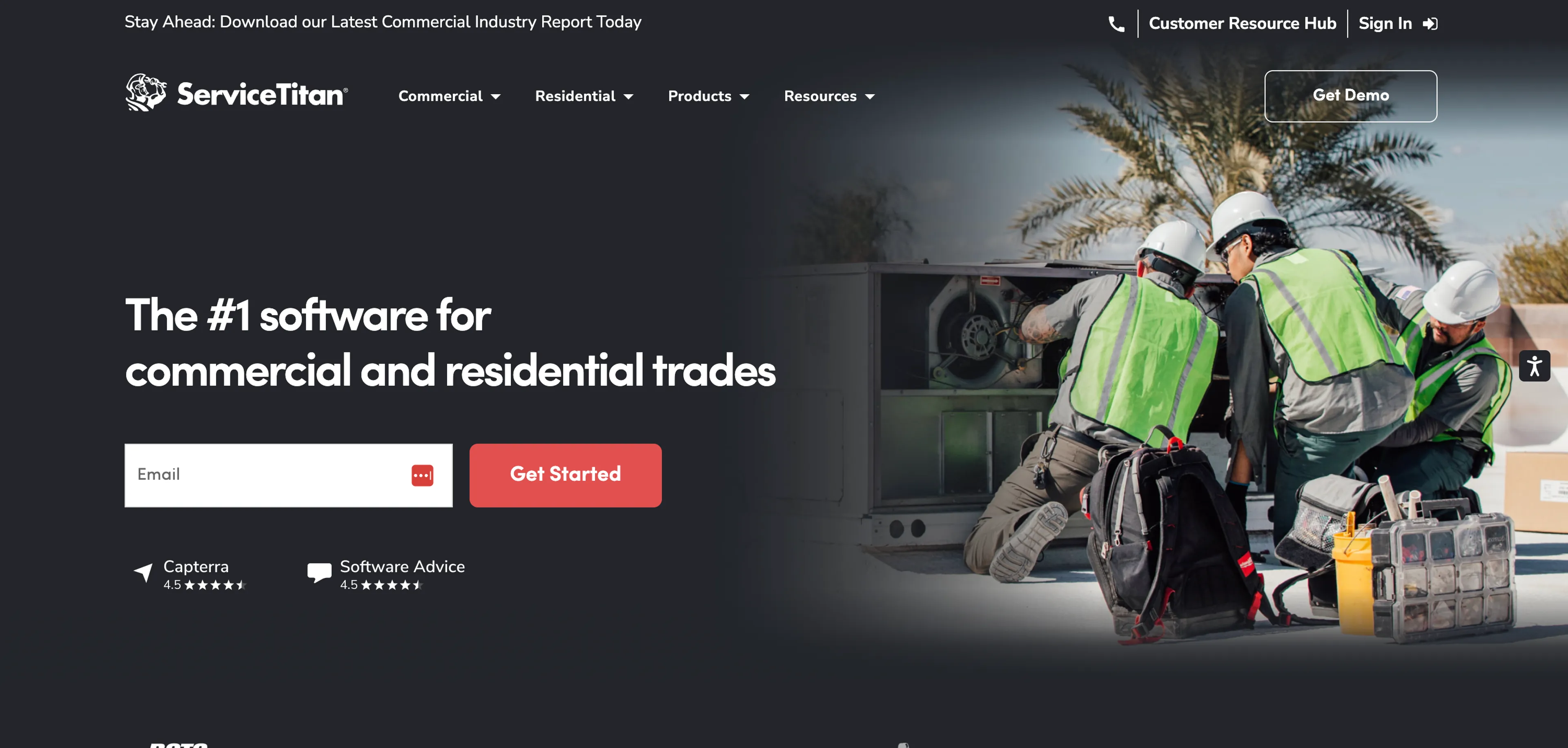
The last FSM software on our list is a big name for big traders: ServiceTitan. It is one of the best field service management software tools available for larger-sized businesses: It’s an enterprise-grade operating system for large-scale service operations.
ServiceTitan can take control over almost every aspect of the business operations of companies and enterprises. The level of corporate depth ServiceTitan offers is considerable; it’s powerful, all-encompassing, and has excellent analytics.
It’s easy to use and simple to customize to fit my business needs.
Liz H.
Key strengths and features
You’ve got to think big when it comes to ServiceTitan, as you’ll find advanced dispatching with capacity planning combined with sales development tools like Pricebook Pro. This aspect is particularly cool as it includes visual-based, tiered pricing estimates.
The benefit of field service management software on the scale of ServiceTitan is that it has strong customer management abilities. For example, the software has features that record interactions and provide office staff with instant customer history screen pops.
Who it’s best for
If you’re still asking yourself “what is field service management” as a single user, or as a member of a small company or startup, then ServiceTitan isn’t for you. This FSM tool is designed for the big guns: large companies and corporations with big budgets to spend.
If your operations are large-scale and you want to use deep data and technician leaderboards to maximize the efficiency of every single service call and marketing dollar spent, then ServiceTitan is for you. This tool really is "go big or go home."
What we appreciate most about ServiceTitan is how it connects every part of our HVAC business.
Janet T.
Pros
- The most comprehensive feature set available for technician sales and conversions
- Deep marketing ROI tracking with precise date on advertising campaign profitability
- Built specifically to handle large scale, multilocation enterprise logistics
Cons
- A high cost of entry and monthly fees make it completely unsuitable for small teams
- The learning curve is considerable, up to six months in some cases
- Non-technical staff often reporting viewing ServiceTitan’s operations as very complex
Pricing
It’s enterprise only; ServiceTitan requires custom quotes based on business size and tech count. Costs typically range from $245 to $400 per technician per month.
What to do next
Making the right choice in field service management necessitates research and experimentation. We strongly recommend that you take the specific requirements of your business into account before making your choice.
Don’t fit a square peg into a round hole; your FSM software needs to match how your business operates, not the other way around. Try some of those options out; Calday’s basic plan is completely free, just follow the link to create an account and get started.