
Accept payments for small business
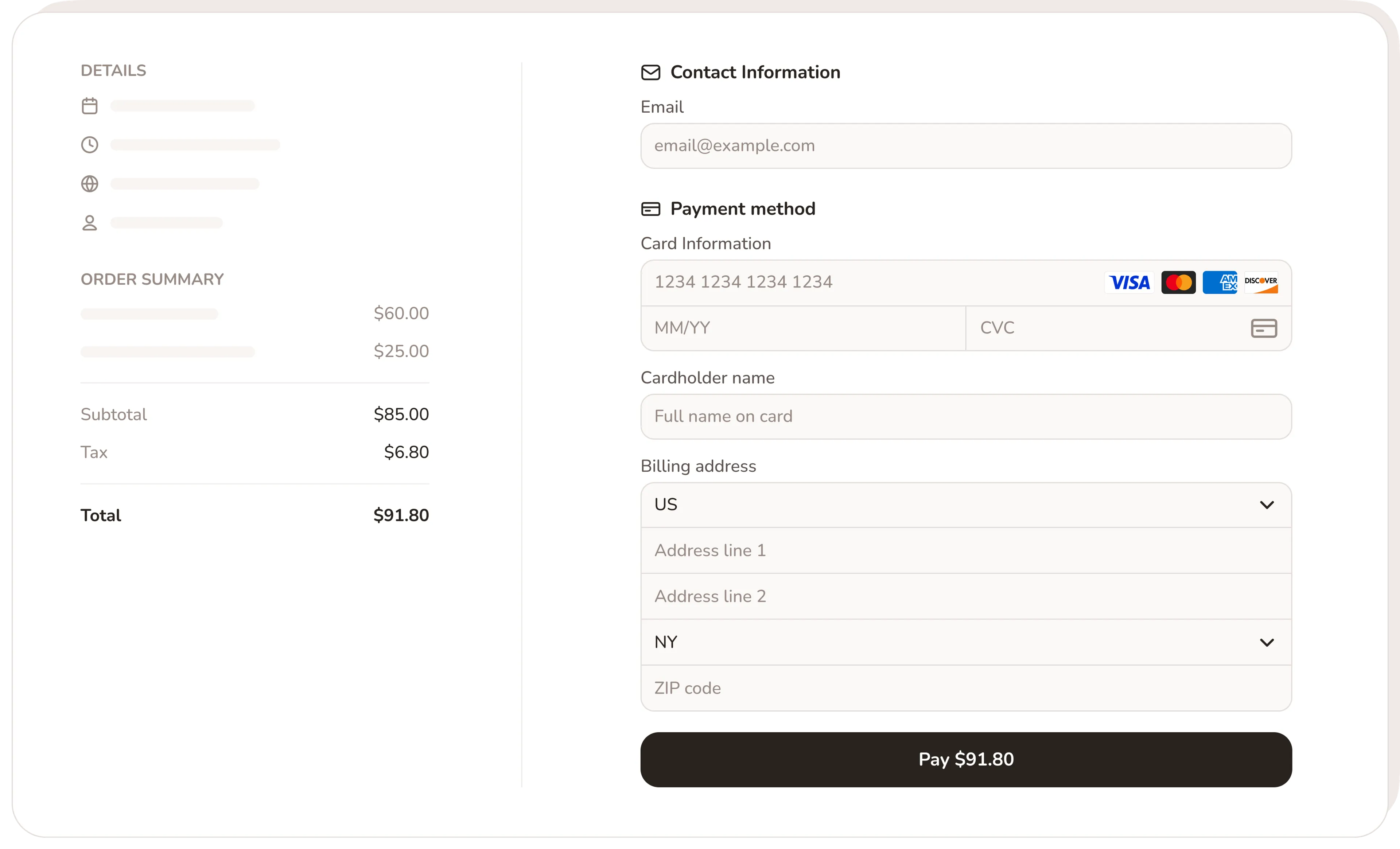
Collect a deposit or full payment the moment someone books. Stripe, Apple Pay, Google Pay, all cards. No showing up to a client who forgot they booked.
No credit card required · Free forever · 4.8/5 on G2
Sound familiar?
Without Calday
- Clients book and don't show up. You lose the slot and the money.
- Invoices sent after the job that take weeks to collect
- Venmo requests that go ignored. Awkward follow-up texts.
- No cancellation policy in place. Nothing you can enforce.
- Payment handled separately from booking. More admin.
- Cash-only jobs with no record of what was paid
With Calday
- Deposit at booking filters out no-shows before they happen
- Clients pay when they book or when the job is done. Your choice.
- Payment collected through the booking page. No follow-up needed.
- Cancellation policy shown and confirmed at checkout
- Payment status attached to every event in your calendar
- Stripe, Apple Pay, Google Pay, all cards accepted
Booking software with payment built in
Every job paid for before you leave the house
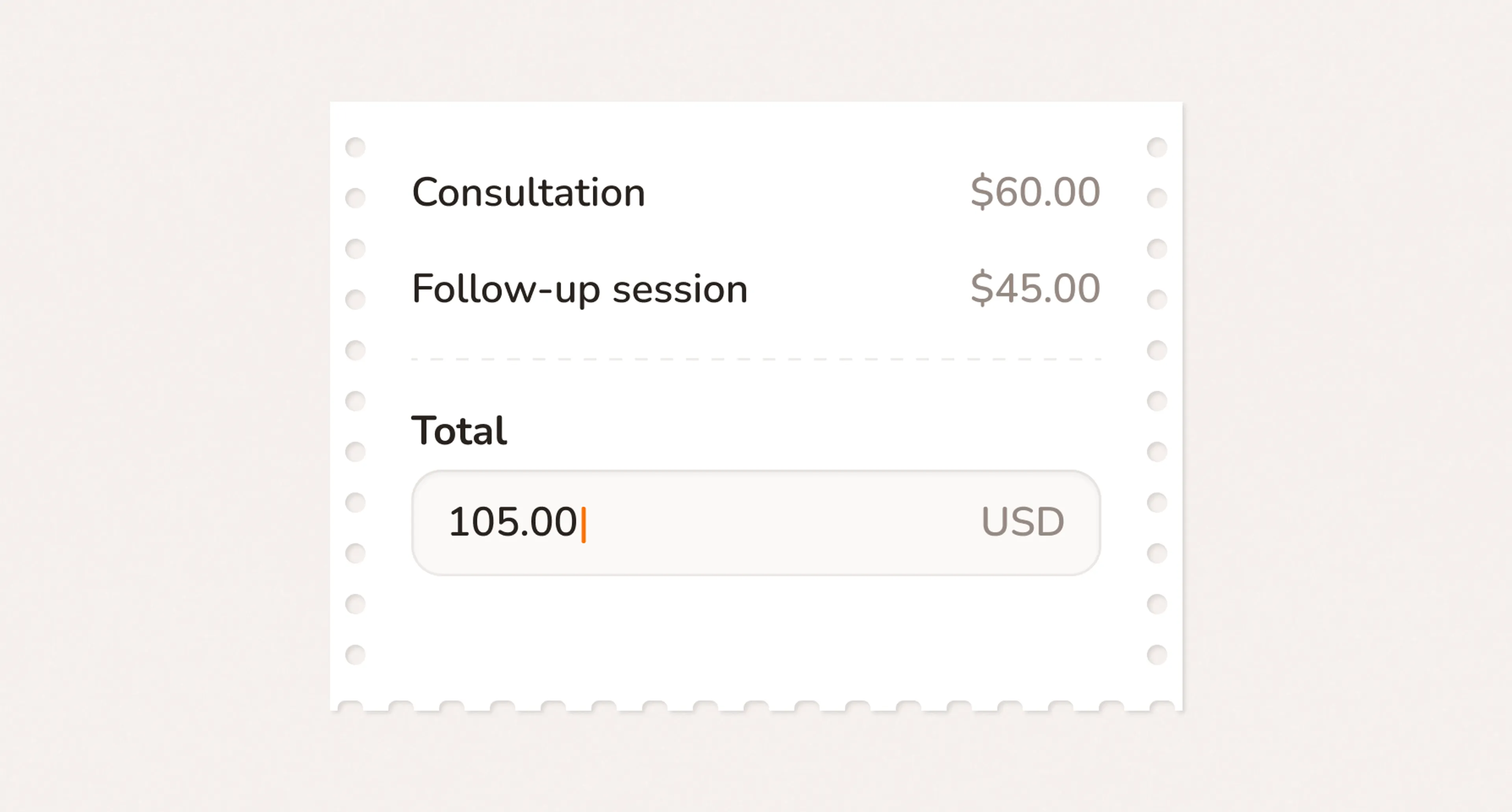
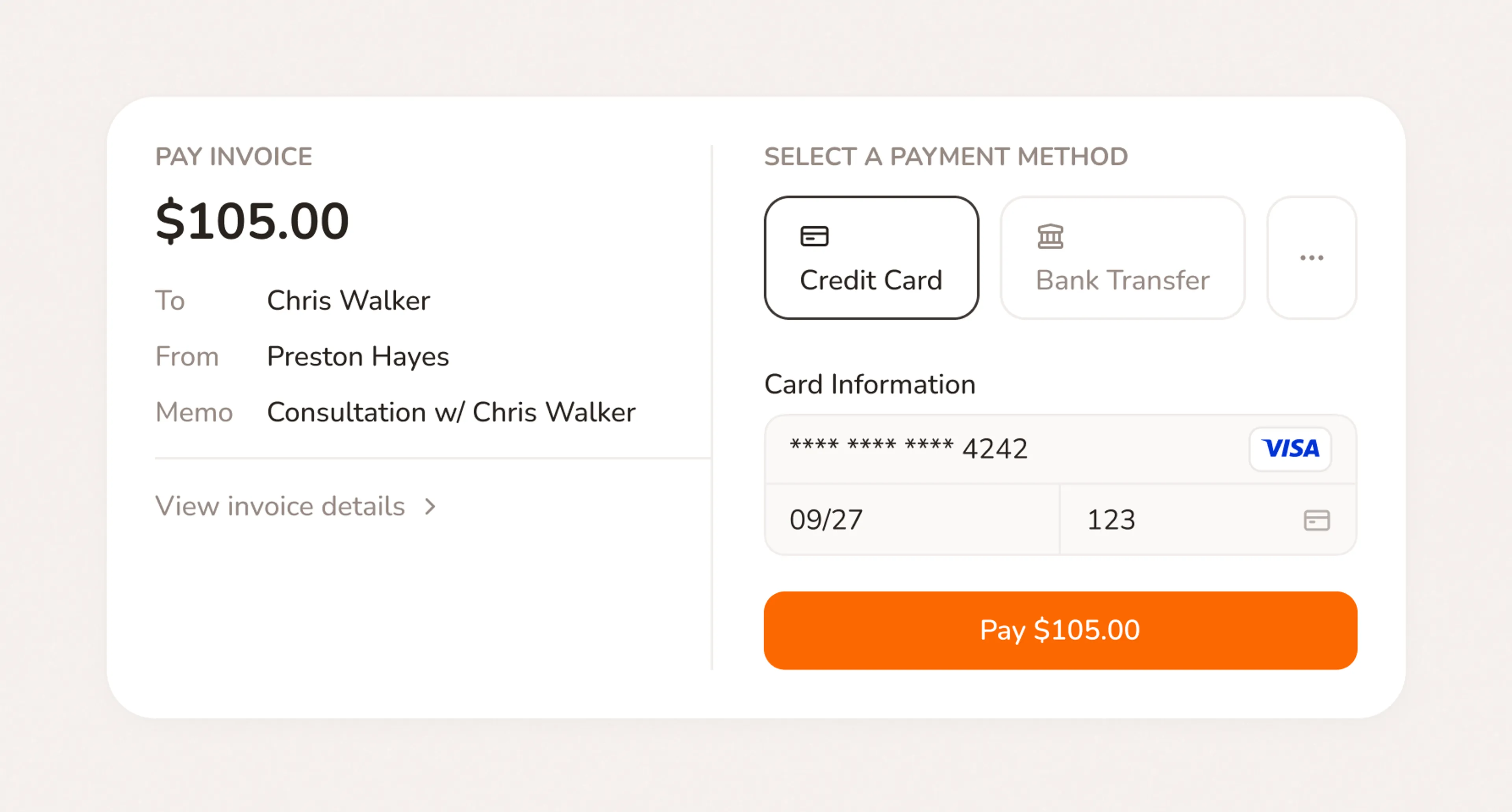
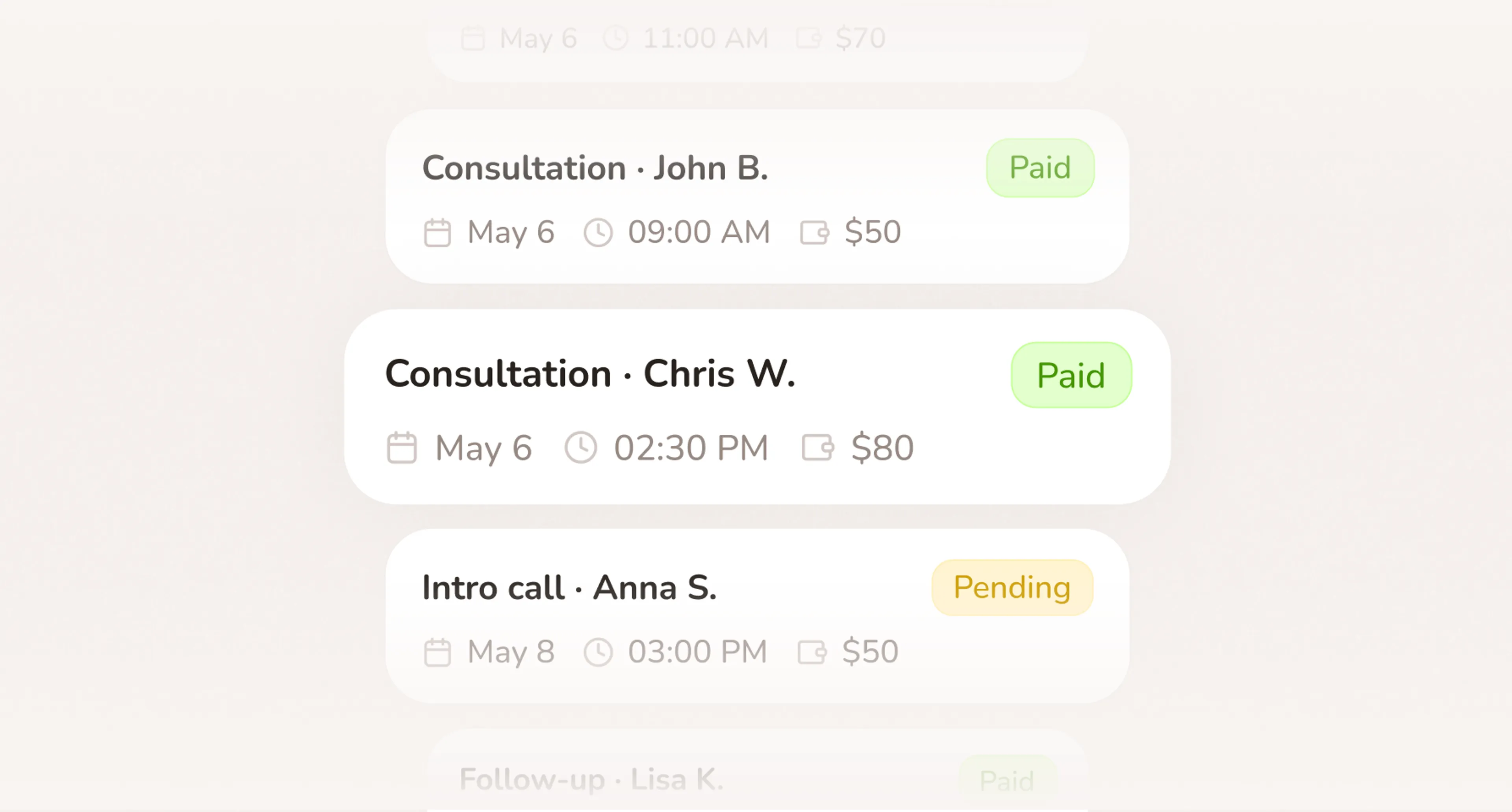
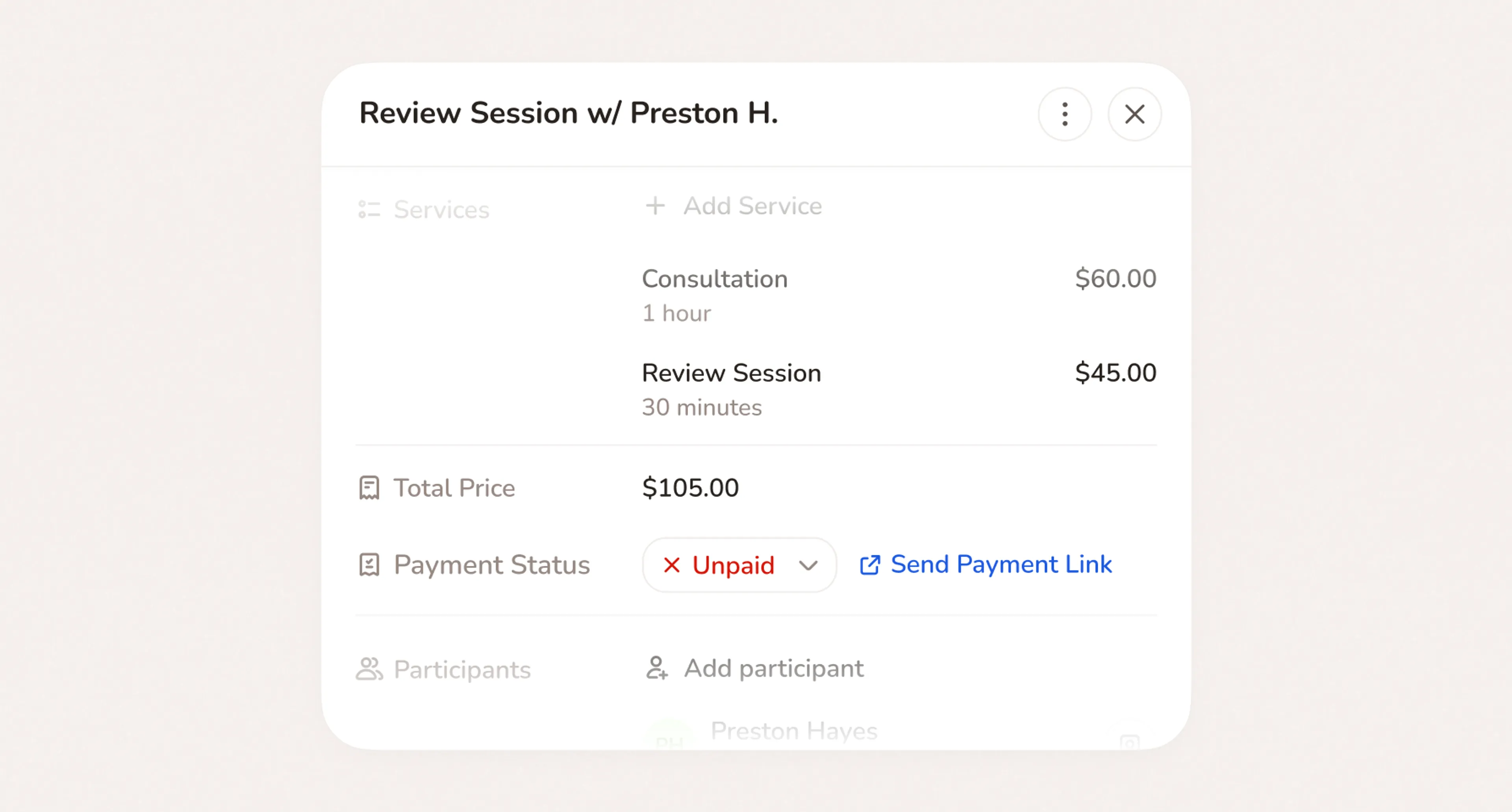
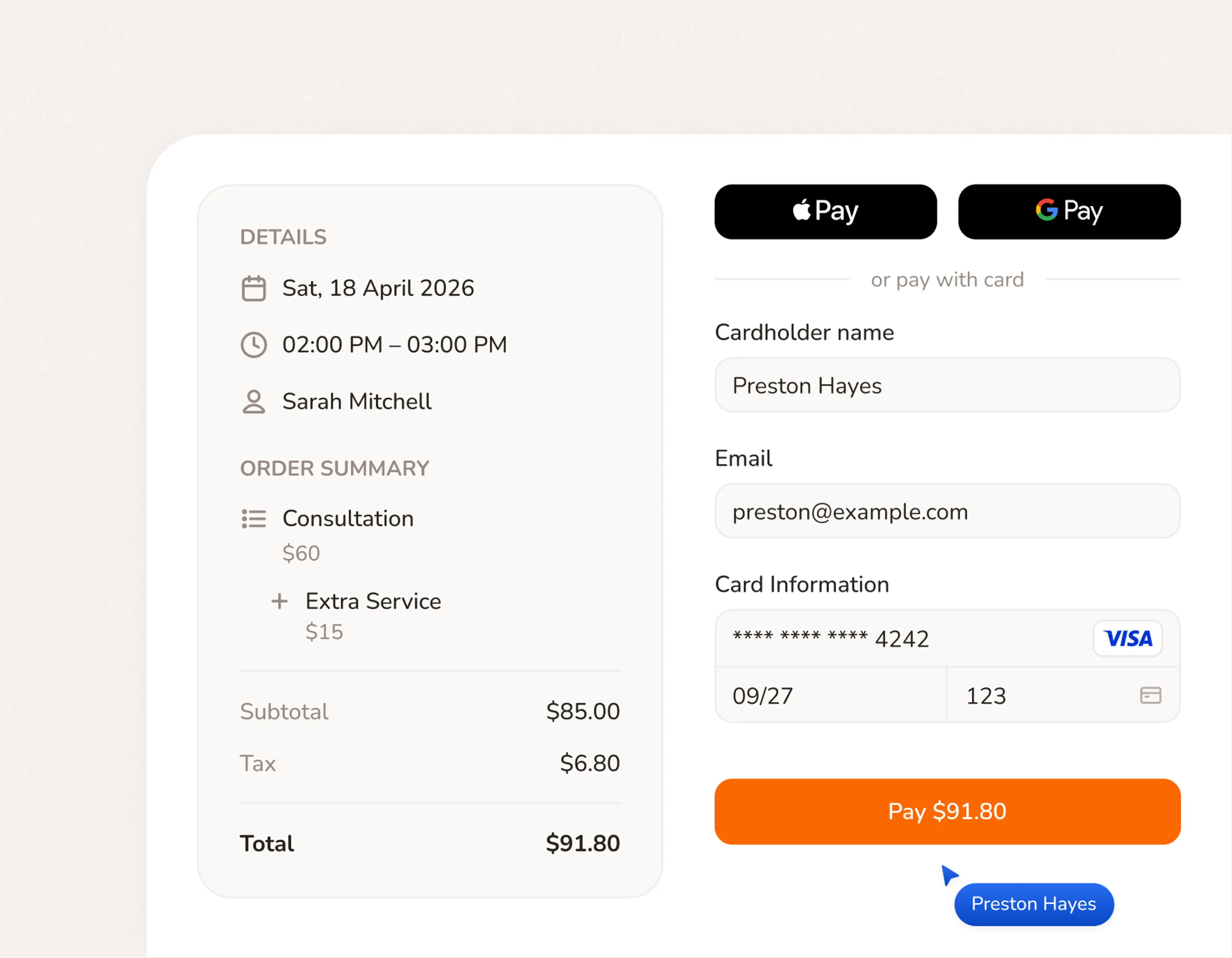
Small business accept payments at the moment they book
No payment app. No invoice. No follow-up. The booking page collects it and the money moves to your account.
- Stripe handles the transaction. You handle the job.
- Apple Pay, Google Pay, and all cards accepted at checkout
- Funds deposited directly to your bank. Nothing manual.
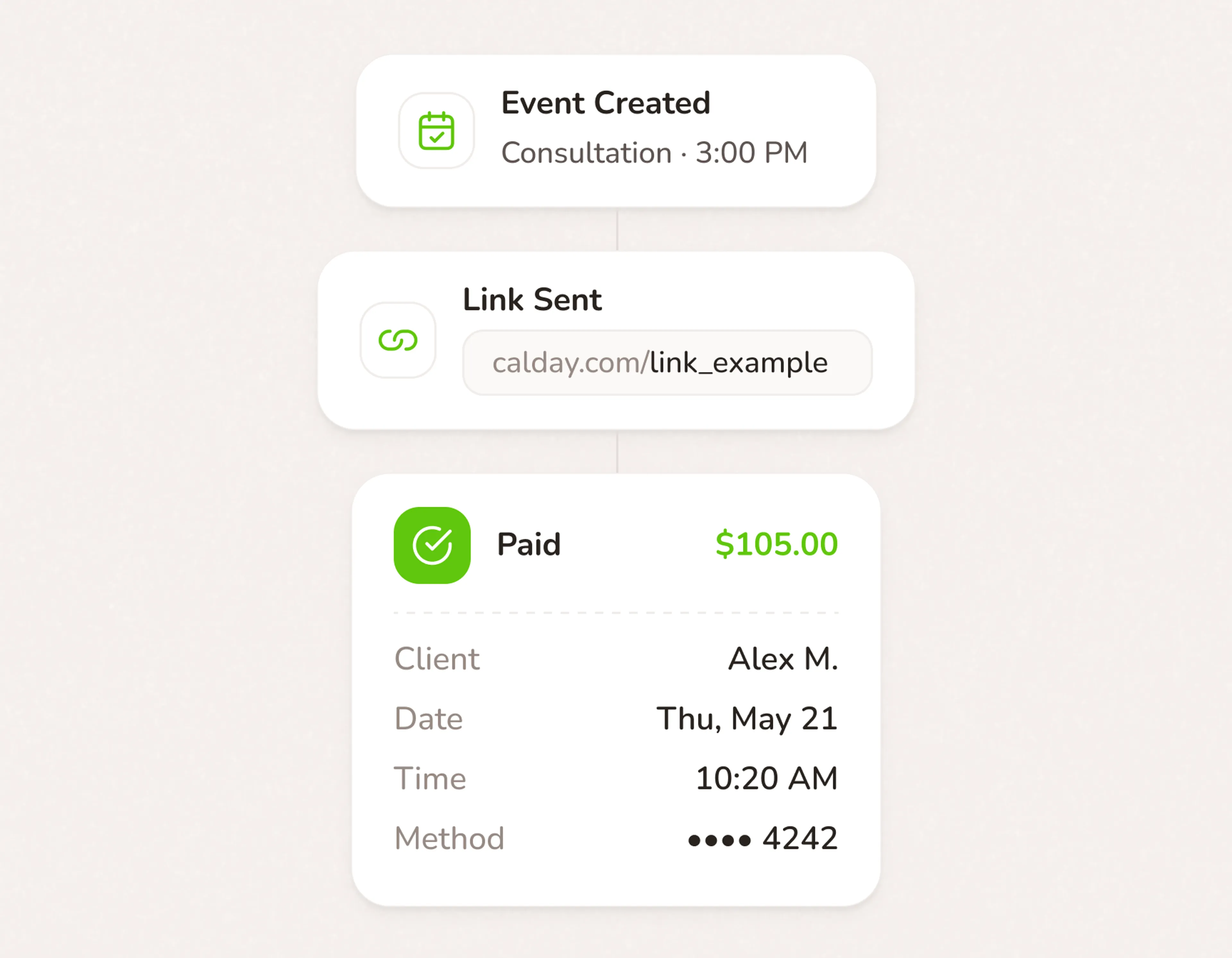
Reduce no-shows with a deposit
A client who paid $50 upfront almost never ghosts. Deposits don't just protect revenue — they filter out the bookings that were never serious.
- Require a fixed or percentage deposit for any service
- Clients confirm they're serious before the slot is theirs
- Cancellation policy shown at checkout. No disputes about terms.
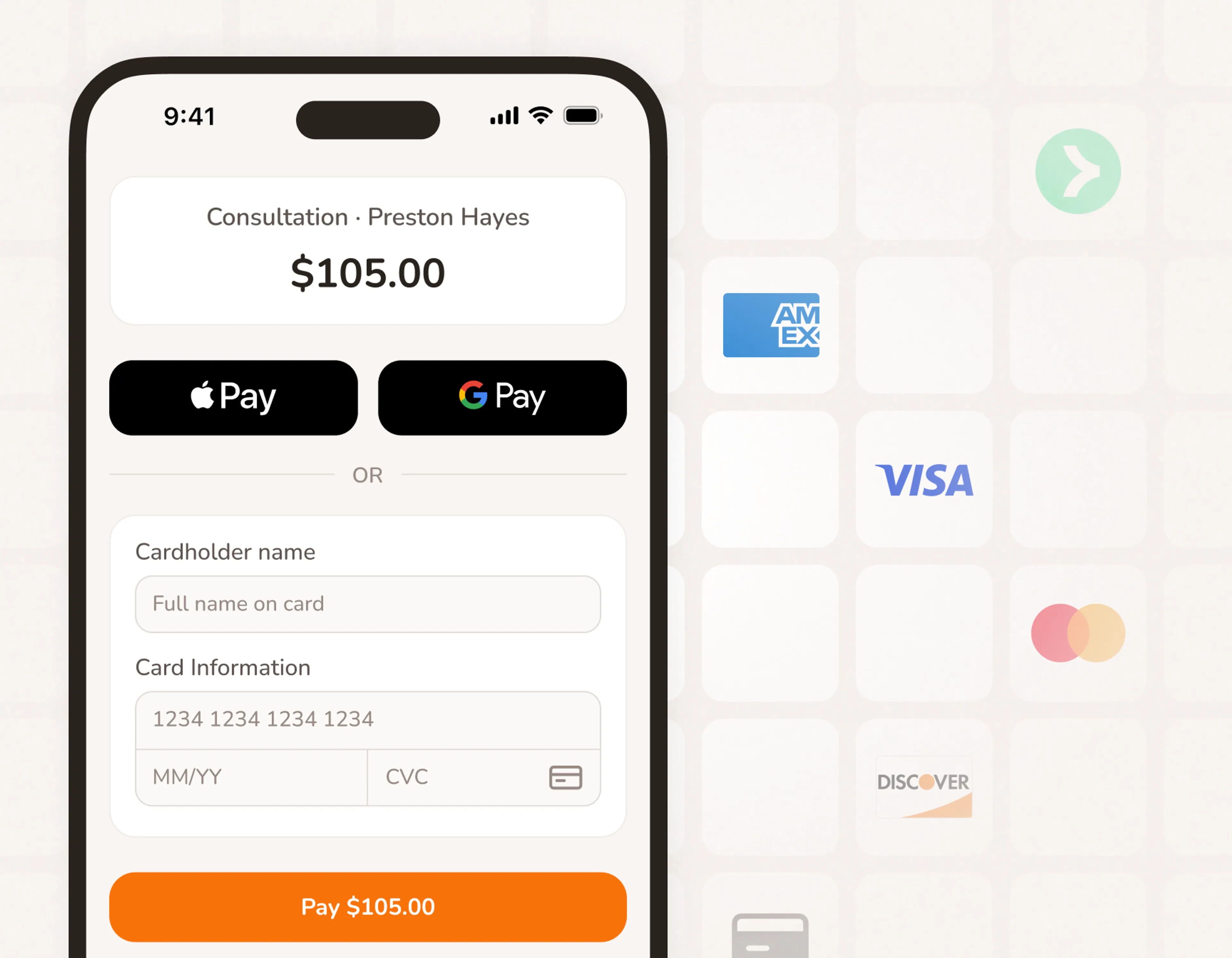
Booking and payment software in one place
Most tools make you book in one place and chase payment in another. Calday does both from the same page clients already use to book
- Booking and payment handled in the same flow
- No separate payment link to generate or send
- Every transaction linked to the client record automatically
Payments powered by Stripe
Accept payments for small business. Ready in 5 minutes.
- No credit card required
- Free forever plan
- Free 7-day trial
Payments work with your whole business
Scheduling
Payment rules plug into your availability automatically. A booked and paid slot closes. A cancelled and refunded slot opens back up. Nothing for you to manage.
Online Booking
Your booking page collects payment as part of the booking flow. Clients don't need to create an account, download an app, or complete a separate step.
Client Management
Every payment is saved to the client record. Full history of what was booked, what was charged, and what was paid — ready whenever you need it.