
Personal booking page for your business
Share your link. Clients book themselves, 24/7. No messages, no back-and-forth
No credit card required · Free forever · 4.8/5 on G2
Sound familiar?
Without a booking page
- Clients message while you're with someone else
- You explain your availability over and over
- Bookings get lost in DMs, texts, and voicemails
- You manually collect client details every single time
- No-shows with no way to protect your time
- Your calendar is a mess of notes
With Calday booking page
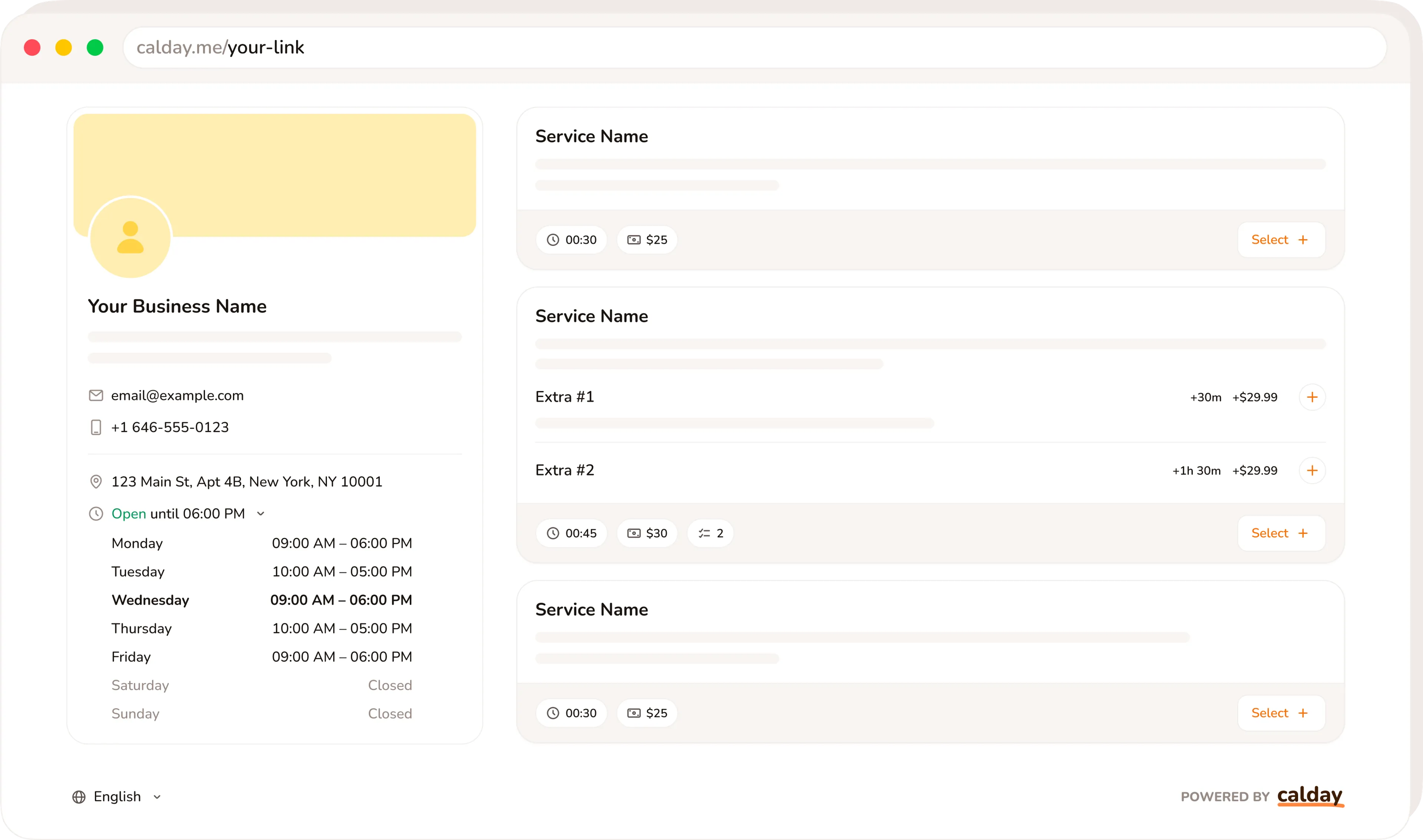
- One link handles everything
- Clients see your services and available times instantly
- Bookings go straight into your calendar
- Client details collected automatically before the appointment
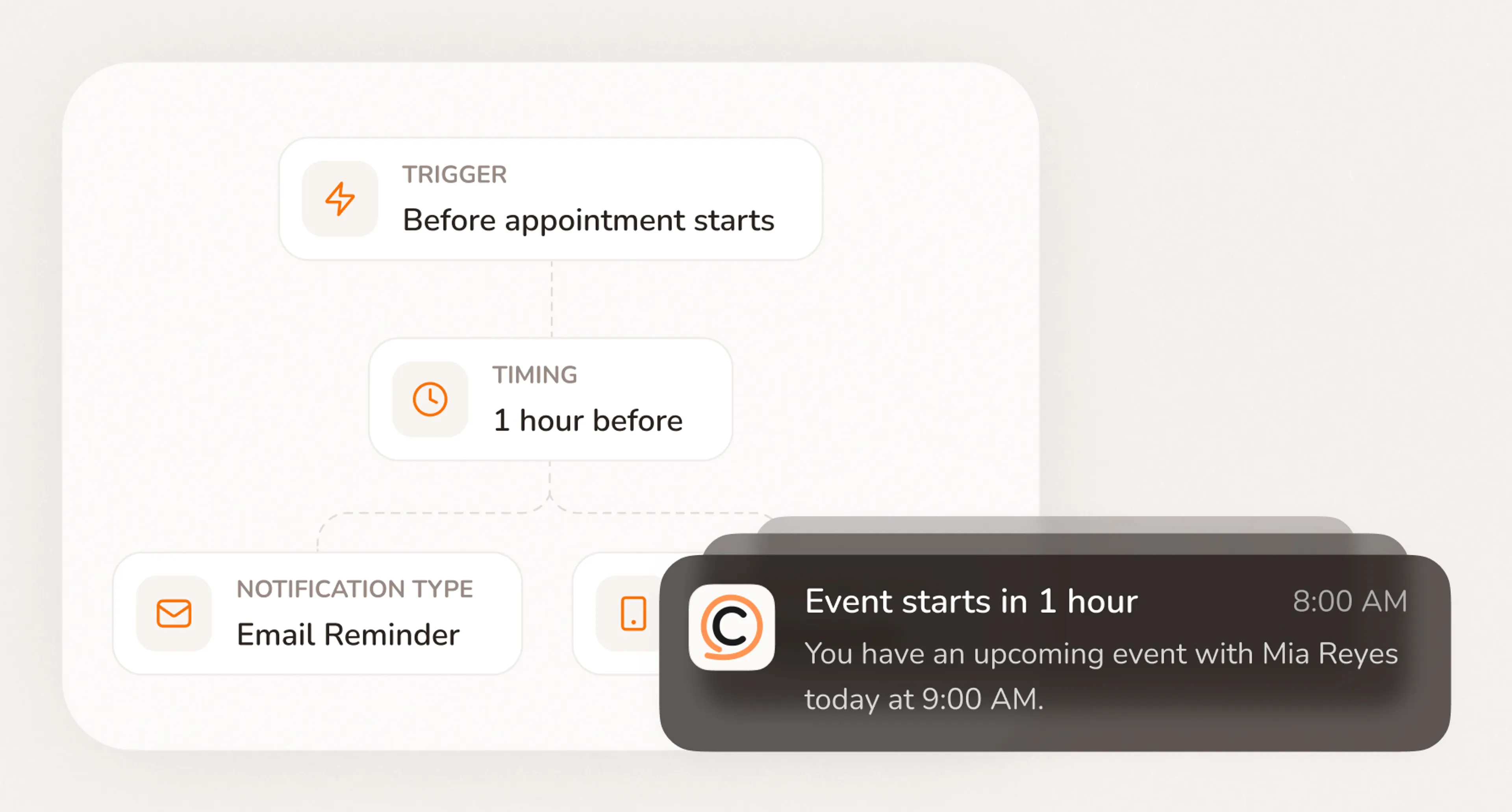
- Automatic reminders cut no-shows
- Every booking, organized from the start
See your personal booking page in action
Always Bookable
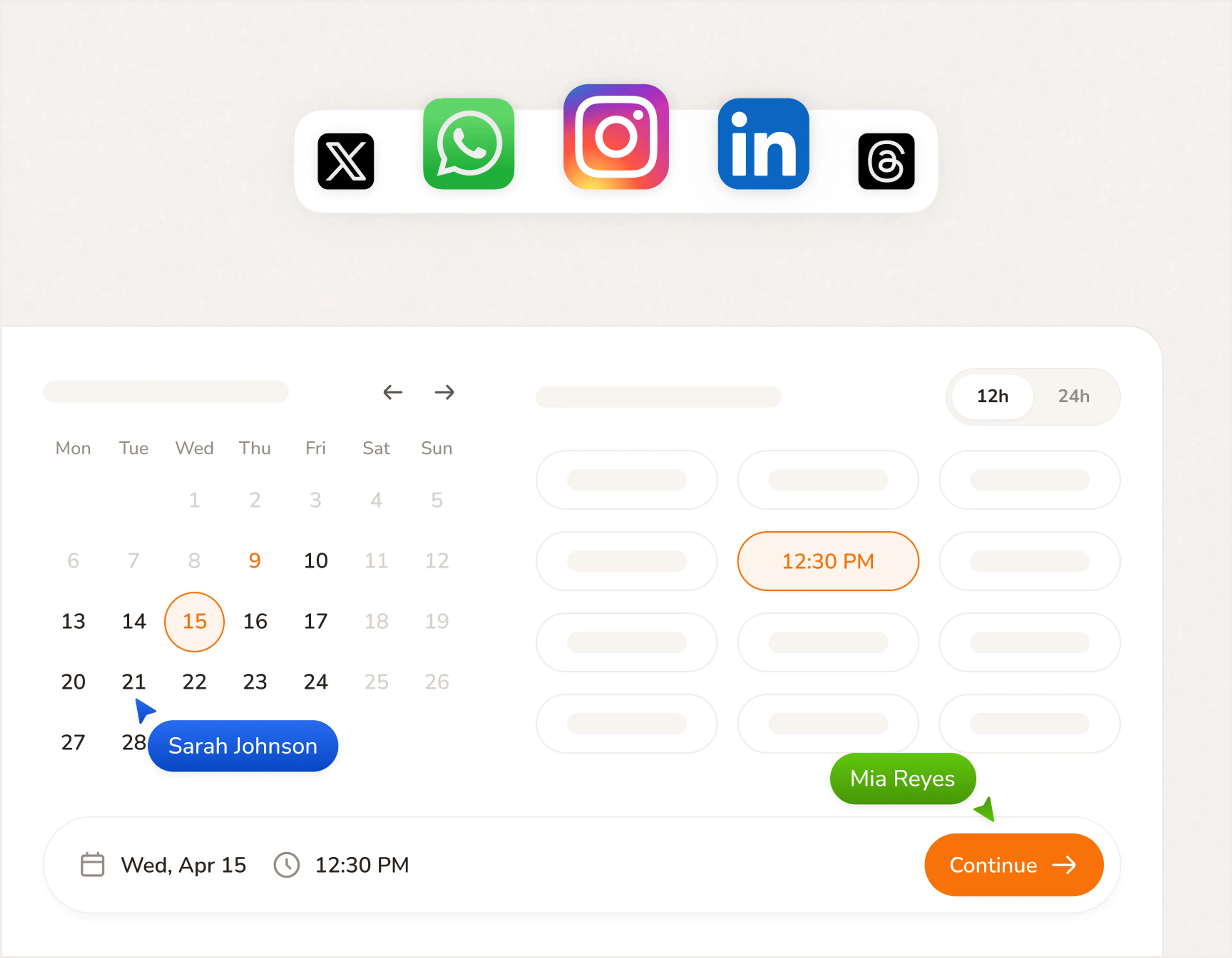
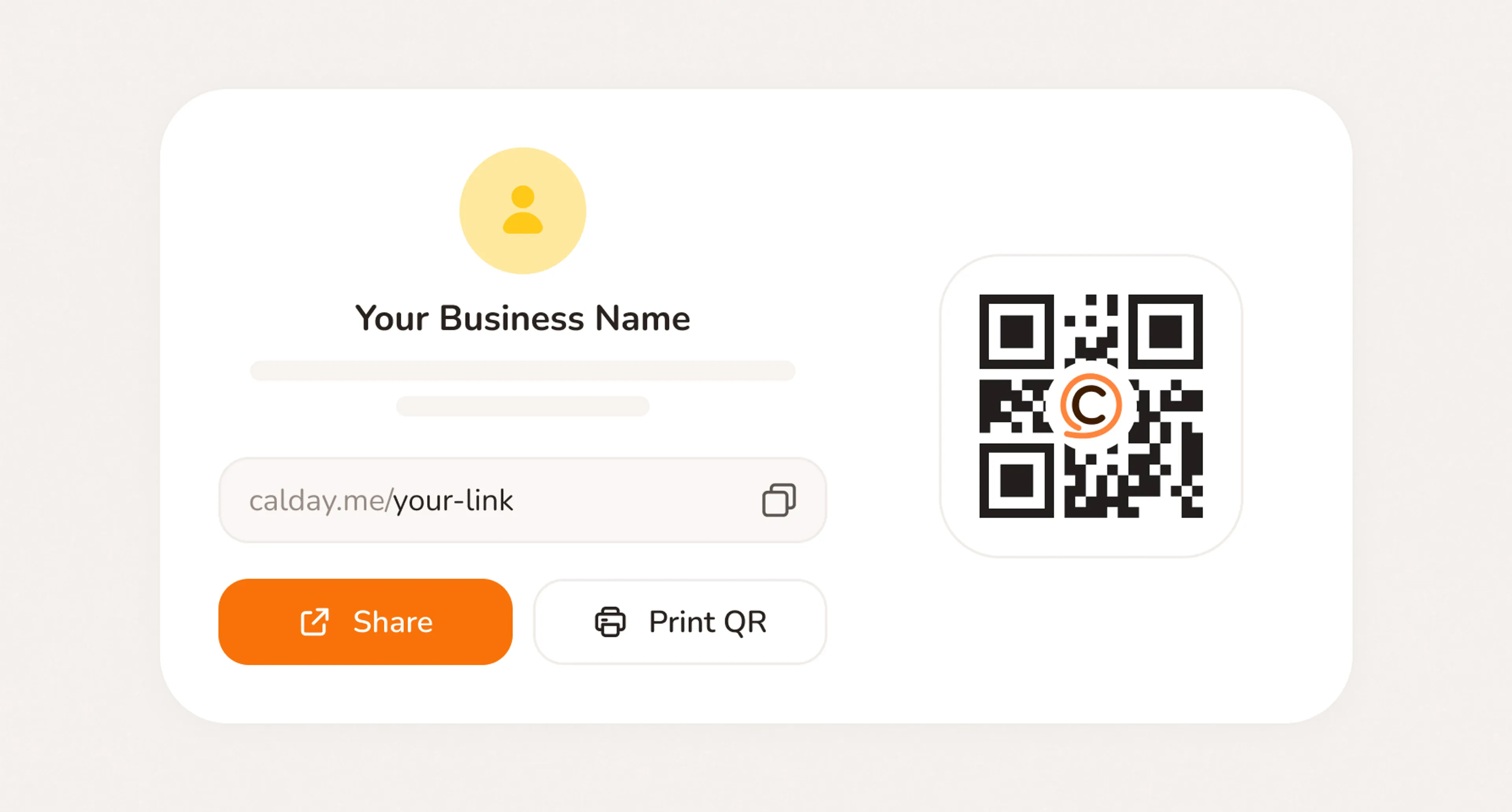
- Share your booking page link anywhere clients find you — Instagram bio, Google profile, email, text
- Let clients book your services online anytime, even when you're with someone else
- Take bookings 24/7 without being available to reply
Clear Upfront
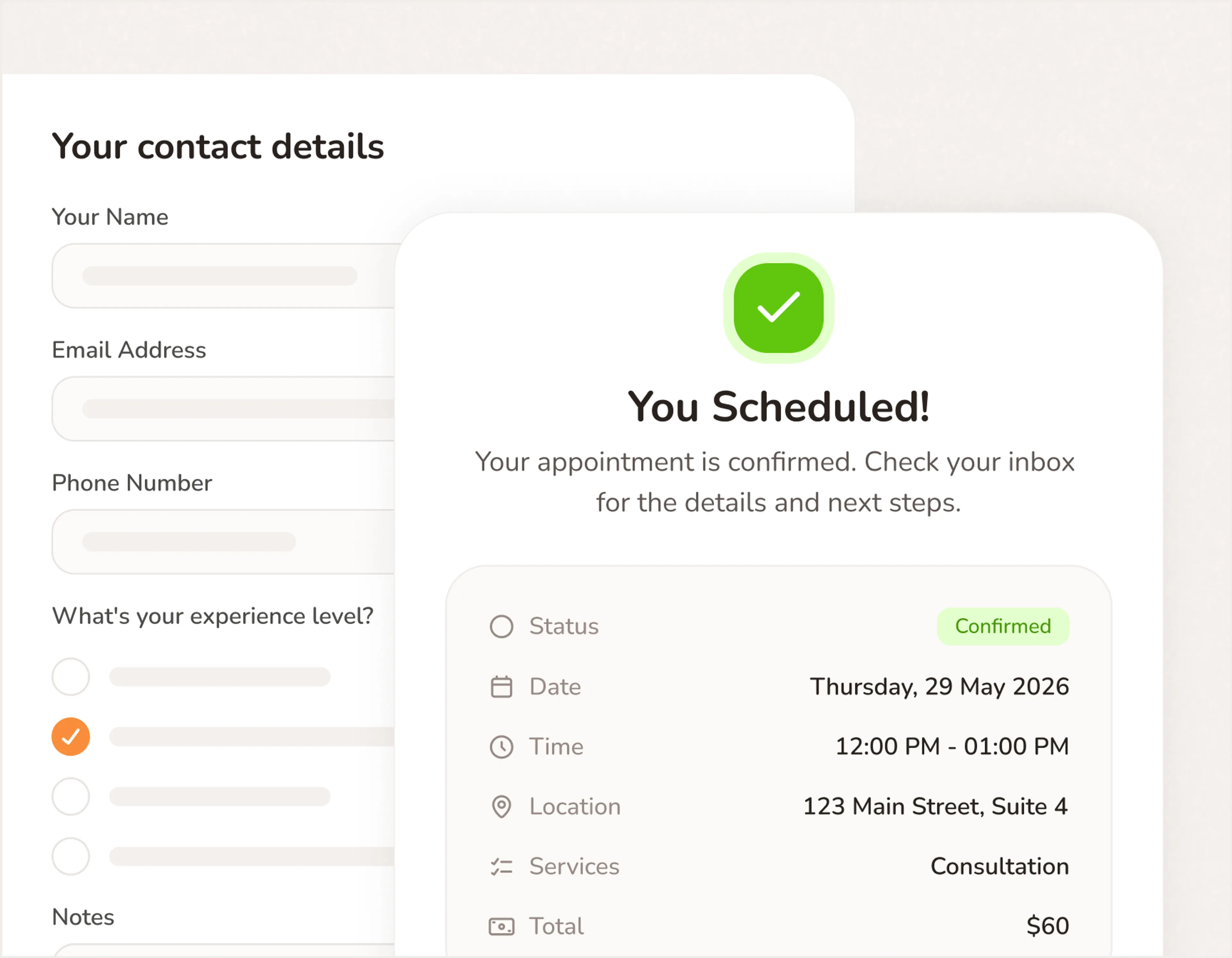
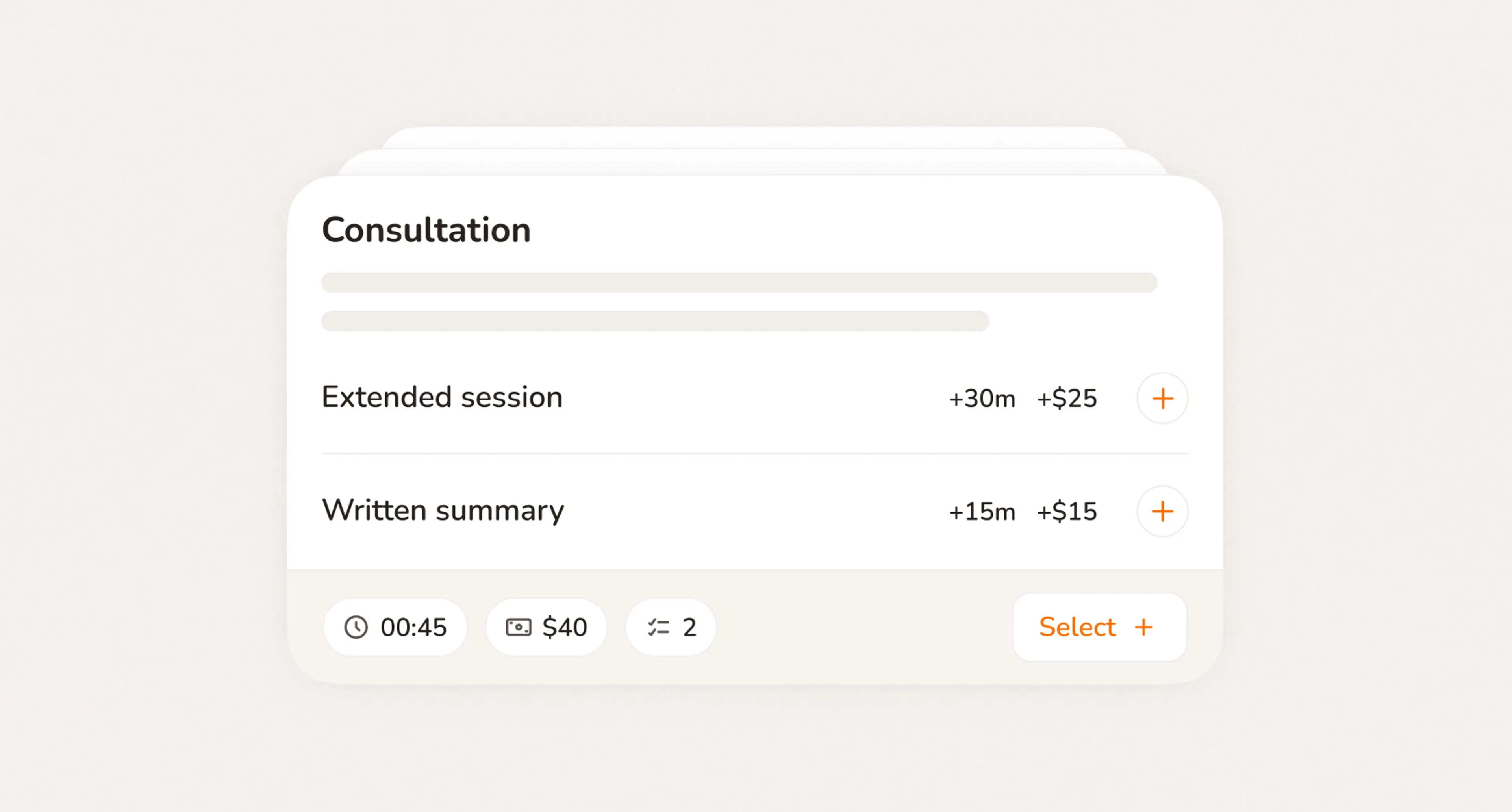
- Show services, pricing, duration, and add-ons on your custom booking page
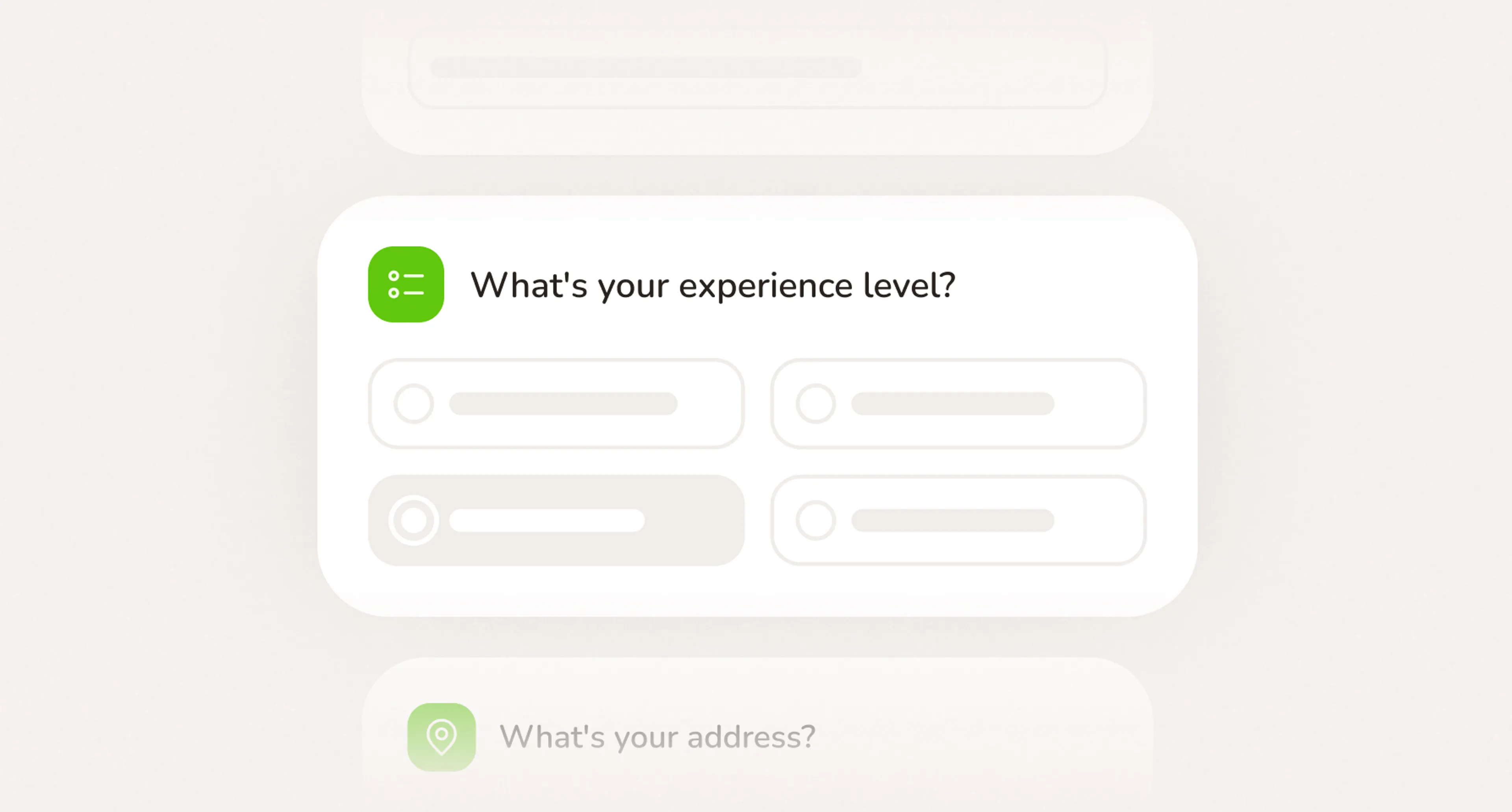
- Add booking policies and custom intake questions
- Help clients understand exactly what they're booking before they submit
Organized From the Start
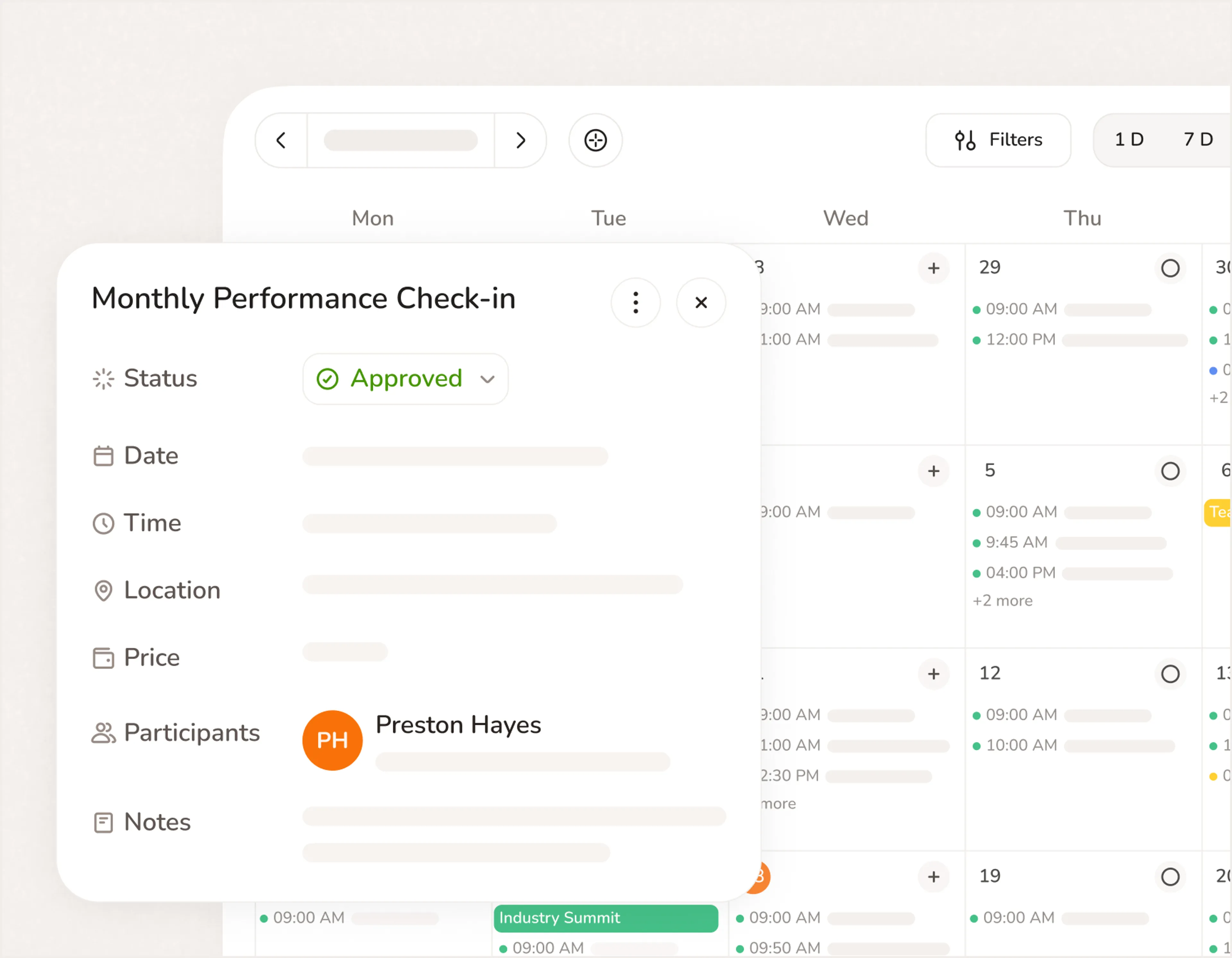
- Collect client names, phone numbers, addresses, and notes at booking
- Keep every detail connected to the right appointment automatically
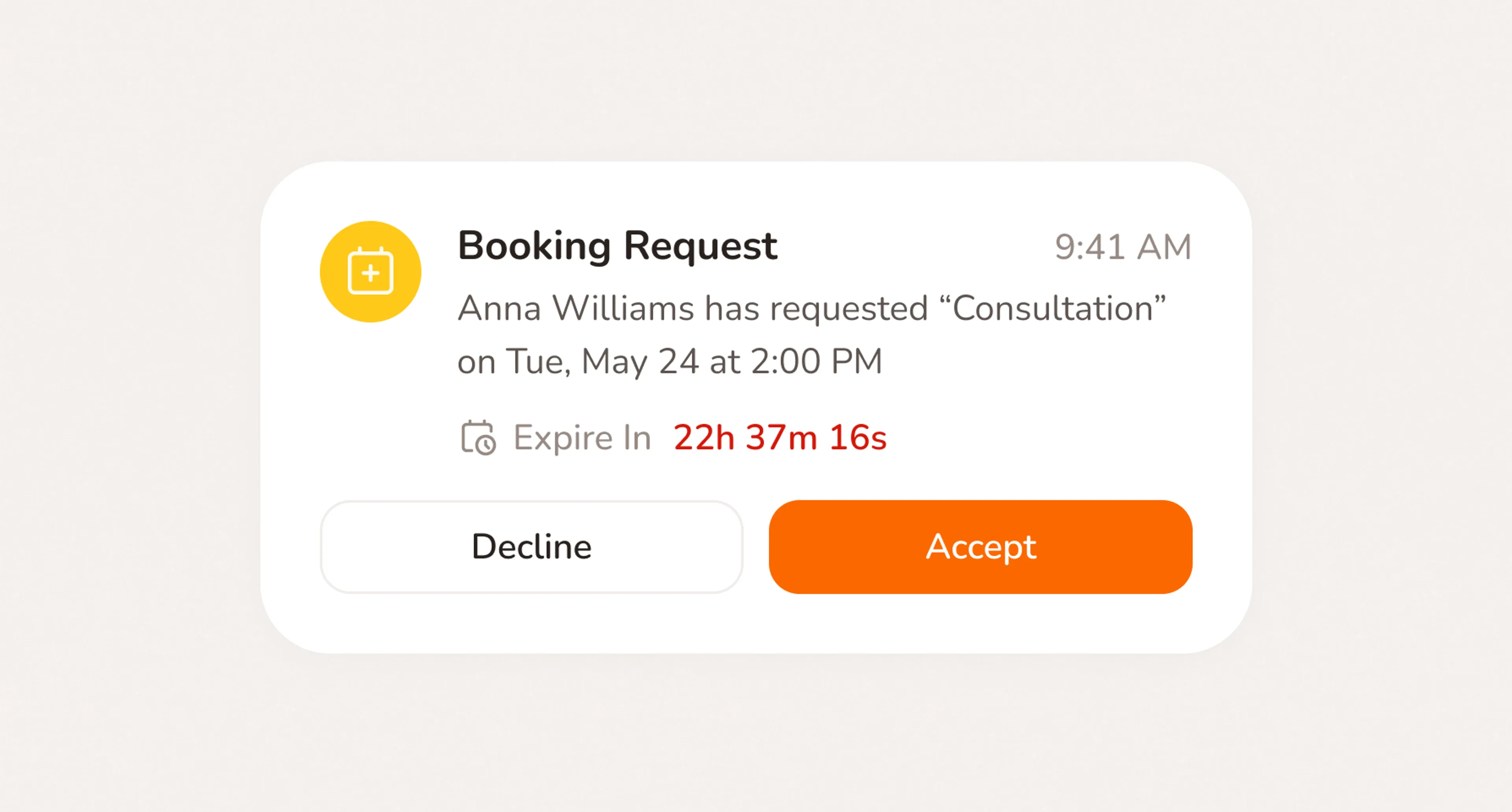
- Review and approve requests before they reach your calendar
Your personal booking page is one link away!
- No credit card required
- Free forever plan
- Free 7-day trial
Everything your booking page needs
- No credit card required
- Free forever plan
- Free 7-day trial
Your booking page is just the start
Scheduling
Set your working hours, buffer times, and booking rules once. Calday handles the rest - no more manually managing your calendar around every new booking.
Calendar
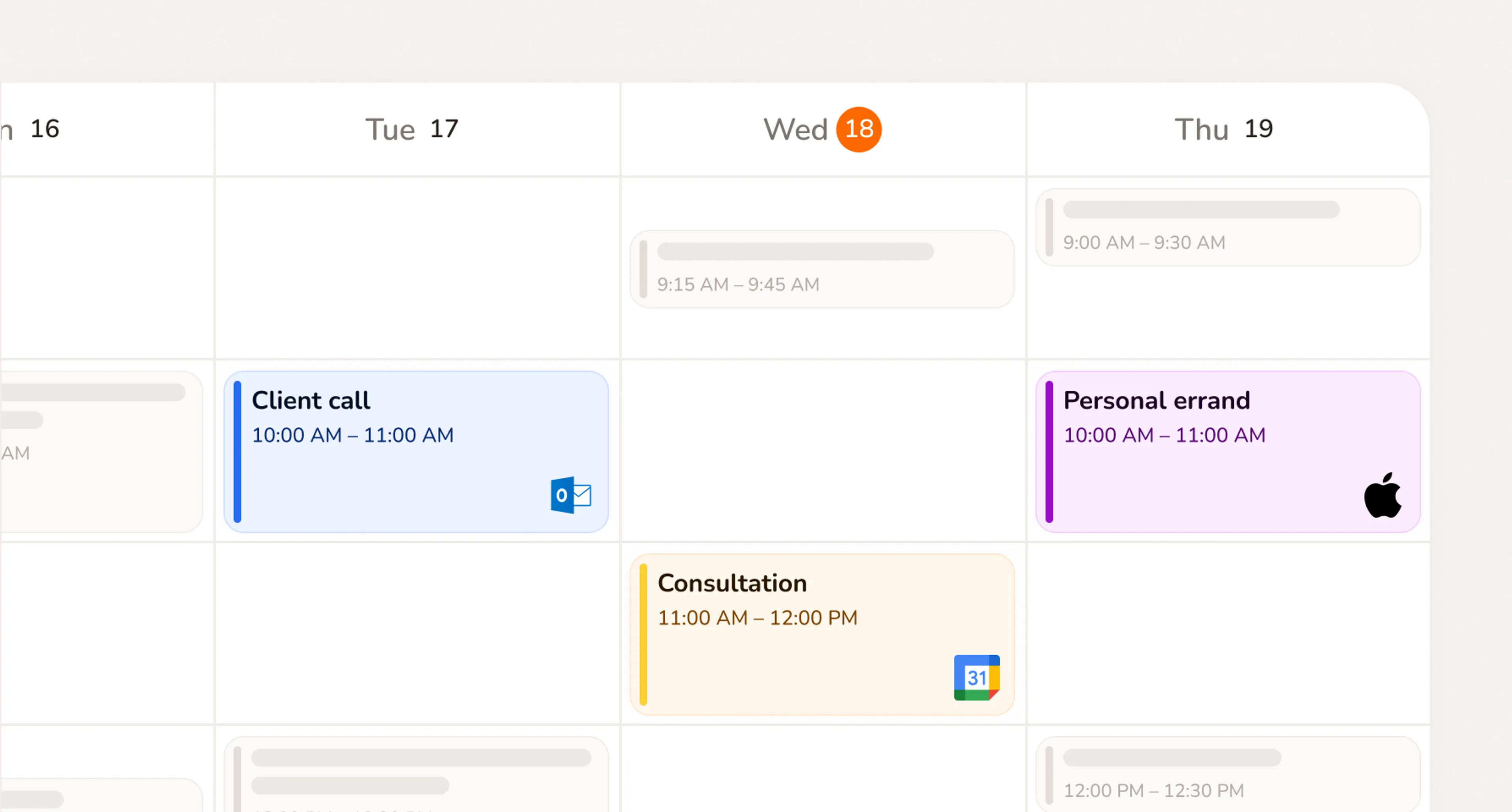
Every appointment, personal event, and job in one view. Syncs with Google, Outlook, and Apple so nothing falls through the cracks.
Client Management
Every client's booking history, notes, and contact details saved automatically. No spreadsheets, no searching through old messages.
Looking for quick answers?
A booking page is a simple online page where clients can choose a service, pick an available time, answer questions, and book an appointment with your business.
With Calday, your booking page works as one shareable link for your services, availability, client details, and appointments.
No. You can use your Calday booking page even if you do not have a website.
Share your booking link on Instagram, Google Business Profile, email, text messages, business cards, or anywhere clients already contact you.
Yes. Clients can open your booking page, choose a service, select a time, and send the details you need before the appointment.
This helps reduce repetitive scheduling messages and makes it easier for clients to book when you are busy, offline, or working with another client.
Yes. Add custom questions to any service. Collect an address, service notes, pet details, vehicle information, or anything else you need before the appointment. Answers save to the client record automatically.
Yes. You can review booking requests before confirming them.
This is useful if you need to check travel time, job details, client fit, service location, or your team’s availability before adding the appointment to your calendar.
Yes. Calendar sync helps keep your appointments organized and reduces the risk of double booking.
This is especially important for service businesses that already manage work through Google Calendar, Outlook, iCloud, or team calendars.
Yes. Calday works well for home service booking because you can collect client addresses, job details, notes, and contact information before the appointment.
It is useful for cleaning services, dog trainers, mobile pet groomers, repair services, consultants, fitness coaches, and other businesses that visit clients or work by appointment.
Yes, Calday can support paid services and payment links, depending on how you set up your booking flow.
For many service businesses, deposits or upfront payments can help reduce no-shows and confirm serious bookings.
Yes. Calday can support booking multiple services in one booking flow.
This is useful when clients need more than one service, add-ons, or a longer appointment.
Do you have more questions?
Our team is here to help