
Client information database that builds itself
Every client who books is saved automatically. Name, contact details, booking history, and notes in one place. No spreadsheets. No digging through old texts to remember what you did last time.
No credit card required · Free forever · 4.8/5 on G2
Sound familiar?
Without Calday
- Client info scattered across your phone, texts, and memory
- "What did we do last time?" answered by scrolling through old messages
- Notes on paper that disappear or don't travel with you
- No record of what was charged or paid per client
- Manually saving every new client after every booking
- No fast way to find a client's history when they're standing in front of you
- No way to collect special info before the job — pet details, address, vehicle make
With Calday
- Every client saved automatically the moment they book
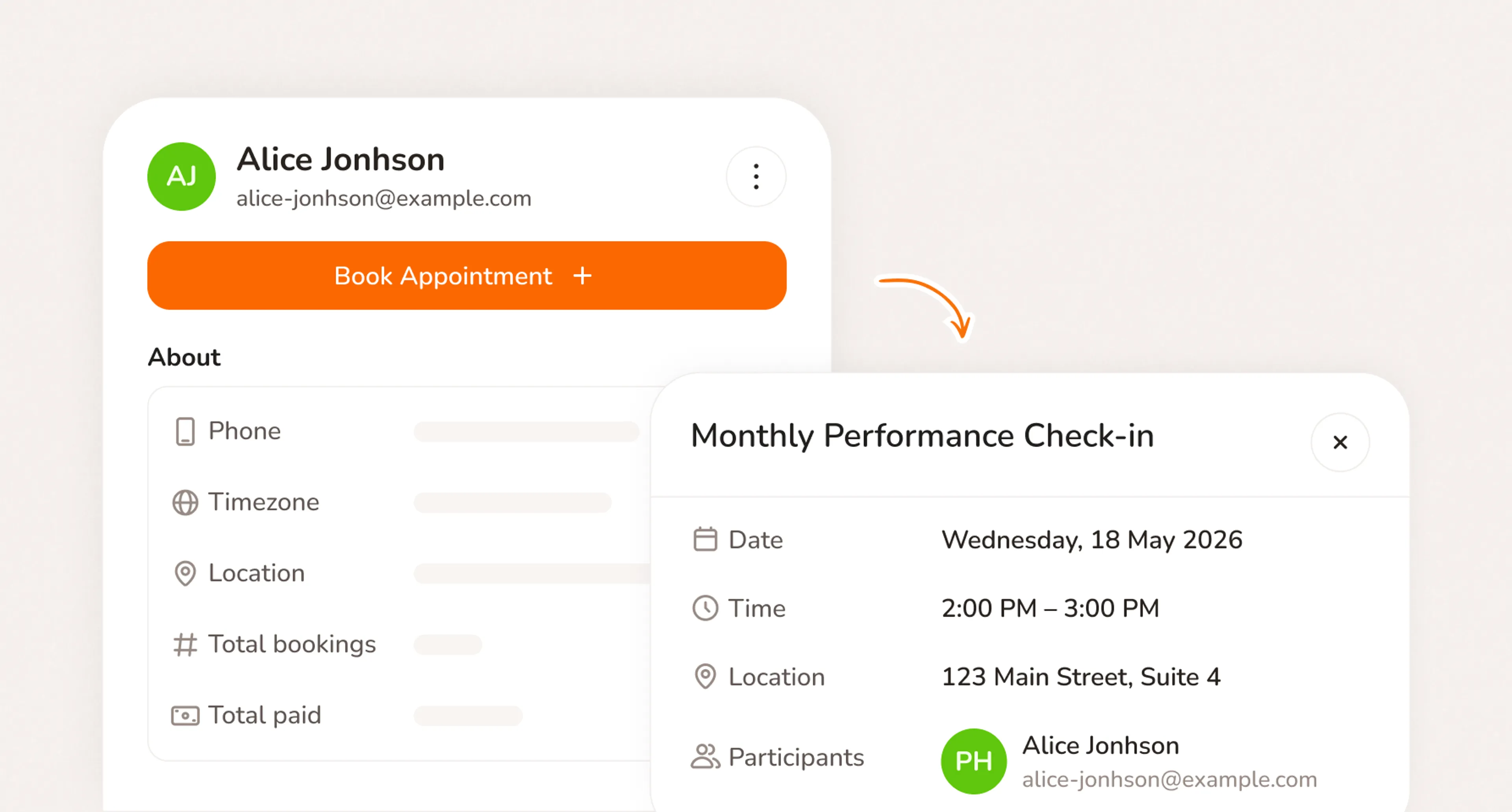
- Full job history attached to every client profile
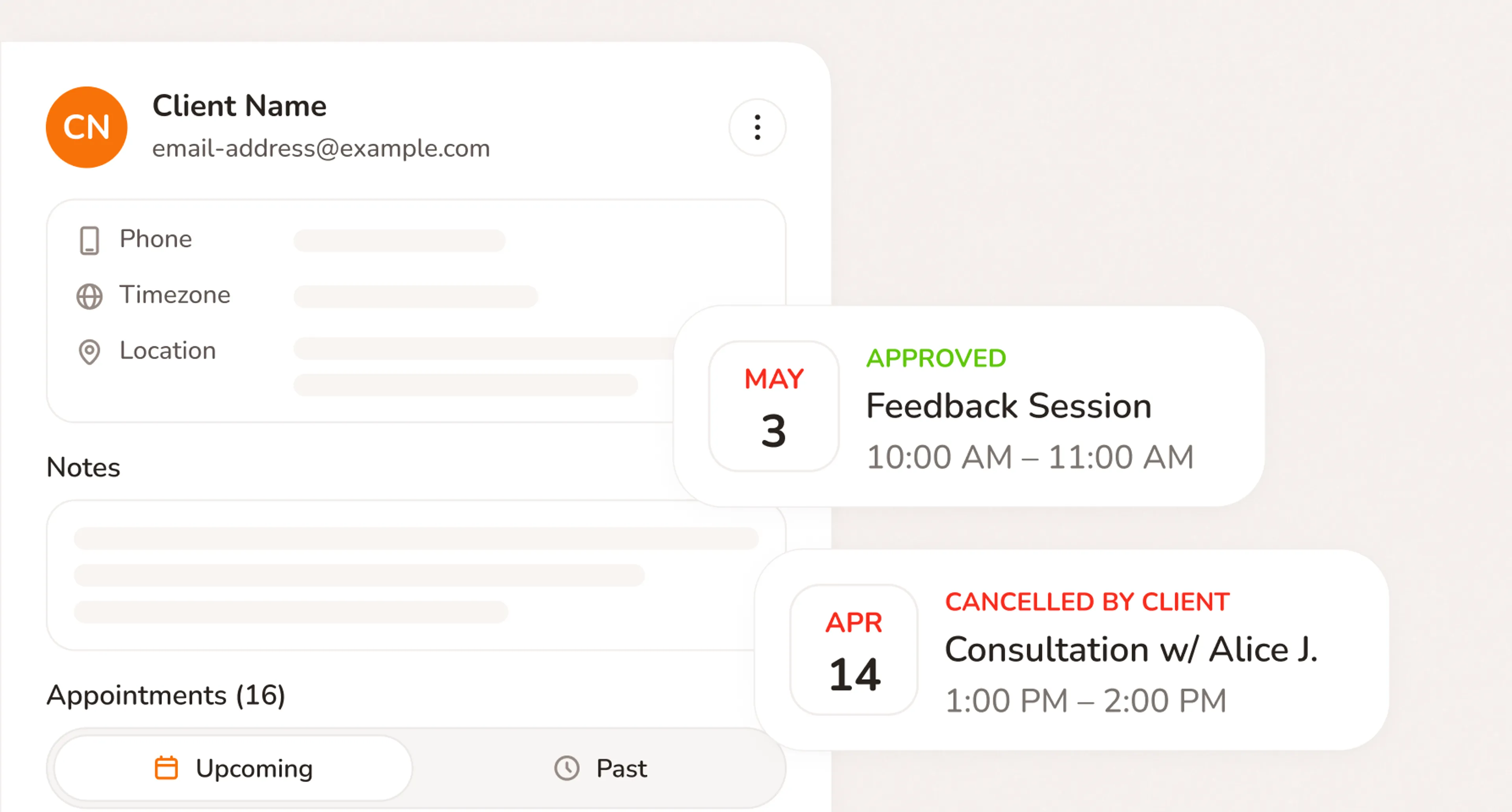
- Notes added after each job, visible the next time they book
- Payment history per client, visible at a glance
- New clients entered automatically. Nothing manual.
- Custom questions ask clients exactly what you need before they confirm the booking
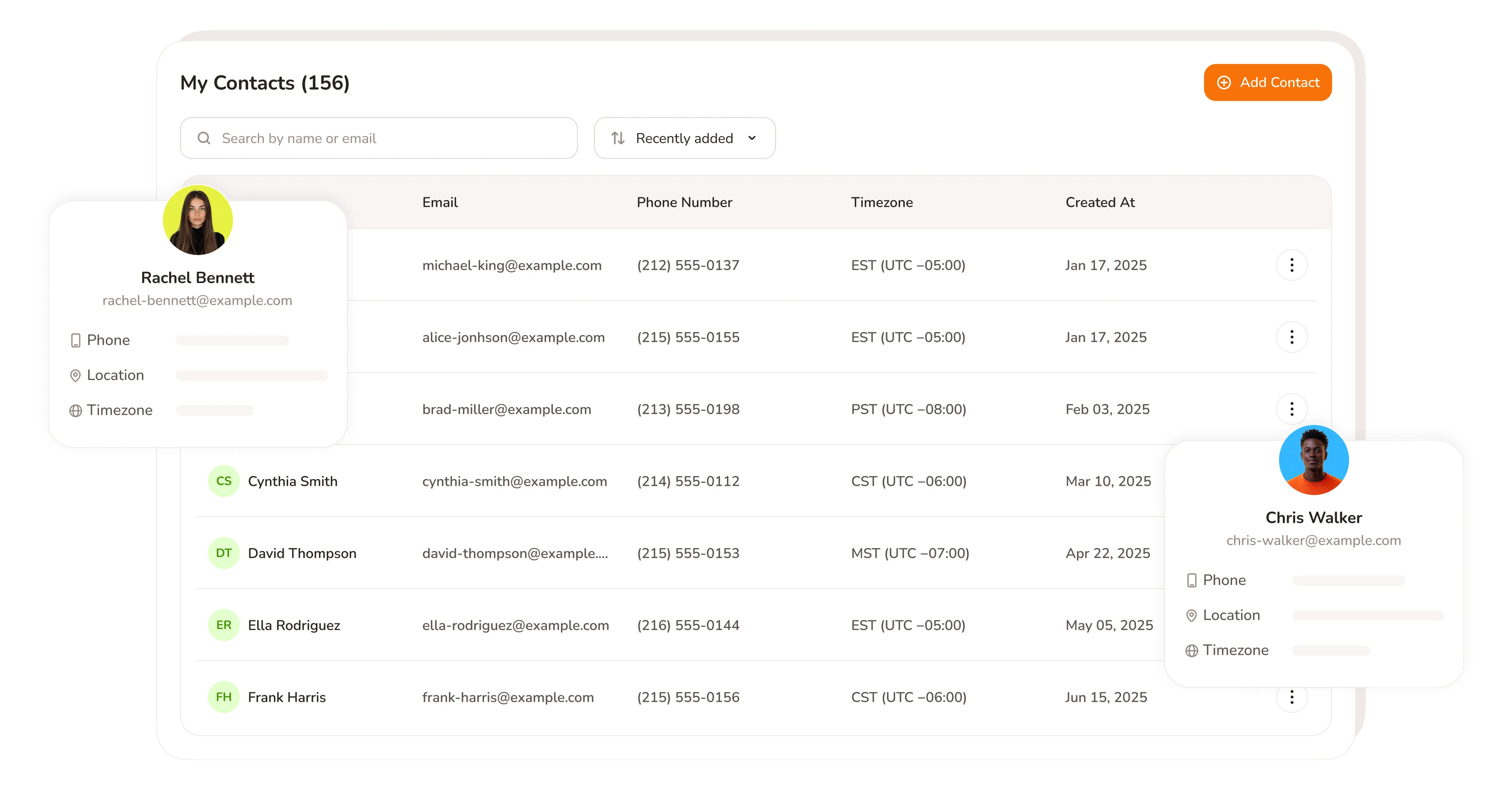
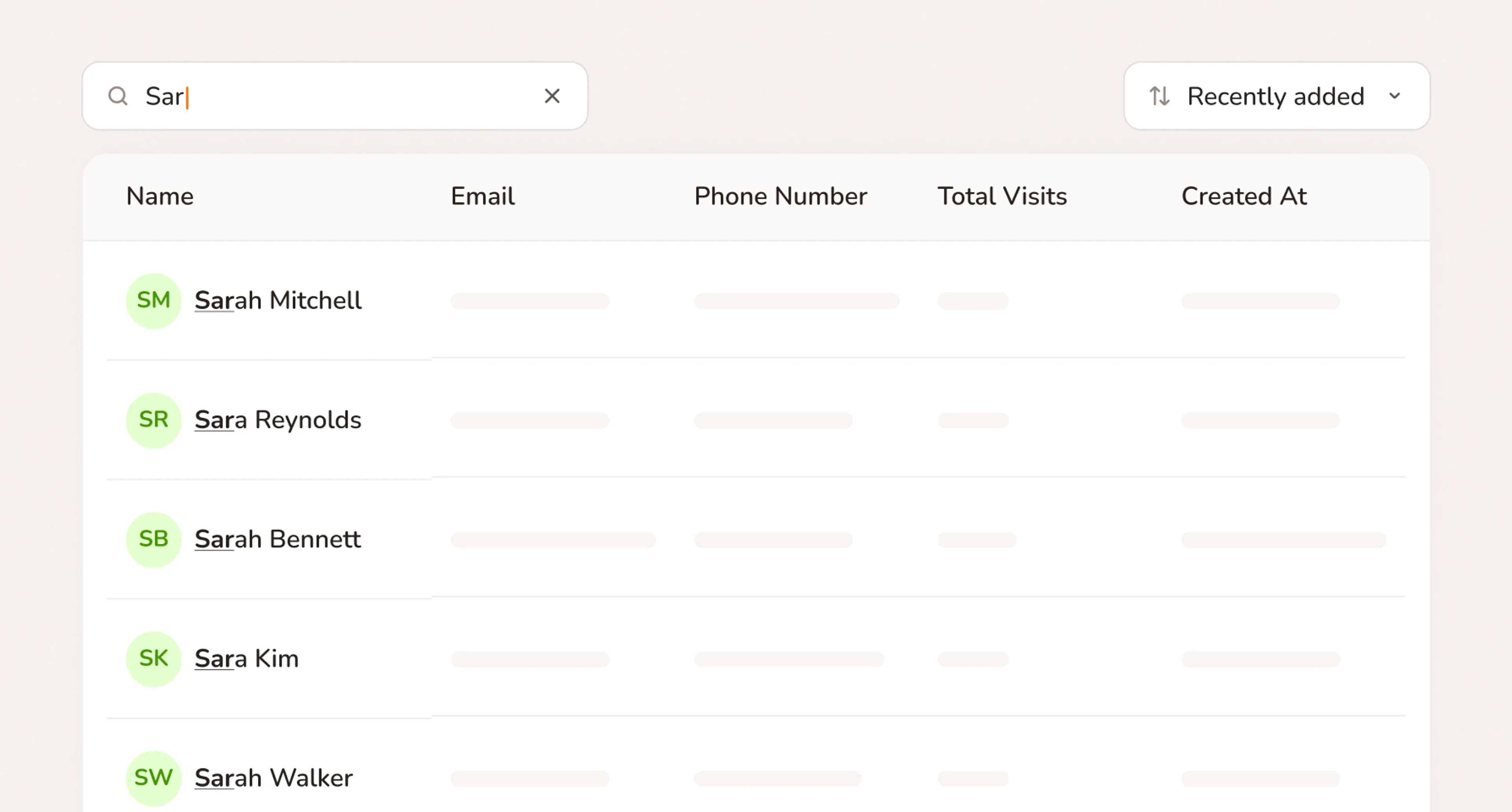
- Any client found in seconds by name, phone, or email
Client database software that builds itself
No manual entry. Every client added automatically when they book.
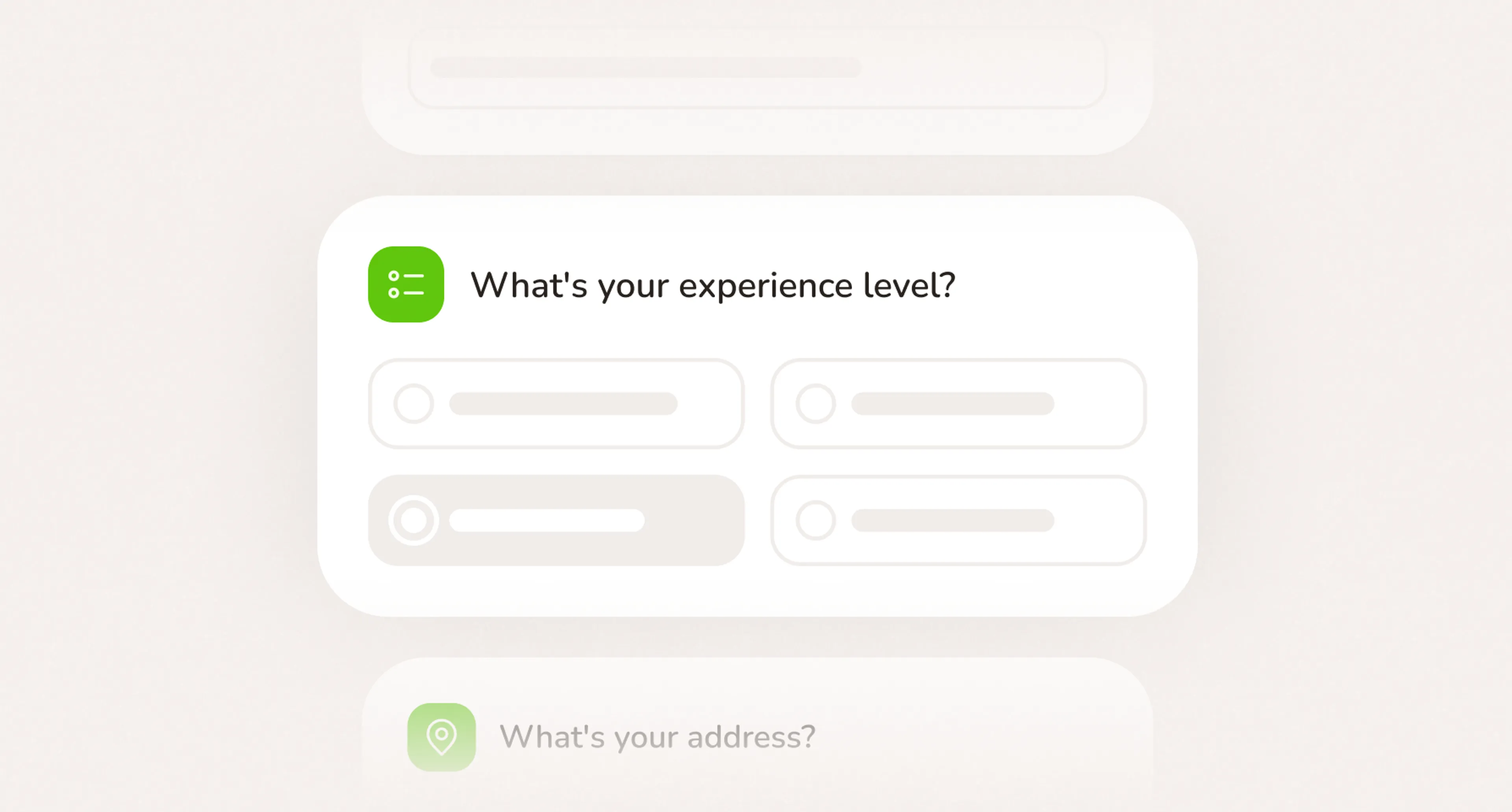
Client information database. Ready the moment you go live.
- No credit card required
- Free forever plan
- Free 7-day trial
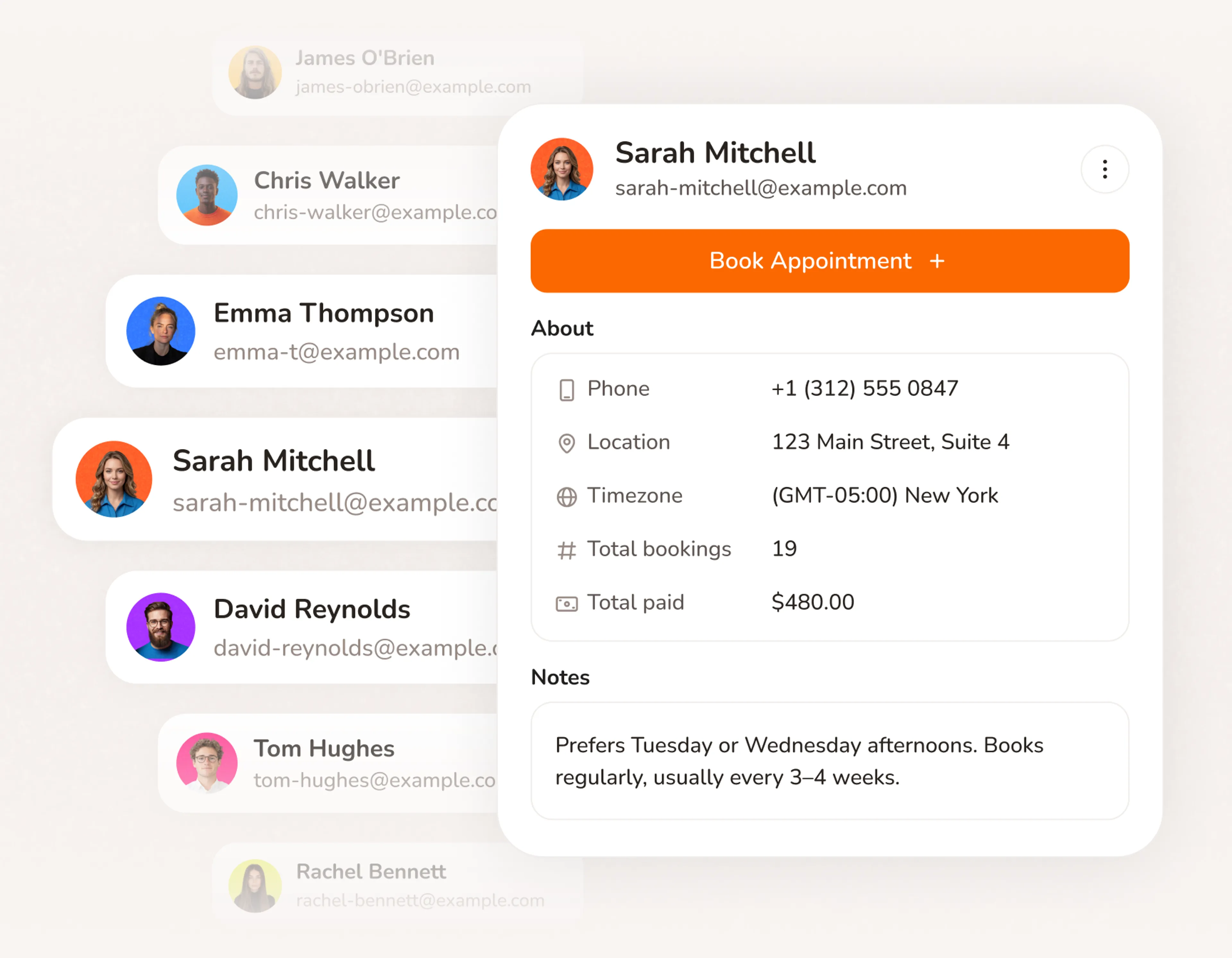
Client tracking software with no setup required
No import, no manual entry, no spreadsheet to maintain. Every client who books goes straight into your client list with their details already filled in.
- Client profiles created automatically from booking data
- Contact details, service history, and payment records all in one place
- Every client tracked from their very first booking
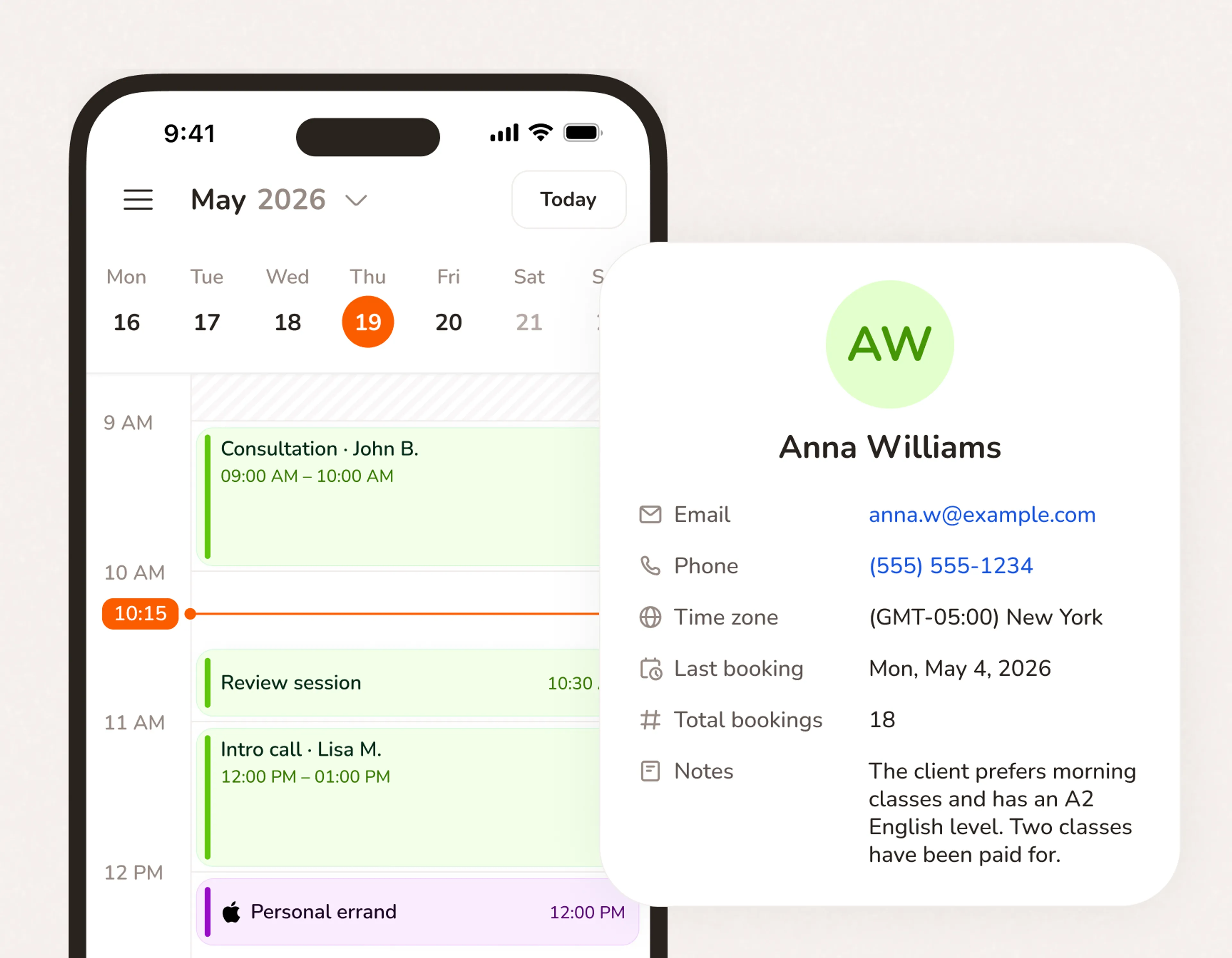
Client manager that remembers everything you can't
Notes from the last job. What service they prefer. What they paid six months ago. It's all there when they come back, without you having to remember it.
- Add notes after every appointment. They stay with the client forever.
- Past services and charges visible before every new appointment
- Custom fields collect what you need at booking — address, pet breed, vehicle details, medical notes
- Client information sheet attached to every profile automatically
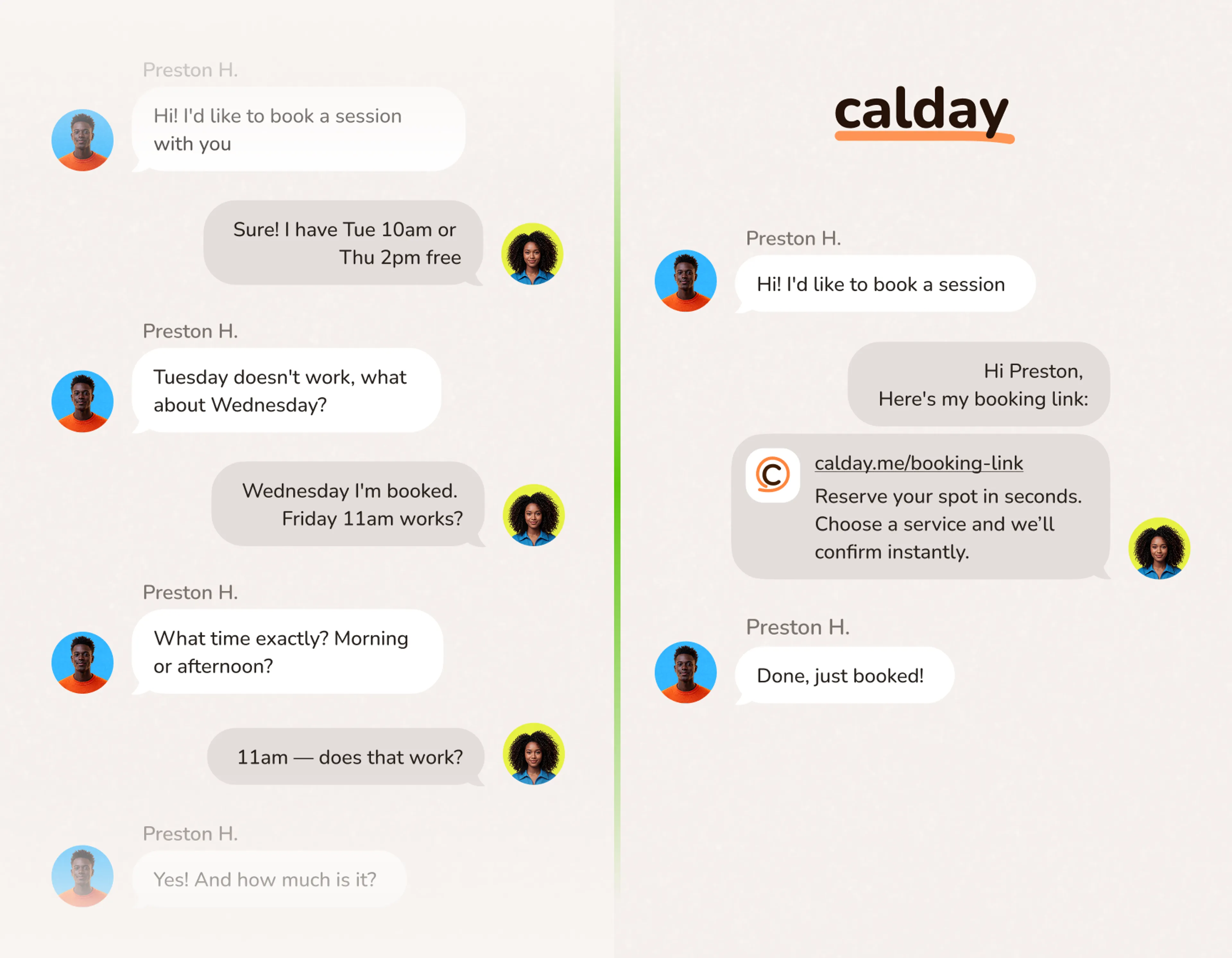
Every client profile built from the first booking
No form to fill out. No spreadsheet to update. The client books, and their profile exists. Every future booking, payment, and note adds to it automatically.
- Profile created the moment they book. Nothing for you to do.
- Every job, charge, and note added automatically over time
- Client list software that stays current without maintenance
Client records connect to your whole business
Scheduling
When a repeat client books, their history is already in the system. You see who they are and what they've had done before you even open the calendar.
Online Booking
The booking form collects the details. Calday saves them. Every new client goes straight into your client database for small business without a single manual step.
Payments
Payment status sits inside every client profile. Paid in full, deposit only, or outstanding balance — all visible without switching tools.
Questions about client management
The best client database for a small business is one that fills itself in. Most CRM tools require you to import contacts, enter data manually, or connect to other apps. Calday builds your client database from bookings. The moment someone books, their profile exists. History, contact details, notes, and payment records add automatically from that point forward.
The simplest way is to let the booking process do it for you. With Calday, every client who books is saved automatically. You never enter names or contact details manually. After each job, add a note if you want to. Everything else — history, charges, payment status — updates on its own.
Yes. After any appointment, add a note to the client profile. It stays there permanently. Notes are visible every time that client books again, so you always know the context before the job starts.
Yes. Add custom fields to any service. Ask for a home address, pet breed, vehicle make, medical notes — whatever you need before the appointment starts. Clients fill it in as part of the booking flow. Answers save to the client profile automatically and appear every time that client books again.
No. Clients book without signing up. Their details are saved to your client list automatically. They never see the record — it's yours.
Do you have more questions?
Our team is here to help