Scheduling software for small business
Clients book and pay through one shared link, so you can stop managing the calendar.
- Free forever plan
- No card needed
- Set up in minutes

Sound familiar?
Running a service business shouldn’t mean doing everything by hand.
Before: Confirming availability by text or phone
Clients see real availability and book instantly
Before: Double bookings across calendars
Your calendar syncs across every device
Before: No-shows that cost you the slot
Deposits filter out no-shows
Before: Sending reminders by hand
Emails go out automatically
Before: Chasing payments after the job
Clients pay at booking or after the job
Before: Cancelled slots that stay empty
Cancelled slots reopen right away
See your scheduling in action
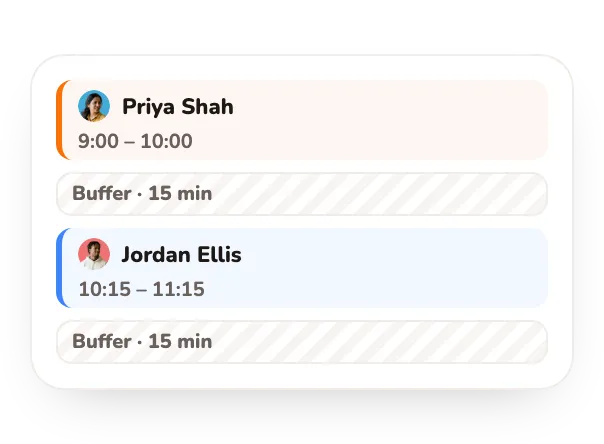
Fits your day
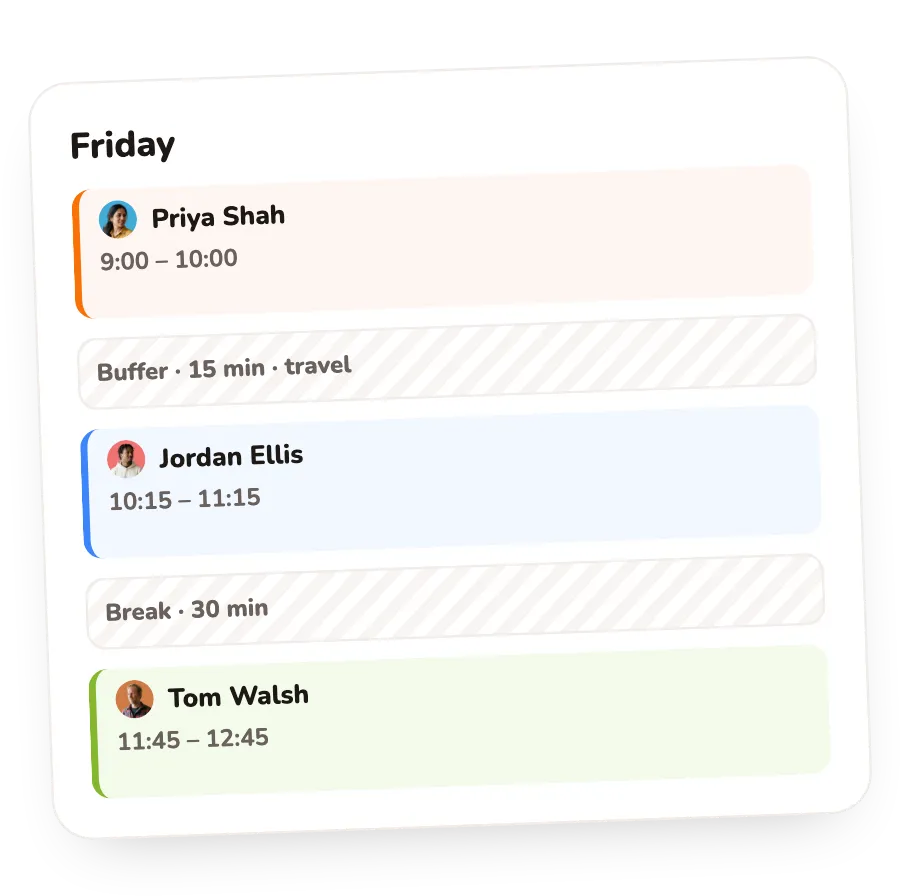
Buffer time after every booking for travel, clean-up or rest, so clients can’t book into the gaps.
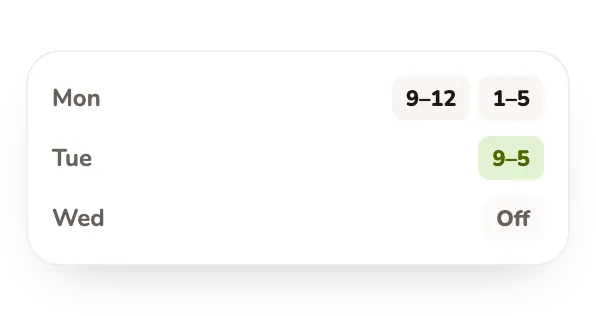
Protects your hours
Daily limits, booking windows and personal events keep your time yours.
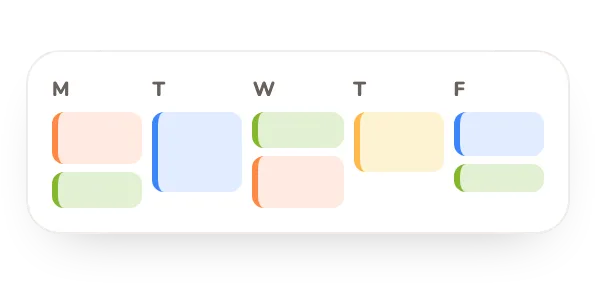
Always accurate
Rule changes update your booking page instantly, so nobody books when you’re closed.
Your schedule can run itself in five minutes
No credit card required. Free forever plan. Free 7-day Pro trial.
Every piece of the booking workflow, handled
Google, Outlook and iCloud events in one place.
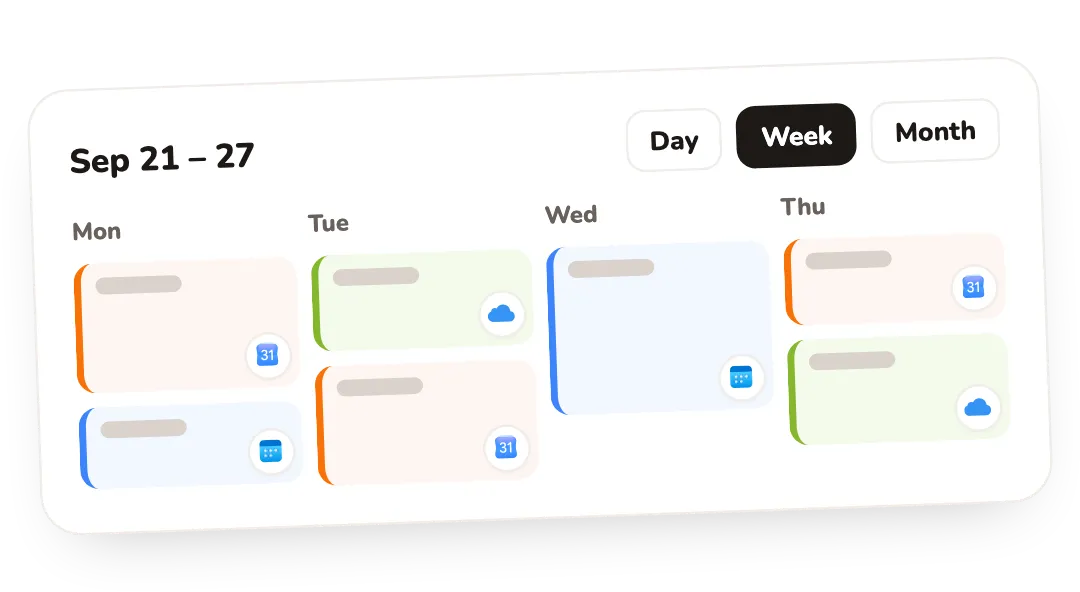
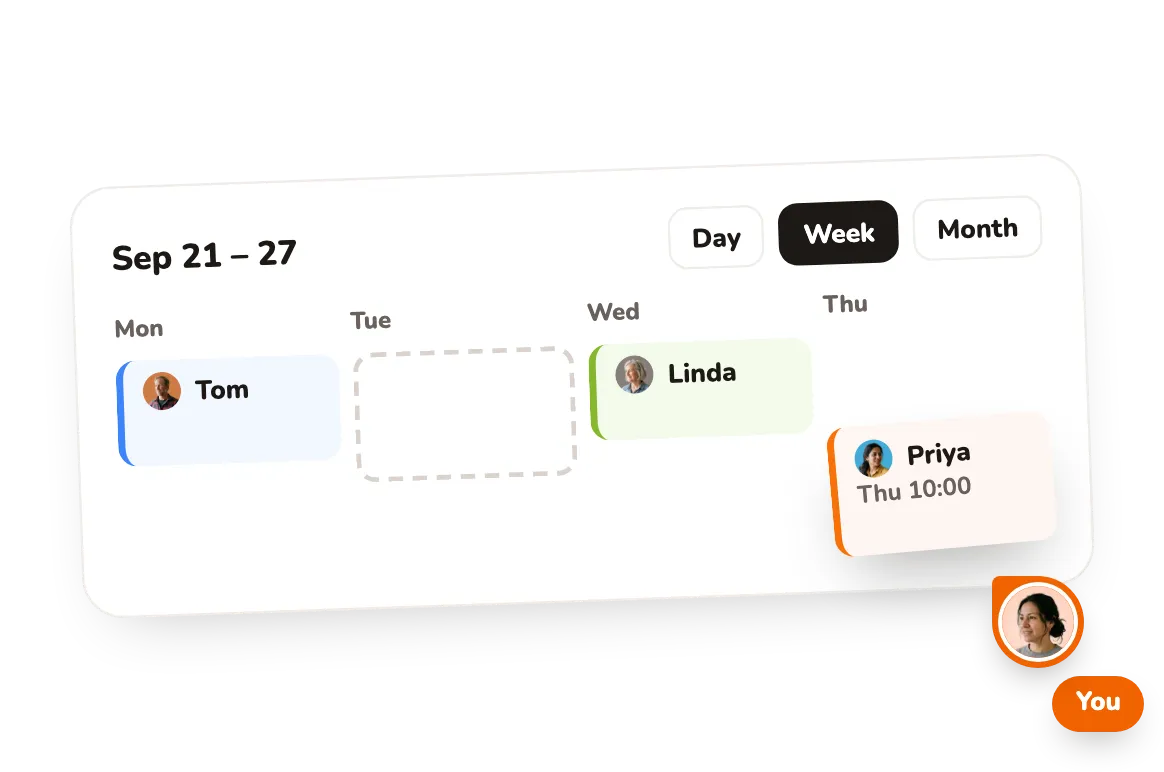
Drag an appointment to a new time or day.
Set buffers and breaks once.
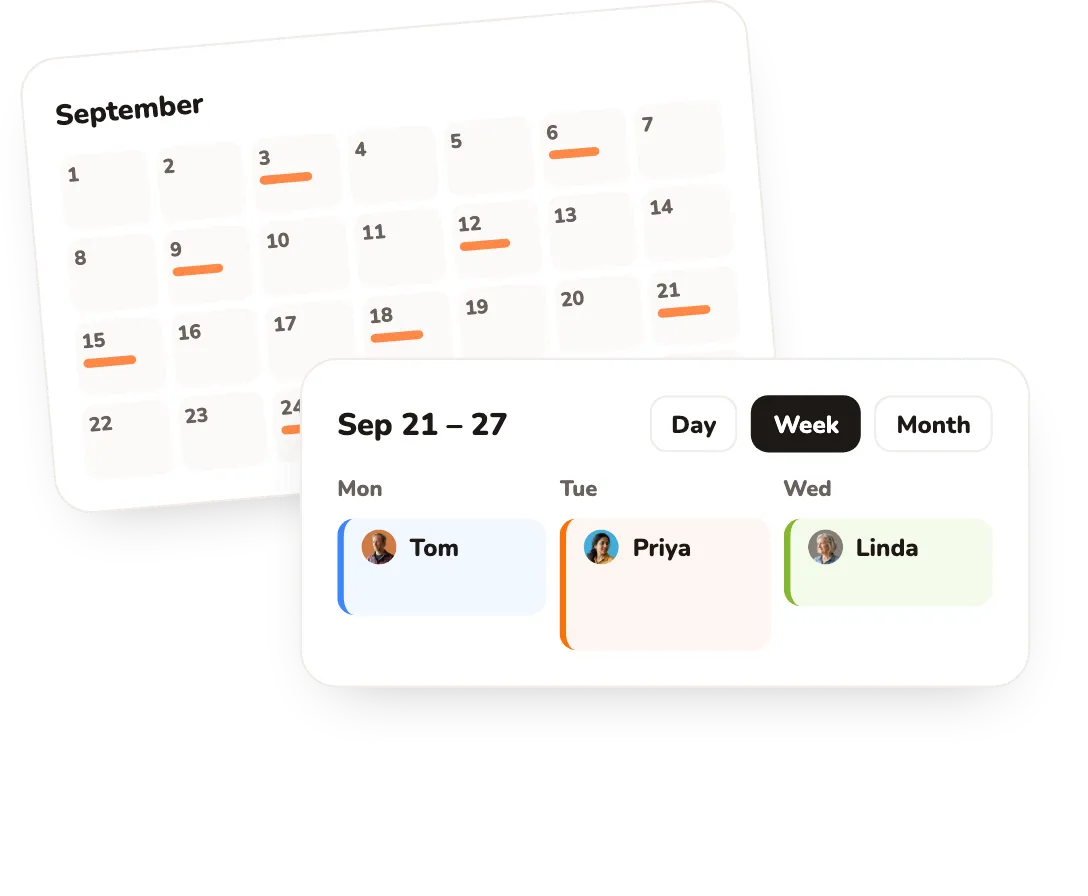
Switch views with one click.
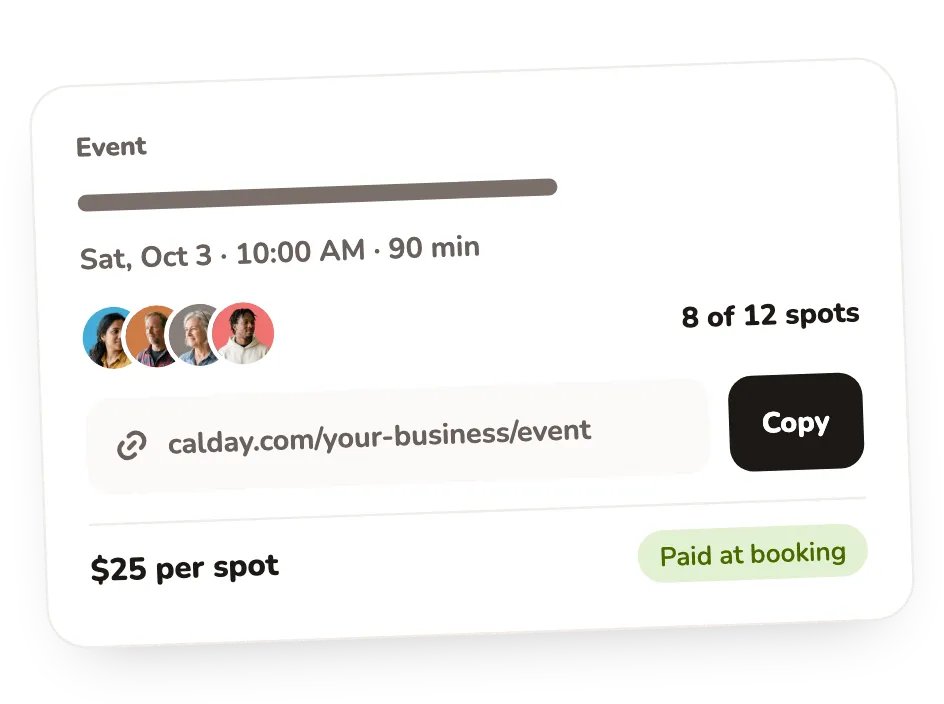
Create an event, share the link, get paid.
Check jobs and move appointments on the go.
What service businesses say about Calday
- average rating on G2
- 4.8
- customers taking bookings
- 3k+
- to a live booking page
- 5 min
“I’ve been using Calday for over 7 months and everything runs smoothly. Automated reminders keep clients on schedule, and Stripe integration lets me charge directly on the booking page. It’s made a real difference to how I run the business.”
“I set up my booking page in just a few minutes and sent it to my clients without any fuss. By far the easiest scheduling tool I’ve tried, and I’ve tried a bunch.”
“Clients find a time in seconds. It cut my email backlog big time and freed up hours I was spending on back-and-forth.”
Put your scheduling on autopilot
No credit card required. Free forever plan. Free 7-day Pro trial.
- Free forever plan
- No card needed
- Set up in minutes


Looking for quick answers?
What people ask about scheduling.
How long does setup actually take?
About five minutes for the basics: connect your calendar, set your availability, and your booking link is live. Most users have their first booking within a day.
Does Calday sync with my existing calendar?
Yes. Calday syncs with Google Calendar, Outlook, and Apple Calendar. Your availability updates automatically and double-bookings become impossible.
Can I add buffer time between appointments?
Yes. Set a buffer after every booking for travel, clean-up or a break. Clients can’t book into it, so they only see the times you’re actually free.
Can I limit how many bookings I take a day?
Yes. Set a daily limit and your booking page closes for that day once you’re full. You can also choose how far ahead clients can book and block personal time.
Can I require a deposit when someone books?
Yes. You can require a deposit or full payment upfront. This reduces no-shows and confirms serious bookings before you show up.
What happens when a client cancels?
The slot reopens automatically. Your booking link shows it as available and another client can grab it - without you doing anything.