
Software for Garage Door Business

Sound familiar?
You drove 25 minutes to a service call. Address confirmed the evening before. You knock. No answer. You call. Voicemail. You wait five minutes. You call again. Nothing.
Without Calday
- You drove to a locked garage. No response. Wasted 45 minutes and didn't get paid.
- Emergency call came in at 3pm. Tomorrow is fully booked. You turned it away — or blew your whole route to say yes.
- Customer texted asking where you are. You were still at the previous job, running 20 minutes long.
- Three homeowners called about availability. You were on a job. Two called your competitor. They booked there.
- You spent Sunday evening manually moving jobs around because one job ran two hours over.
With Calday
- Gate code, job scope, and deposit collected at booking. You dispatch knowing every detail before you leave.
- Emergency buffer slot stays open. One homeowner books it in 90 seconds. Route stays intact.
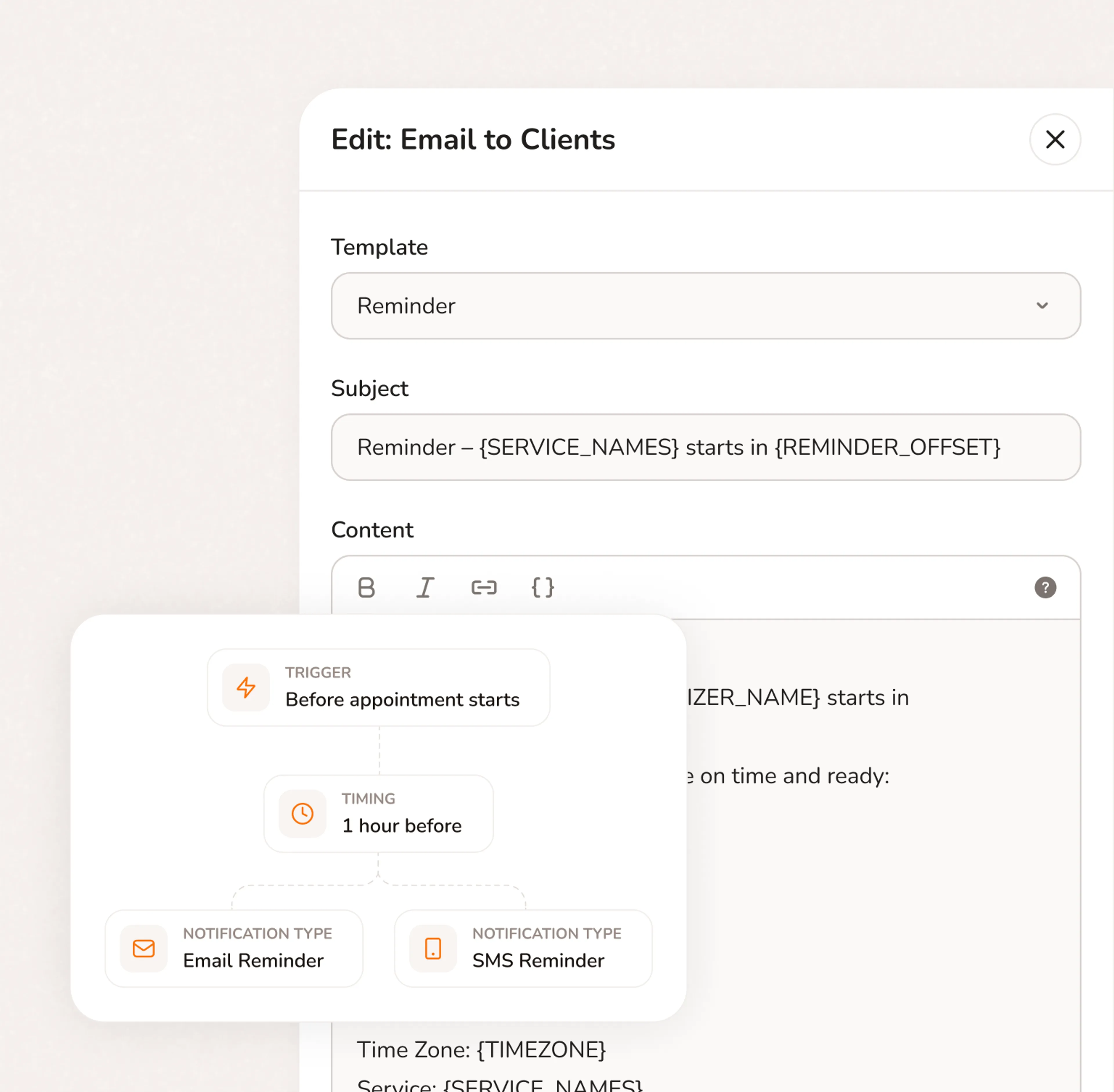
- Automatic reminder sent 24 hours before. Customers confirm. Your route runs on schedule.
- Your booking page works while you're on a job. Homeowners self-schedule. You get a notification.
- Buffer time set per job type. Calday builds drive time into the calendar automatically.
Everything your service business needs to run
Stop switching between your calendar, texts, payment apps, and client notes. Calday is the small business management software that handles all of it.
Booking Page
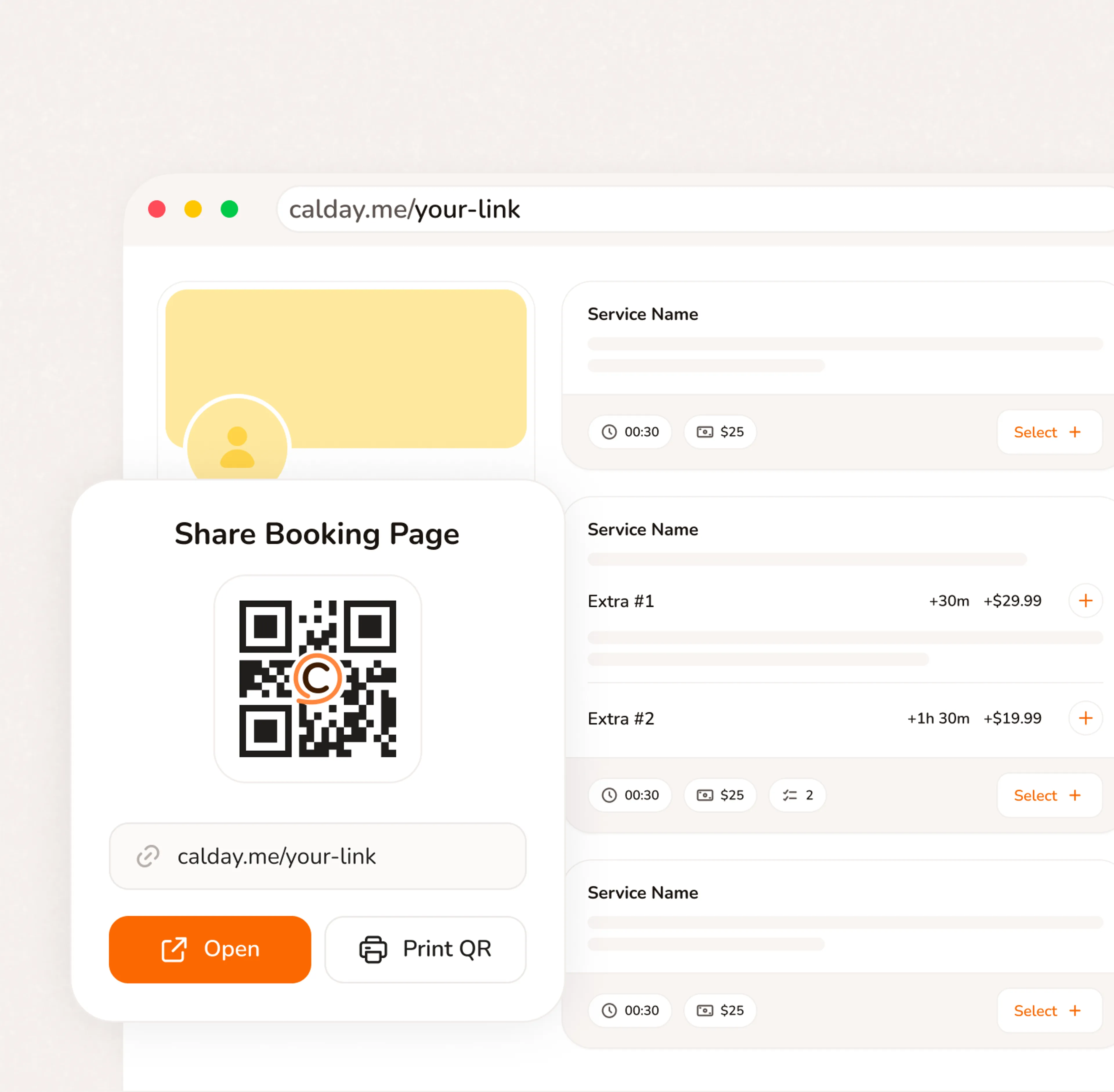
A booking page with your services, your pricing, your brand. Share a link, post a QR code, or embed on your website. Clients pick a time, confirm, and you're booked. No phone call needed.
- Your link, your brand, your services
- Accept bookings 24/7 from any device
- QR code for walk-ins, link for everywhere else
How your garage business transforms with our software?
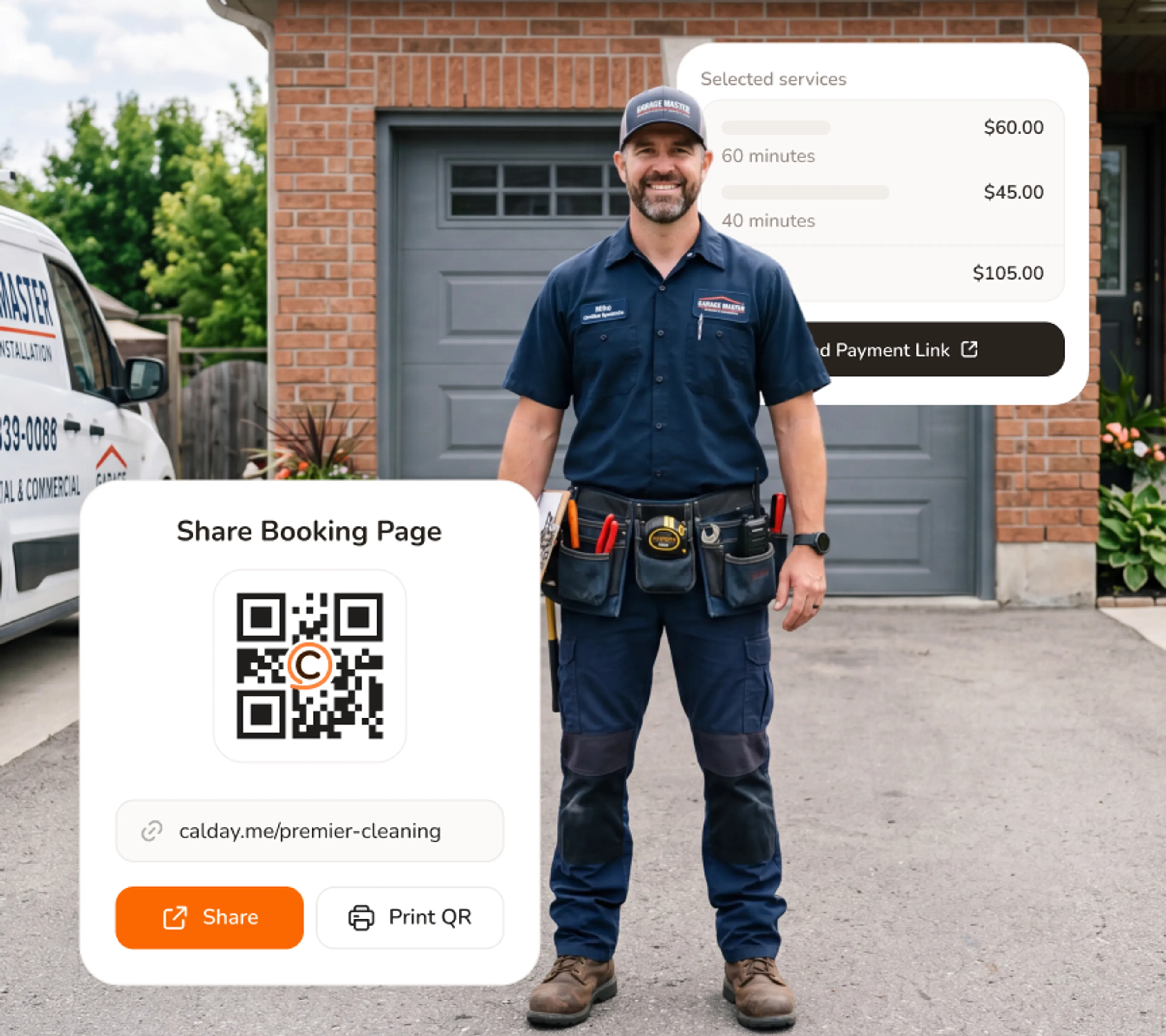
Your booking page works while you're finishing a job
You're mid-job. Two homeowners just found you on Google, picked a service window, filled out the intake form, and paid the deposit. You got a notification.
- Live booking page — available 24 hours a day, 7 days a week
- Instant notification for every new job, with full intake details
- Your booking page shows only real availability — no double-booking
Collect a deposit before you ever leave the shop
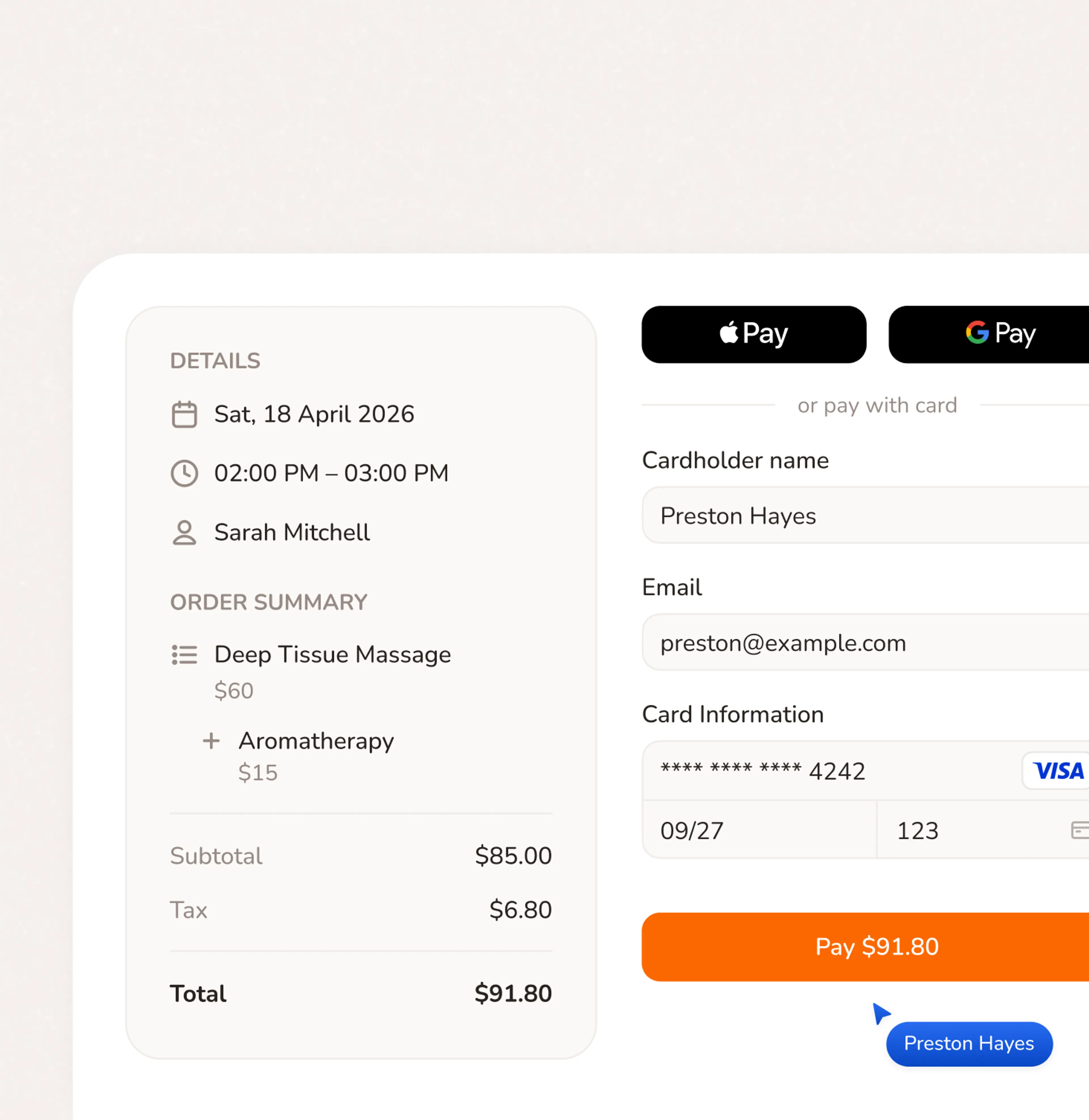
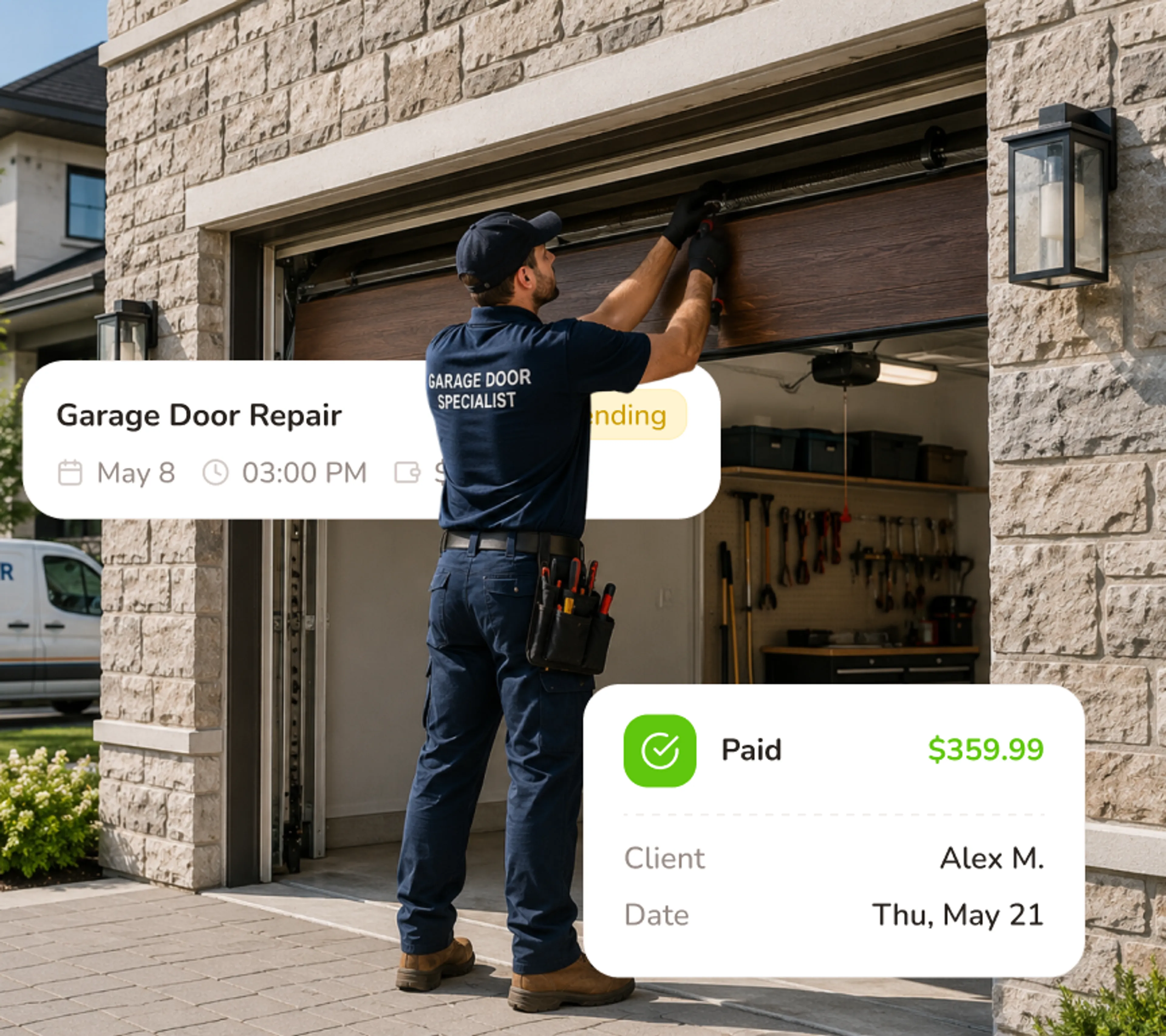
A homeowner who paid $75 to book is not going to ghost your drive. Calday collects the deposit inside the booking flow — no separate Venmo request, no follow-up text.
- Deposit required before booking is confirmed — no exceptions
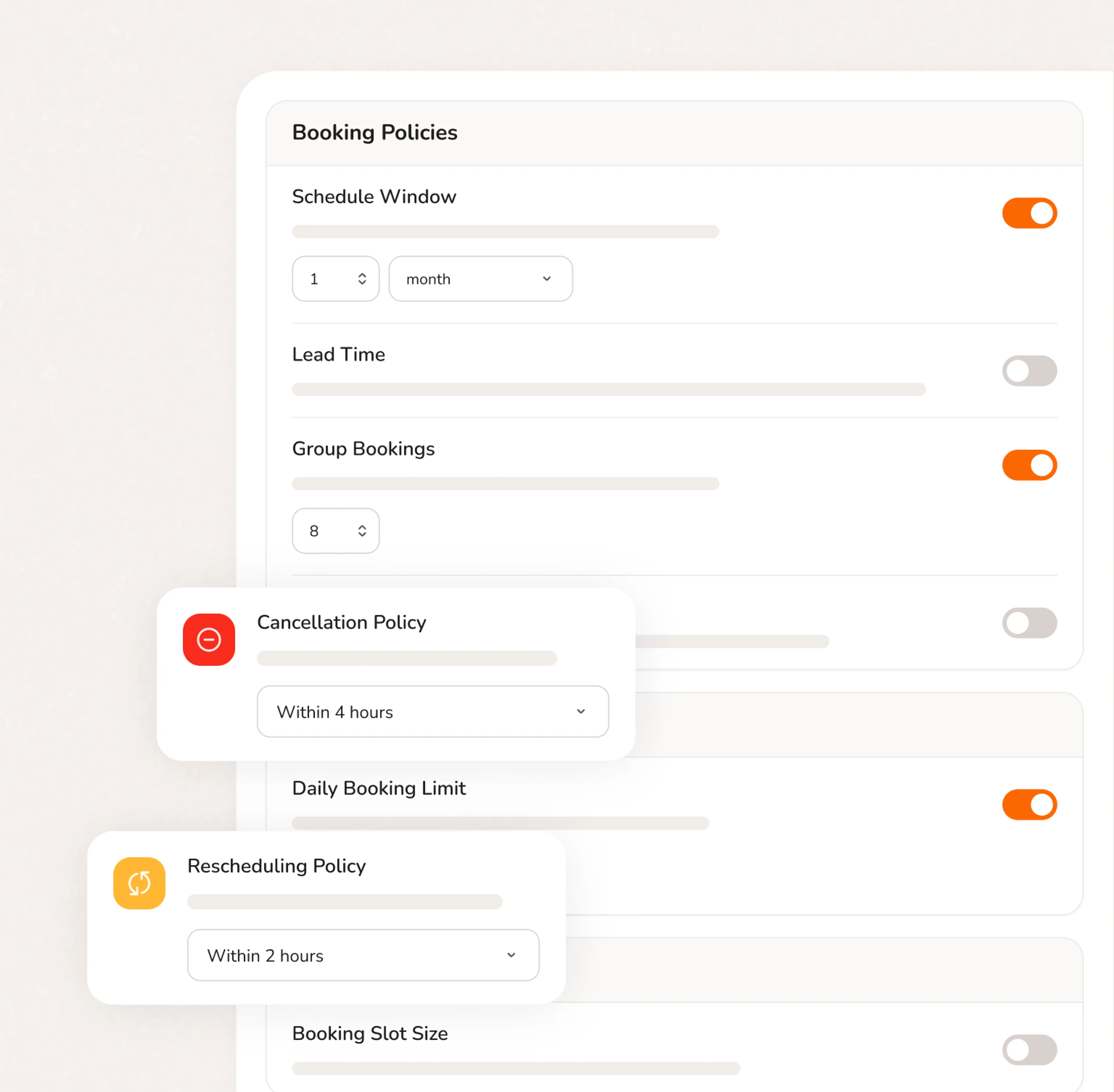
- Customer sees your cancellation policy before they pay
- Different deposit amounts for different service types
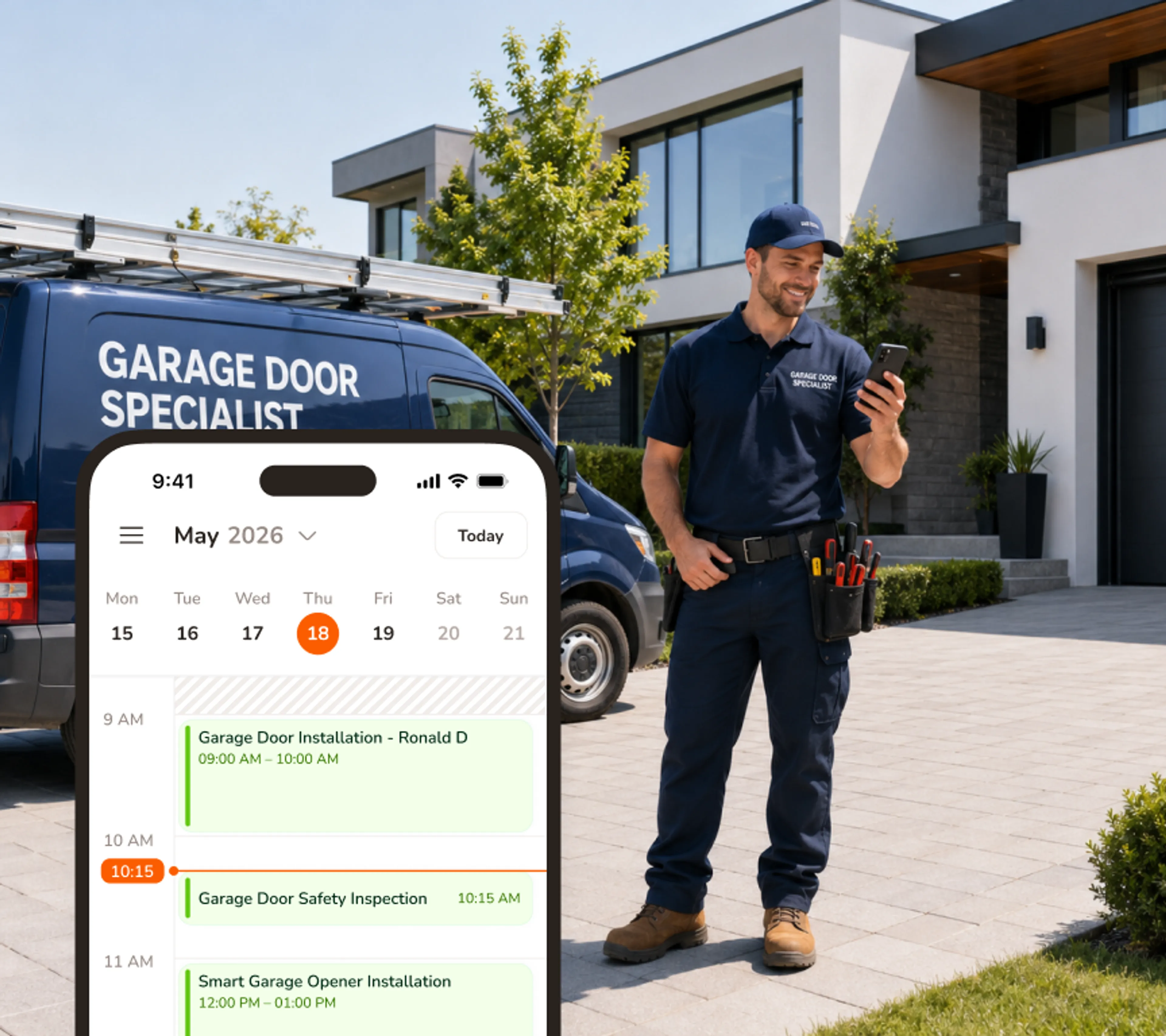
Everything on your phone - because your office is the truck
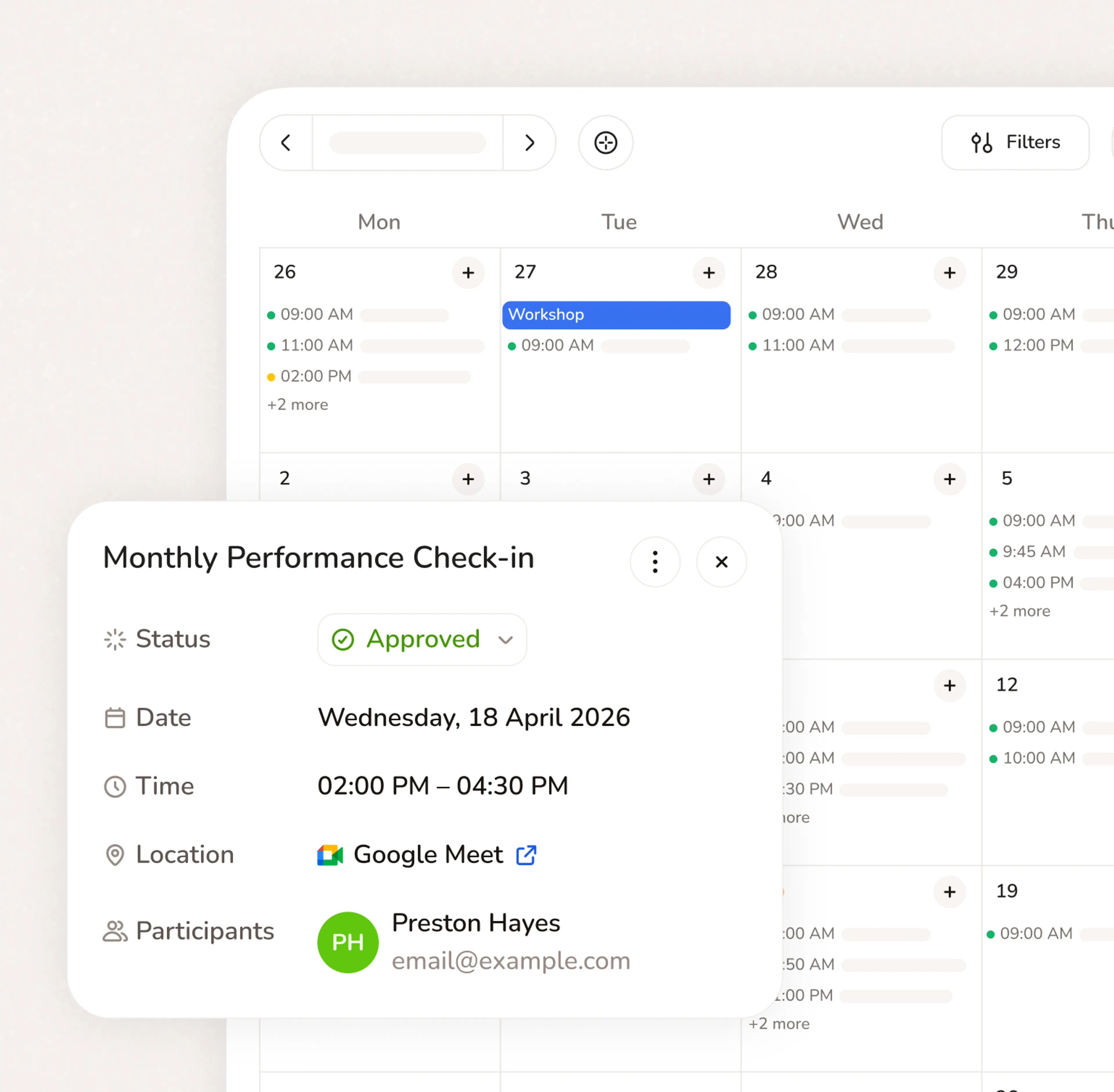
Calendar, jobs, payments, and rescheduling - all on iOS and Android, between service calls. Job runs long? Adjust the buffer from the site. Emergency comes in? Open the slot from your phone.
- iOS and Android — full calendar and job management on mobile
- Open emergency slots instantly from the field
- Reschedule jobs without losing the rest of the route
Ready in 5 minutes. Free forever on the core plan.
- No credit card required
- Free forever plan
- Free 7-day trial
Questions from garage door business owners
No. Customers book through a link you share — no app download, no account creation. They click the link, pick a service window, answer your intake questions, and pay the deposit. Works on any phone or computer. Most customers complete a booking in under two minutes.
Yes. Calday syncs with Google Calendar and Apple Calendar. Your existing calendar stays up to date automatically.
Yes. The free plan gives you a booking page, one service, calendar sync, and automated reminders. No credit card required and no expiry date. The Pro plan ($12/month) adds deposit collection, unlimited services, intake questions, and payment processing through Stripe.
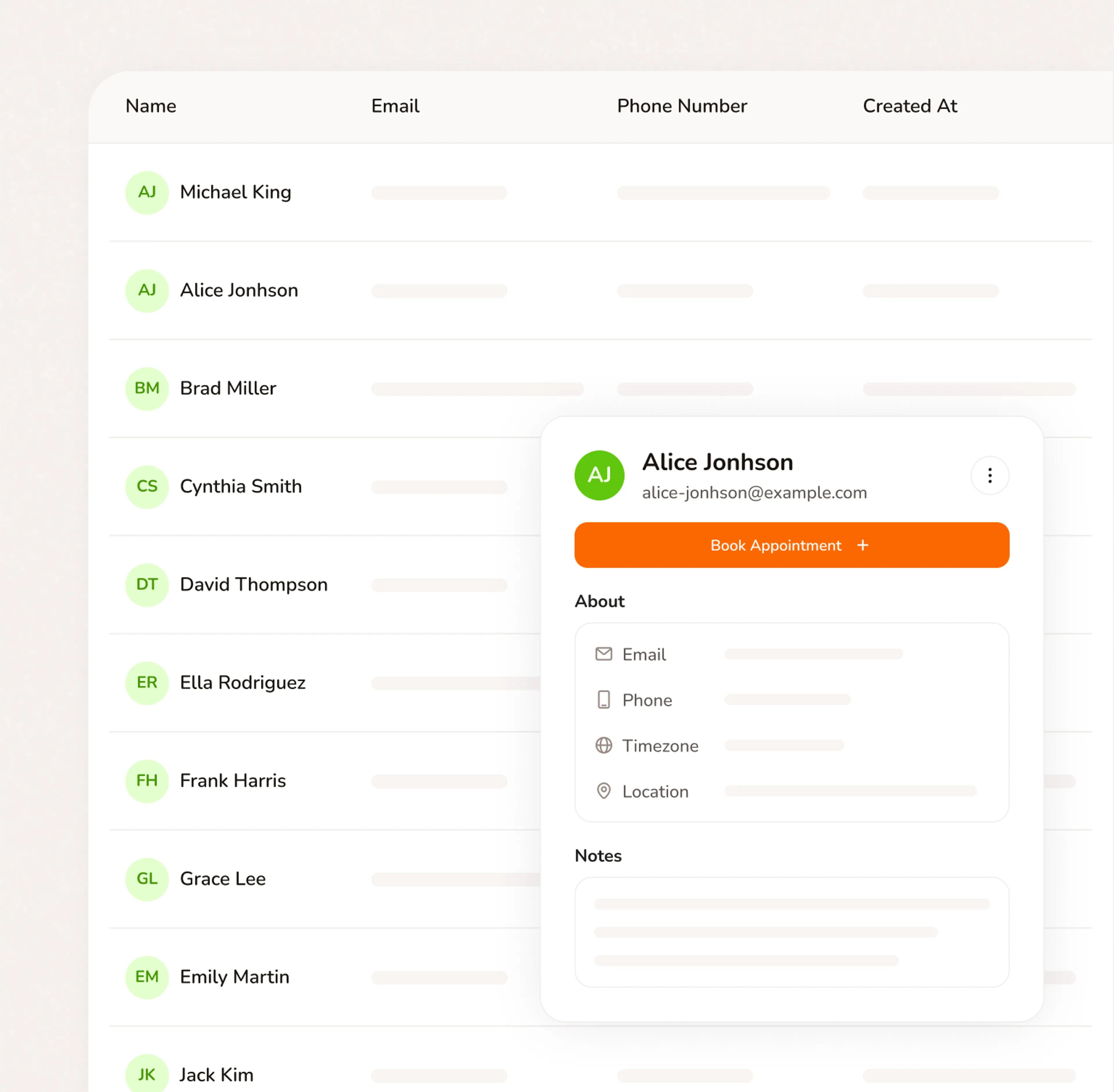
Yes. You can add custom intake questions to your booking flow — gate code, key location, dog in the yard, special access instructions, anything your crew needs before dispatch. Customers fill it out when they book, so the information is in the job record before you leave the shop.
Yes. You control which service windows are available on your bookingpage. You can designate specific same-day slots as emergency slots —visible to homeowners who need urgent service — and keep them separatefrom your standard service windows. You decide how many emergency slotsto make available each day.
Yes. Each service you offer on Calday has its own settings — price,duration, deposit amount, and intake questions. A spring replacementcan require a different deposit than a door installation or a tune-up.You set the rules once. Calday enforces them automatically on everybooking.
Do you have more questions?
Our team is here to help