
Calendar scheduling software for your biz
Google Calendar, Outlook, iCloud, Zoom, and Stripe — all connected. Clients book. Your calendar updates.
No credit card required · Free forever · 4.8/5 on G2
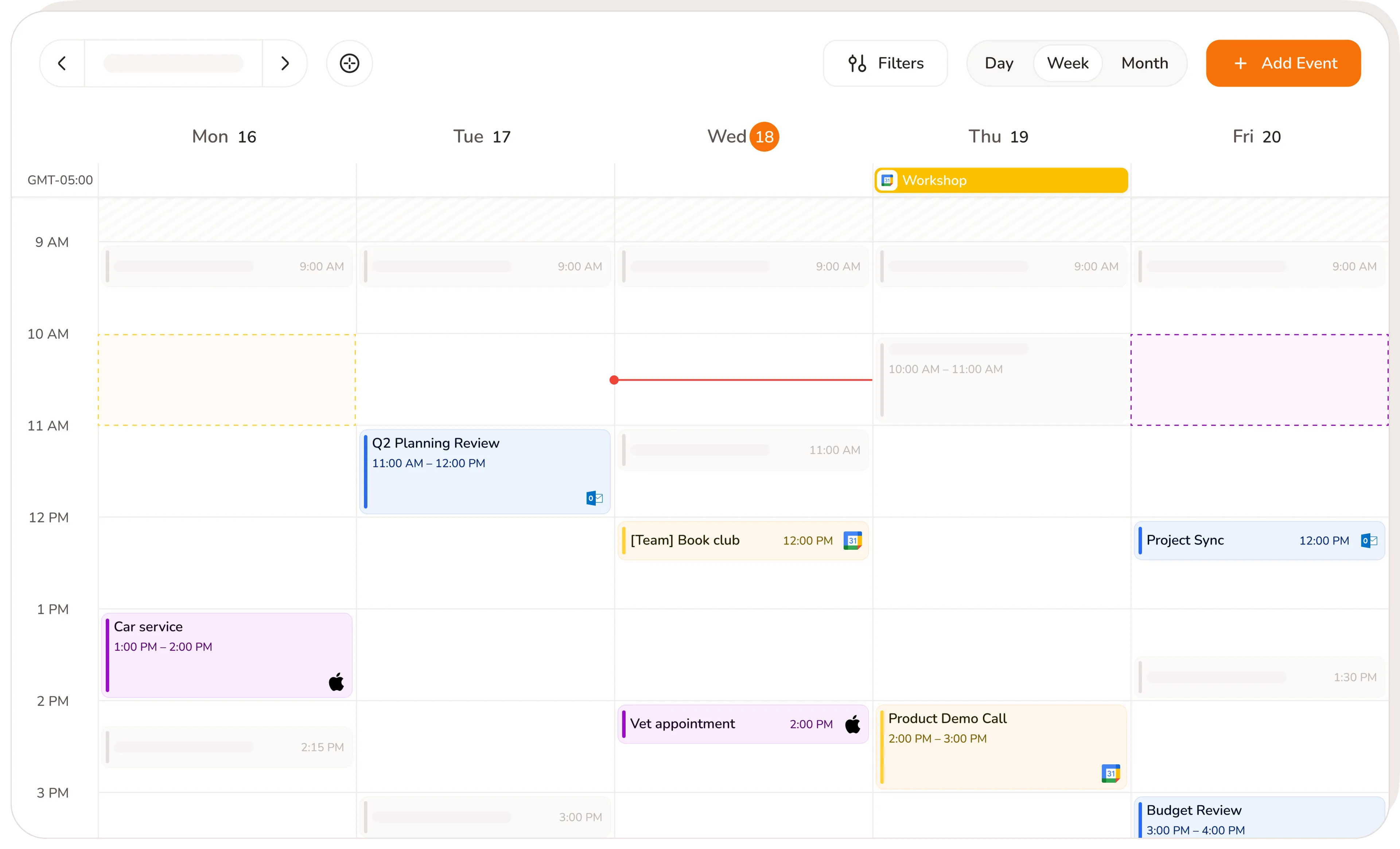
Sound familiar?
Without Calday
- Bookings come in through one tool. You enter them into your calendar manually.
- Zoom links generated separately for every virtual appointment
- Your personal calendar and booking calendar live in different apps
- A personal event gets booked over because your tools don't talk to each other
- Stripe set up separately from your booking page
- Checking three apps to answer "am I free on Thursday?"
With Calday
- Every booking lands in Google Calendar, Outlook, or iCloud automatically
- Zoom or Google Meet link generated for every virtual appointment — no manual step
- Personal and booking calendars in one view. Personal events block availability.
- Clients can never book over time you've already committed
- Stripe connected in one click. Payments collected through the booking page.
- One calendar. Everything in it.
Calendar sync app. Six integrations, one setup.
Connect once. Every booking, payment, and video call handled automatically from that point forward.
Calendar scheduling software. Connected in 5 minutes.
- No credit card required
- Free forever plan
- Free 7-day trial
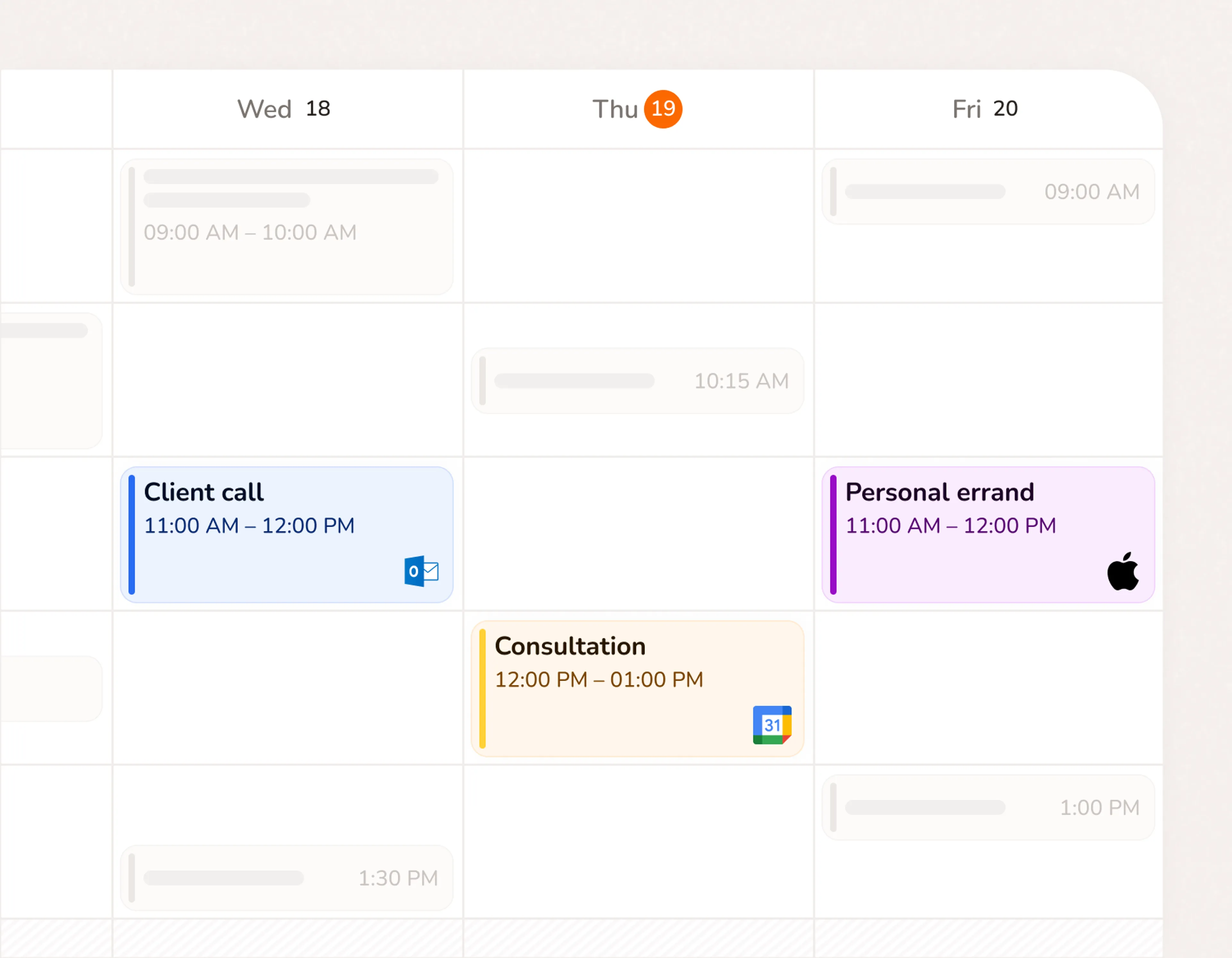
Google Calendar integration that works both ways
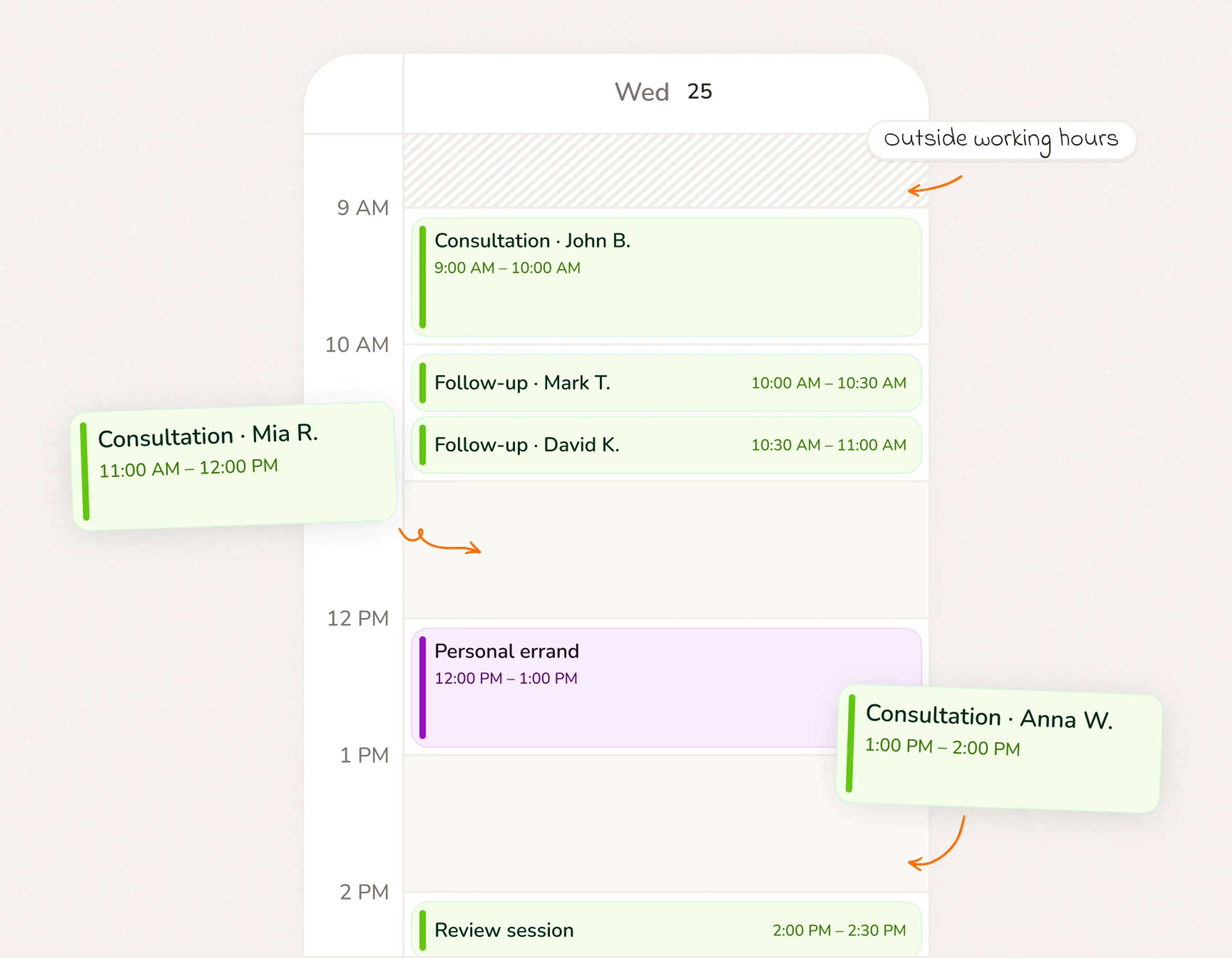
Connect Google Calendar and Calday reads your existing events. Personal commitments block your availability automatically. New bookings appear in Google Calendar the moment they're confirmed.
- Bookings land in Google Calendar automatically — no manual entry
- Personal Google events block your availability. Clients can't book over them.
- Two-way sync: Calday reads your calendar, Google Calendar receives your bookings
- Works across Google Calendar on desktop, Android, and iPhone
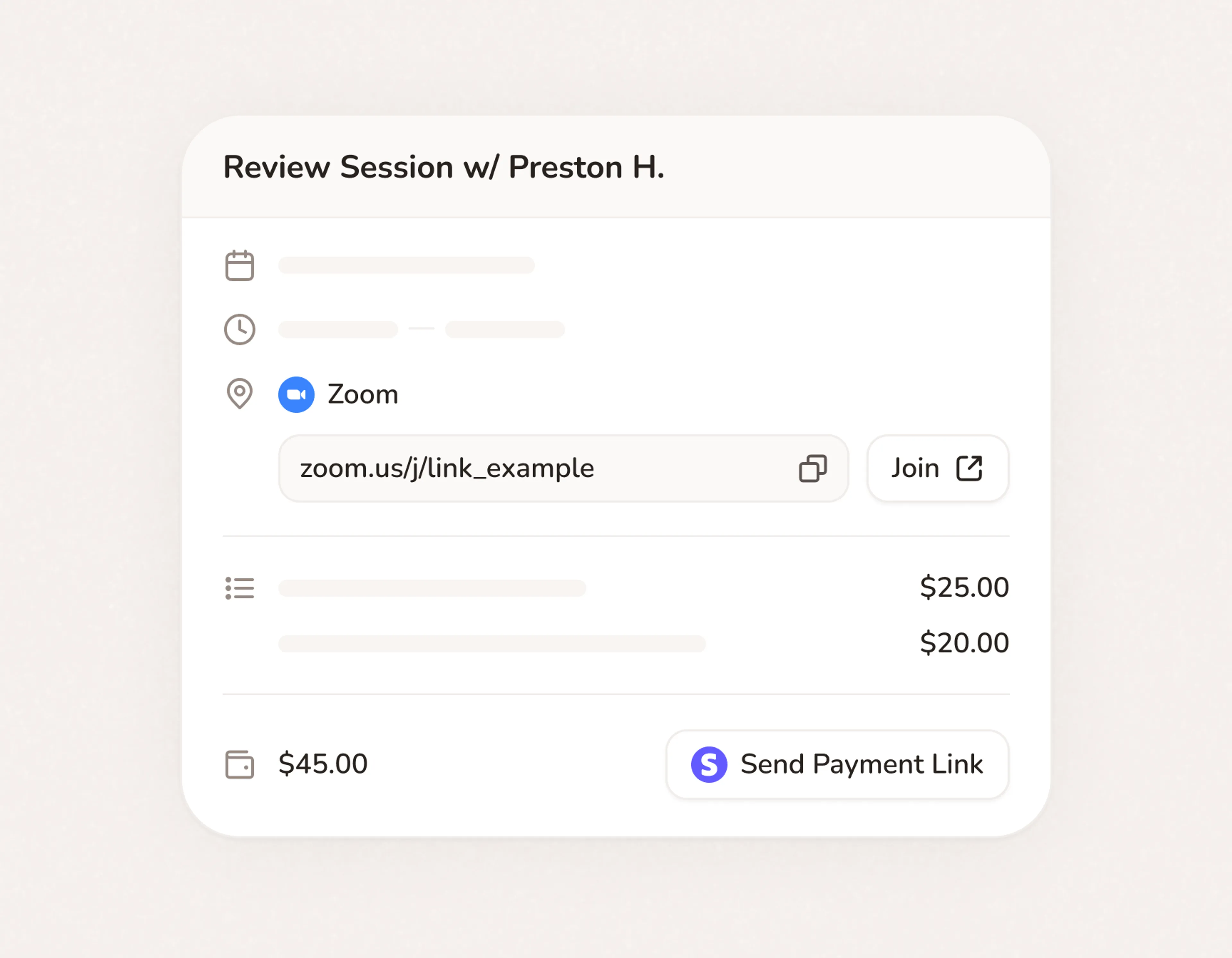
Zoom and Google Meet integration. Every virtual call ready before you are.
Connect Zoom or Google Meet once. Every booking that needs a video call gets a unique link generated automatically. It lands in the client's confirmation email before they close the tab.
- Unique Zoom or Google Meet link created for every virtual appointment
- Link included in the automatic confirmation email to the client
- No manual link generation, no copy-pasting, no forgotten meetings
- Google Meet integration available on all Calday plans
Outlook and iCloud calendar sync. Whatever you use, Calday connects
Not everyone uses Google. Calday syncs with Outlook and iCloud so your booking page stays accurate regardless of which calendar your business runs on.
- Outlook calendar booking: personal events block availability automatically
- iCloud calendar sync keeps your Apple devices accurate in real time
- Switch calendars or add a second one without losing any bookings
- All three calendar platforms supported on every Calday plan
Connect once. Run automatically.
- No credit card required
- Free forever plan
- Free 7-day trial
Integrations are one part of how Calday
Scheduling
Your availability rules apply across every connected calendar. Buffer times, daily limits, and booking windows all work whether you're on Google, Outlook, or iCloud.
Payments
Stripe connects directly to your booking page. Collect deposits or full payment at booking. Apple Pay and Google Pay included. No separate invoicing tool needed.
Automated Reminders
Every booking confirmed by Calday triggers the reminder sequence automatically. Confirmation sent at booking. Reminder at 24 hours. Reminder at 1 hour. All via email.
Questions about integrations
Yes. Calday reads events from your connected calendar (Google, Outlook, or iCloud) and blocks that time on your booking page. When a client books, the appointment is written back to your calendar automatically. Both directions work.
Yes. Connect Google Calendar and every booking lands there automatically. Personal events from your Google Calendar appear in Calday and block your availability. Clients only see your real free slots.
Yes. You can connect Google Calendar, Outlook, and iCloud simultaneously. Calday reads all of them to determine your availability. Bookings are written to your primary calendar.
Connect your Zoom account once in settings. For any service you mark as virtual, Calday generates a unique Zoom link for every new booking. The link is included in the client's confirmation email automatically.
Yes. Google Meet integration is available on all Calday plans including the free plan. Connect your Google account and Calday handles the rest.
Stripe processes all payments through your Calday booking page — deposits, full payment, Apple Pay, and Google Pay. Funds deposit directly to your Stripe account. Connect Stripe once in settings and payment collection is automatic from that point forward.
Do you have more questions?
Our team is here to help