
HVAC Software for Small Businesses

Sound familiar?
Without Calday
- You dispatched to a job site. No one home. No warning. Route runs late the rest of the day.
- Emergency call at 2pm on Friday. Tomorrow's route is already full. You have to say no or blow your schedule.
- A homeowner texts asking where your tech is. They're still finishing the last job. You're the one who has to call.
- Sunday evening. You're rebuilding next week's route because one job ran long and everything shifted.
- Three homeowners called about availability. You called all three back. Two had already booked your competitor while they waited.
With Calday
- Homeowners confirm their service window at booking and pay a deposit. A customer with money on the line doesn't leave a locked gate.
- One emergency slot stays open in your route. Homeowners book it online. You fill the call without rebuilding the day.
- Calday sends automated arrival window updates before every service call. Homeowners stop calling because they already know.
- Route adjustments happen in Calday in minutes. The next open window updates automatically.
- Your booking link is live 24/7. Homeowners self-schedule while you're on the job. You get a notification.
How it works?
Running in 5 minutes. No training calls.
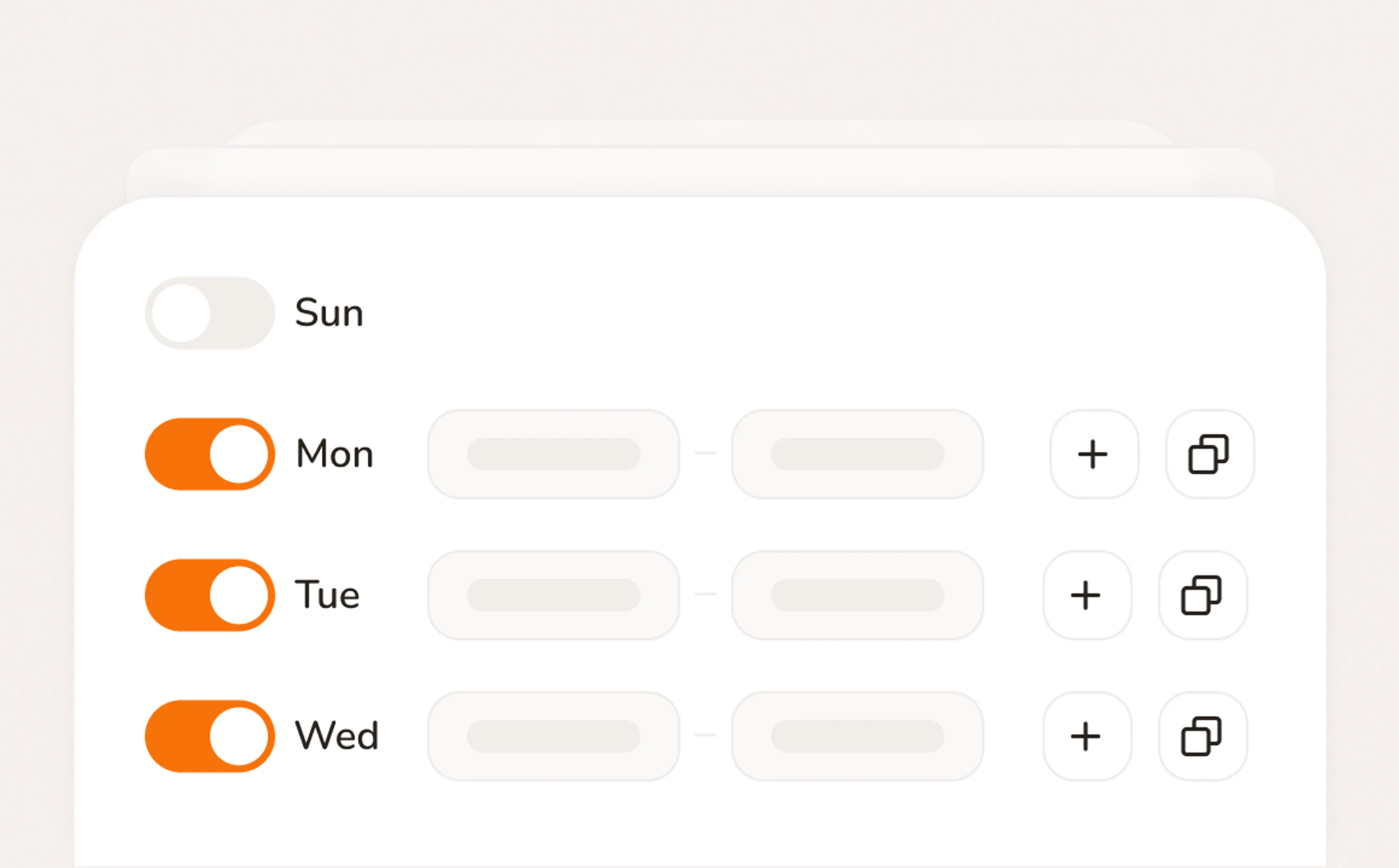
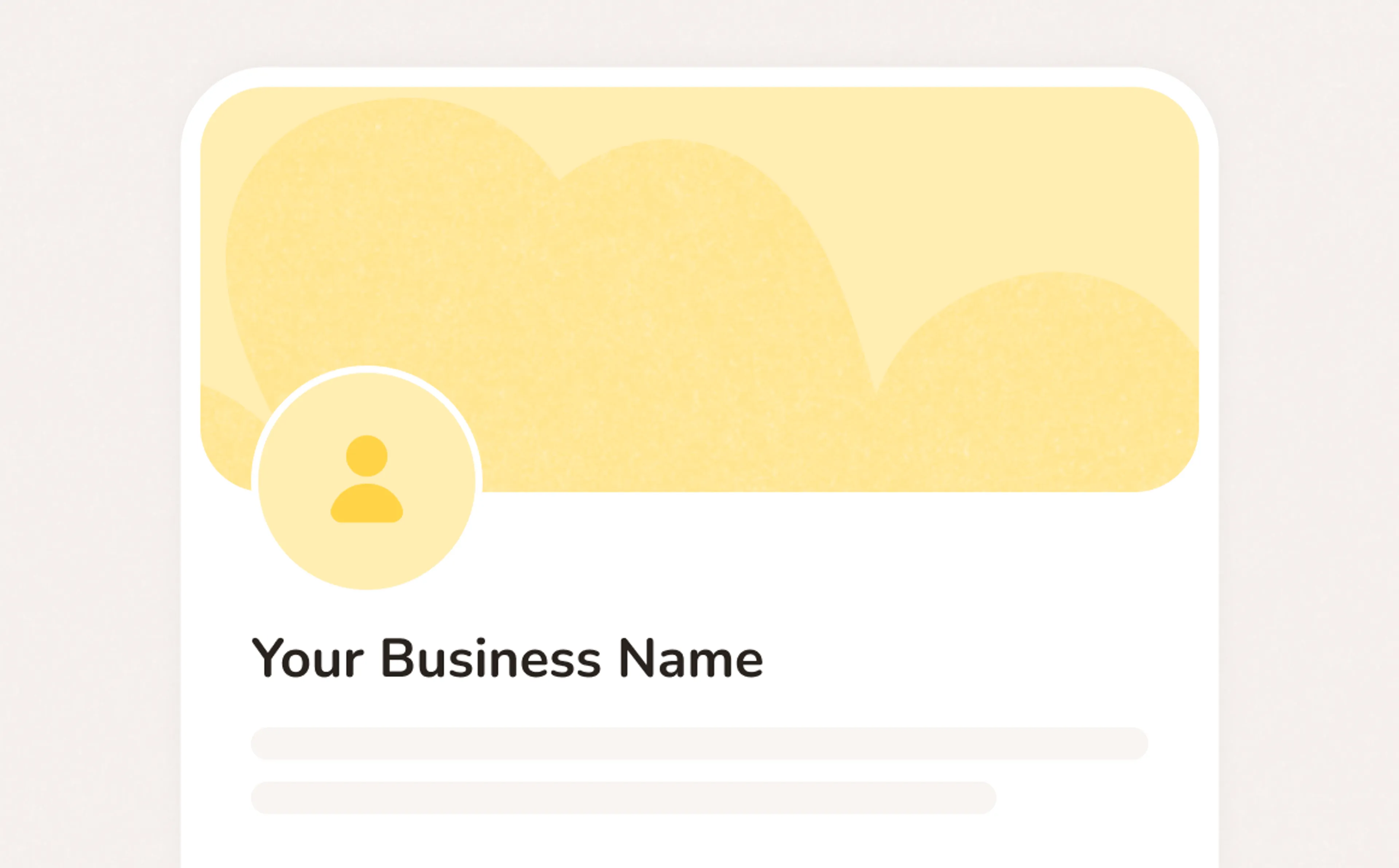
How HVAC software change your business?
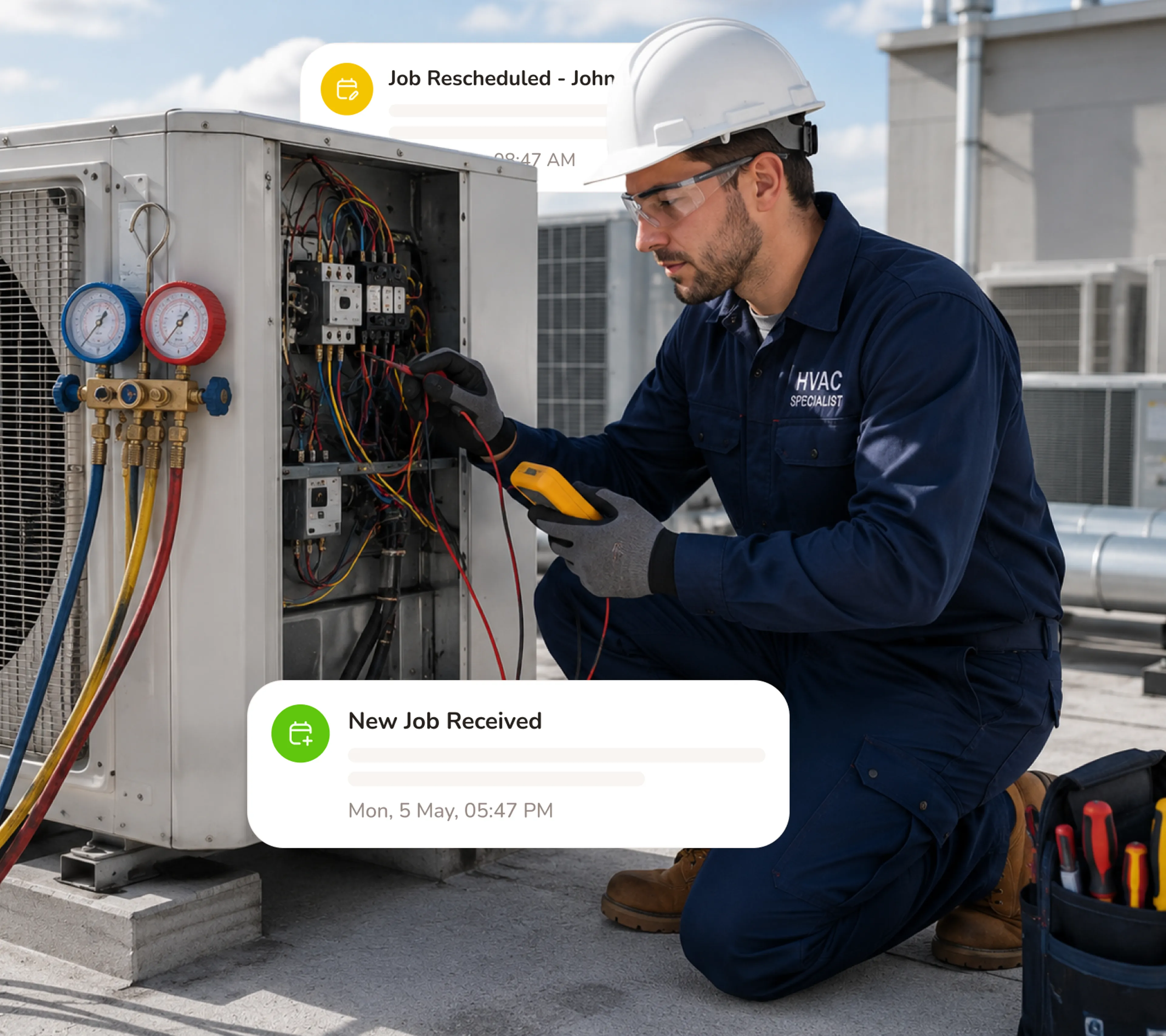
Your booking page works while you're on a job
You're mid-repair, hands dirty, phone lighting up with availability questions. Before Calday, you stopped and answered. With Calday, your booking page already answered — they picked a window, filled in their details, and confirmed.
- Only open service windows show — homeowners can't book a time your route can't support
- Takes jobs 24/7, including after-hours calls that used to die on voicemail
- Every confirmed job arrives with service type, address, and intake details attached
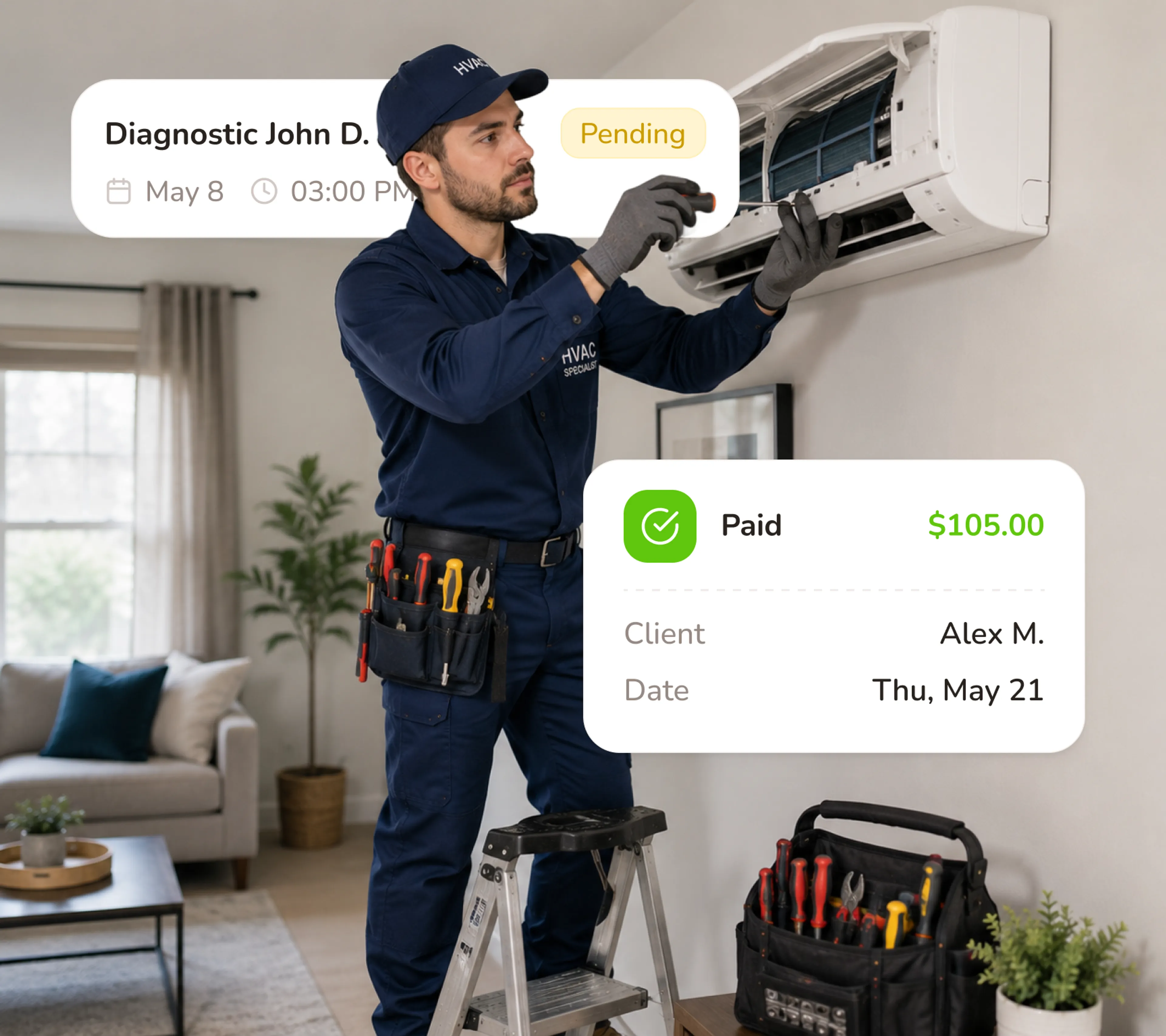
Collect a deposit before you ever leave the shop
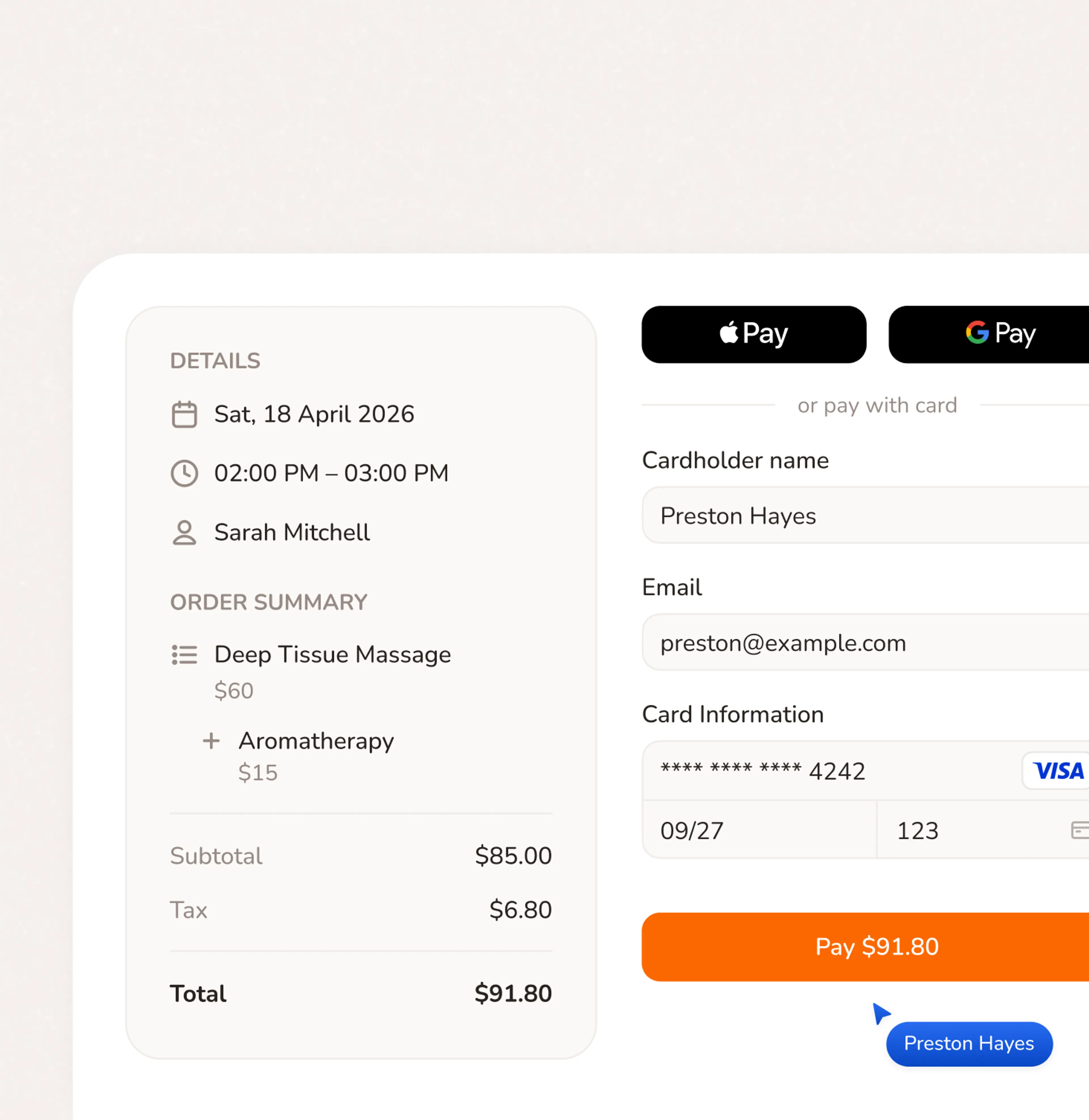
A homeowner who paid $75 upfront isn't going to leave a locked gate. Calday collects the deposit as part of the booking flow - not in a separate text, not via Venmo, not on arrival. They confirm, pay, and the window is theirs.
- Set deposit amounts per service type — higher for emergency calls, lower for tune-ups
- Homeowners pay by card at booking — no invoice, no follow-up
- No-access drops when money is already on the line
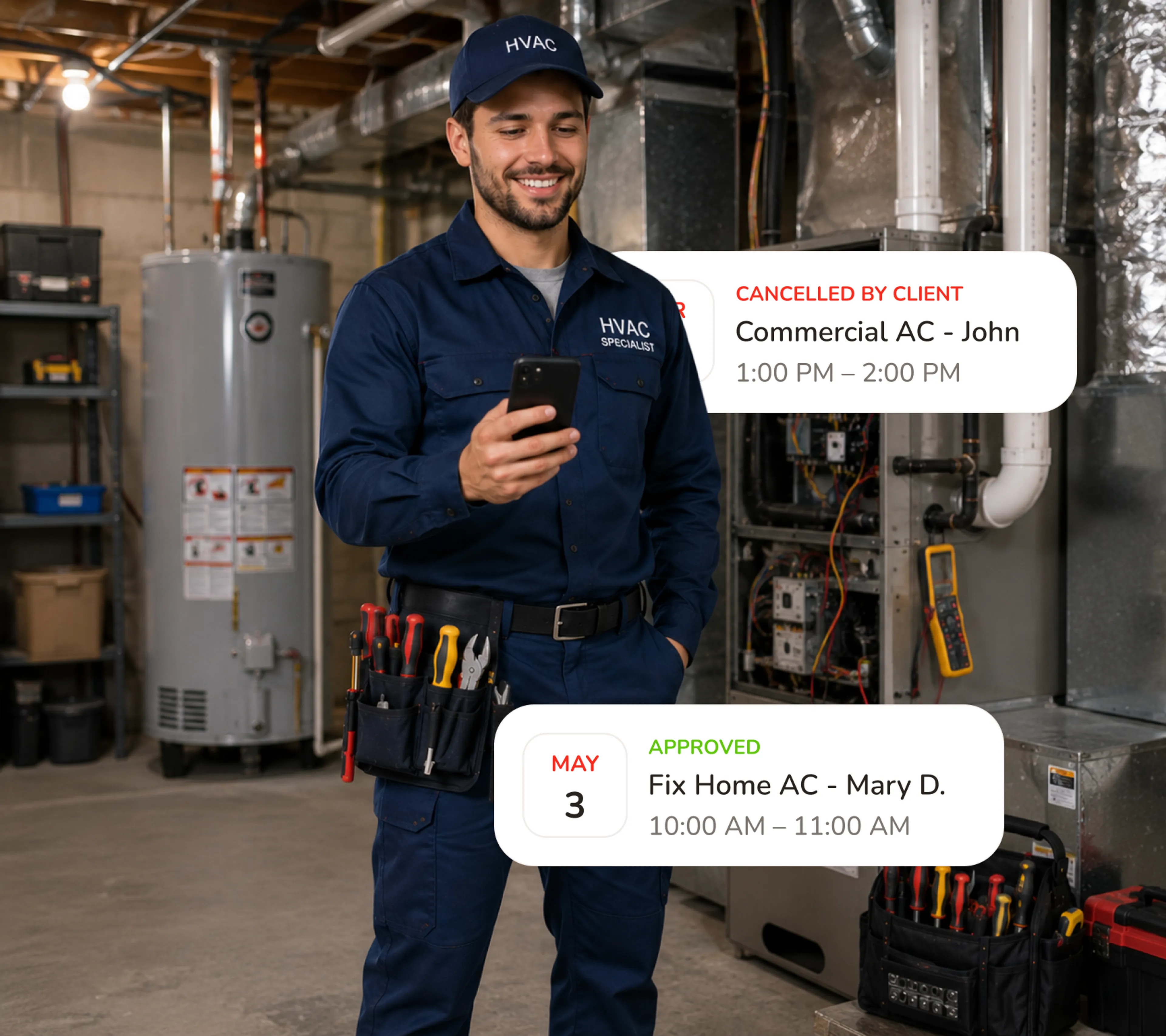
Everything on your phone - because your office is the truck
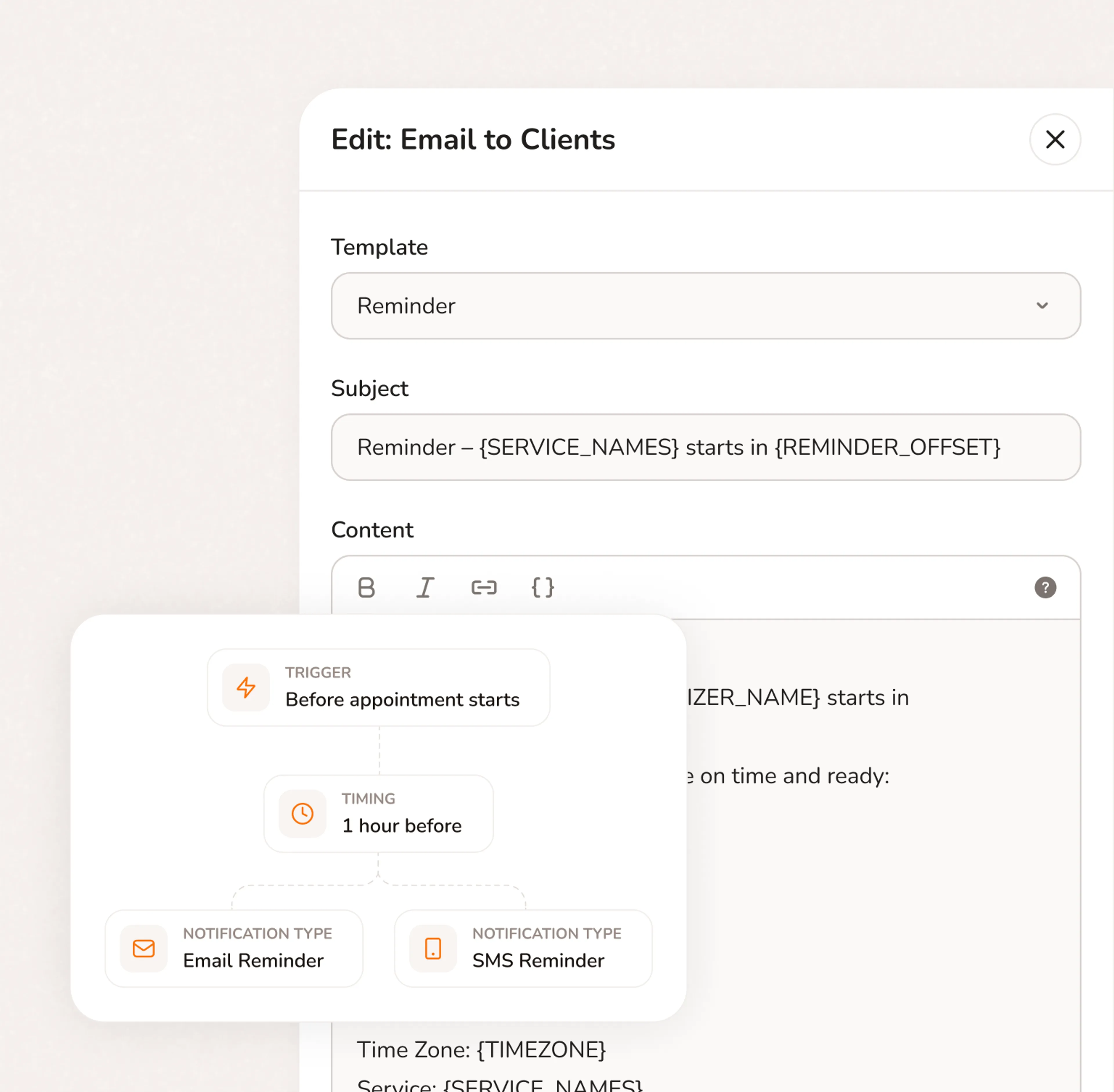
Between jobs, in the driveway - check your route, review intake notes, reschedule a service window. Automated reminders go to homeowners 24 hours before every call. They're home. The gate is open. You didn't make a single call.
- Full route and job details on your phone - address, intake notes, deposit status
- Reschedule service windows from the field without calling homeowners
- Automated reminders go out on schedule - no manual follow-up needed
Ready in 5 minutes. Free forever on the core plan.
- No credit card required
- Free forever plan
- Free 7-day trial
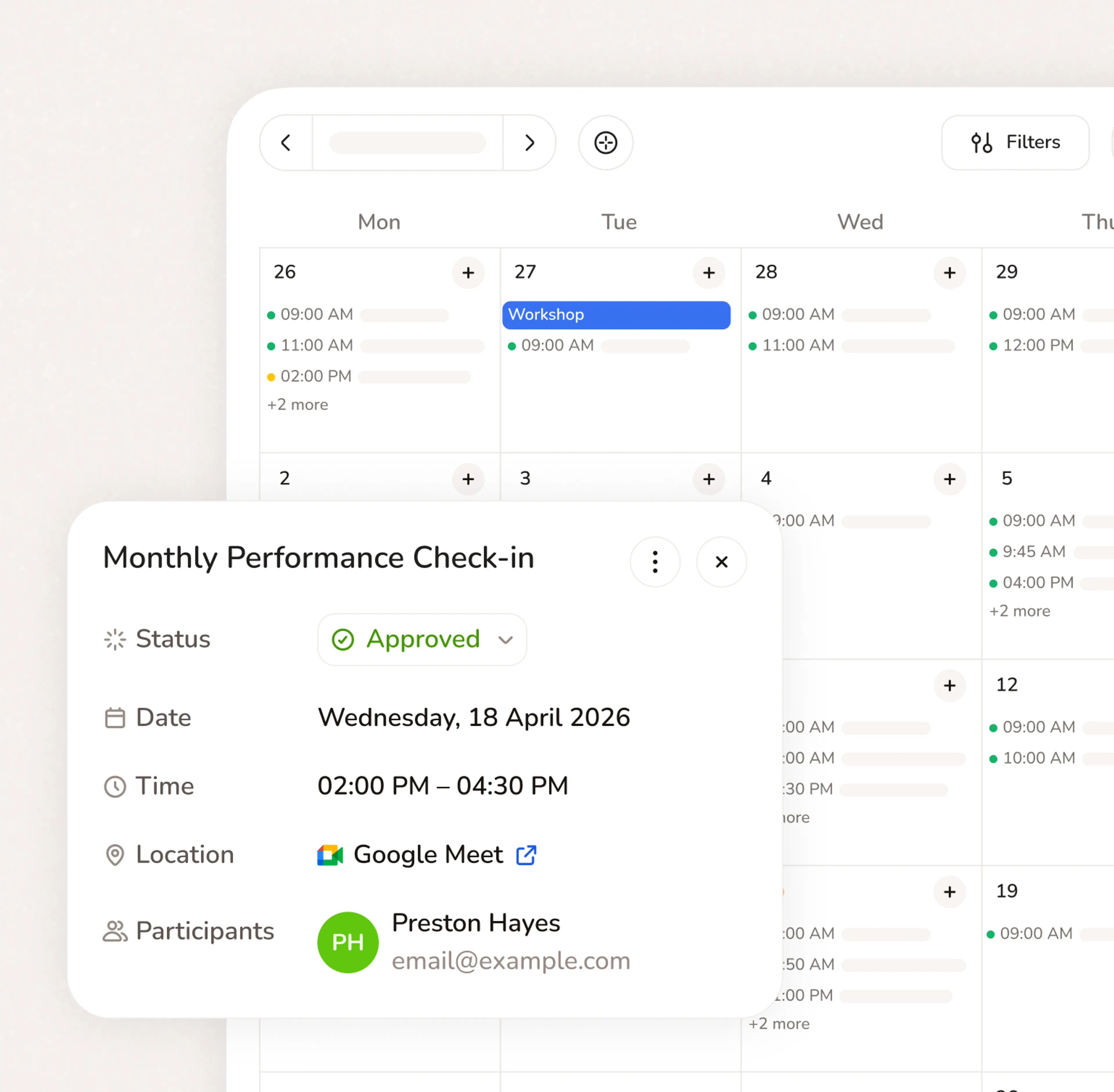
Everything your service business needs to run
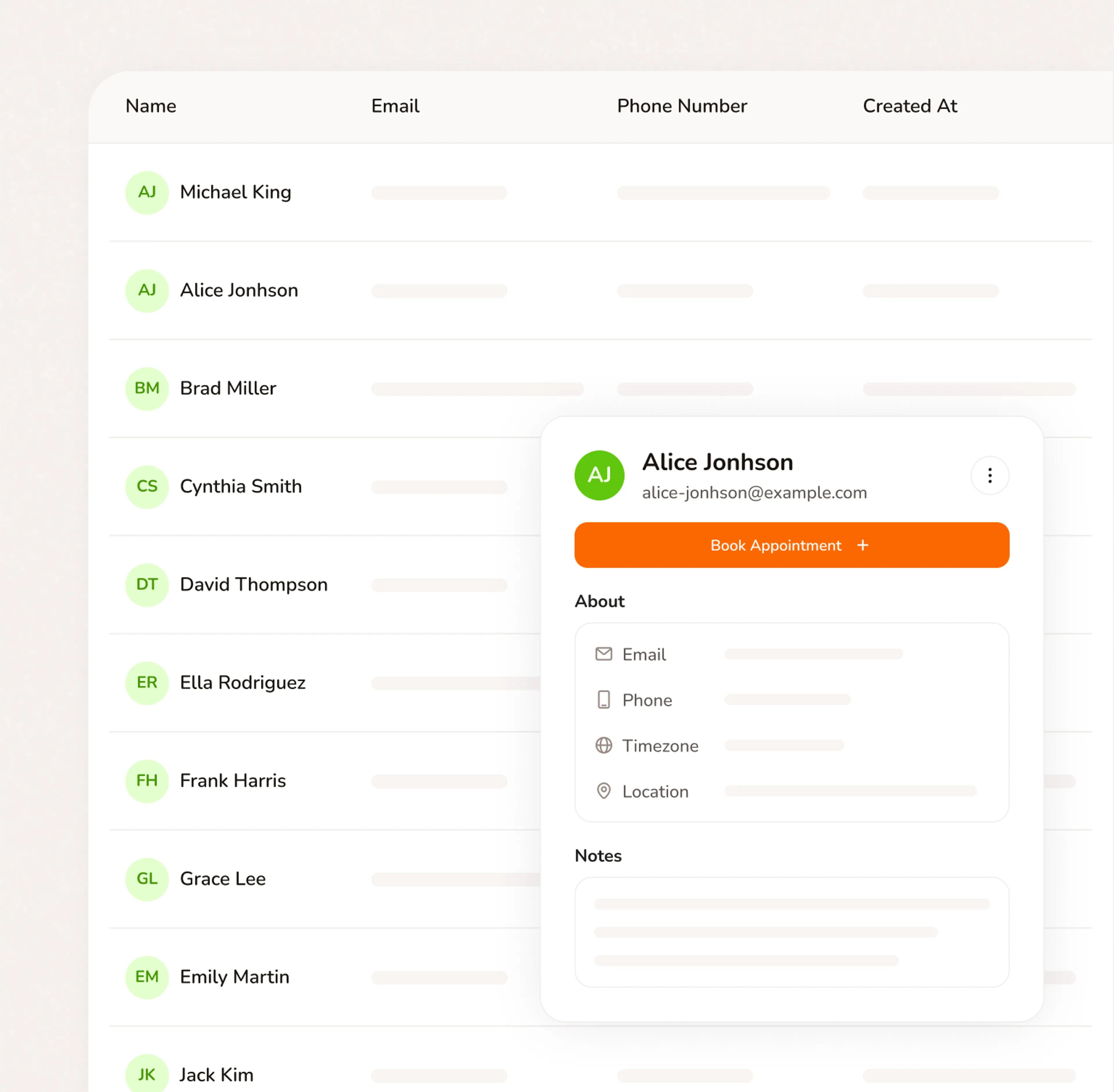
Stop switching between your calendar, texts, payment apps, and client notes. Calday is the small business management software that handles all of it.
Booking Page
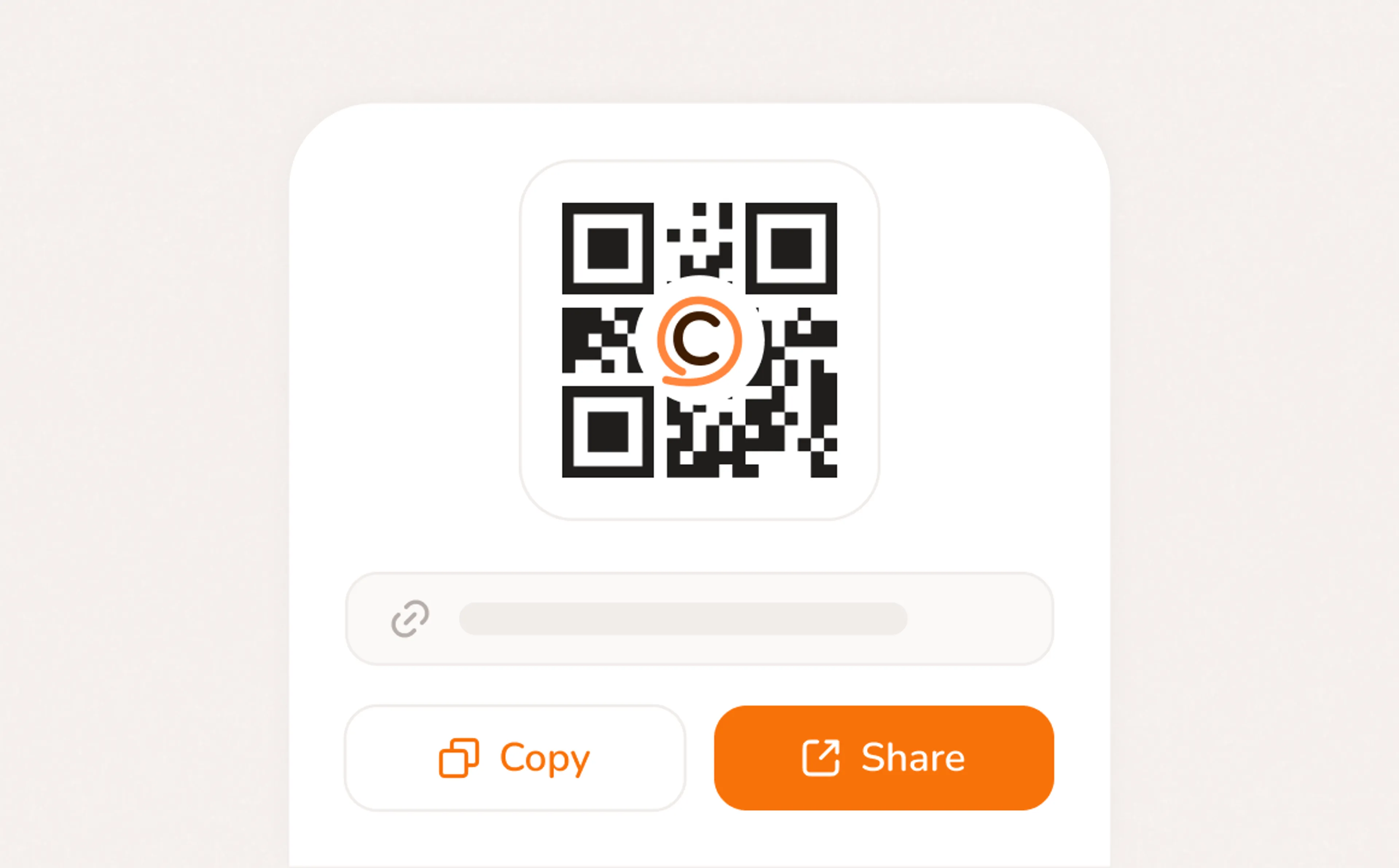
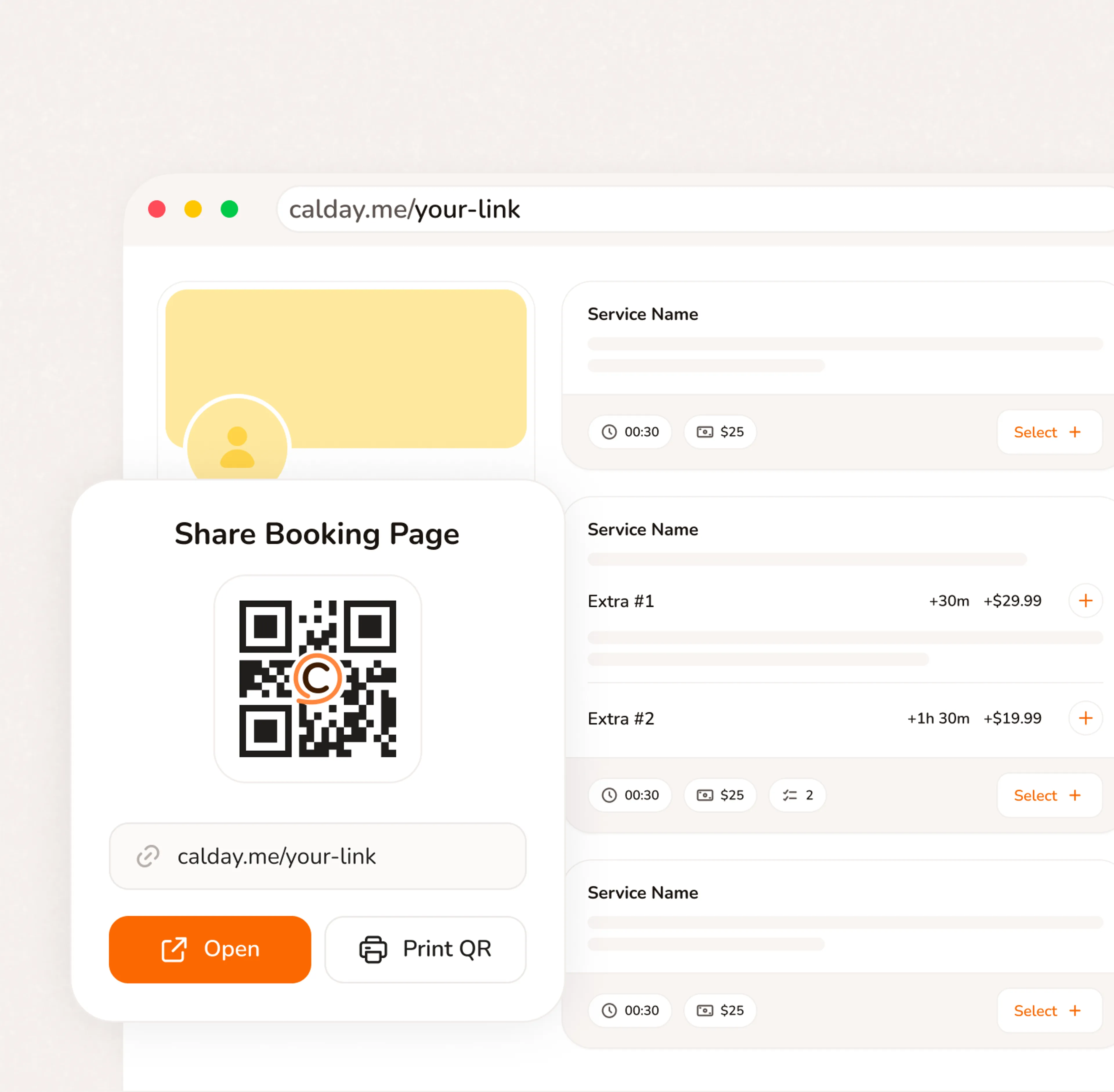
A booking page with your services, your pricing, your brand. Share a link, post a QR code, or embed on your website. Clients pick a time, confirm, and you're booked. No phone call needed.
- Your link, your brand, your services
- Accept bookings 24/7 from any device
- QR code for walk-ins, link for everywhere else
Questions from HVAC contractors
HVAC software is a tool that helps heating, ventilation, and air conditioning businesses manage their daily operations — scheduling service calls, dispatching technicians, creating estimates, invoicing customers, and keeping client records. Instead of juggling phone calls, paper work orders, and spreadsheets, everything runs through one system. Calday handles the scheduling and booking side: customers book HVAC service online, your team gets notified instantly, and automated reminders cut no-shows.
Calday is built for small HVAC companies that don't need — or want to pay for — enterprise platforms like ServiceTitan or FieldEdge. You get online booking, automated reminders, Stripe payment collection, and client records at $12/month. No per-technician pricing, no contracts, no 3-hour onboarding sessions. Set up your booking page, list your services (AC repair, furnace tune-up, duct cleaning), and start accepting service calls online in under 5 minutes.
Calday tracks every booking with service type, duration, and payment amount per client. For detailed job costing — materials, labor hours, overhead — you can connect Calday's Stripe payments to QuickBooks or Xero, where the full cost breakdown lives. Every completed job flows into your accounting software automatically, so you see profit margins per service type without manual data entry.
Yes. Calday processes payments through Stripe, which integrates natively with QuickBooks, Xero, and FreshBooks. Every service call payment syncs to your accounting software automatically — no double-entry, no reconciliation headaches at tax time. This is the most-searched HVAC software question for a reason: your books should update themselves when a customer pays, not when you remember to log it.
Calday lets you set up pre-priced service types (e.g. "AC Diagnostic — $89," "Furnace Tune-Up — $129," "Duct Cleaning — $299") so customers see transparent pricing when they book. For custom jobs that need on-site evaluation, you can create a "Free Estimate" booking type with zero cost — the customer books a time slot, you visit, then send a follow-up quote. This eliminates the back-and-forth phone calls that slow down your sales cycle.
Enterprise HVAC platforms like ServiceTitan start at $200+/month with long-term contracts and per-technician fees. Mid-tier tools like Housecall Pro or Jobber run $50–$100/month. Calday starts free and offers full scheduling, payments, reminders, and client management at $12/month — purpose-built for small HVAC companies that need to book jobs and get paid, not manage a fleet of 50 trucks.
Do you have more questions?
Our team is here to help