
Run your business, your way
Service business software that replaces your notes and calendar apps with one place for bookings, clients, teams and payments.
- No credit card required
- Free forever plan
- No credit card required
- Free forever plan
- Upgrade anytime
Made for solo pros and growing teams in 25+ industries.
See all 25+ industriesJoin 3k+ customers on Calday
Start on the free plan, no card needed.
The whole job in one app, from the first booking to getting paid
Bookings come in on their own, for you or your whole team
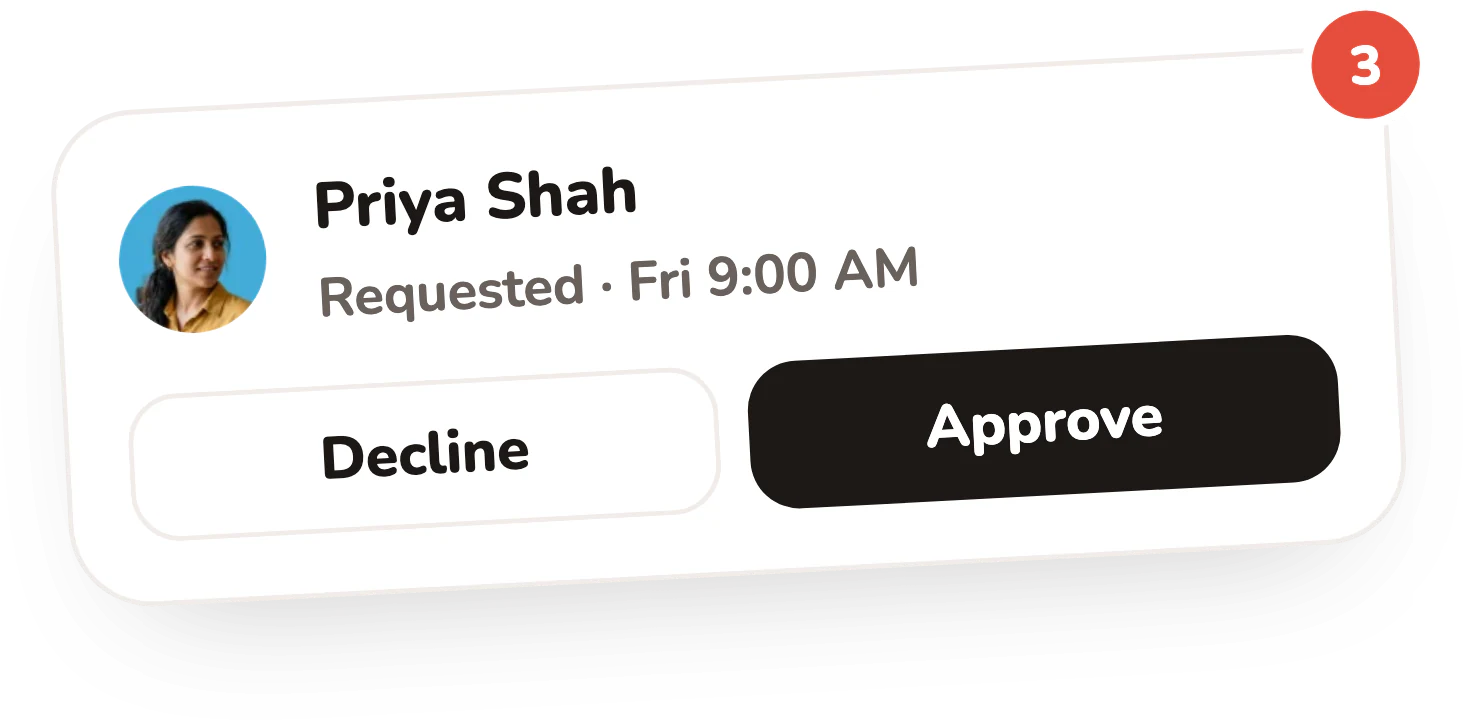
Clients pick an open time on your page and book it themselves. Work with a team? Calday hands each booking to whoever has the most room.
- Online booking around the clock
- Syncs with Google Calendar and Outlook
- Reminders and a thank-you email go out on their own
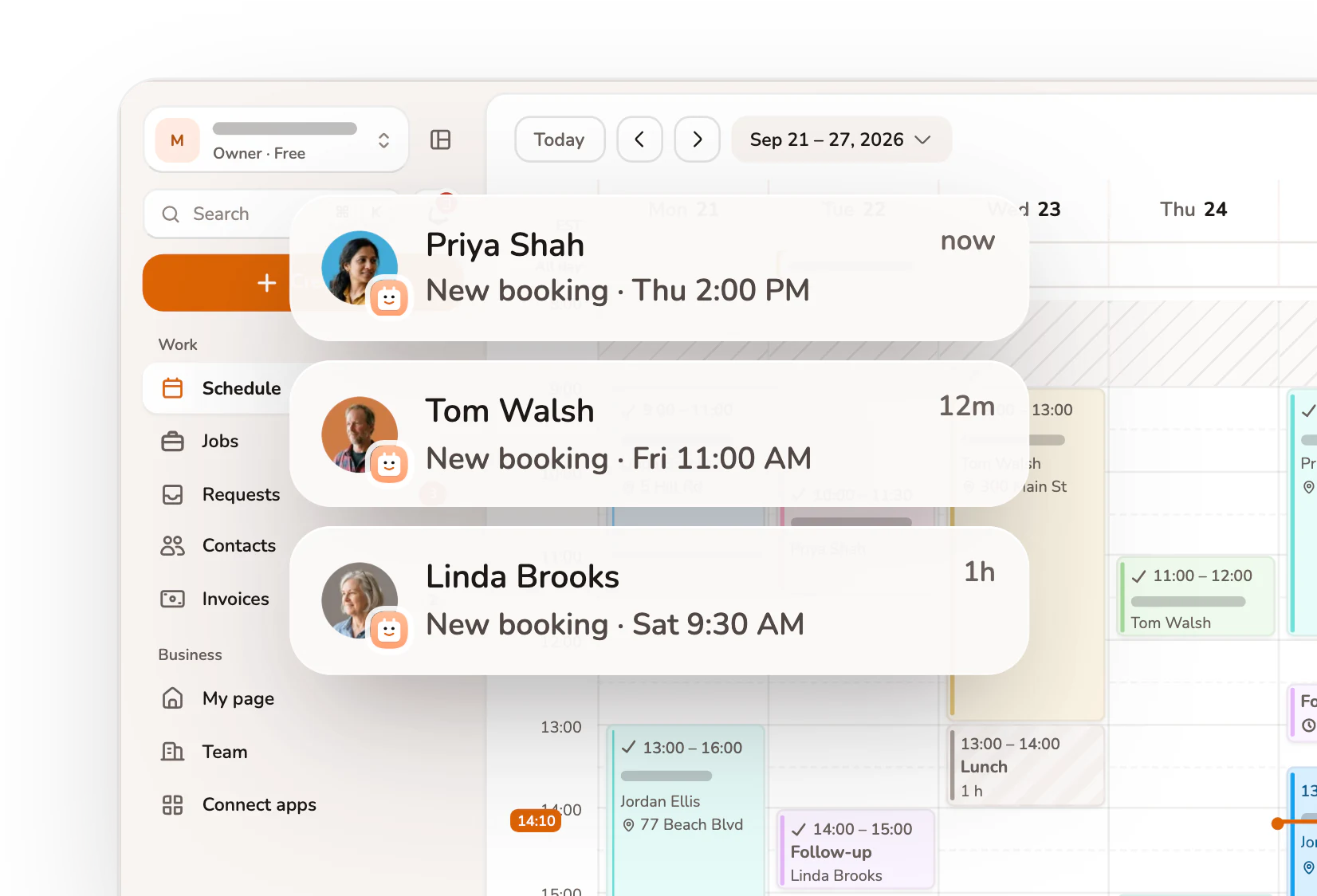
Every piece of the booking workflow, handled
Clients book and pay through one shared link, so you can stop managing the calendar.
- One view for everything
- Move any job in one move
- Space between every job
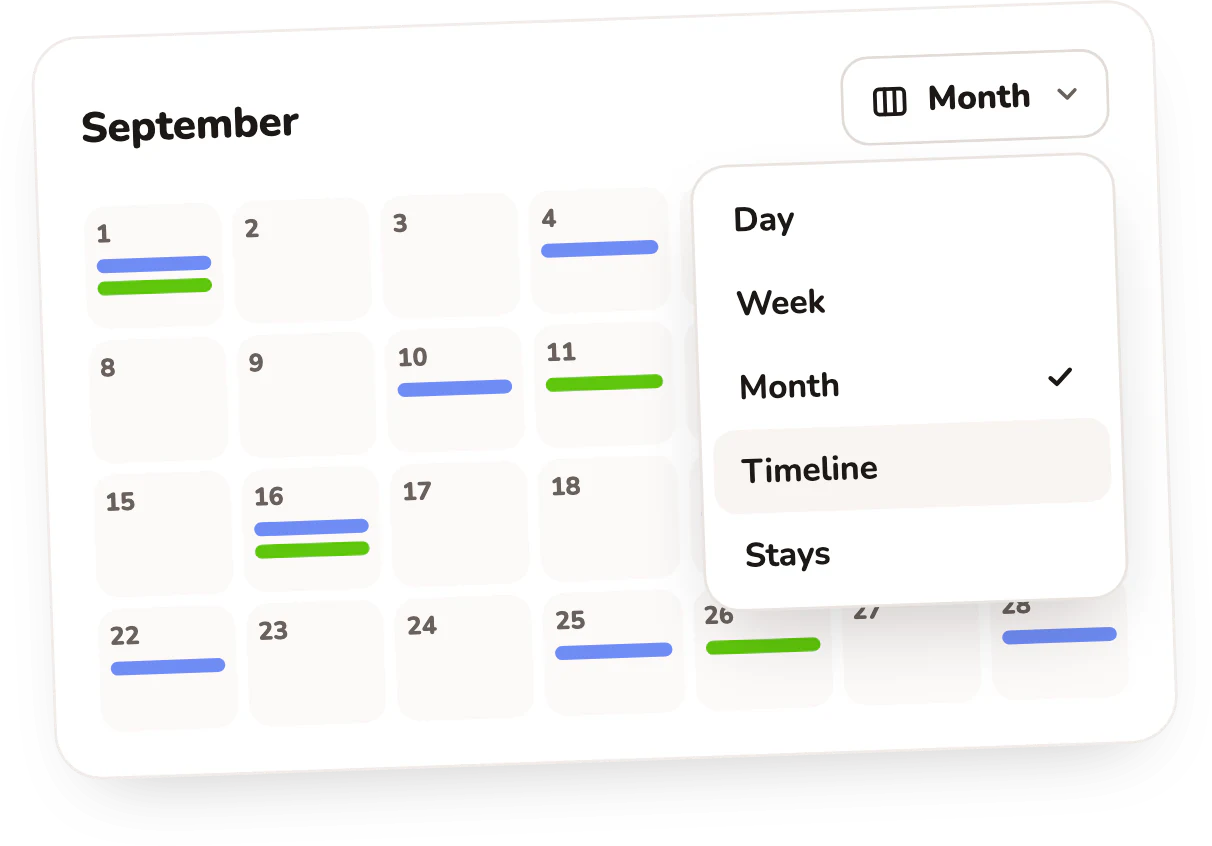
Every event is a paid job
Every event holds the client, the service, the price and whether they’ve paid.
- Day, week or month
- Google, Outlook and iCloud side by side
- Payment links on every event
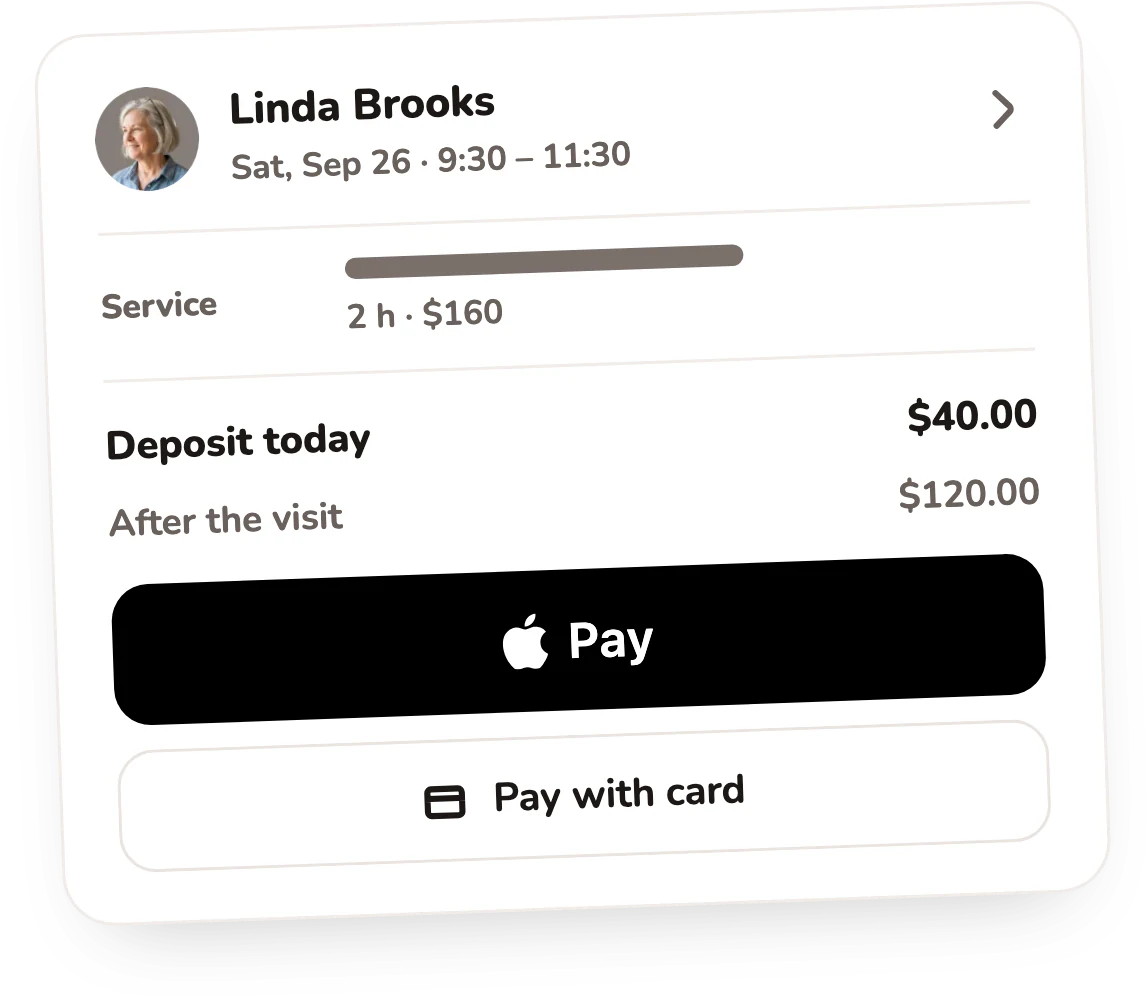
Get paid upfront, whoever does the jobPro
Take a deposit or the full price when the client books, so neither you nor your team has to chase payment after the visit.
- Clients pay by card at booking
- Clients see what’s due today and after the visit
- Payments powered by Stripe
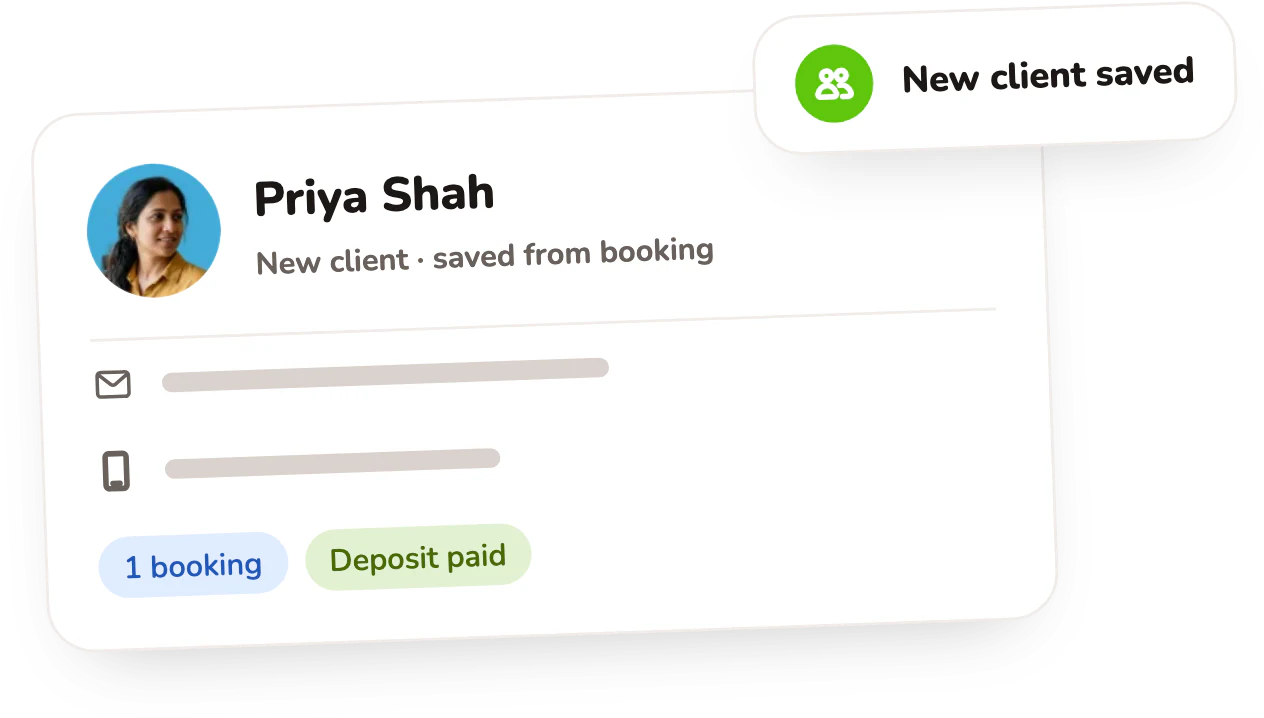
Remembers everything you can’t
Every client who books is saved automatically, with contact details, booking history and notes in one place.
- Saved automatically
- Full history per client
- Notes that come back
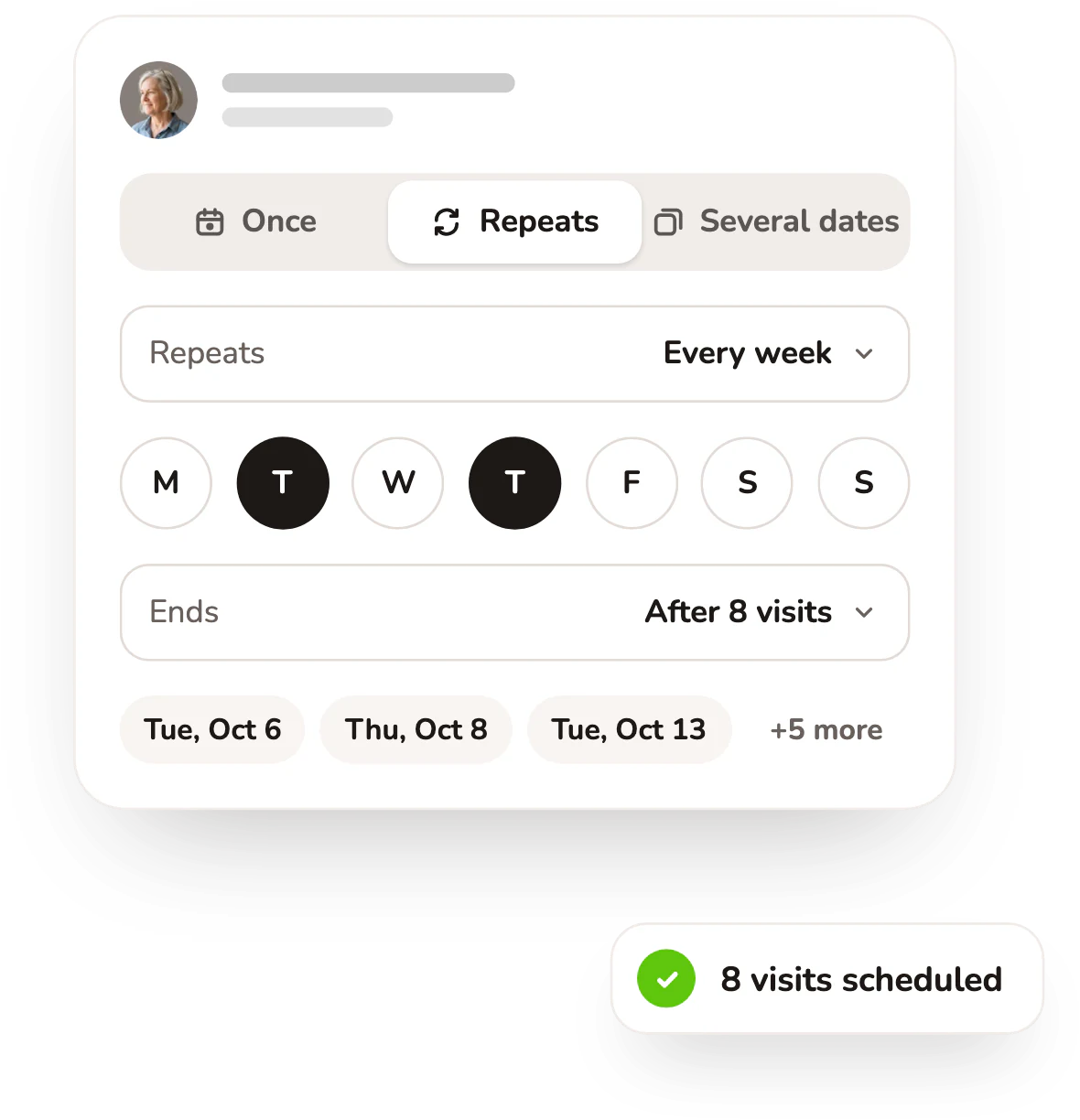
Set it once and clients show up
Calday sends a booking confirmation right away, then email reminders 24 hours and 1 hour before every appointment.
- Confirmed when they book
- Reminder the day before
- Reminder one hour out
Start solo and add your team when you’re ready
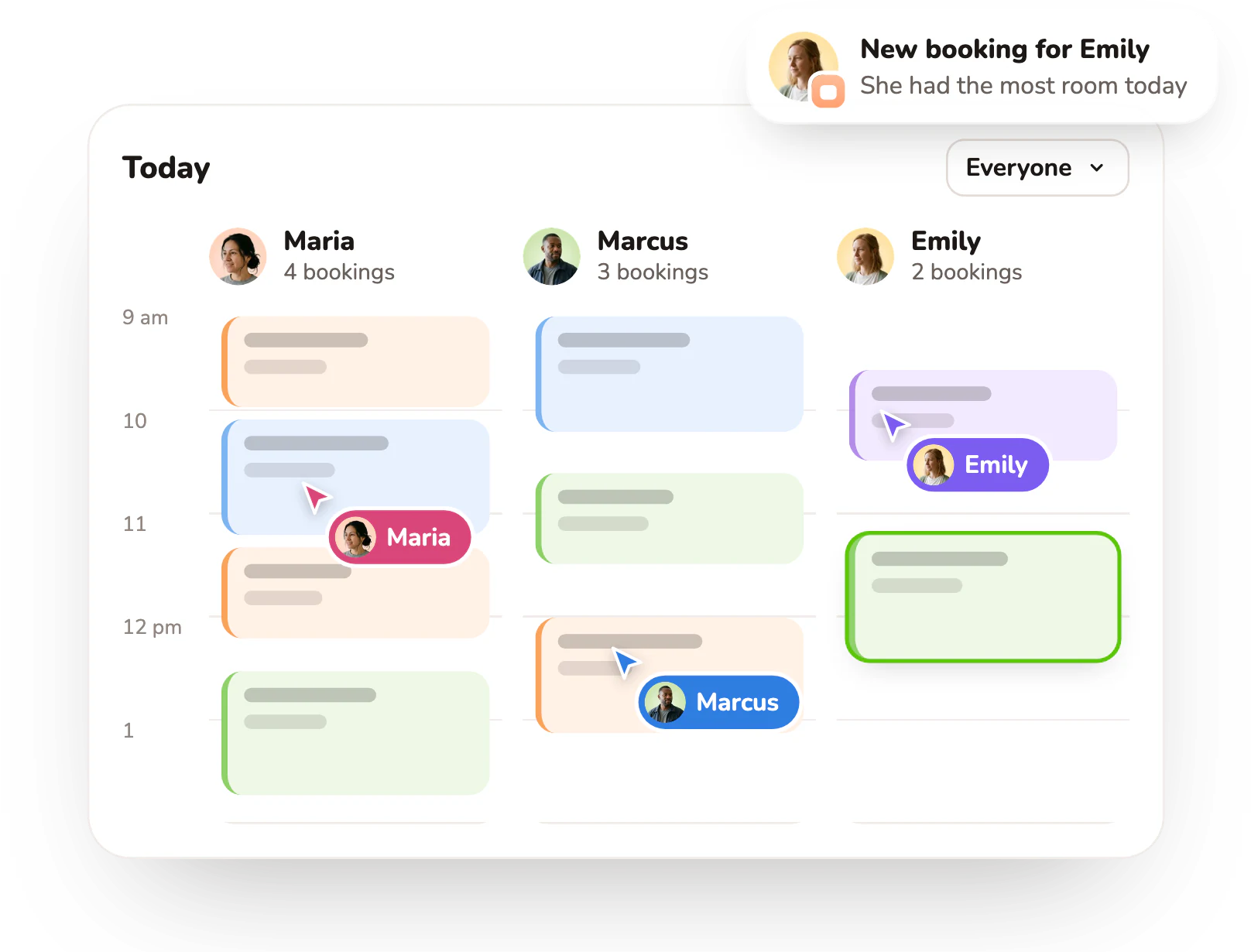
Invite people by email. Each one gets their own account and calendar, and you see everyone’s day in one view.
- Each member has their own account and calendar
- New bookings go to whoever has the most room
- Everyone sees each client’s history, and you see everyone’s day
Connect once and it runs on its own
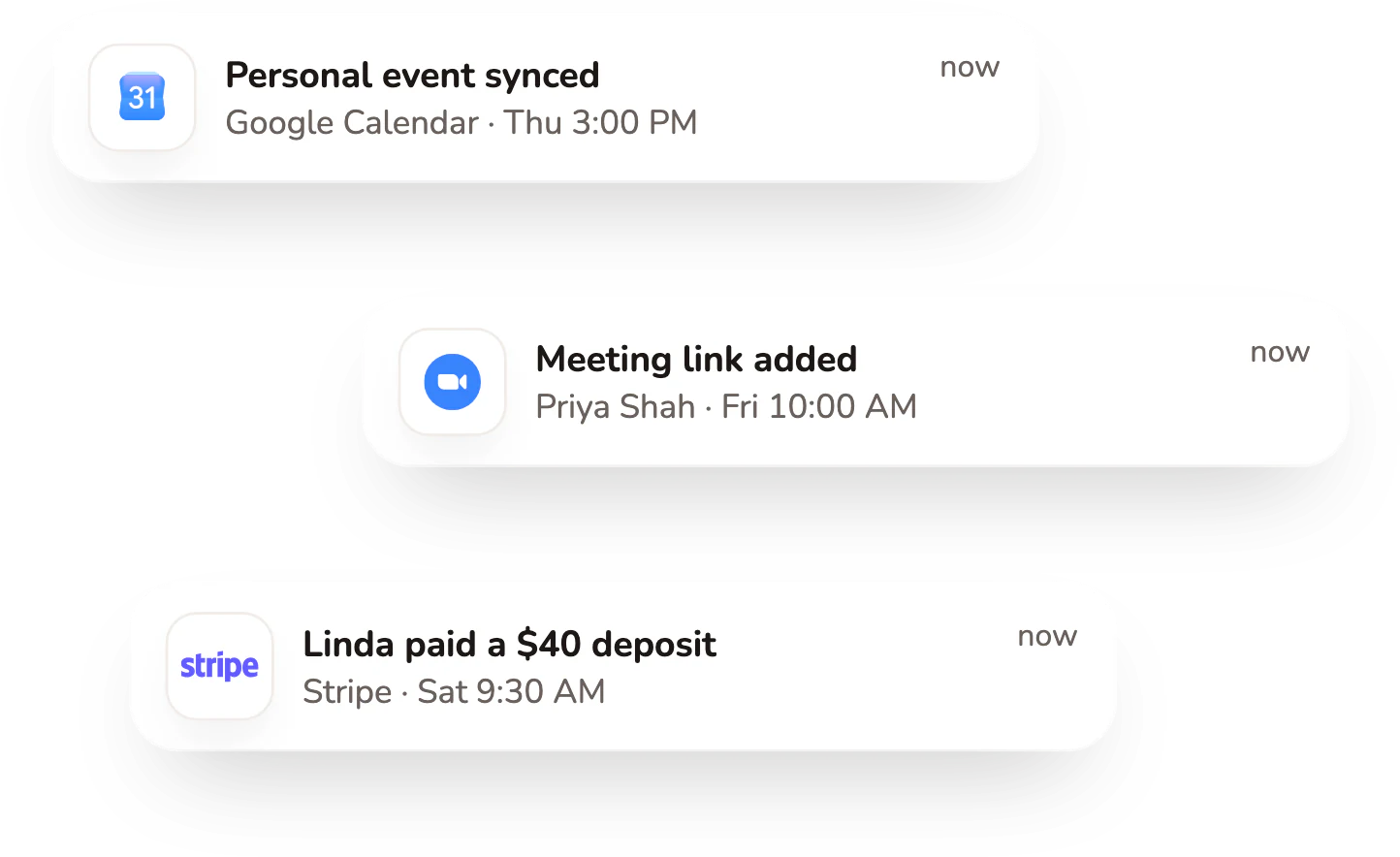
Google Calendar, Outlook, iCloud, Zoom, Google Meet and Stripe connect in one place, so your calendar updates on its own.
- Google Calendar, Outlook and iCloud
- Zoom and Google Meet links
- Payments through Stripe
Up and running in three steps
Step 1: Import your clients
Bring your client list from a spreadsheet or another app in one CSV file.
Step 2: Add your services
Add what you offer, with prices and how long each one takes.
Step 3: Get booked and paid
Clients pick a time and get reminders. On Pro, they pay a deposit too.


- No credit card required
- Free forever plan
- Upgrade anytime
What business owners say about Calday
4.8 out of 5 from 11 reviews on G2Read them on G2 (opens in new tab)
“Before Calday, I was using notes to keep track of all my appointments, which was a mess. Now, everything is automated and organized in one place. It’s made my life so much easier.”
“Managing appointments has become so much easier. I no longer waste time reminding clients or dealing with scheduling conflicts. Everything runs smoothly now!”
“I was able to connect both my Google and Apple calendars seamlessly, and now I just send a link to clients for scheduling.”
Start free and pay only for the seats you use
Start free. When you want online payments and your team on board, Pro is $12 a month per seat.
Payments secured by StripeBilling and refund terms
Pro
$12a month per seat
Card required. Free for 7 days, then $12 a month per seat. Cancel anytime.
- Unlimited services
- Unlimited clients
- Payment collection
- Add-on services
- Team members, $12 per seat
- Priority support
Questions about Calday’s service business software
Can’t find your answer? Our support team is happy to help.
What is service business software?
It’s one app for the work around your jobs: taking bookings, keeping client records, sending reminders and getting paid. Calday does all four for solo pros and teams in 25+ industries. Start on the free plan, and add Pro when you want online payments.
Is Calday free?
Yes. The free forever plan includes 1 service, up to 100 clients and your booking page, with no card needed. Pro is $12 a month per seat and adds unlimited services and clients, online payments and team members. You can try Pro free for 7 days; the trial needs a card.
What kinds of businesses use Calday?
Solo pros and teams in 25+ industries: home services, cleaning, pet care, beauty and wellness, fitness, tutoring and lessons, auto services and more. If clients book your time or a service, Calday keeps the bookings, client records and reminders in one place, and on Pro takes the payments too.
Can my clients book and pay online?
Yes. Clients book from your booking page at any time of day. On Pro, they can pay a deposit or the full price when they book, by card, Apple Pay or Google Pay. Payments go through Stripe, and you see what’s paid and what’s still due after the visit.
Does Calday send appointment reminders?
Yes. Calday emails each client a reminder before their visit and a thank-you email after it. Both go out on their own once the booking is made, so there’s nothing for you to send. Reminders are by email only; Calday doesn’t send text messages.
Does Calday sync with my calendar?
Yes. Calday syncs with Google Calendar and Outlook. Your new bookings show up in the calendar you already use, and events from that calendar show in Calday too, so your work and personal plans sit side by side in one view.
Can my team use Calday too?
Yes, on Pro. Invite your team and each member gets their own account and calendar. New bookings go to whoever has the most room, and as the owner you see everyone’s schedule and can switch between views. Pro is $12 a month for each team member.
Can I bring my clients from another tool?
Yes. Export your client list from a spreadsheet or your old app as a CSV file and import it into Calday in one go. Your clients are in place before your first booking, so you don’t have to type anyone in by hand.
Try Calday free
Join 3k+ customers running on Calday. Free forever plan, no card needed.