
Online booking calendar for your jobs
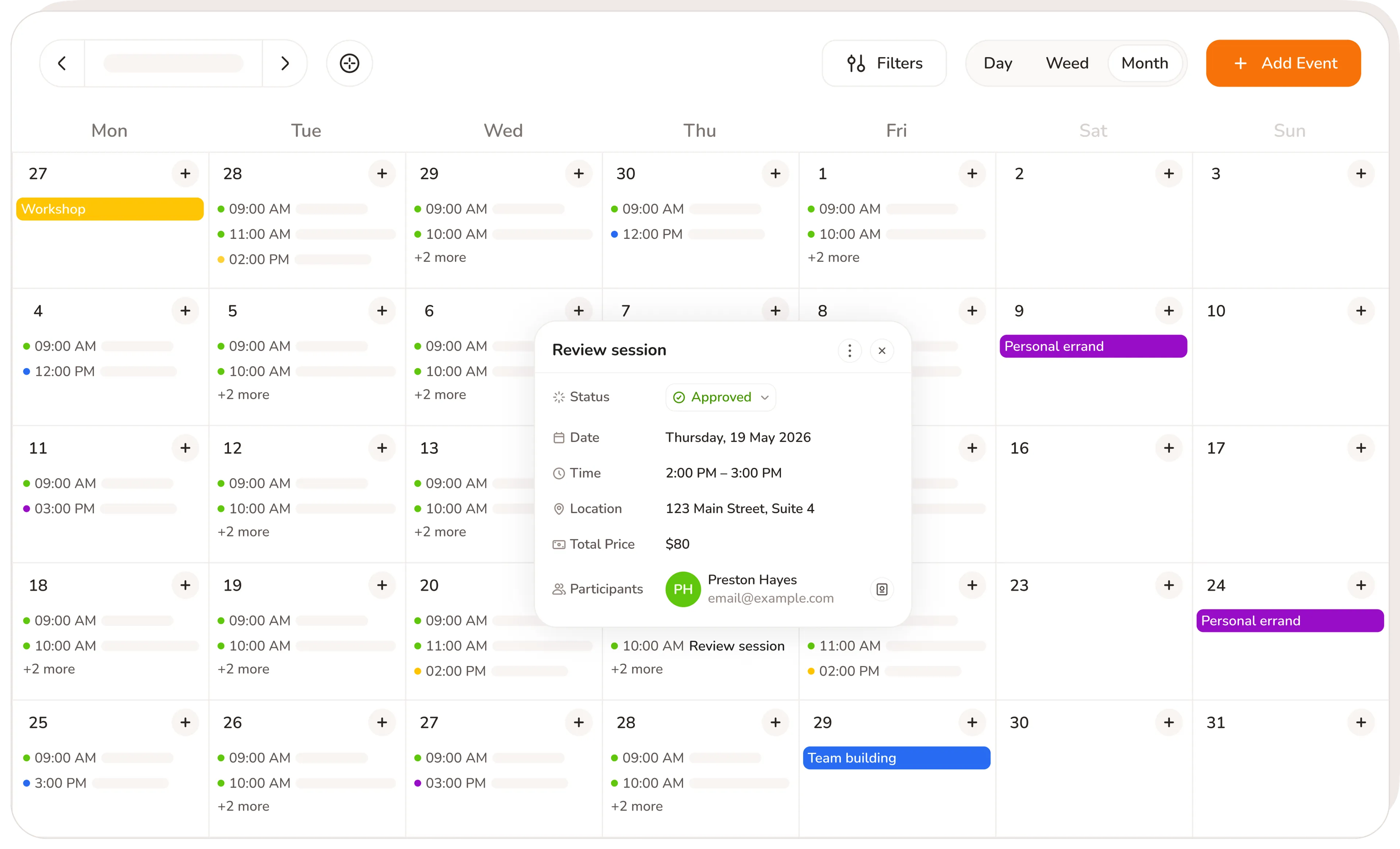
Every Calday event holds the client's name, the service booked, the price, and whether they've paid. One place for every job in your day
No credit card required · Free forever · 4.8/5 on G2
Sound familiar?
Without Calday:
- Jobs in Google Calendar with no service, price, or client attached
- Opening three different apps to manage one job
- Generating payment links manually, outside the calendar
- Personal and work events in separate places. No single view.
- No record of what was done or charged per job
With Calday
- Every event holds the service, client, price, and payment status
- Everything managed from inside the event. One place.
- Payment link generated in one click, directly from the calendar
- Google, Outlook, and iCloud sit alongside your jobs in one scheduling calendar
- Full job record attached to every event, automatically
Appointment calendar app that runs the job
Most calendars tell you when. Calday's appointment calendar app tells you what was booked, what's owed, and whether they've paid. One event. Everything.
Calendar app for small businesses, one view
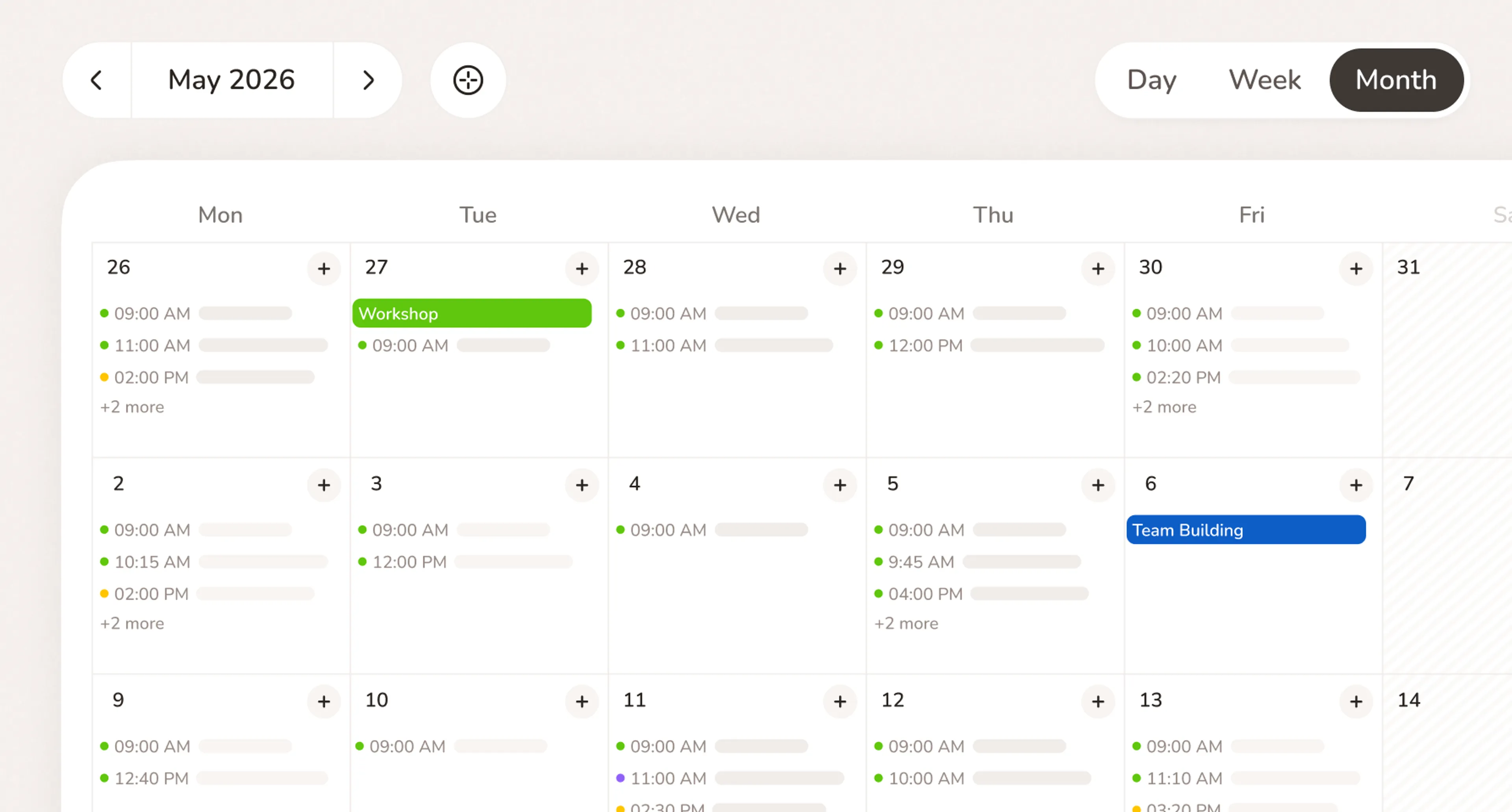
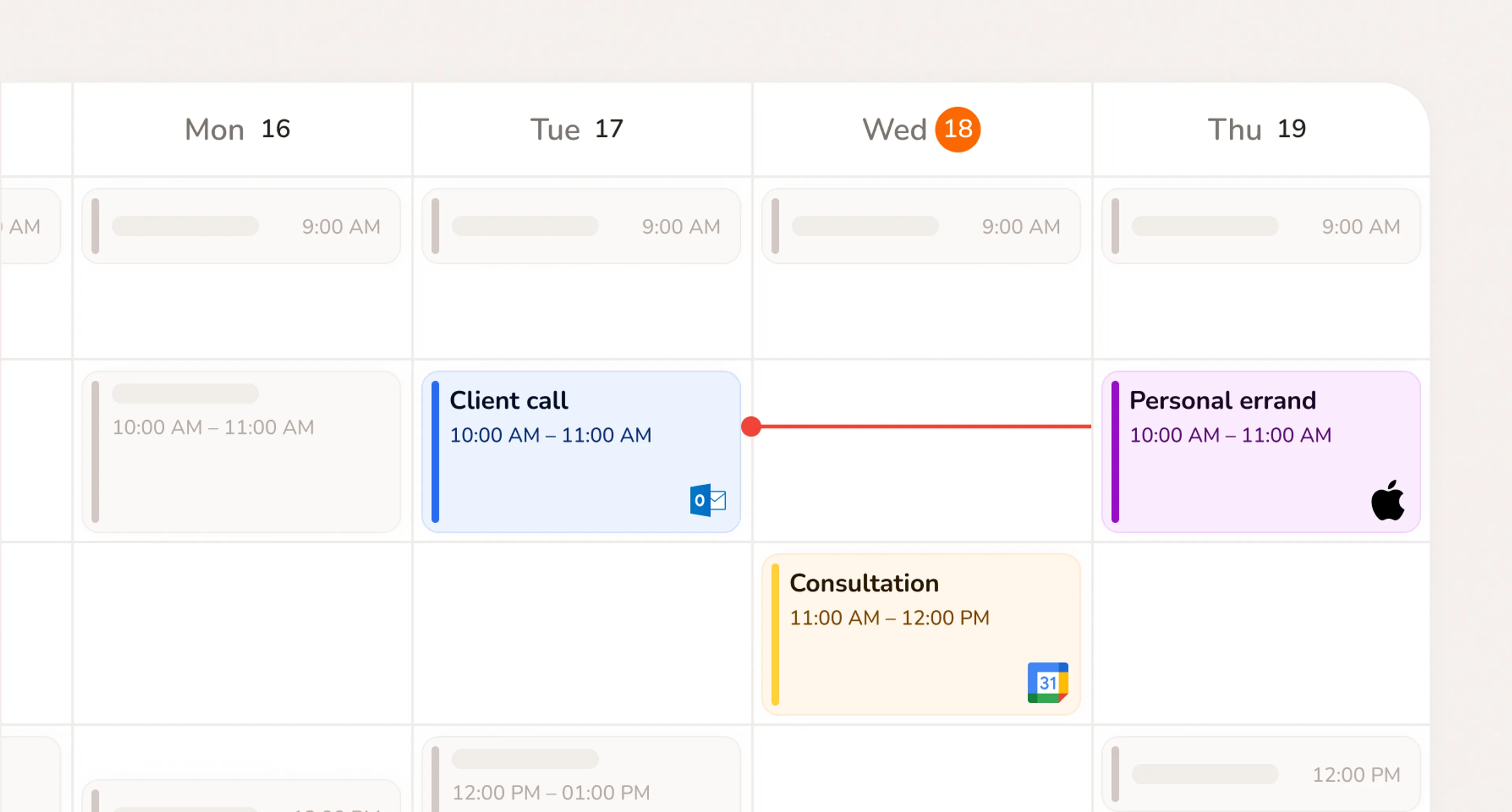
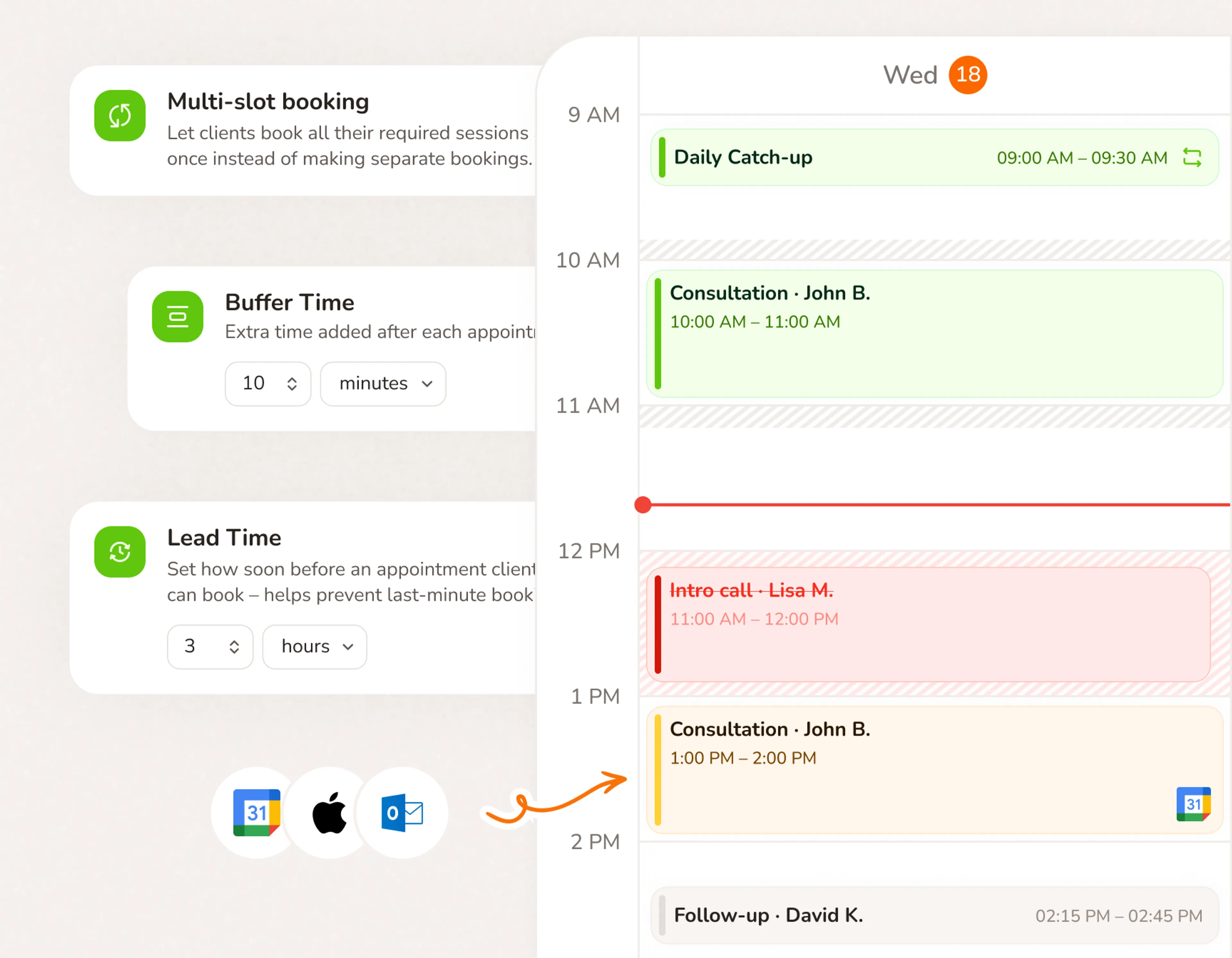
Your client booking calendar and personal schedule together. Google, Outlook, and iCloud connected. Personal events block your availability automatically.
- Client booking calendar and personal calendar in one view
- Google, Outlook, and iCloud events appear alongside your jobs
- Personal events block availability. Clients can't book over them
- Day, week, and month view in one click
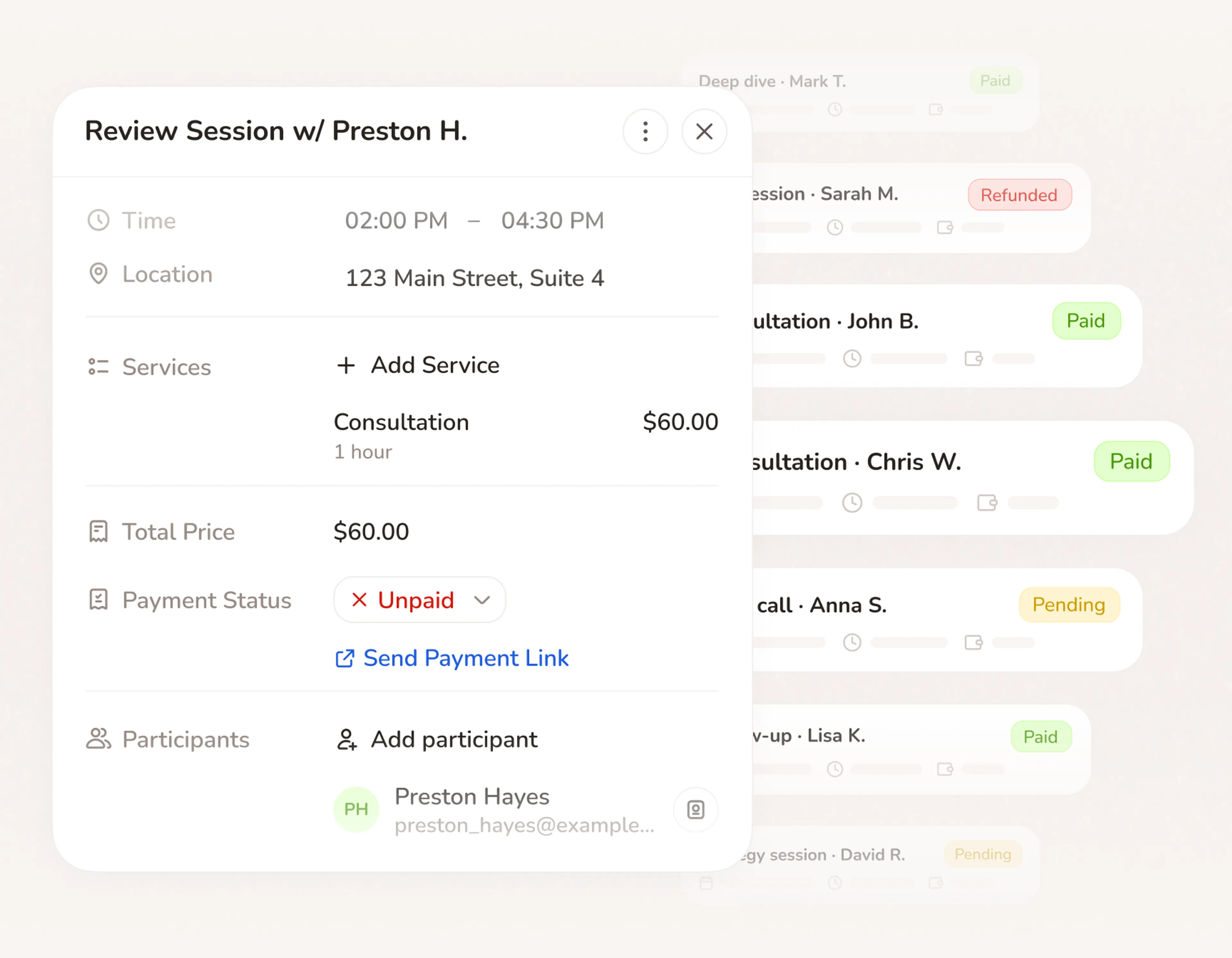
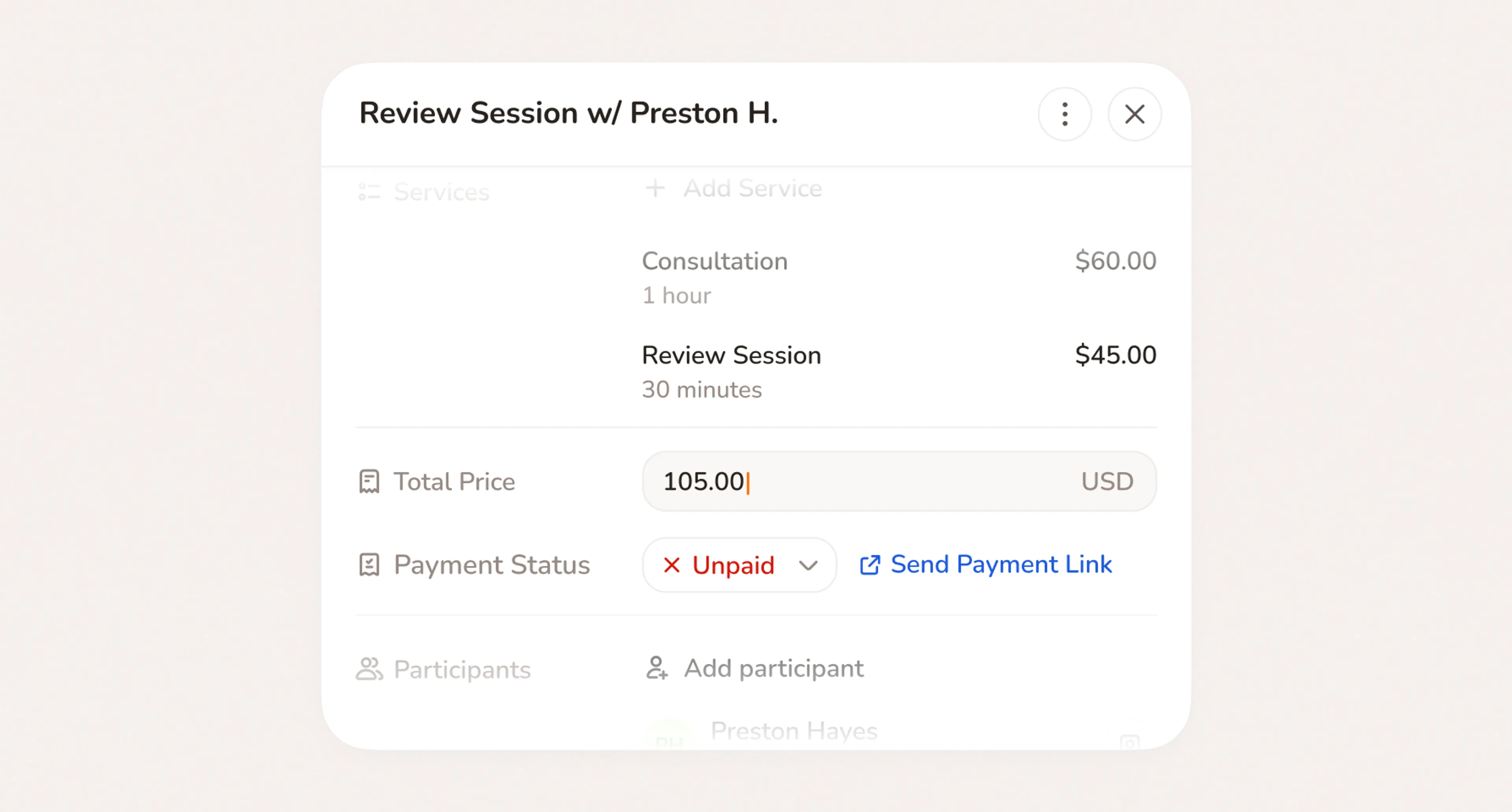
Every event is a paid job
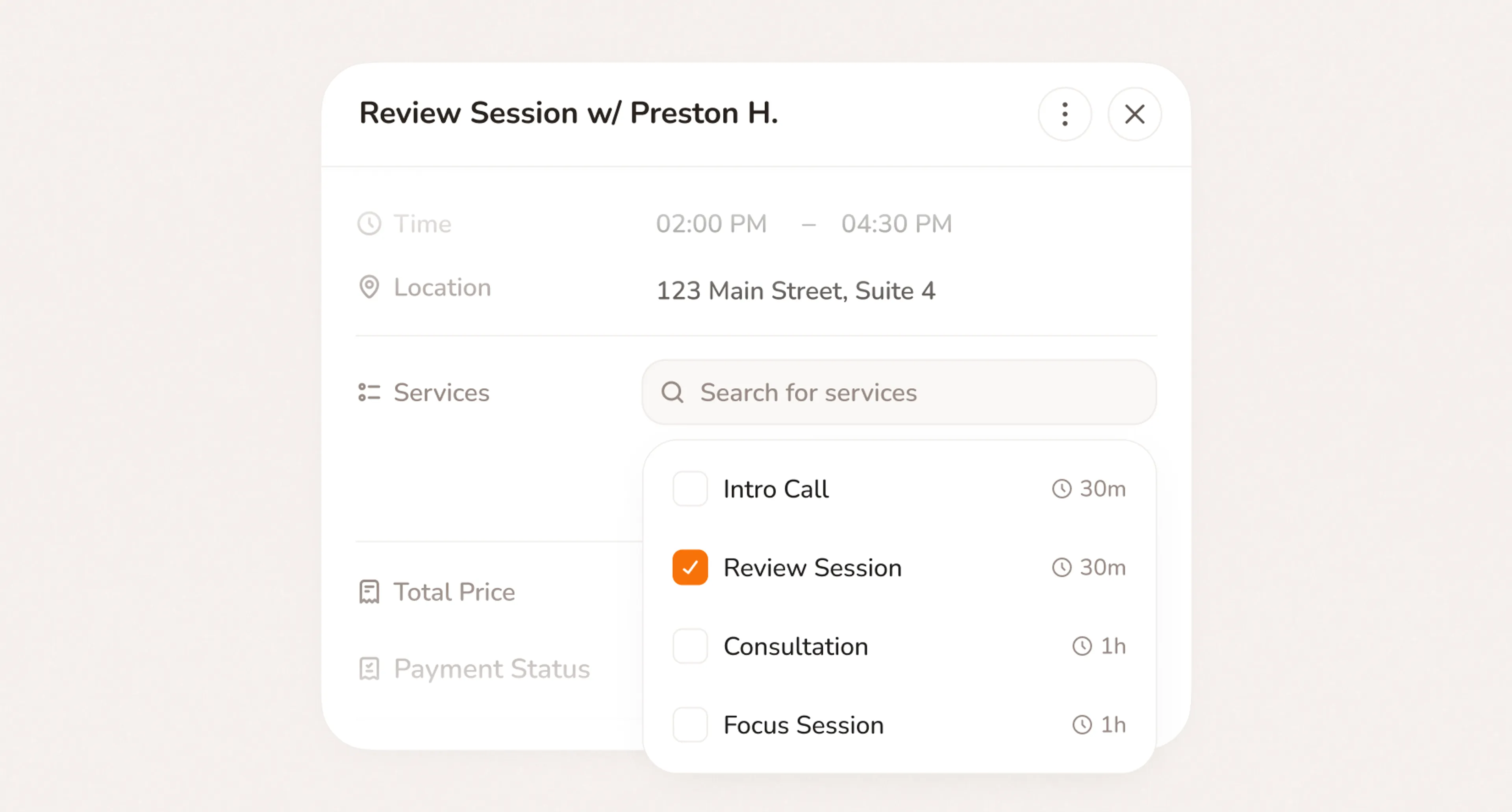
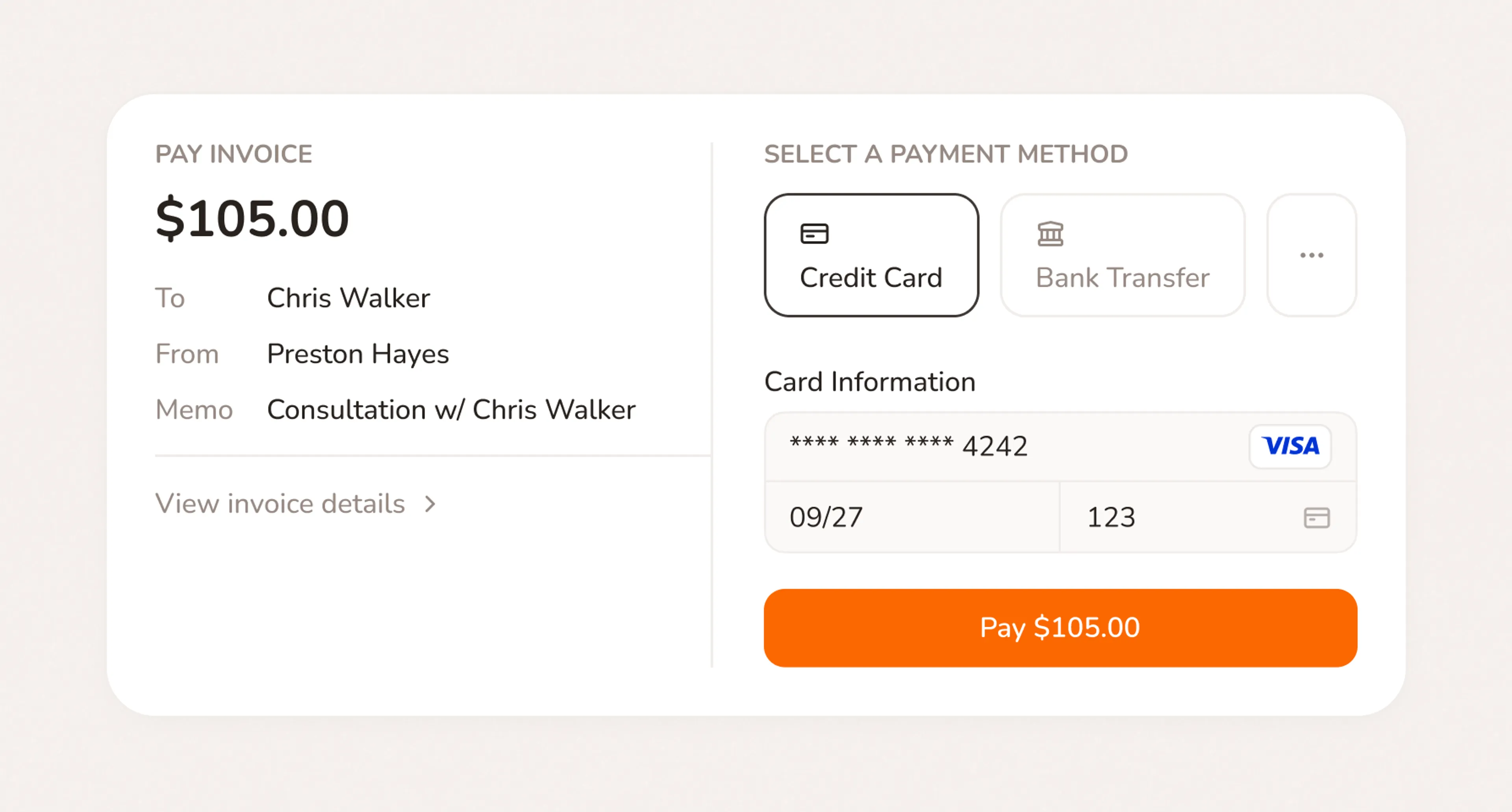
Add a service and price to any event in your scheduling calendar. Payment link in one click. Every job billable and organized before you leave.
- Service and price added directly to any event
- Payment link generated in one click. Client pays in seconds
- Client linked and notes saved automatically per job
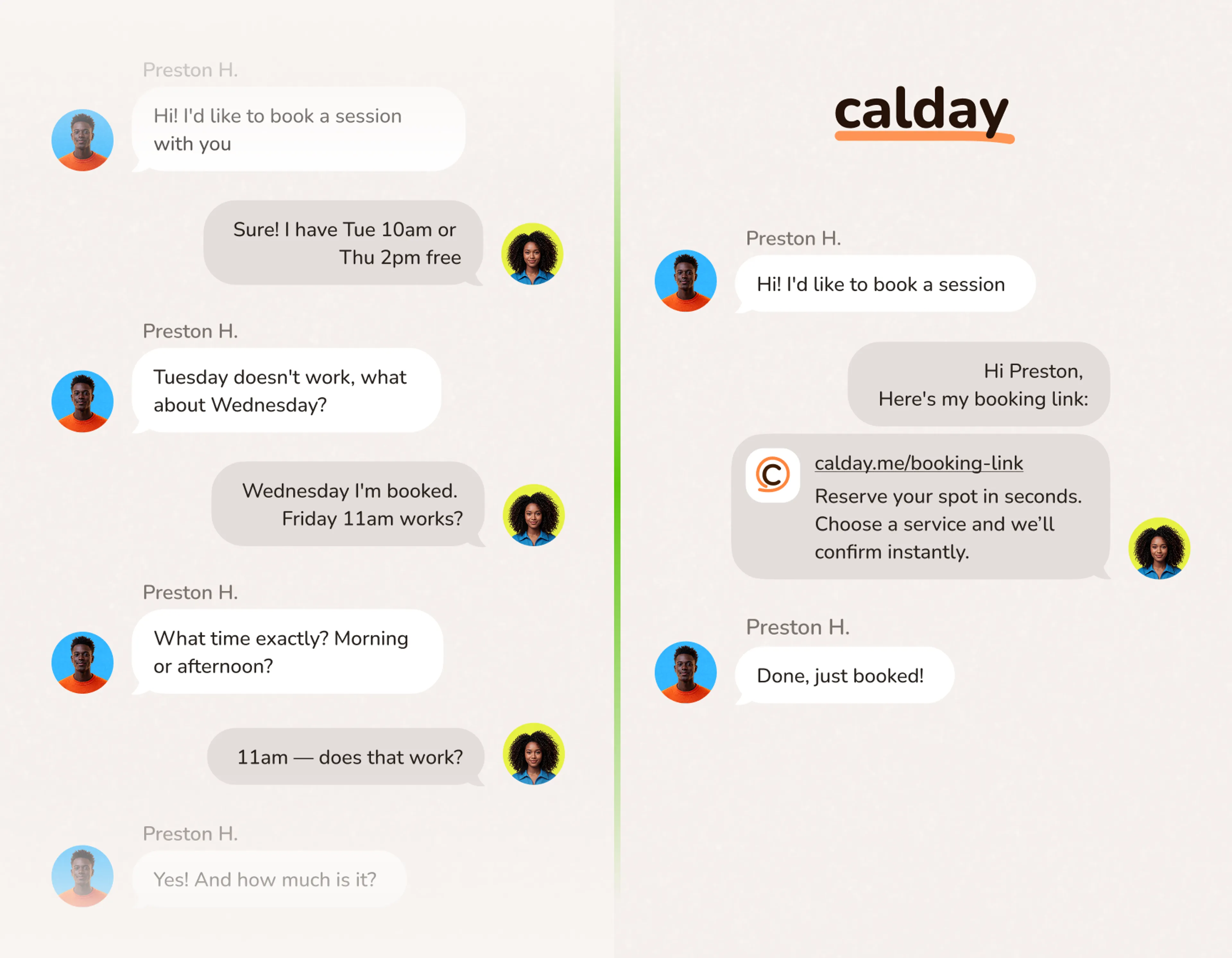
Share a link. Clients do the rest.
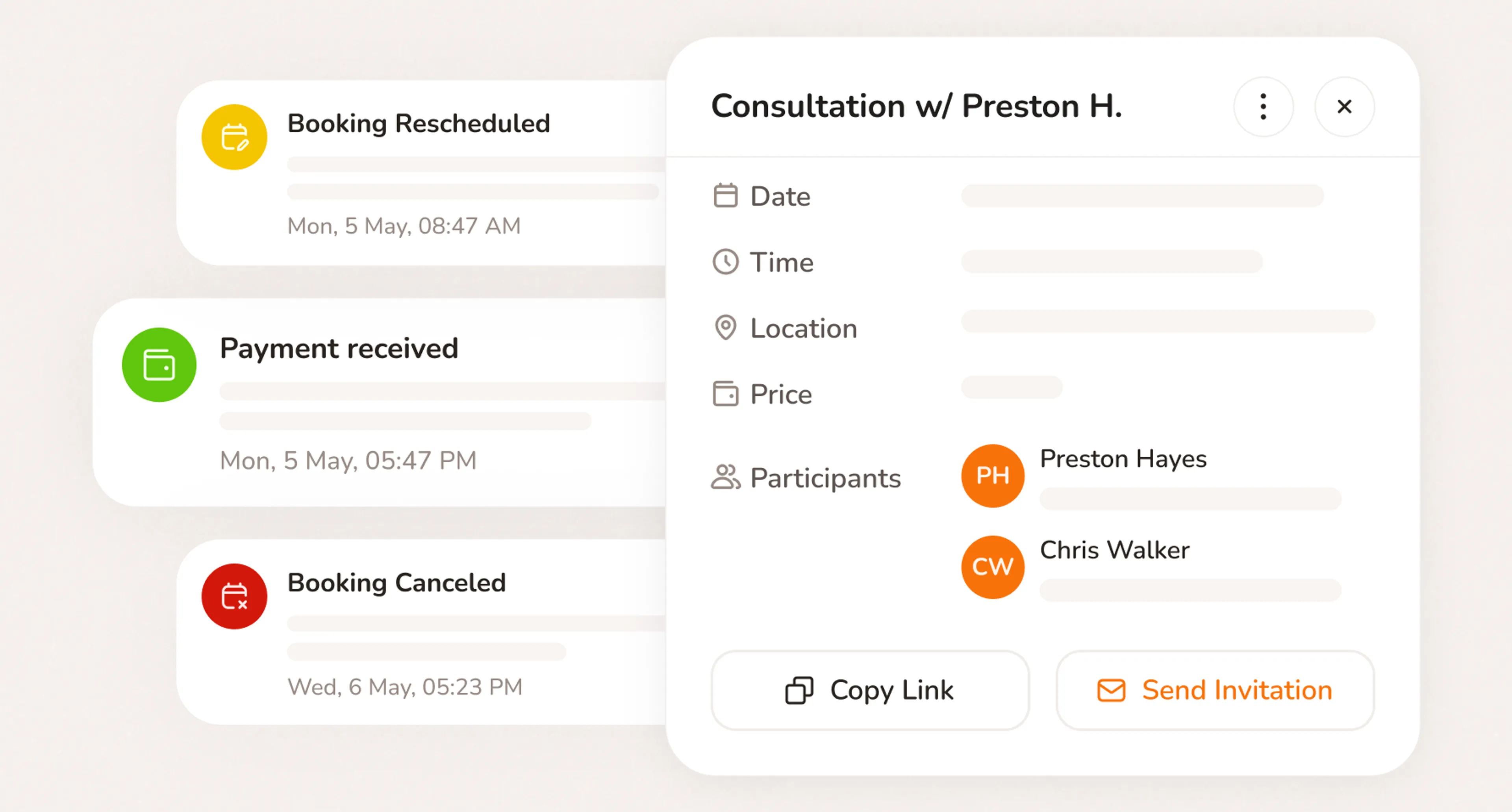
Every event has its own link. Share it. Clients reschedule, cancel, or pay. Calendar updates automatically.
- Share any event link. Clients reschedule or cancel themselves.
- Outstanding payments collected through the same link
- Calendar updates automatically. Nothing for you to do.
Set up in minutes. Running in days.
- No credit card required
- Free forever plan
- Free 7-day trial
What powers your calendar
Scheduling
Sets your working hours, buffer times, and availability. Keeps your online booking calendar conflict-free.
Online Booking
Client bookings land directly in your calendar. No manual entry, no missed requests.
Client Management
Every event links to a client profile automatically: name, history, notes, and contact details attached to every job.
Have questions?
An online booking calendar lets clients view your real-time availability and book directly. No calls, no back-and-forth. When a client books, the appointment lands in your calendar automatically, a confirmation goes to them, and reminders are sent before the appointment. With Calday, the same calendar stores the client's details, the service booked, the price, and payment status. All attached to the event.
The best calendar for a service business connects bookings, clients, payments, and reminders in one place. Google Calendar shows when. Calday runs the job around it. Every event comes with a service, price, client notes, and a payment link built in. It also syncs with Google, Outlook, and Apple Calendar so you never manage two separate systems.
No. Clients book instantly. No signup, no download, no friction.
Yes. Calendar sync helps keep your appointments organized and reduces the risk of double booking.
This is especially important for service businesses that already manage work through Google Calendar, Outlook, iCloud, or team calendars.
Calday works for solo operators and small service businesses across many categories - 1-on-1 appointments, on-site visits, classes, consultations, rentals, and more. If you book clients for your time or space, Calday fits.
Yes. Add custom questions to any service. Collect an address, service notes, pet details, vehicle information, or anything else you need before the appointment. Answers save to the client record automatically.
Do you have more questions?
Our team is here to help