
Scheduling app for iPhone and Android


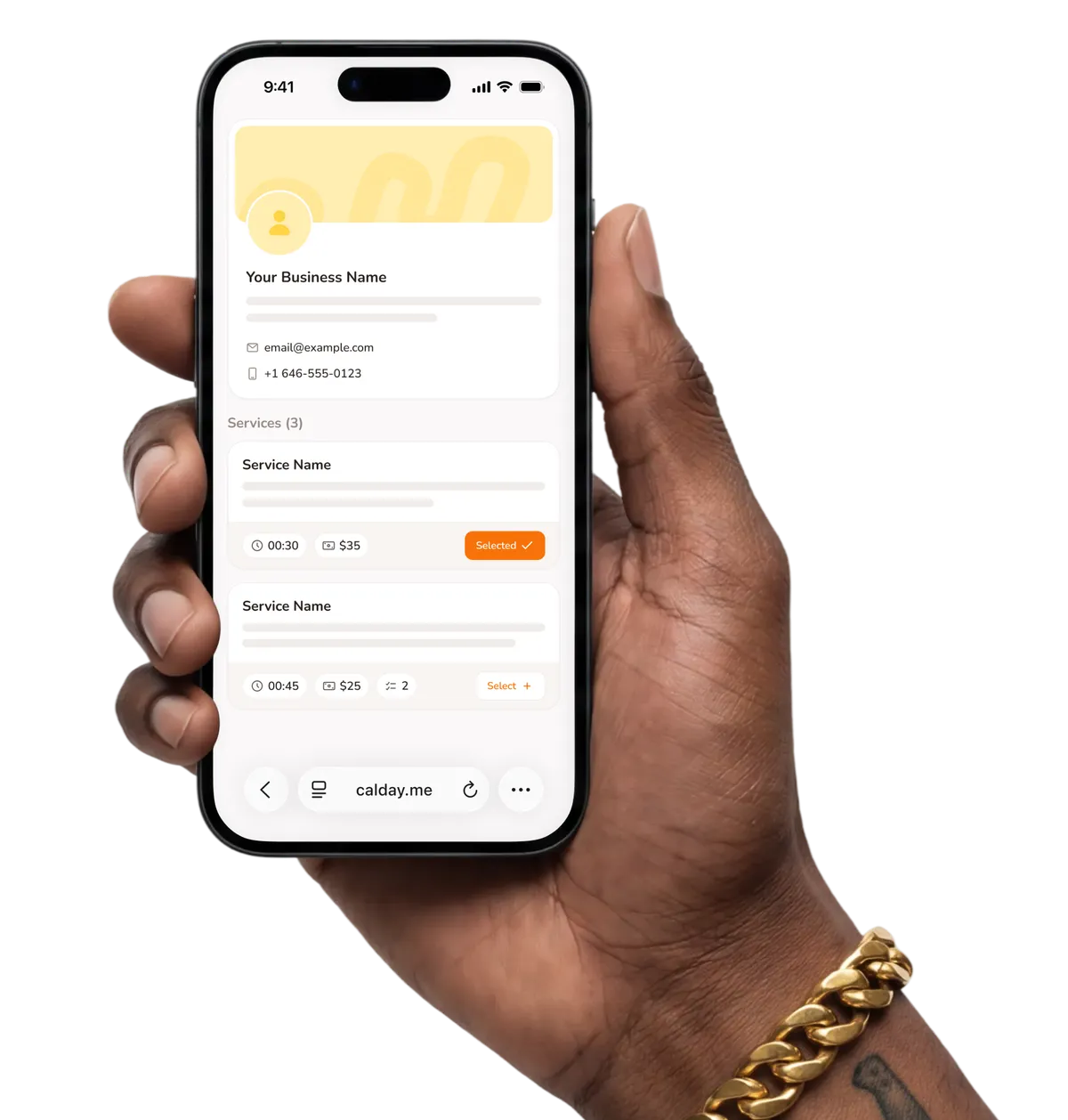
Sound familiar?
Without Calday
- You need a laptop to check or manage your schedule
- A client calls to reschedule and you're mid-job with no way to help
- Notifications go to your email. You see them hours later.
- Payment links generated from a desktop app you can't access on-site
- Client details locked to a computer you're not carrying
- Your schedule lives in your head when you're out working
With Calday
- Full schedule visible from your phone, wherever you are
- Move any appointment in seconds without getting off the job
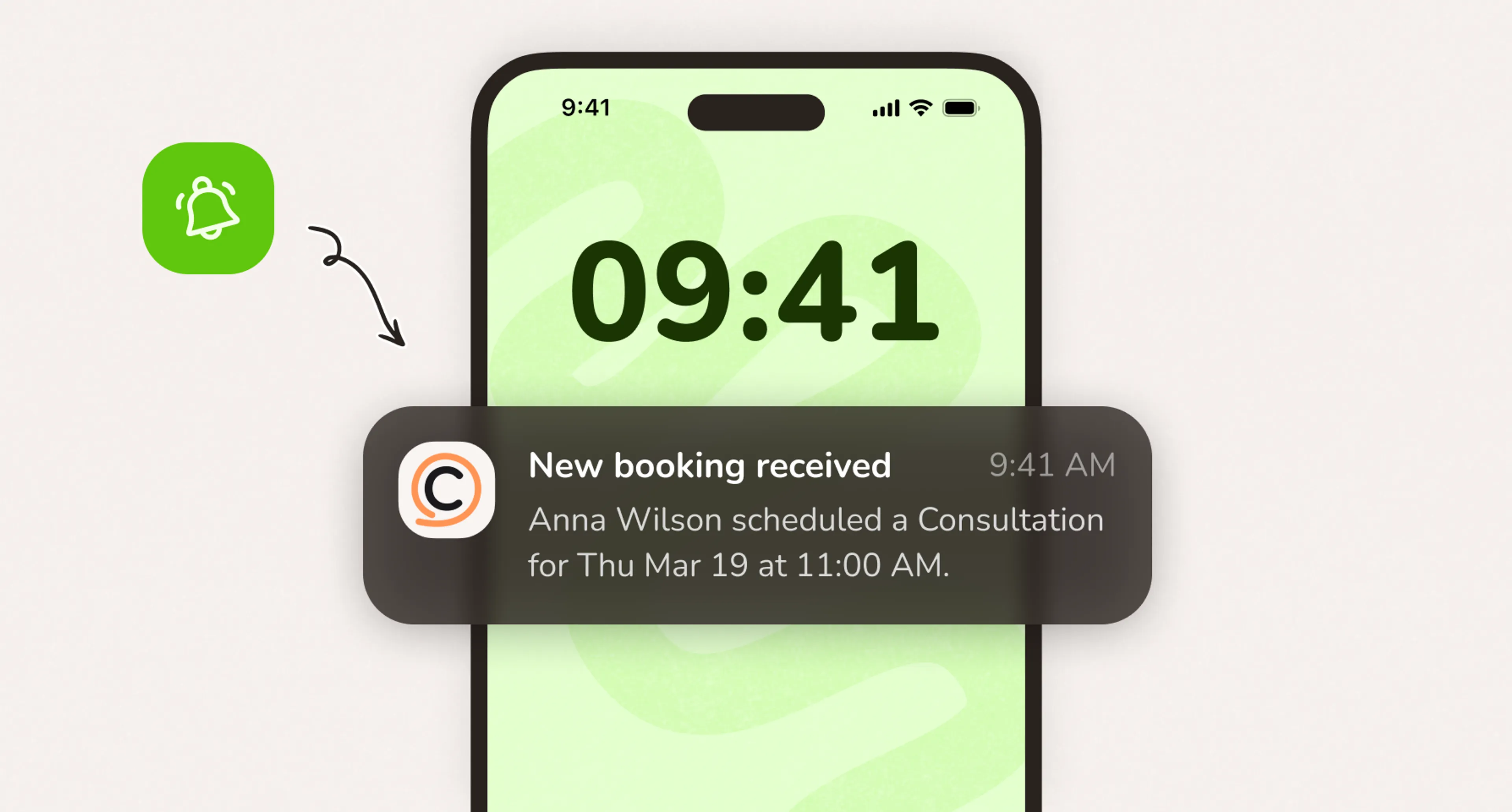
- Real-time notifications every time a client books or cancels
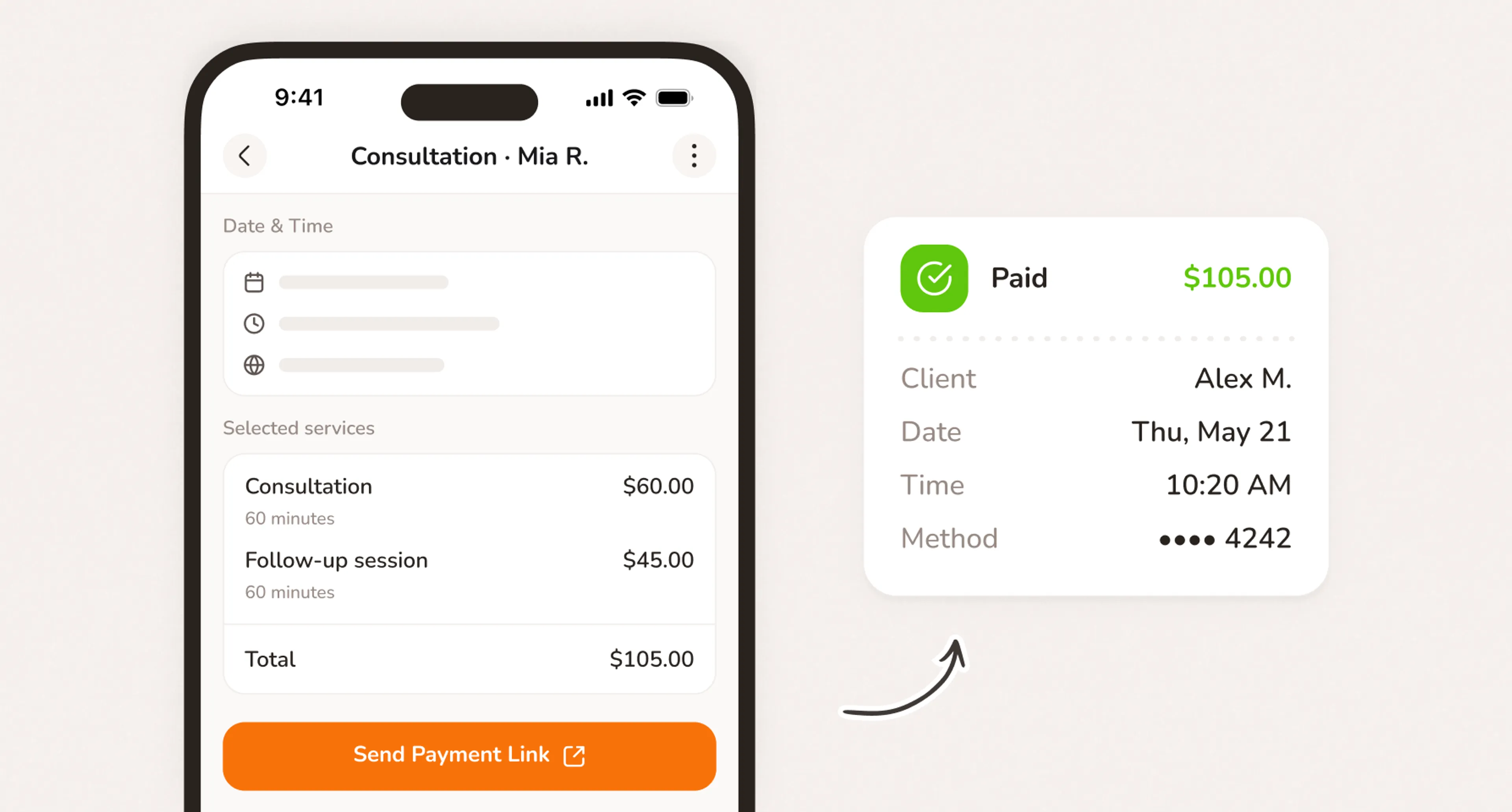
- Send a payment link from any event, directly from your phone
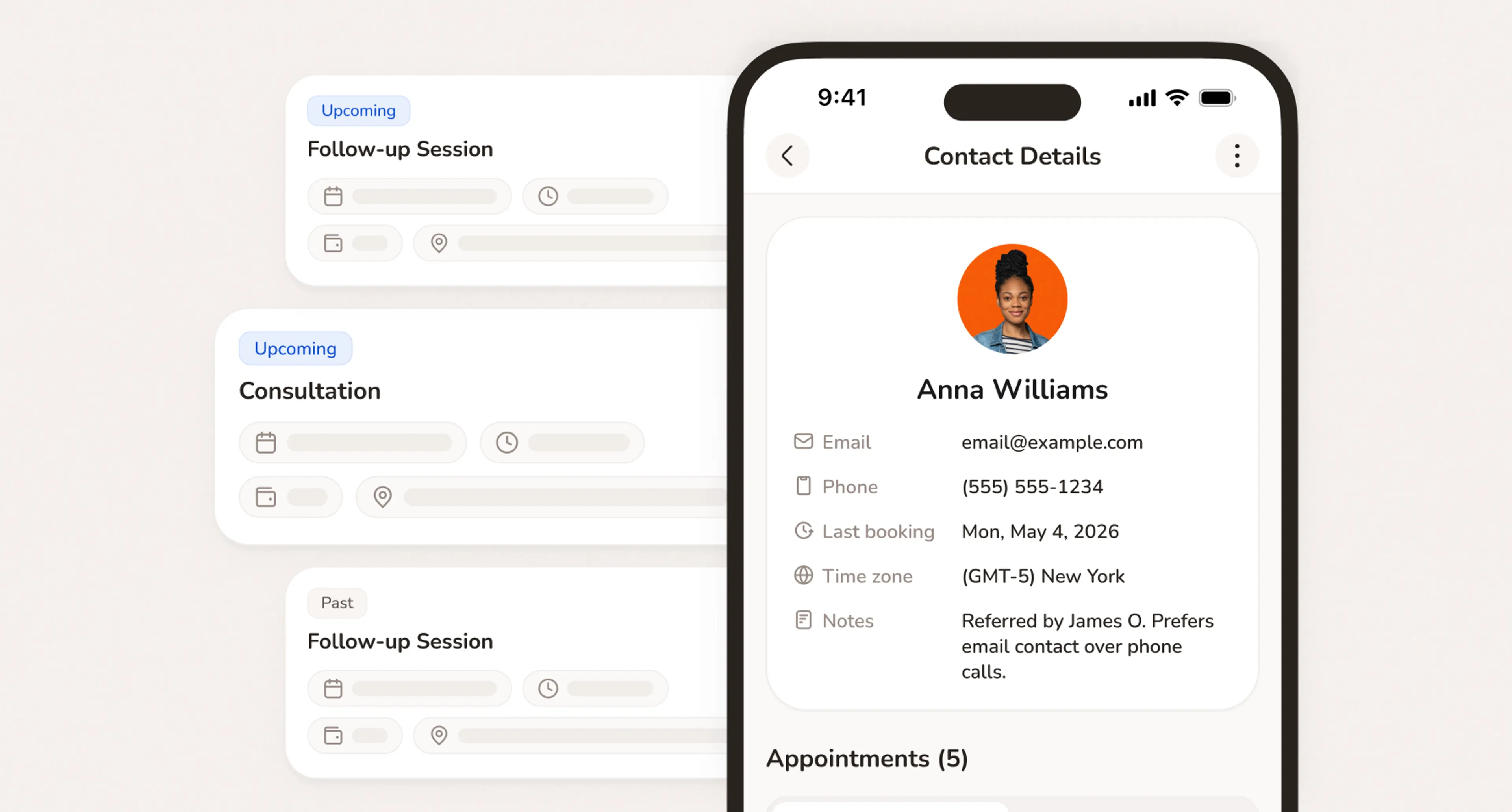
- Client profiles, history, and notes available on any device
- Your whole business accessible from the phone already in your pocket
The best scheduling app for service businesses
Everything you need to run your day. Right from your phone.
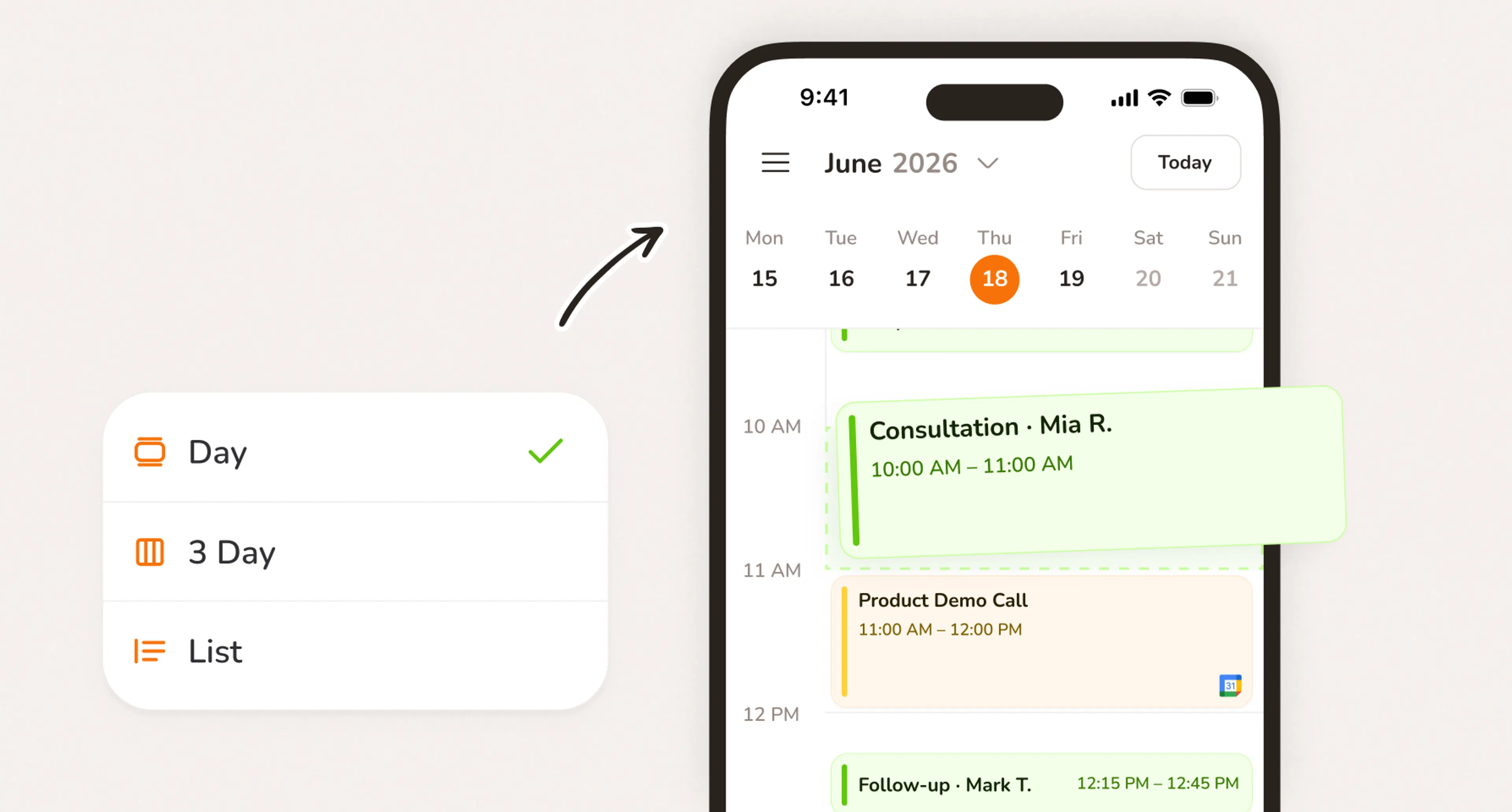
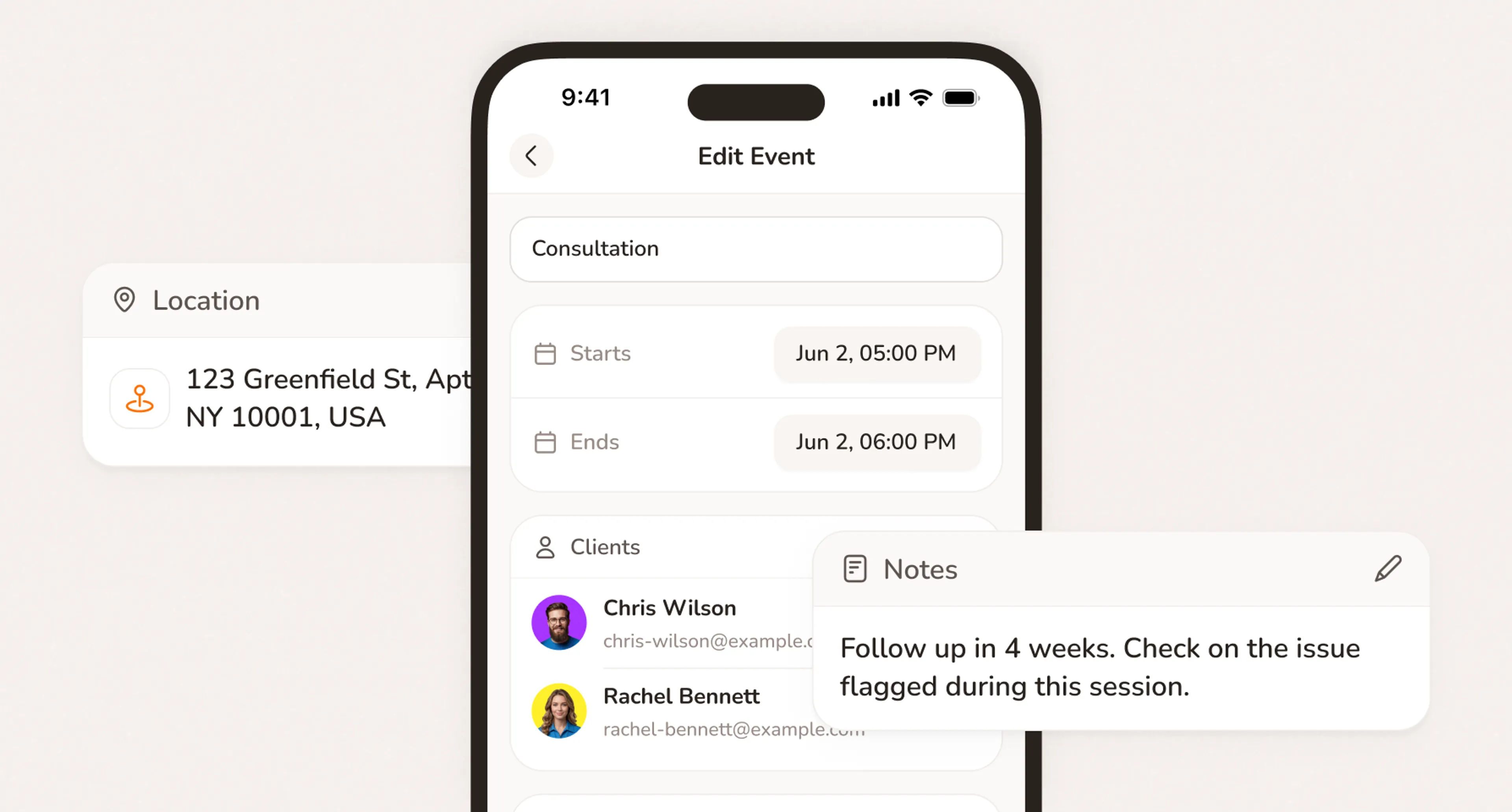
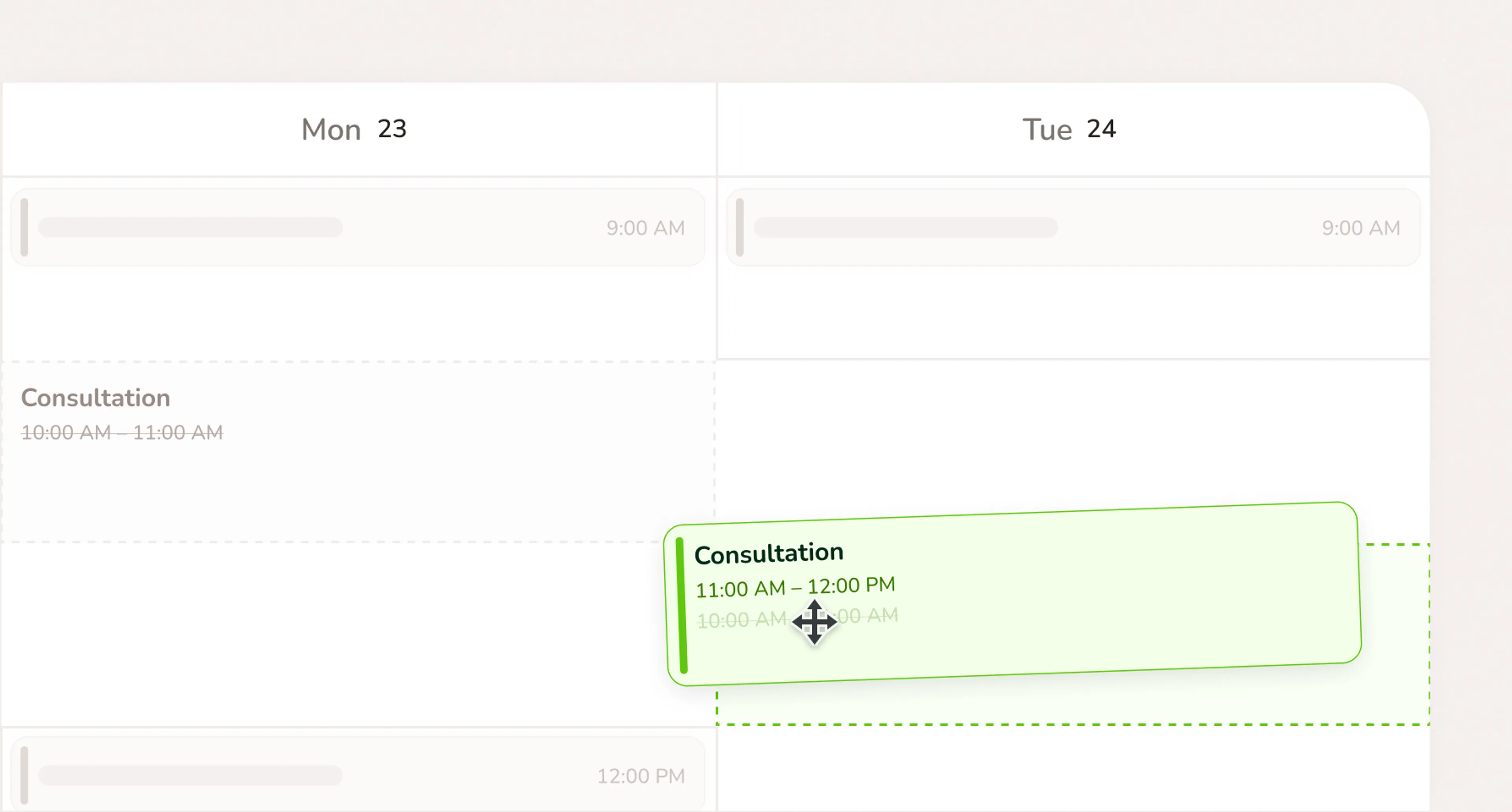
Calday app. Your whole business in your pocket.
The Calday app gives you the same control you have on desktop — from the phone already in your hand. Schedule, clients, payments, notifications. All of it.
- Full schedule and calendar from your phone
- Client records, notes, and history on any device
- Real-time notifications for every booking and change
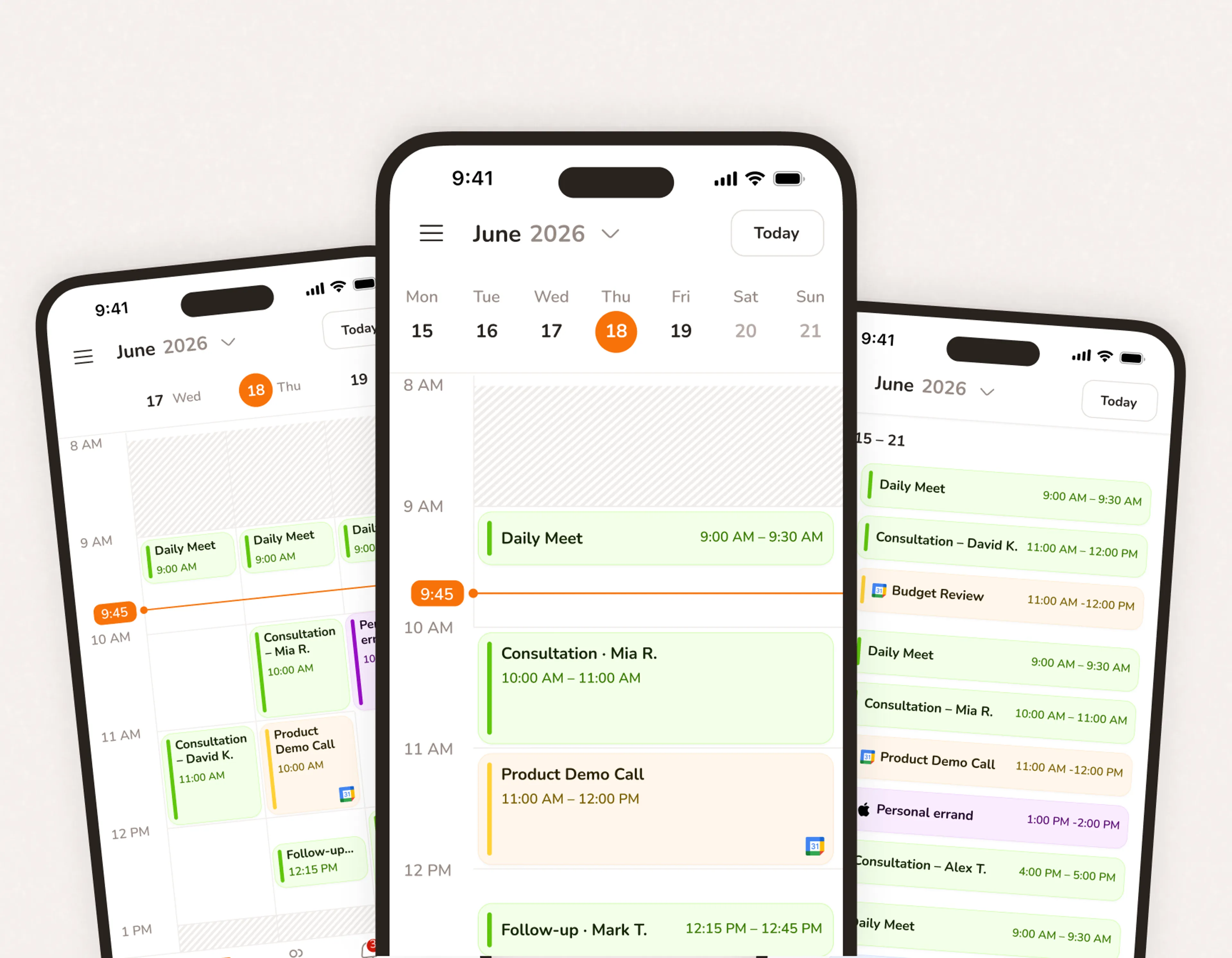
Appointment app for iPhone that keeps up with your day
Calday iOS puts your booking page, calendar, and clients in one app. New booking comes in while you're on a job? You'll know before you finish the sentence.
- Full Calday experience on iPhone and iPad
- Push notifications for bookings, cancellations, and payments
- Calday iOS available free on the App Store
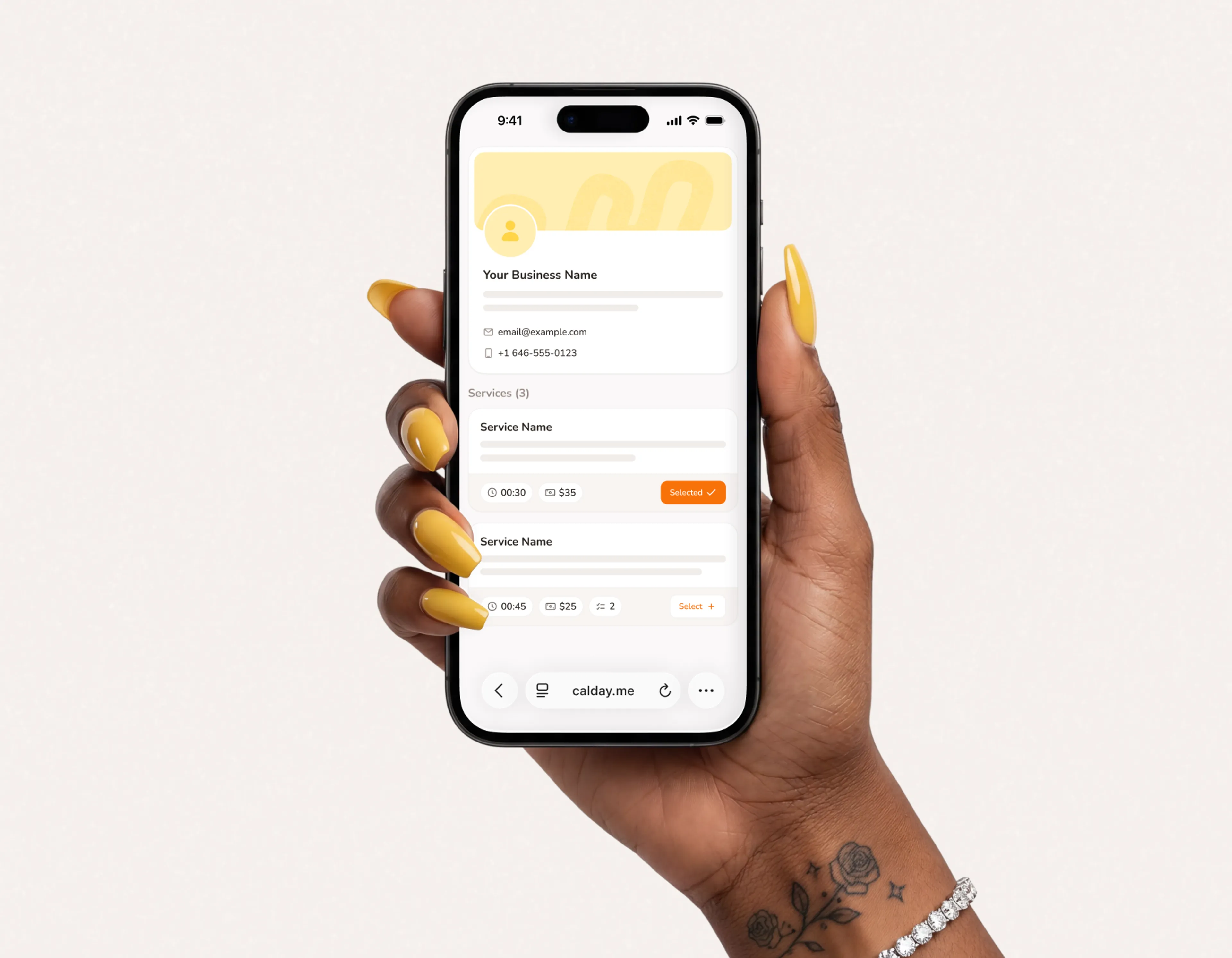
Appointment app for Android. Same power, any device.
Calday Android works the same as iOS. Full schedule, full client list, full payment management. Calday Android available free on Google Play.
- Full Calday experience on Android phones and tablets
- Manage bookings, clients, and payments from any Android device
- Calday Android syncs with desktop in real time
Download Calday. Running in 5 minutes.
- No credit card required
- Free forever plan
- Free 7-day trial
The app works with your whole Calday account
Scheduling
Your availability rules, buffer times, and booking limits apply everywhere. Set them once on any device and they run on all of them.
Payments
Collect deposits, send payment links, and check payment status from your phone. Stripe, Apple Pay, and Google Pay work the same on mobile.
Client Management
Full client profiles on mobile. Booking history, notes, and contact details available whether you're at your desk or on-site.
Questions about the Calday
Yes. Calday is available free on the App Store for iPhone and iPad, and on Google Play for Android. Log in with your existing account and everything syncs instantly.
Yes. The Calday app gives you full access to your schedule, client records, bookings, and payments. You can manage everything from your phone that you can manage from a computer.
Yes. Push notifications go out the moment a client books, cancels, or reschedules. You see it on your phone before you'd ever check your email.
Yes. Open any event in the app and generate a payment link in one tap. The client pays from their phone. Payment status updates in your calendar immediately.
Your existing schedule stays visible without a connection. New bookings and updates sync as soon as your signal returns.
Do you have more questions?
Our team is here to help