
Tattoo Booking Software That Fills Every Slot

Sound familiar?
Without Calday
- Client booked a 3-hour custom piece. Texted at 9:47am to cancel. Chair gone for the day.
- You asked for a deposit over Instagram. Awkward silence. They ghosted.
- Peak hours Saturday. A ghost. That slot was your most valuable of the week.
- Your cancellation policy exists. You've never enforced it.
- New client asked about your deposit. You explained it across four DMs.
With Calday
- Deposit required at booking. Artists using deposits report ghosts dropping 40–60%.
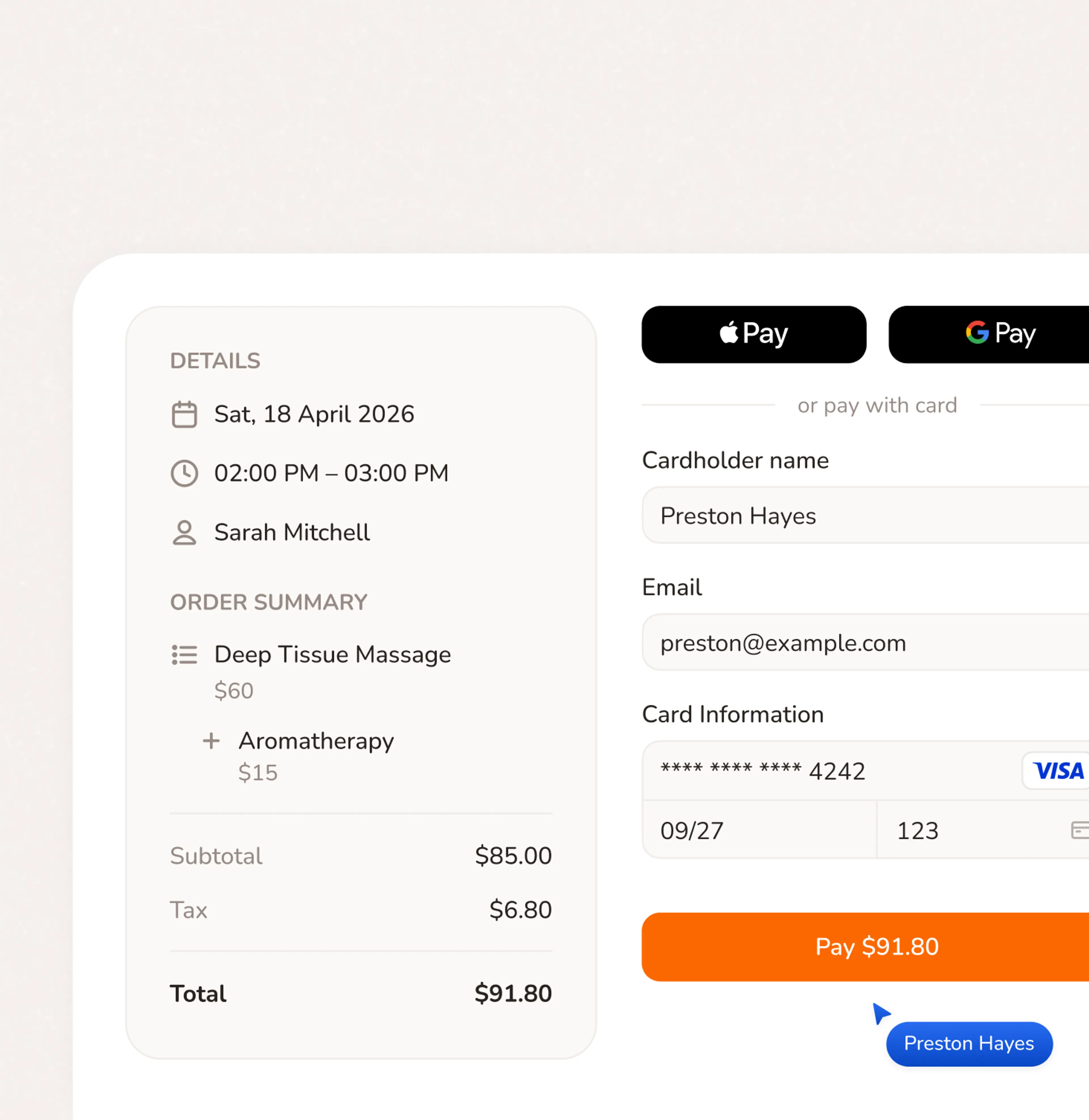
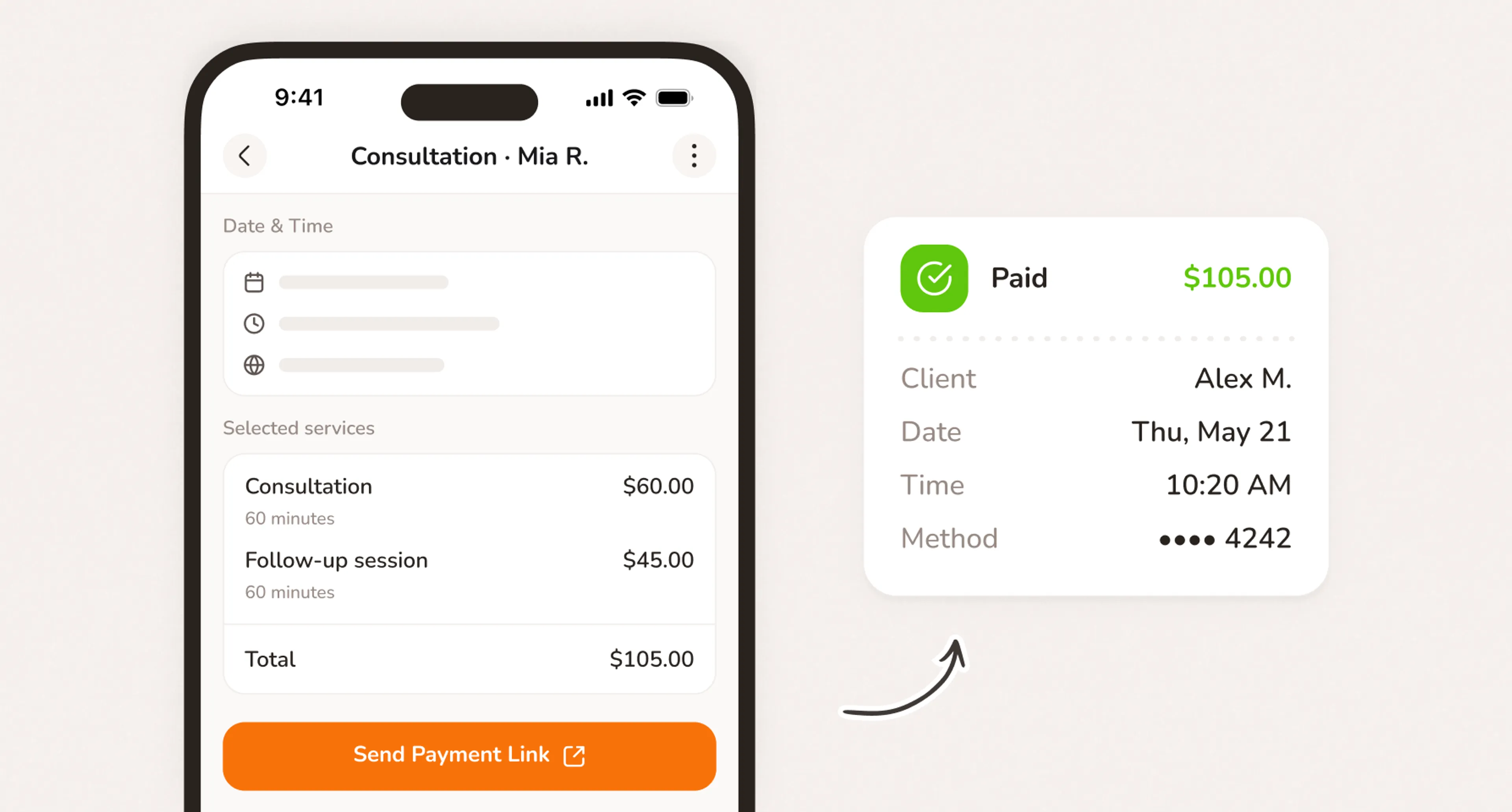
- Deposit collected online as part of the booking flow. No DM. No awkwardness.
- Slot opens. Waitlist notified automatically. Chair filled before you even check your phone.
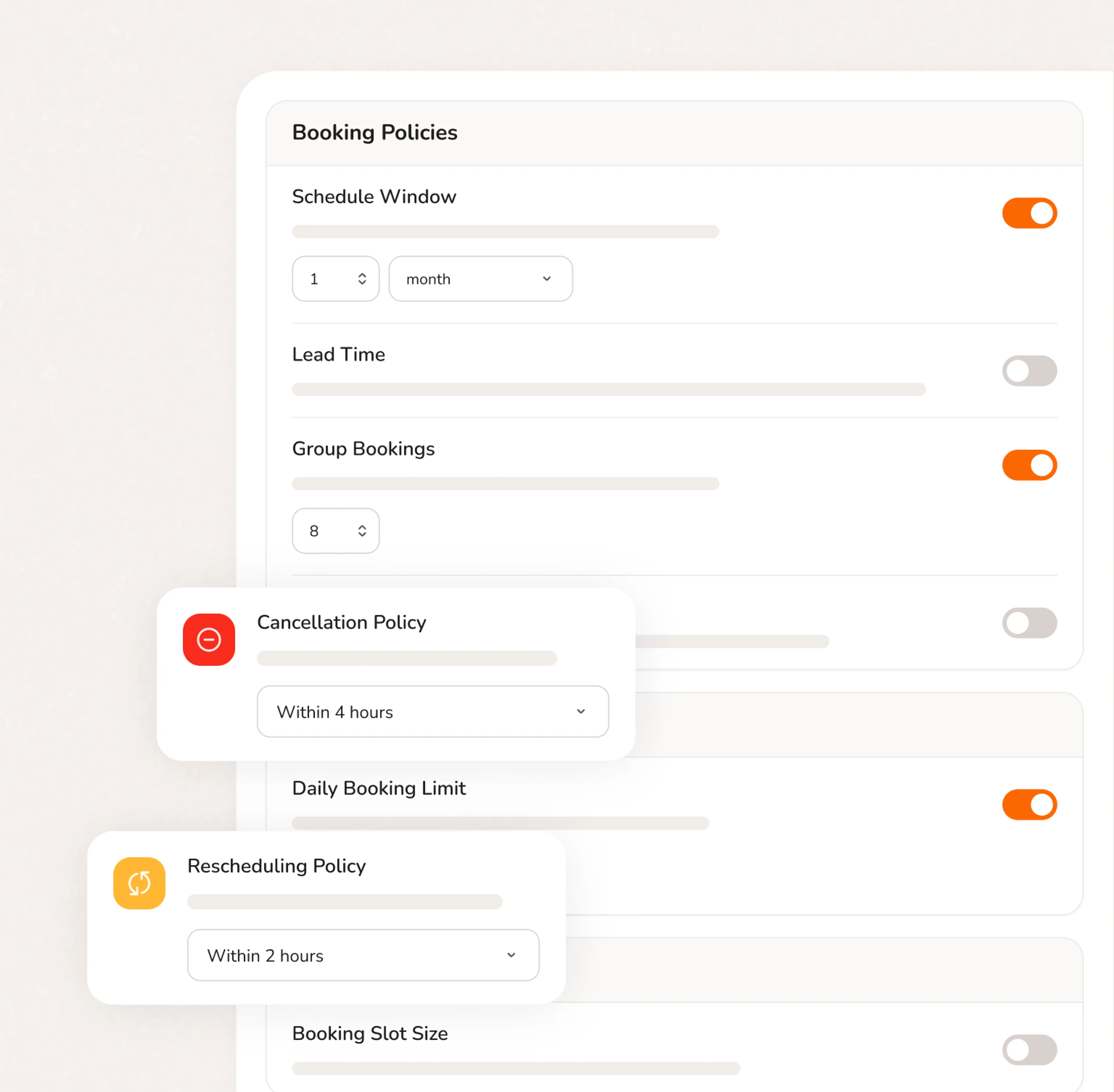
- Policy shown and agreed at booking. Enforces itself.
- Booking page shows your deposit, policy, and services. Client reads everything before they confirm.
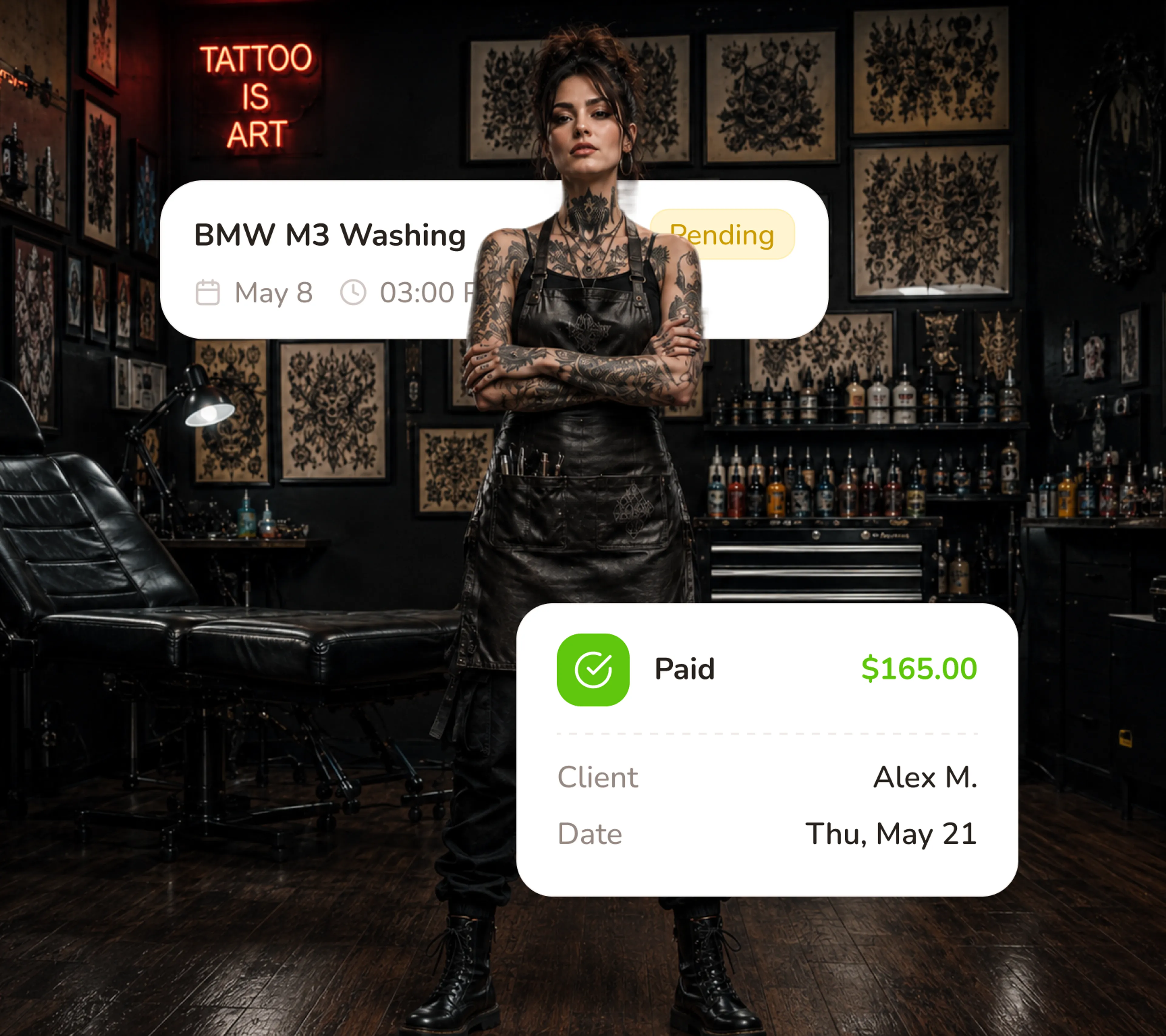
Deposit at Booking. Not in a DM.
The deposit is part of your booking flow. Clients see your cancellation policy before they confirm. They agree. They pay. The slot is locked. The Venmo request, the follow-up DM, the conversation you've been dreading - none of it happens. Because it never needs to.
- Deposit required before the slot is confirmed — card charged online
- Cancellation policy shown and agreed before booking
- Set different deposit amounts per service — flash vs. full-day custom piece
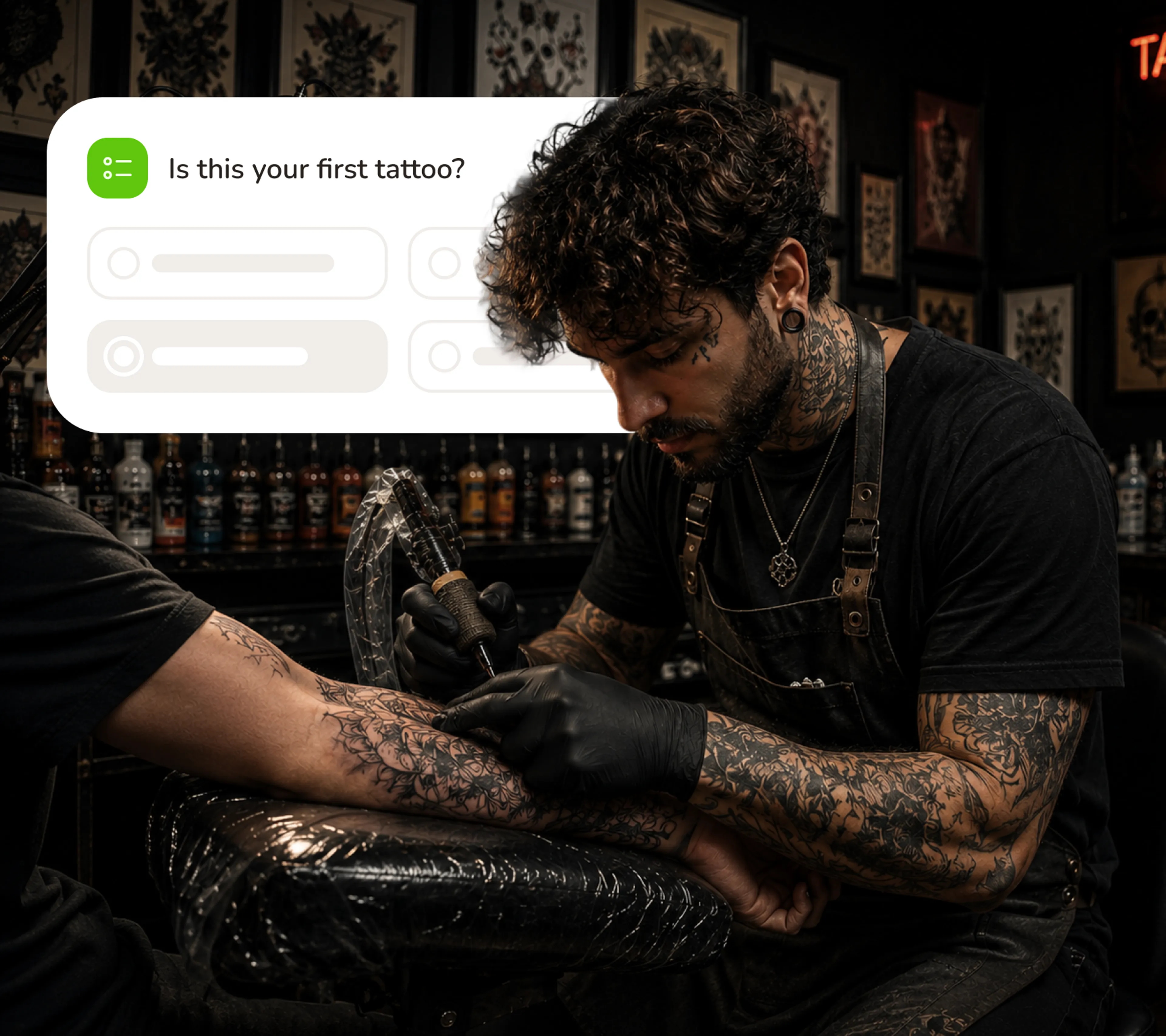
Every Client's History. One Place.
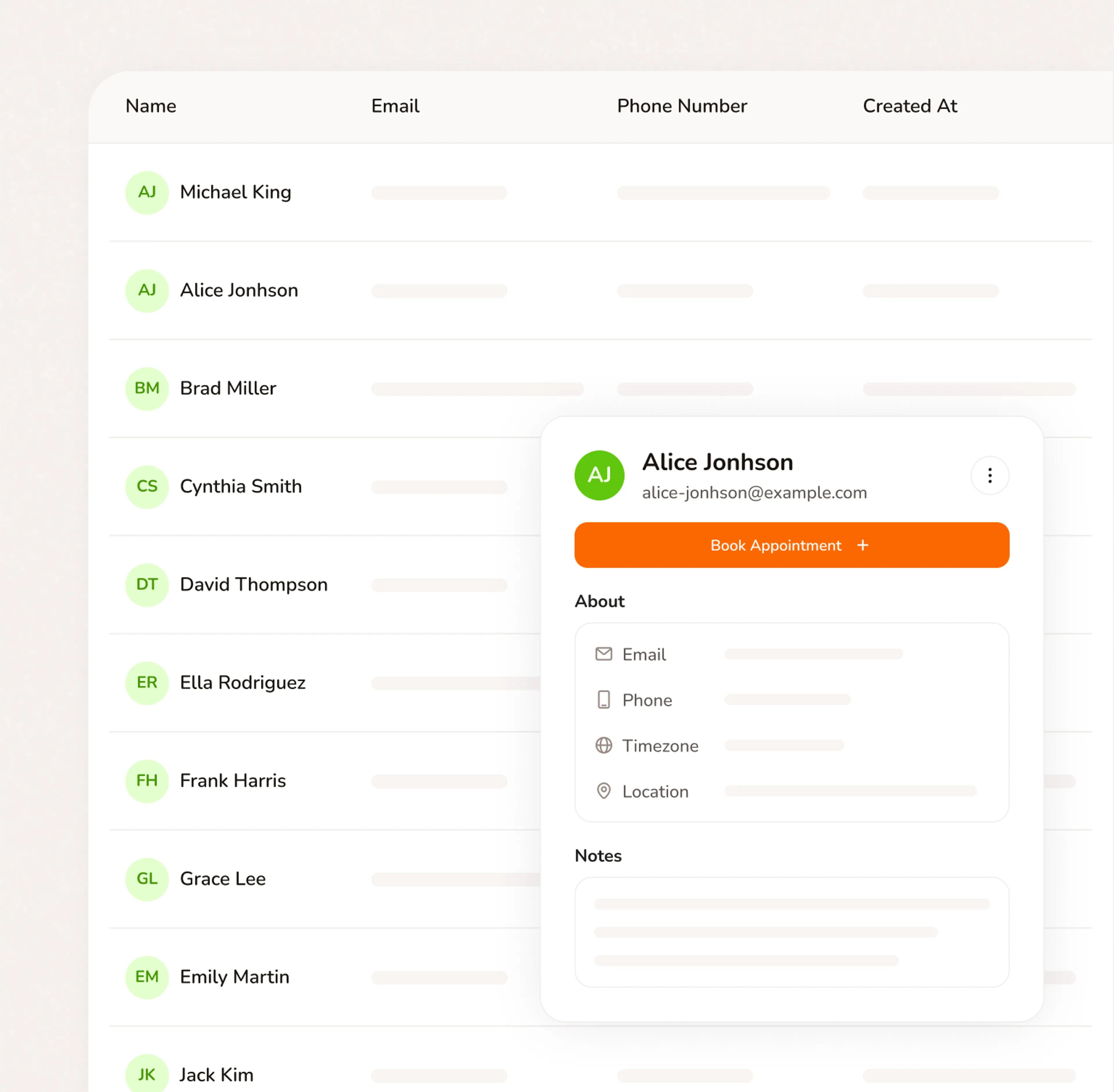
Intake notes, reference images, skin notes, consent form responses, and payment history - saved from the first booking. When a client returns, you know every service they've had and everything they agreed to.
- Custom intake questions collected at booking — skin type, reference images, aftercare notes
- Consent form responses saved to each client's record
- Full booking history per client — every visit, every service
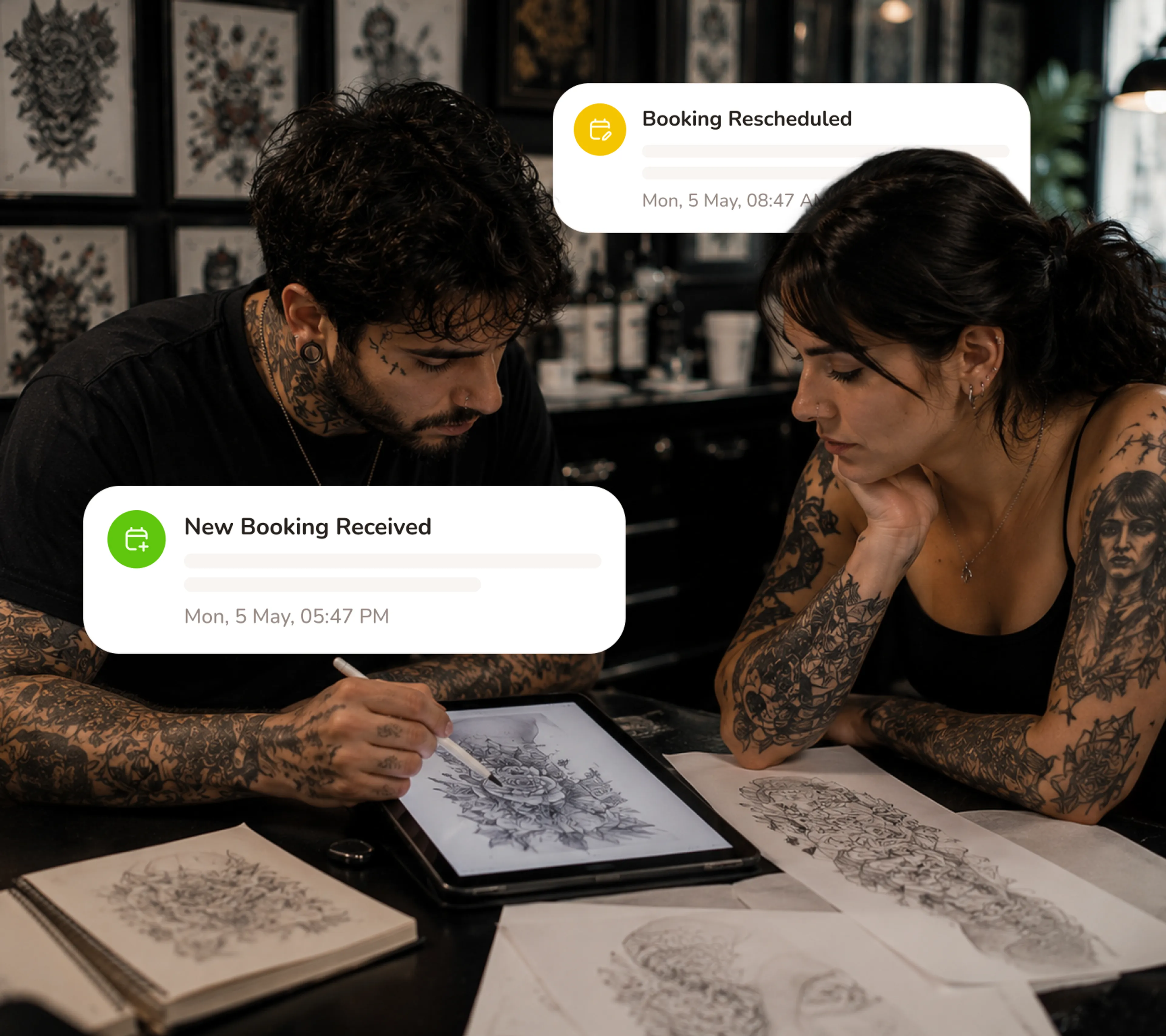
Reminders That Cut Ghost Rates
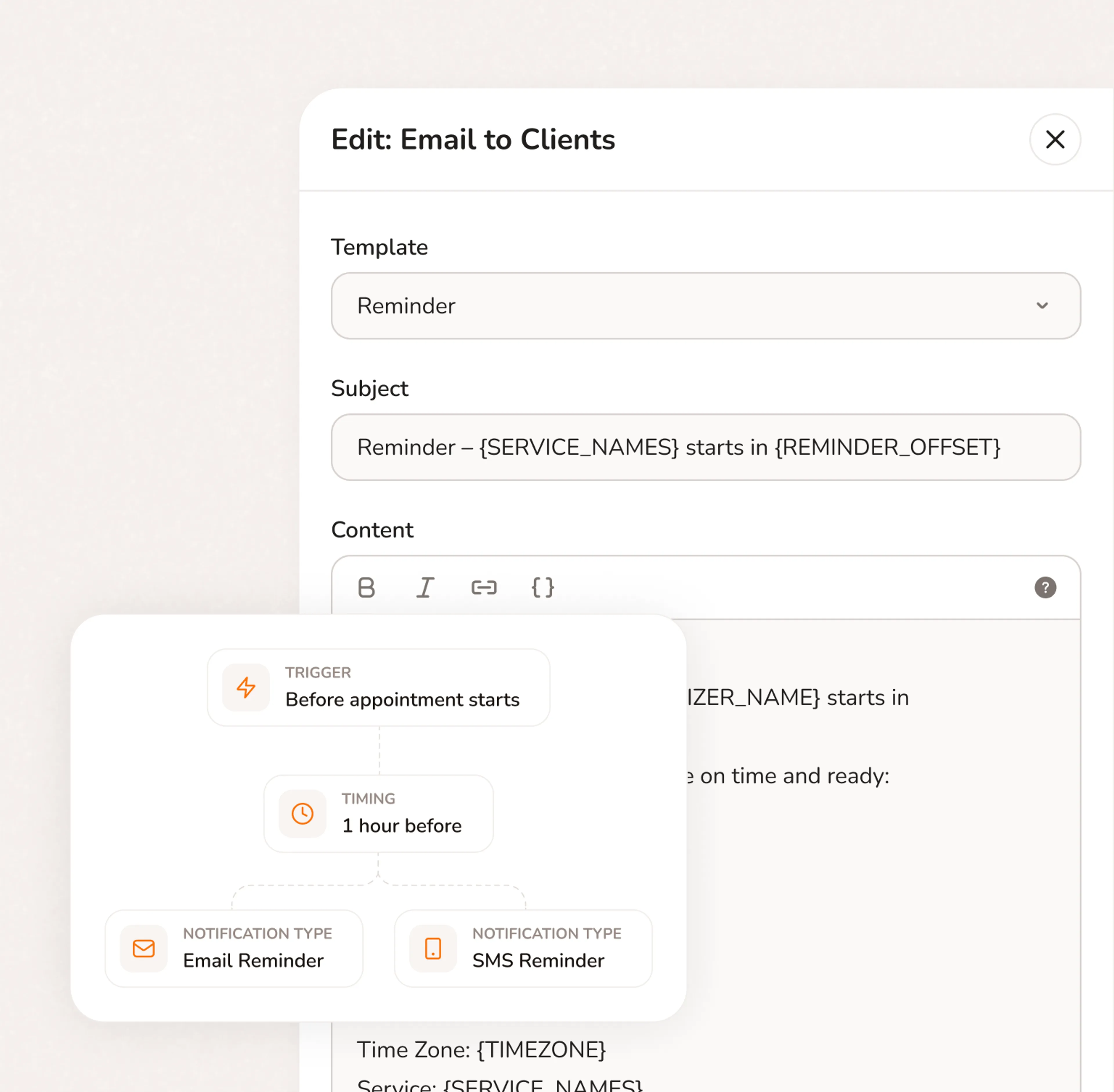
Calday sends a confirmation when the deposit is paid and a reminder 24 hours before the session. Clients who've paid a deposit and been reminded don't ghost.
- Booking confirmation sent automatically when deposit is paid
- Reminder sent 24 hours before the session
- Fewer ghosts on your most valuable Saturday slots
Live in 5 Minutes. First Deposit Today.
- No credit card required
- Free forever plan
- Free 7-day trial
Everything your service business needs to run
Stop switching between your calendar, texts, payment apps, and client notes. Calday is the small business management software that handles all of it.
Booking Page
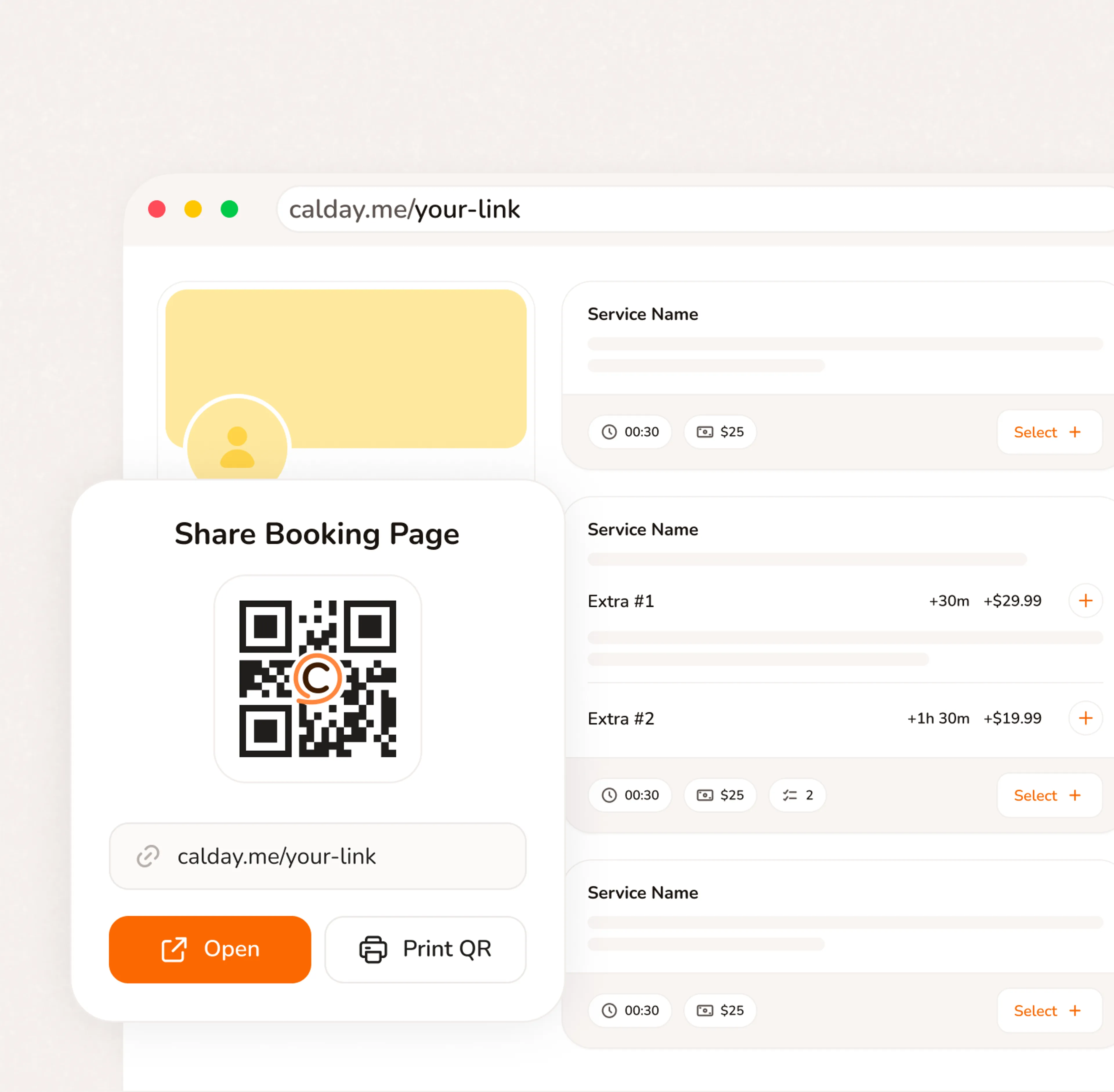
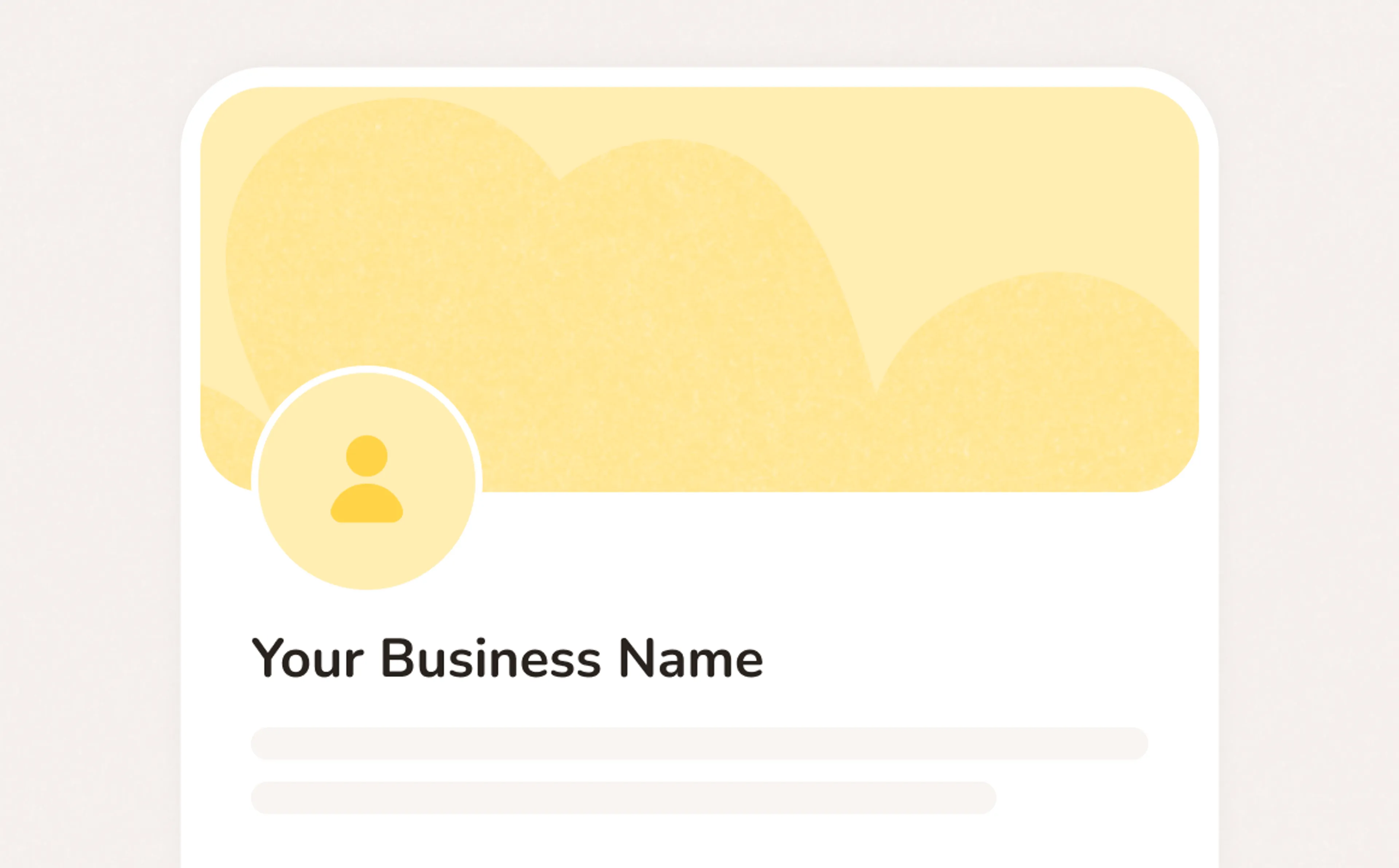
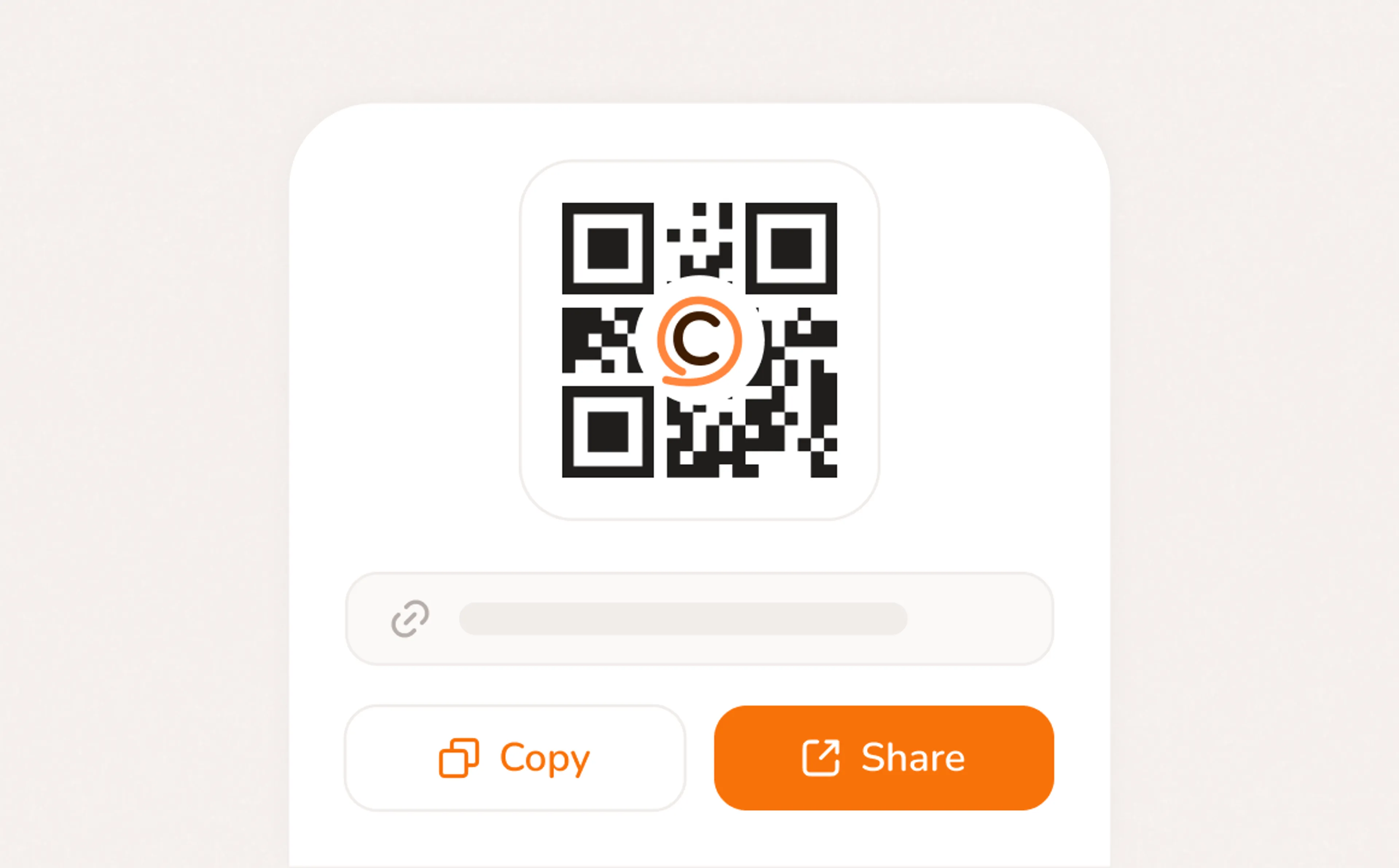
A booking page with your services, your pricing, your brand. Share a link, post a QR code, or embed on your website. Clients pick a time, confirm, and you're booked. No phone call needed.
- Your link, your brand, your services
- Accept bookings 24/7 from any device
- QR code for walk-ins, link for everywhere else
How it works?
Questions from Tattoo Artists
No. Your booking page runs in any browser — clients click your link, pick a service, pick a time, and pay the deposit. No app, no account required. Most bookings take under two minutes.
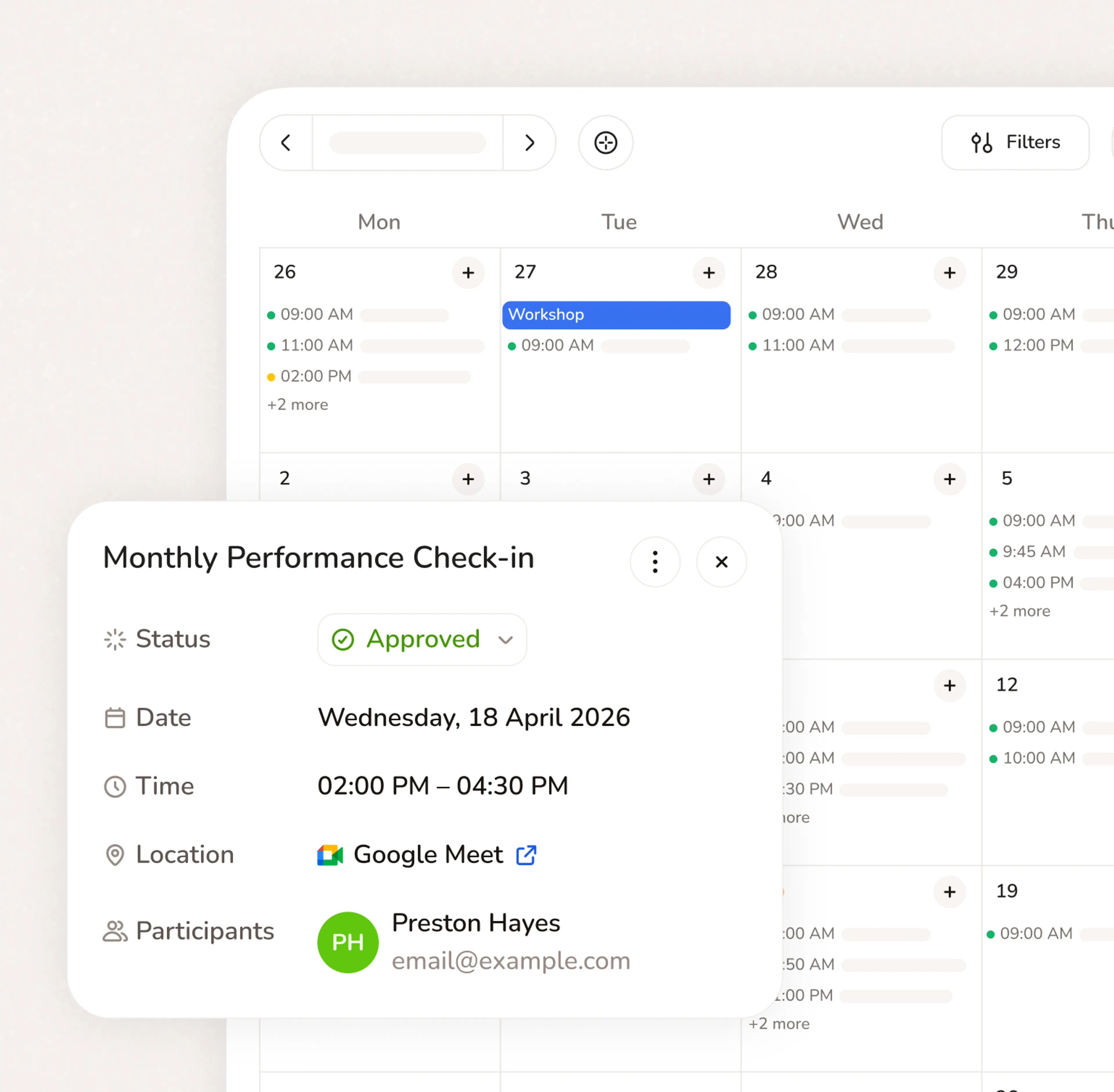
Yes. Calendar sync helps keep your appointments organized and reduces the risk of double booking.
This is especially important for service businesses that already manage work through Google Calendar, Outlook, iCloud, or team calendars.
Yes. Calday's core plan is free forever — no credit card required, no expiry. The Pro plan at $12/month adds online payments, deposits, automated reminders, and advanced settings.
The best tattoo booking app is one that collects a deposit at booking, shows your cancellation policy upfront, and fills your waitlist automatically when a slot opens. Calday does all three. It's free to start and takes under 5 minutes to set up — no commission on bookings.
Yes. You set the deposit amount per service type — different amounts for a Wash & Wax versus a Paint Correction or Ceramic Coating. Customers pay the deposit when they confirm the booking. Your cancellation policy is displayed before they book and agreed upfront.
Yes. You can add custom intake questions and consent form fields to your booking form. Clients complete them at booking — before the session. Responses are saved to their client record and available for every visit.
Do you have more questions?
Our team is here to help