
FREE
$0 per month
Key features
- 1 service
- Up to 100 clients
- 1 integration
- Booking page included

How it works?
Stop switching between your calendar, texts, payment apps, and client notes. Calday is the small business management software that handles all of it.
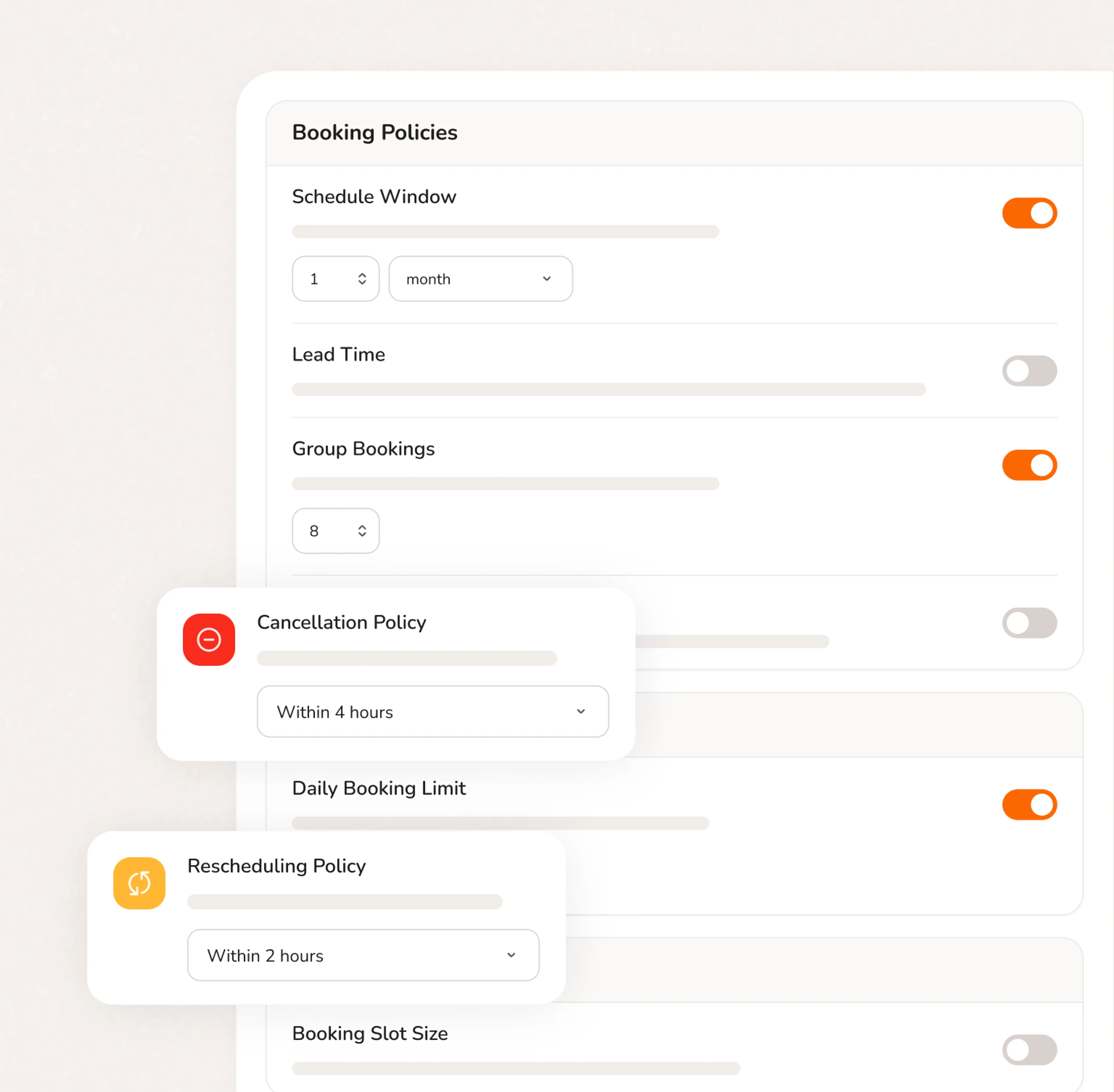
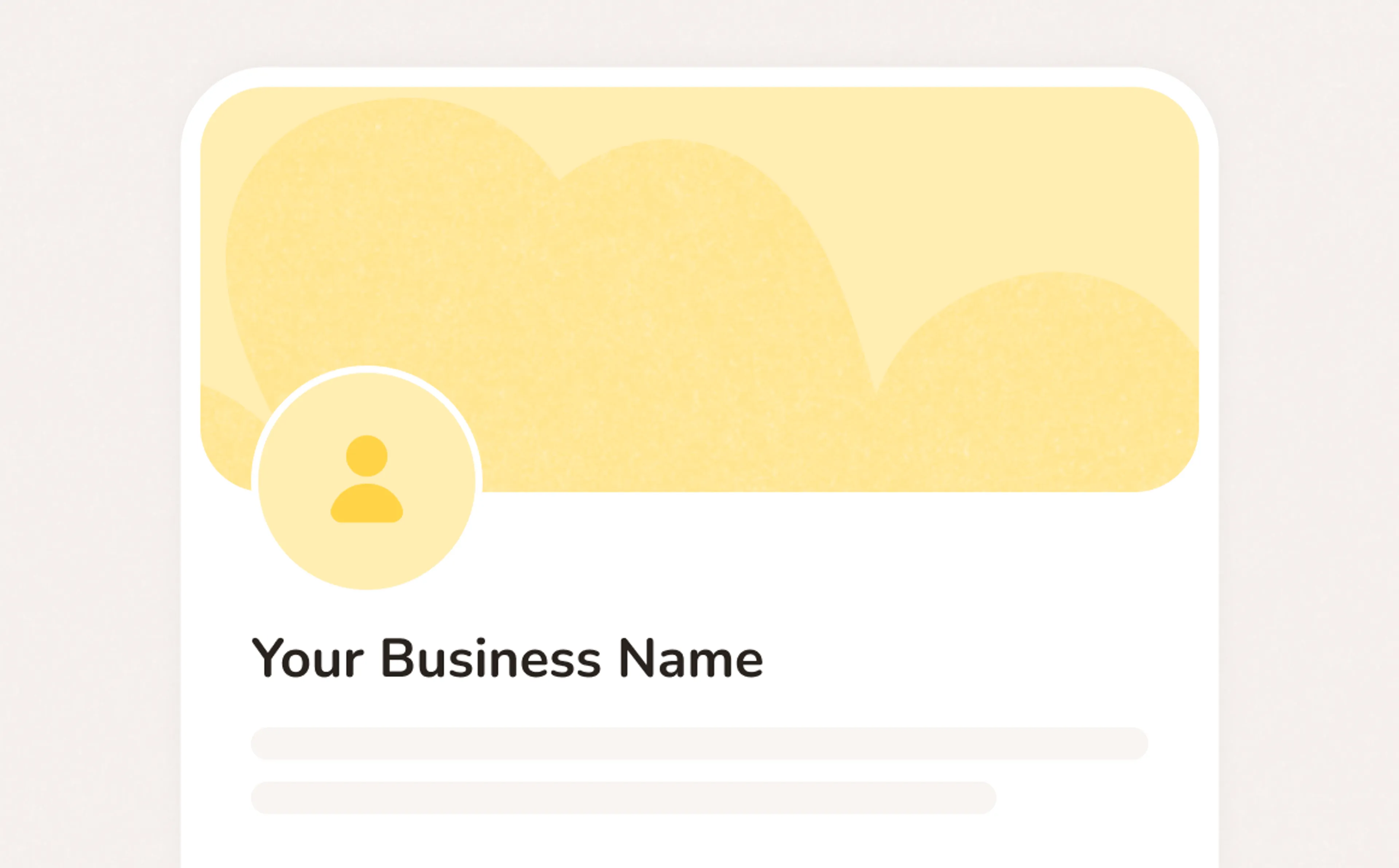
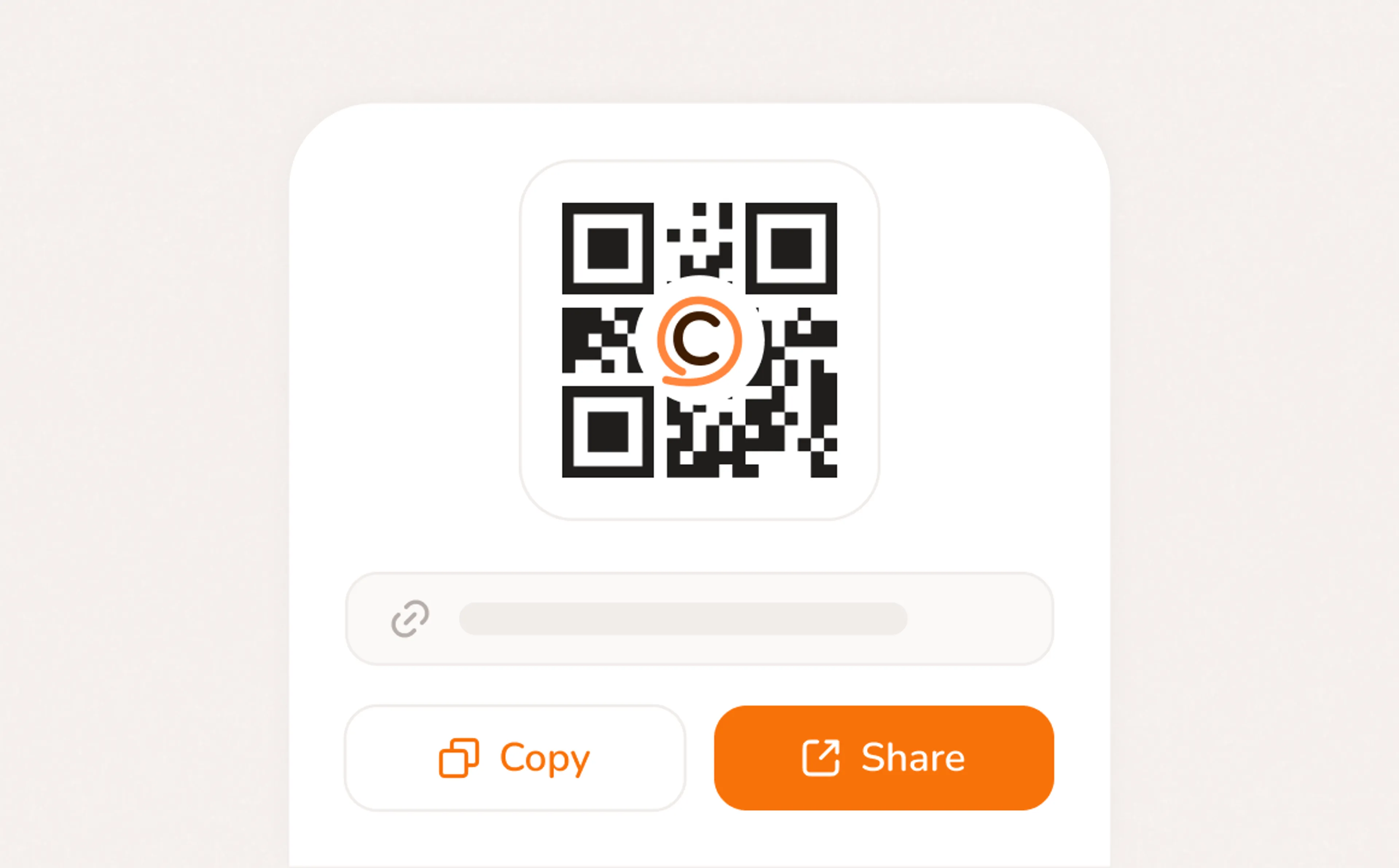
A booking page with your services, your pricing, your brand. Share a link, post a QR code, or embed on your website. Clients pick a time, confirm, and you're booked. No phone call needed.
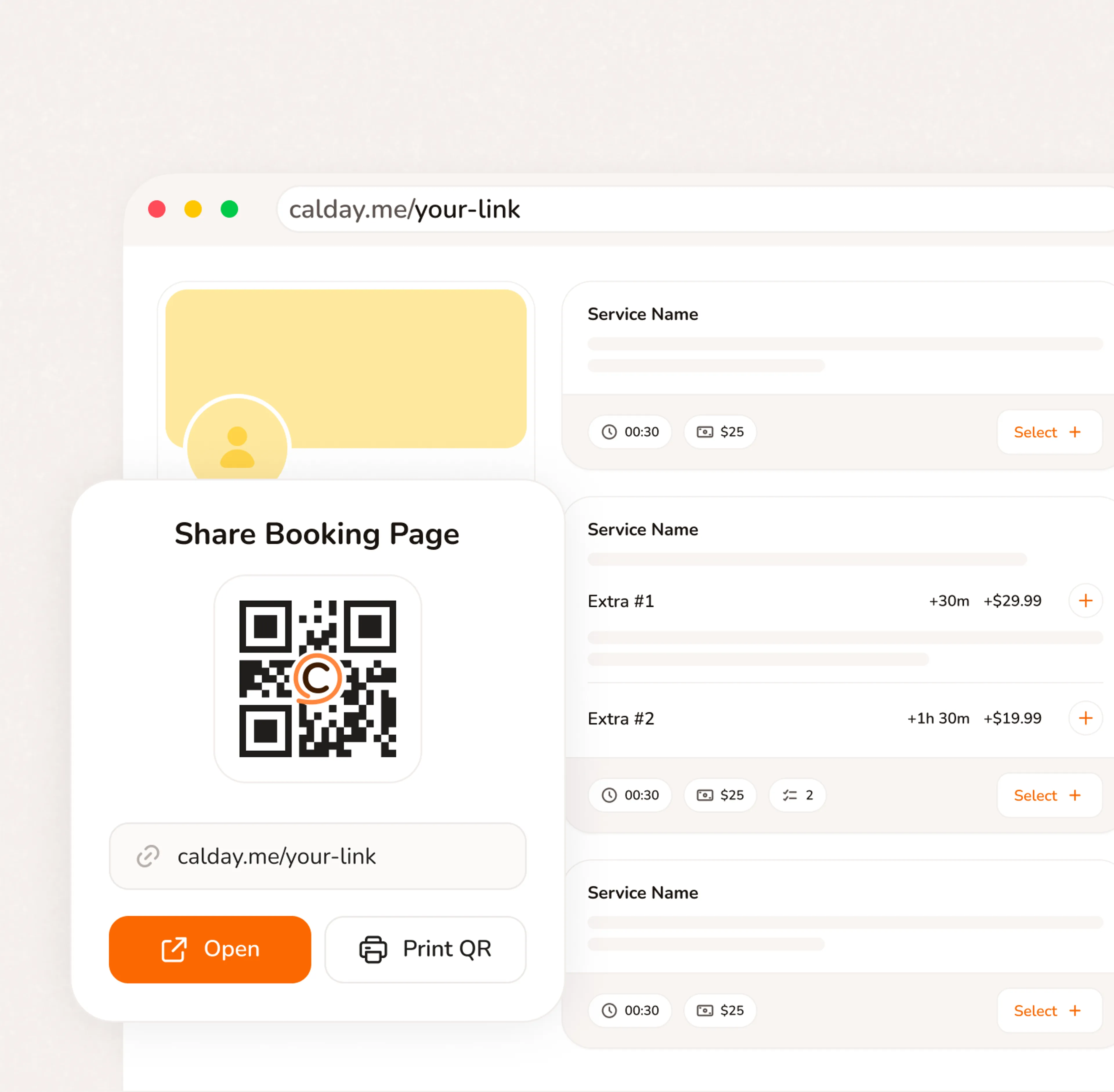
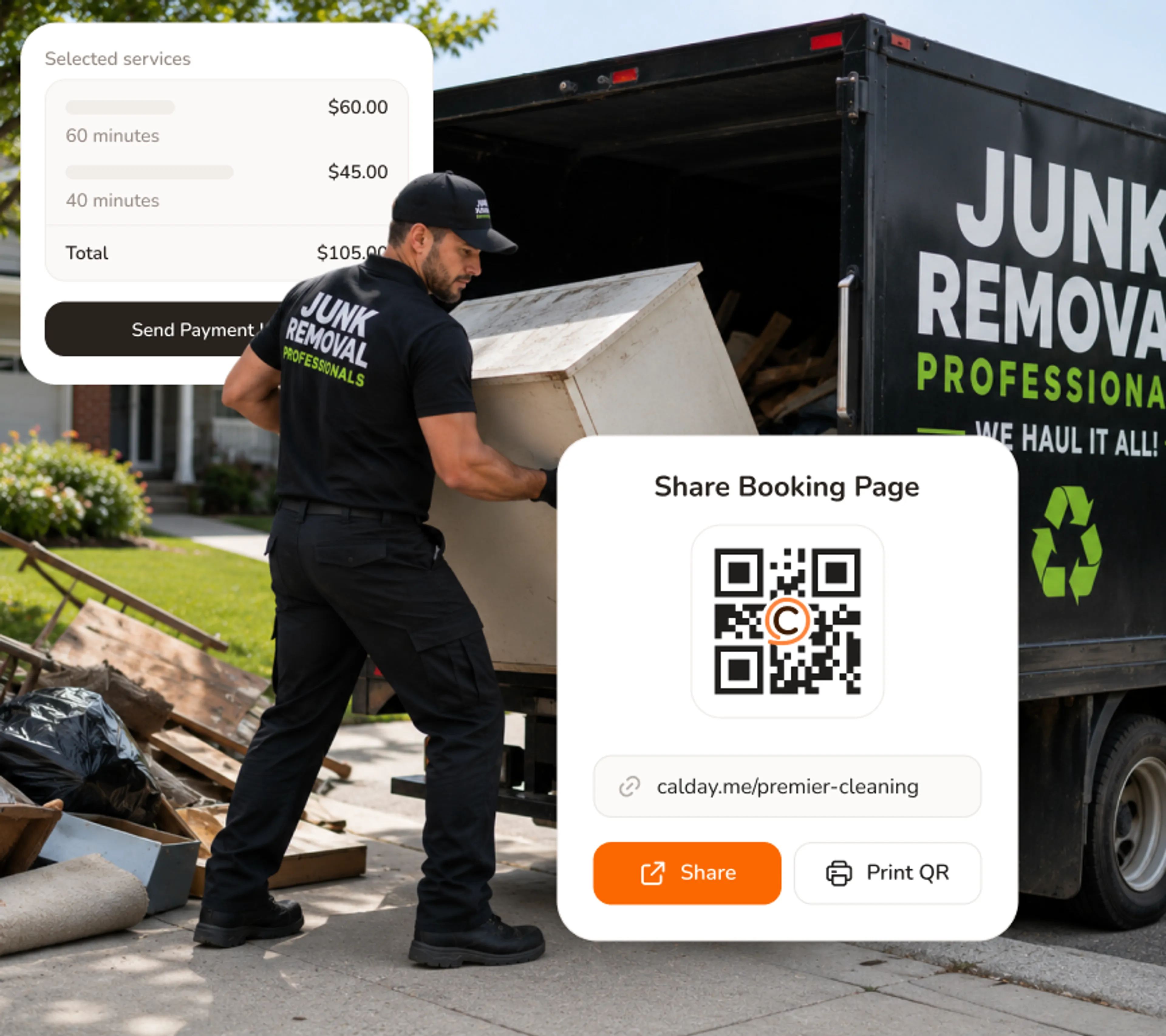
When you're loading a truck, you can't answer the phone. Your Calday booking page works in the background - taking new jobs, collecting intake, and filling the schedule without interrupting the haul.
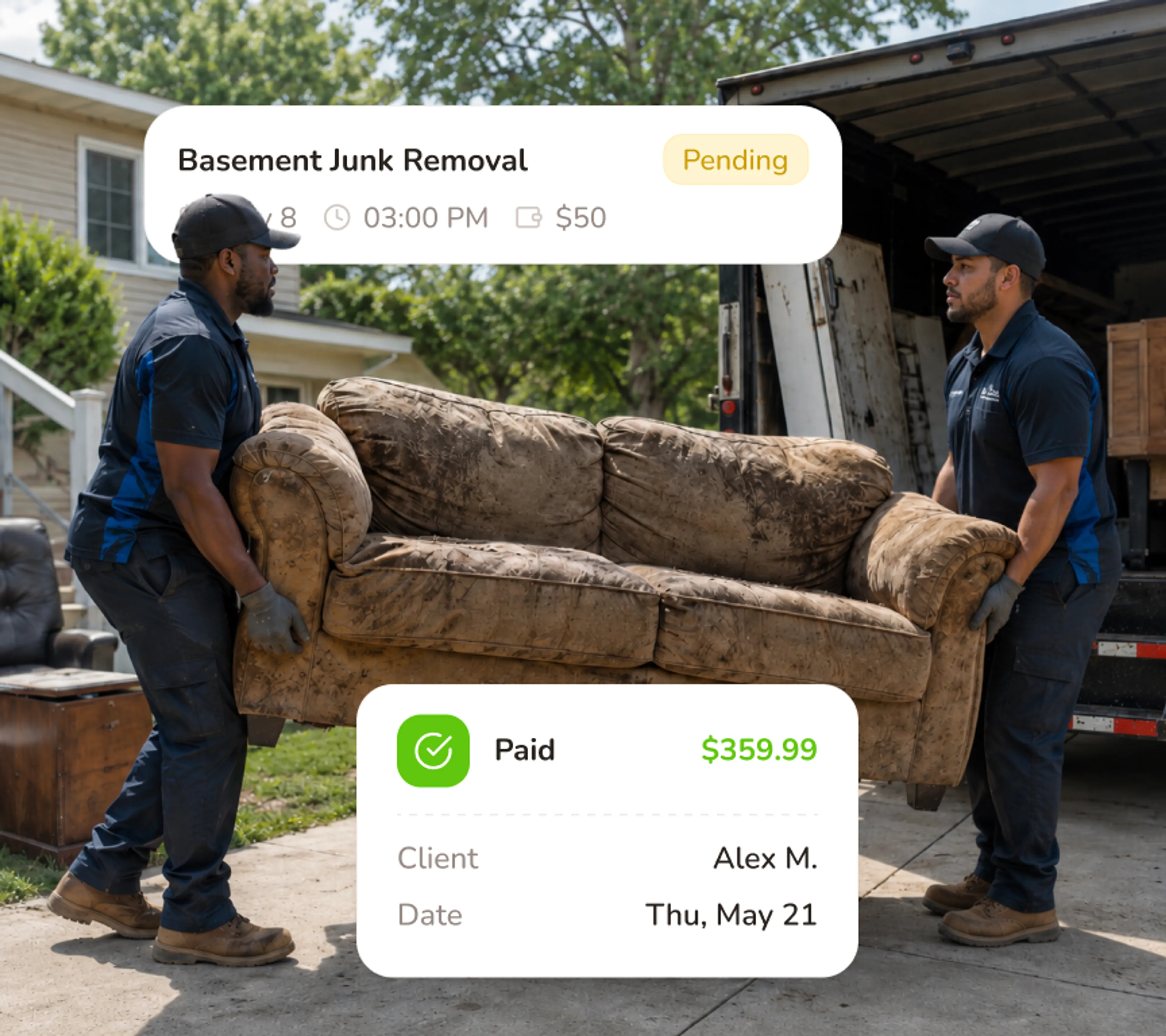
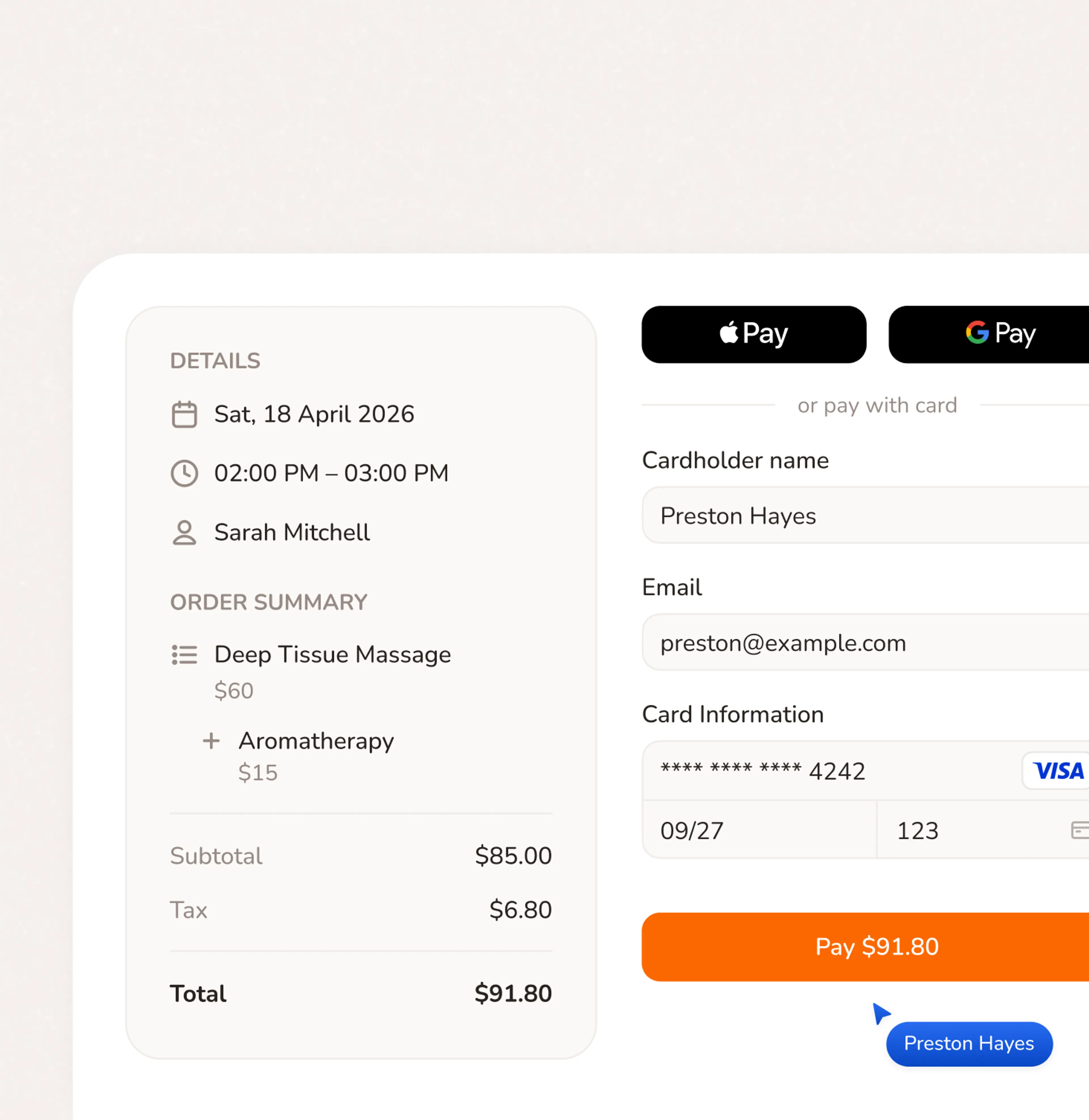
A customer who paid a deposit doesn't ghost your crew. Deposits are part of the booking flow - they agree to the terms, they pay, the slot is confirmed. No Venmo request, no awkward follow-up.
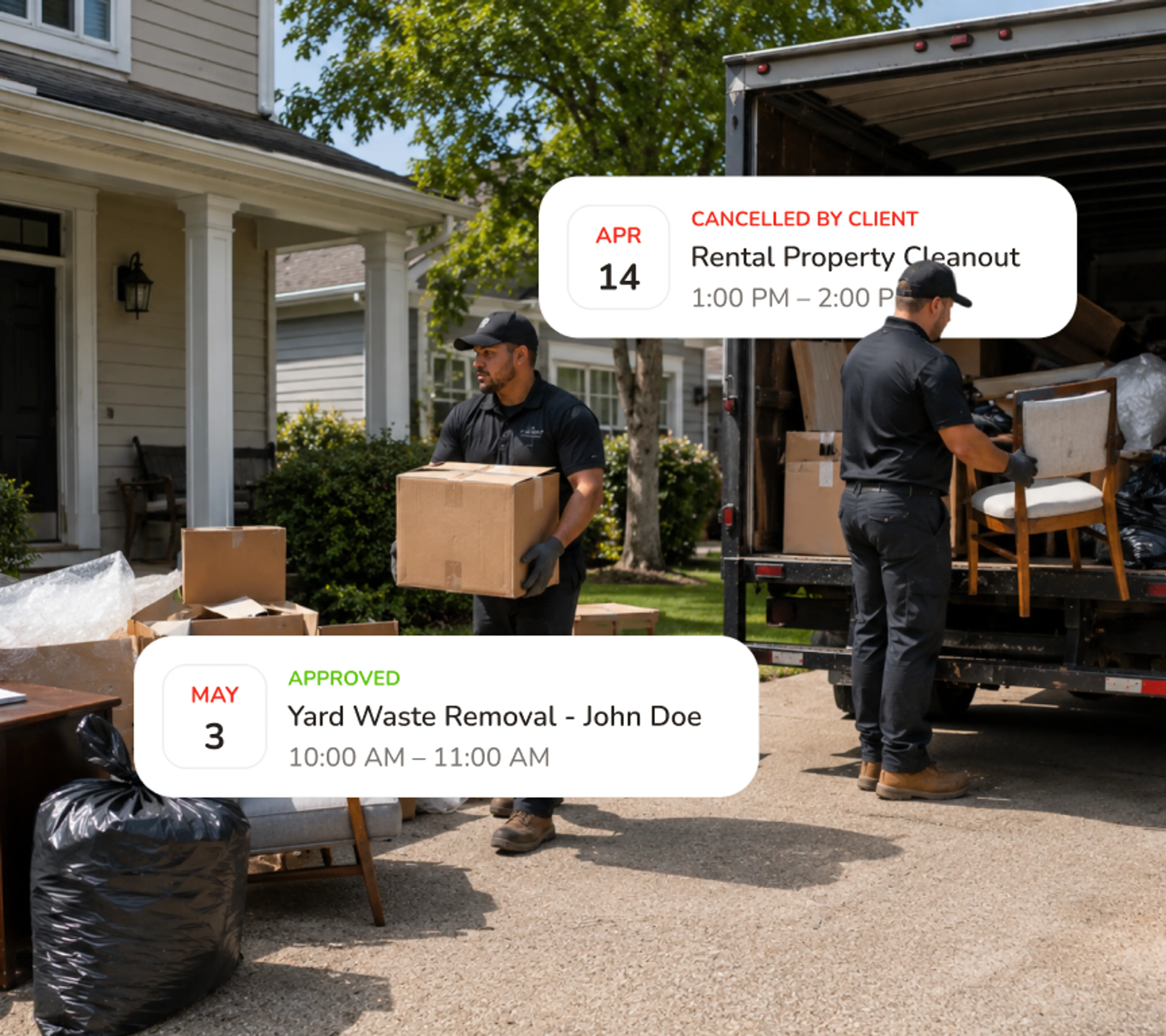
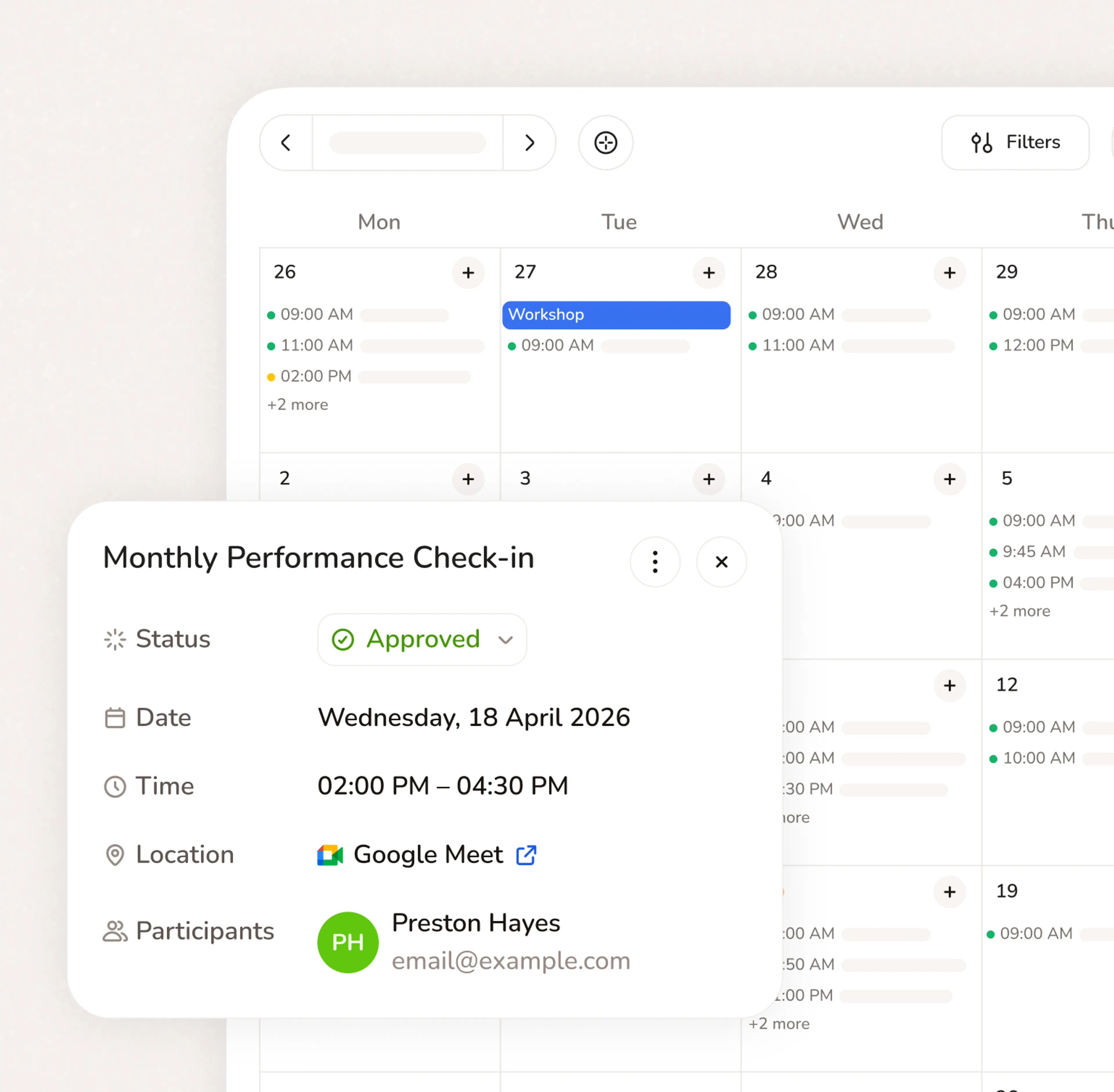
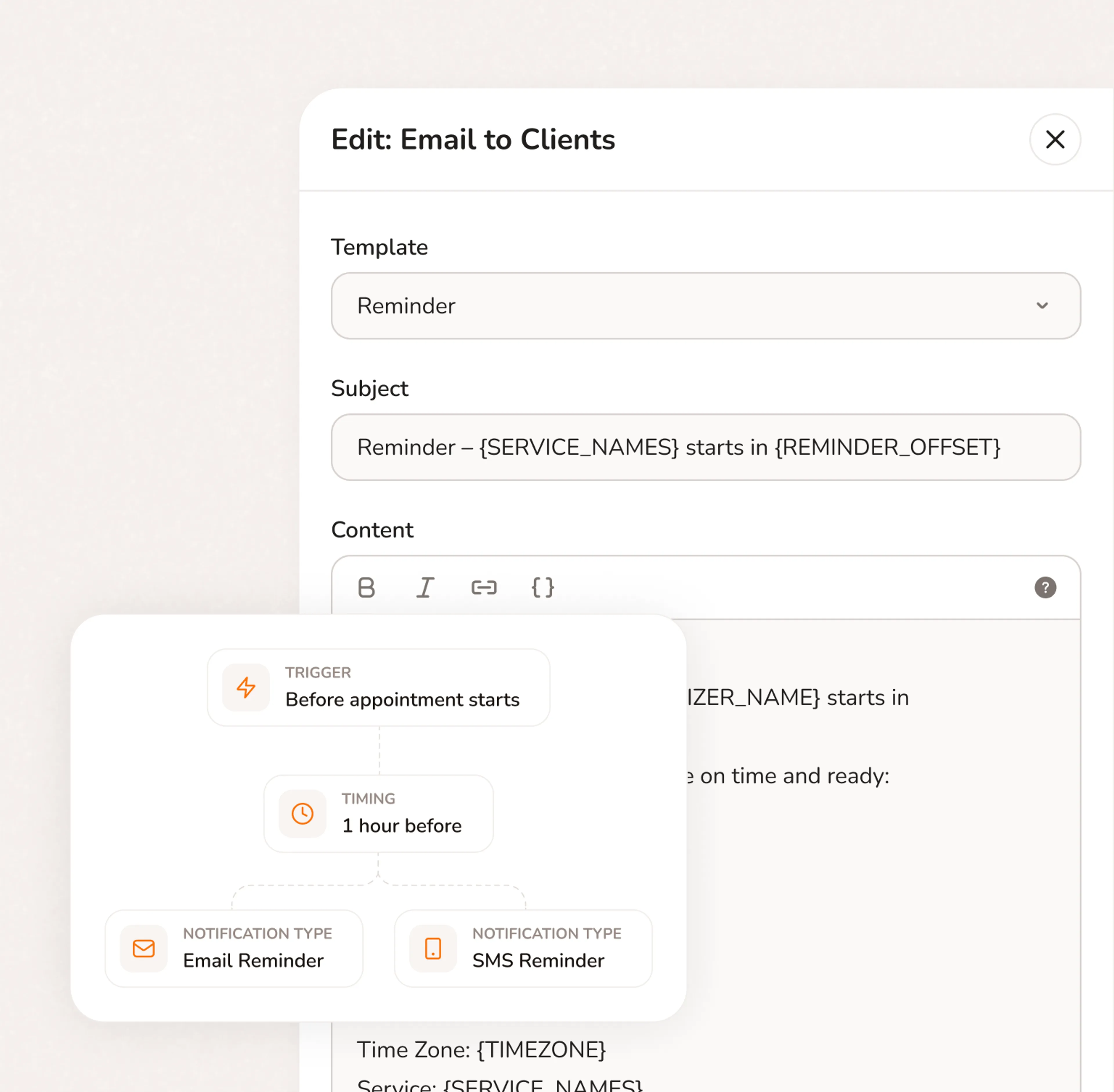
The moment someone books, Calday sends a confirmation with the full job details. Twenty-four hours before the haul, an automated reminder goes out. If the access code changed or the scope shifted - they update it before you dispatch, not after you arrive.
A typical missed appointment costs $120. Calday costs $12/month
No. Customers book directly from your Calday link in a browser — phone or desktop. No app to download, no account to create, no friction between them and the booking.
Yes. Calday syncs with Google Calendar and Apple Calendar. Your existing calendar stays up to date automatically.
Yes. The free plan gives you a booking page, one service, calendar sync, and automated reminders. No credit card required and no expiry date. The Pro plan ($12/month) adds deposit collection, unlimited services, intake questions, and payment processing through Stripe.
Yes. You set a deposit amount per service type — full cleanout, appliance removal, estate haul, same-day pickup. The customer pays the deposit as part of the booking flow. The slot isn't confirmed until payment clears. No follow-up required.
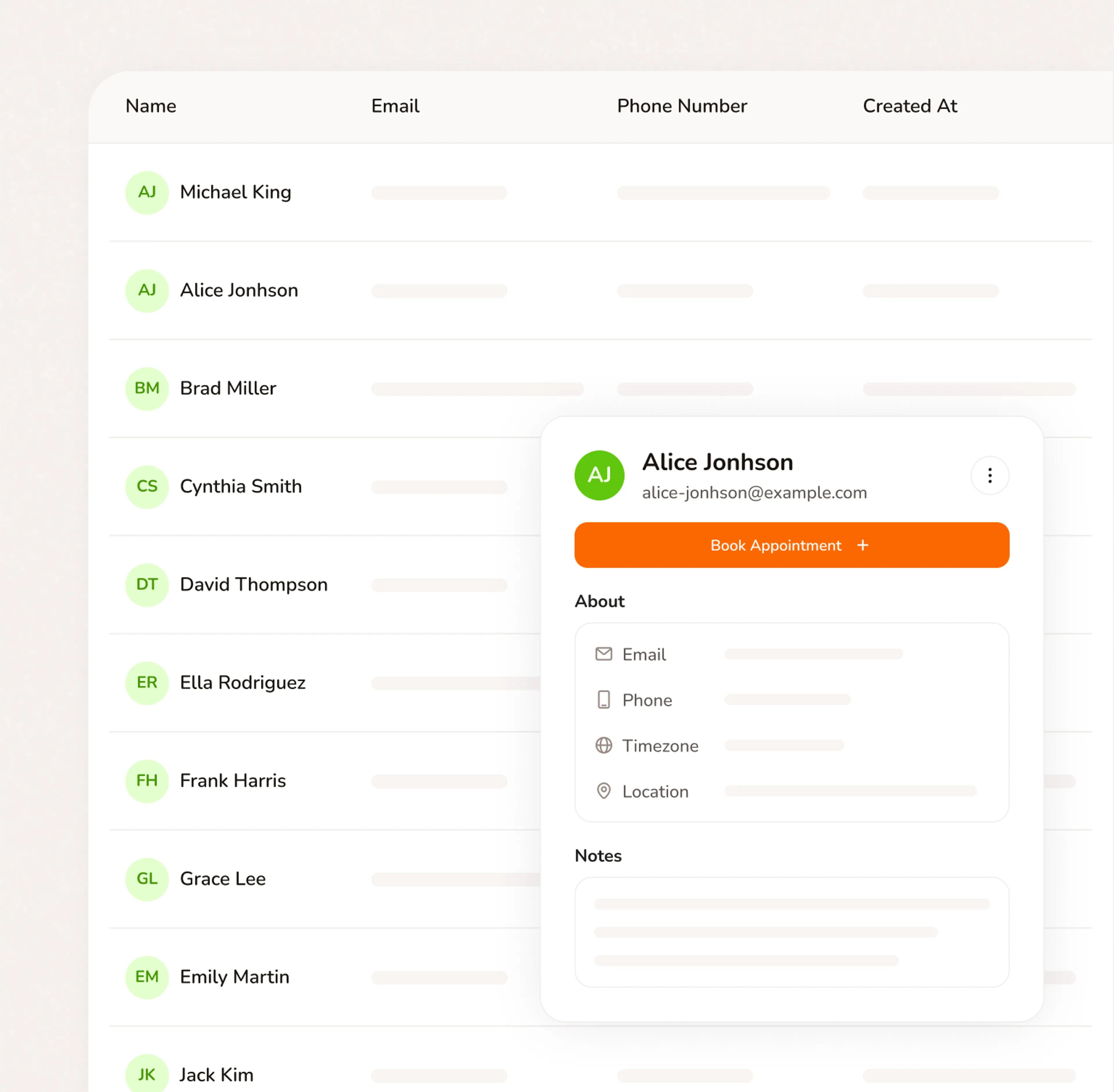
Yes. Intake questions at booking capture the job address, gate code, access instructions, and what's being removed. Everything the crew needs is inside the booking record — not buried in a text thread from the morning of the job.
Yes. You can create a dedicated same-day or emergency slot that stays live on your booking page. When a customer books it, you get a notification, confirm the crew, and dispatch. Your junk removal software handles the booking — you handle the haul.
Do you have more questions?
Our team is here to help