
Appliance Repair Management Software

Why do professionals pick Calday?
4.8
Average rating (G2.com)
2,500+
Service businesses running on Calday
5 min
Average setup time
$0
Cost to start - free plan, no expiry
Sound familiar?
Without Calday
- You drove 25 minutes. No one home. No warning.
- Emergency call came in at 3pm. Your route is already full.
- Customer texts asking where you are. You're still at the last job, running long.
- You spent Sunday evening rebuilding next week's route because two jobs moved.
- You confirmed every service call by phone the day before — calls, texts, voicemails.
With Calday
- Calday collects the address, access details, and a deposit before you dispatch.
- A buffer slot stays open for same-day emergency calls. Customers book it themselves.
- Automated reminders go out 24 hours before. Customers know their service window.
- Buffer time is built into every job type. Your route holds when a job runs long.
- Calday sends the confirmation and reminder automatically. No calls needed.
How it works?
Running in 5 minutes. No training calls.
Everything your service business needs to run
Stop switching between your calendar, texts, payment apps, and client notes. Calday is the small business management software that handles all of it.
Booking Page
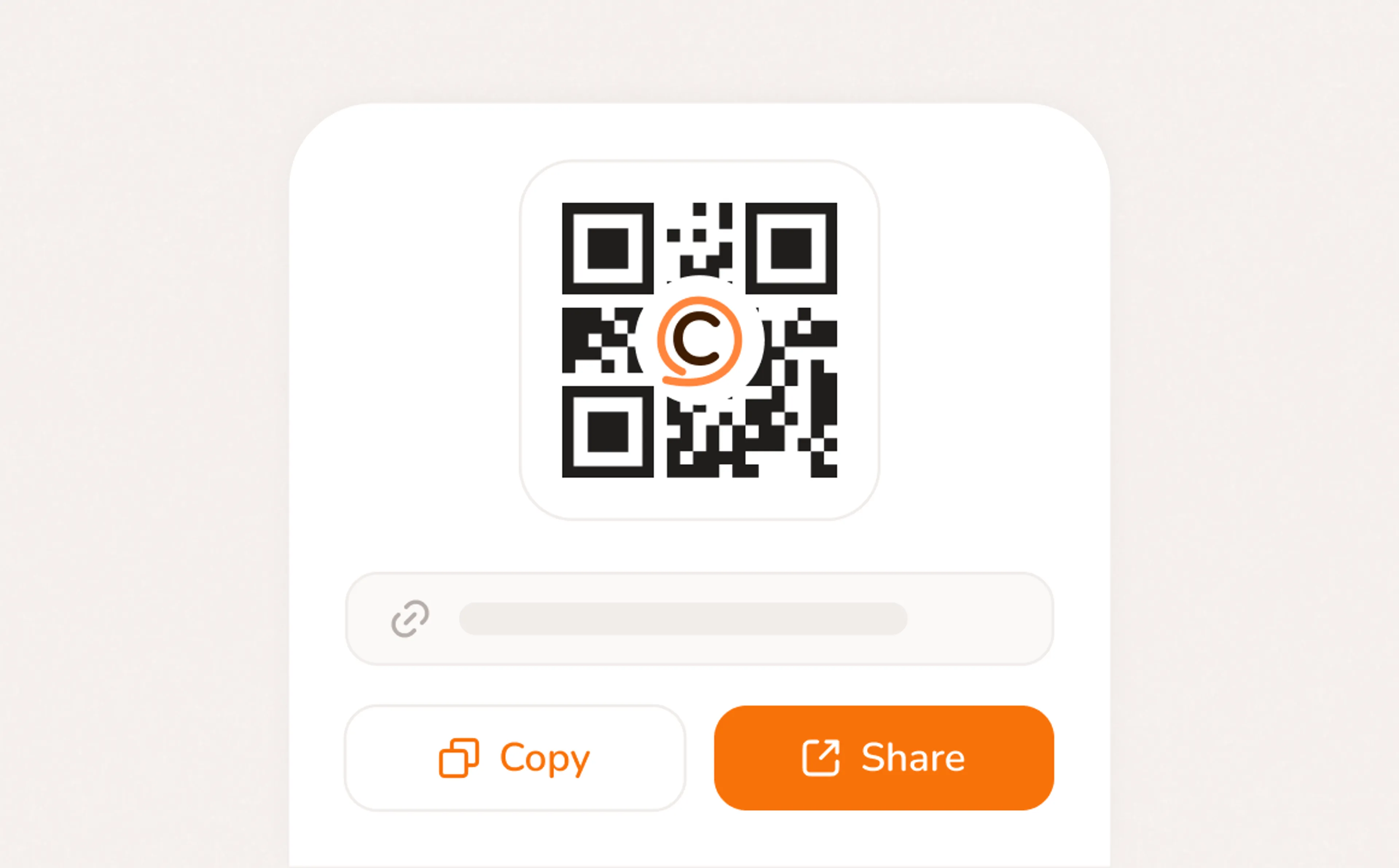
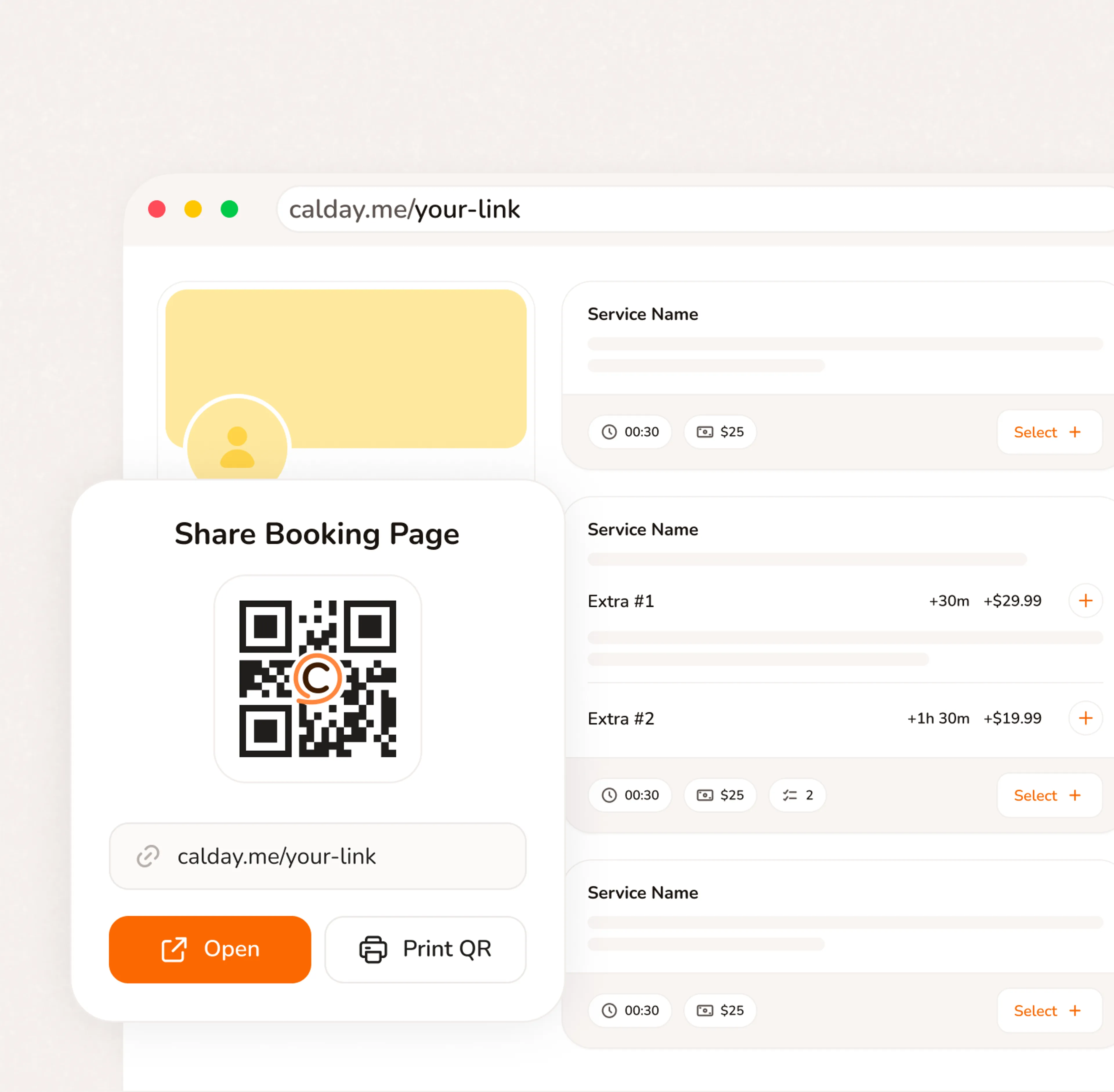
A booking page with your services, your pricing, your brand. Share a link, post a QR code, or embed on your website. Clients pick a time, confirm, and you're booked. No phone call needed.
- Your link, your brand, your services
- Accept bookings 24/7 from any device
- QR code for walk-ins, link for everywhere else
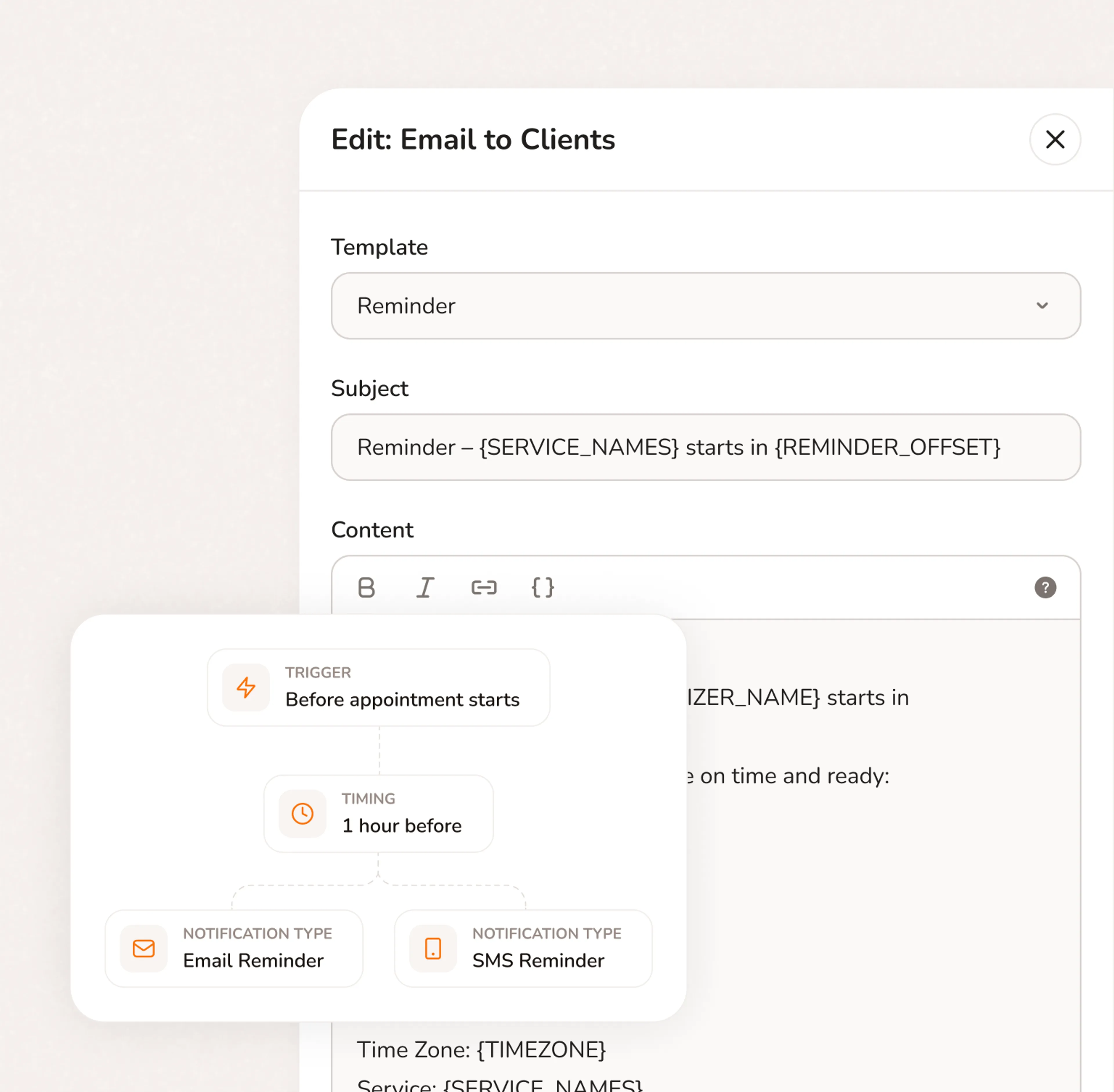
How has your business transformed since using Calday?
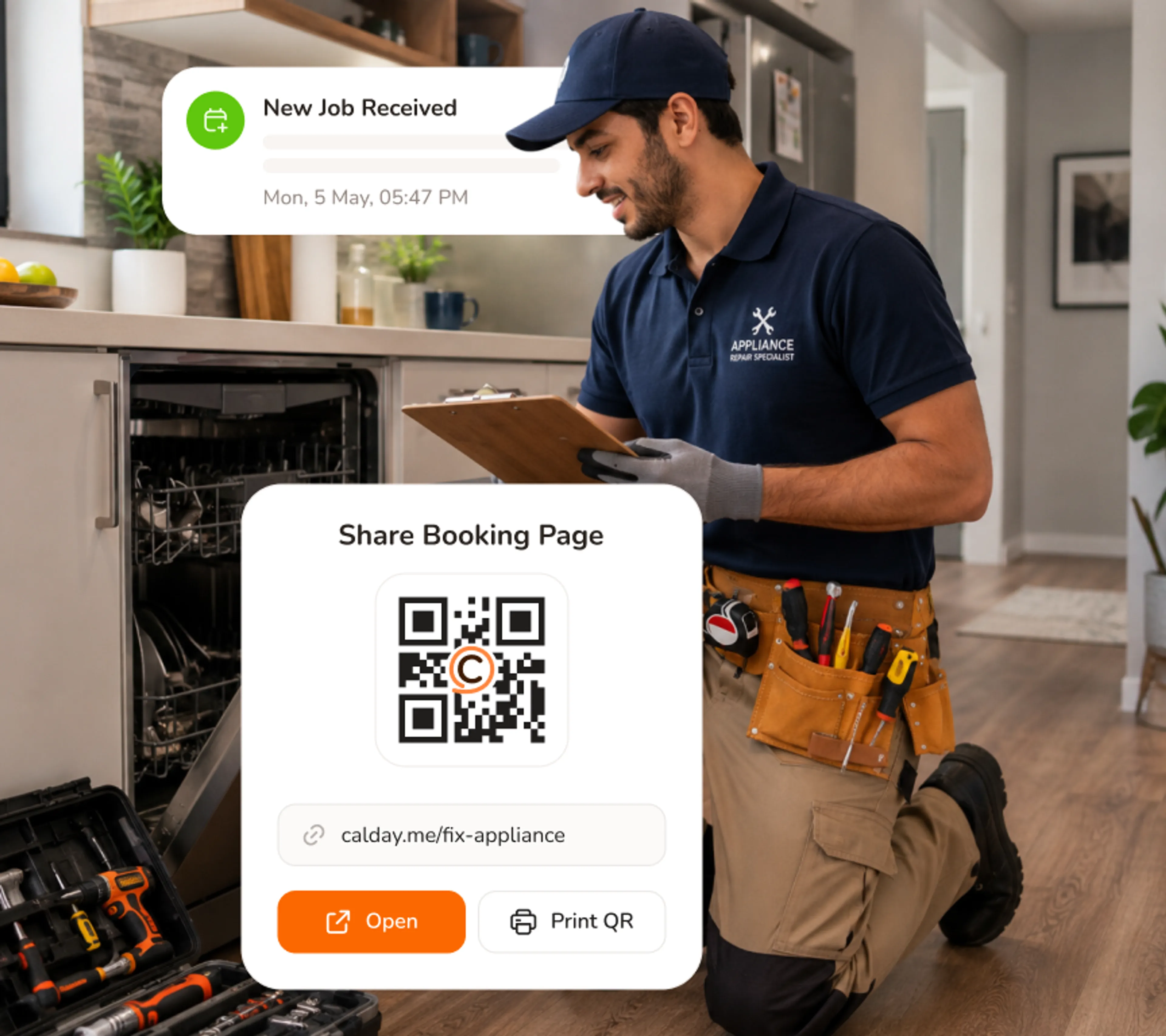
Your booking page works while you're on the job
You're under a washing machine. A homeowner just texted asking about Thursday. They go to your booking page, pick a time, enter the appliance details, pay the deposit, and get confirmed. You see the notification when you surface. The job is already on your route.
- Customers self-book 24/7 — no calls, no missed messages
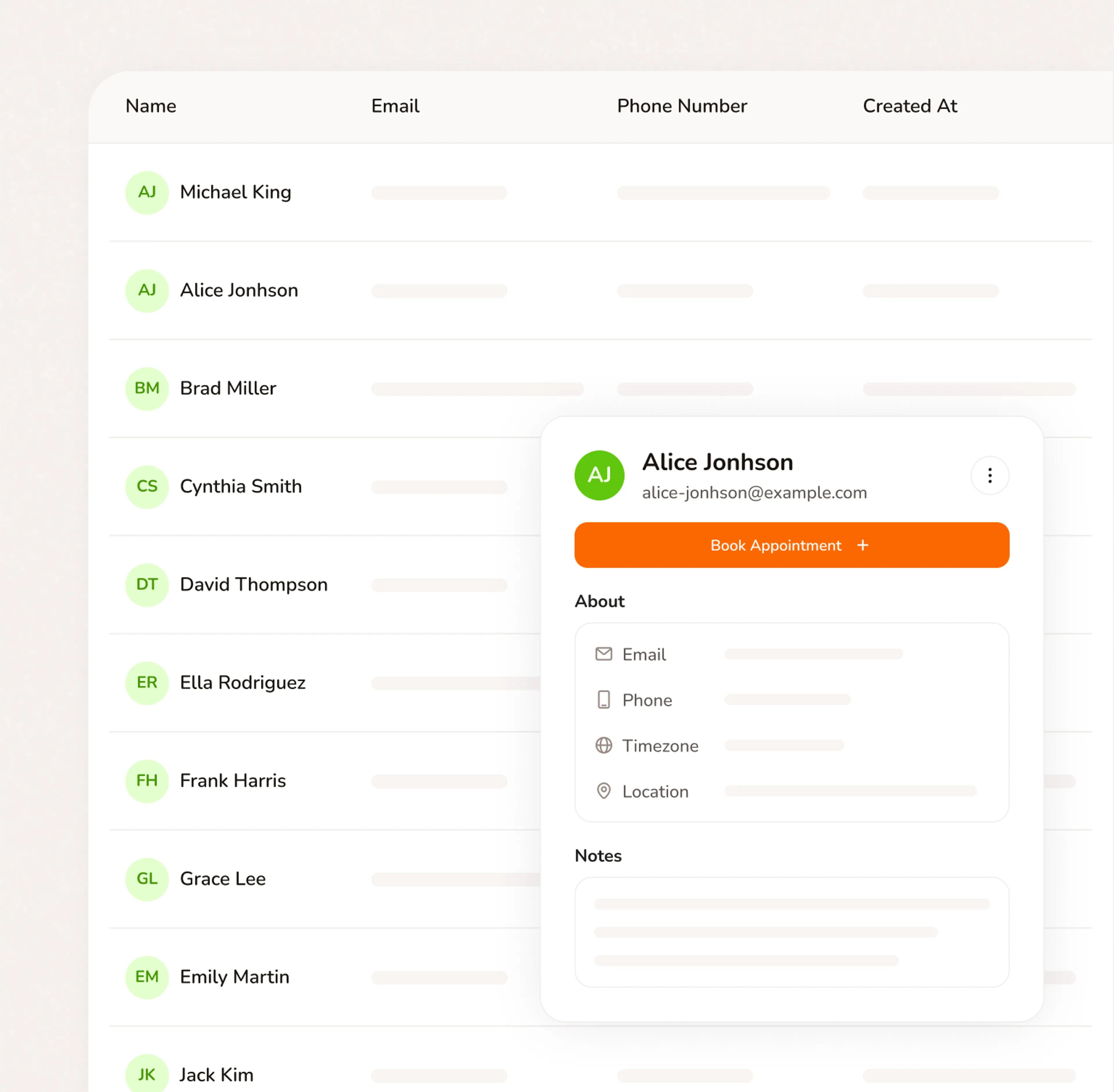
- Every job arrives with the customer's address, appliance details, and job scope
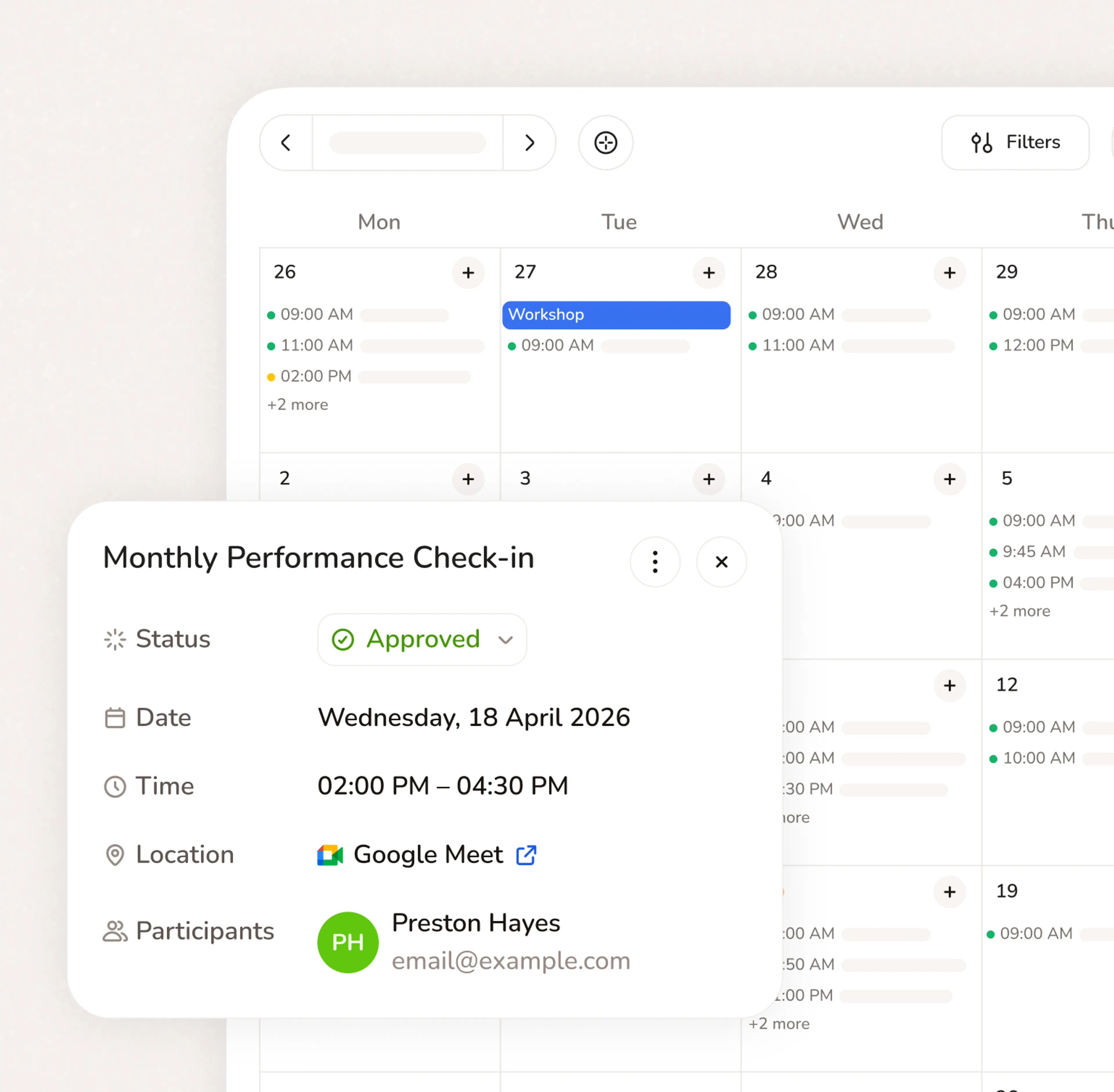
- Your calendar updates in real time — no manual entry
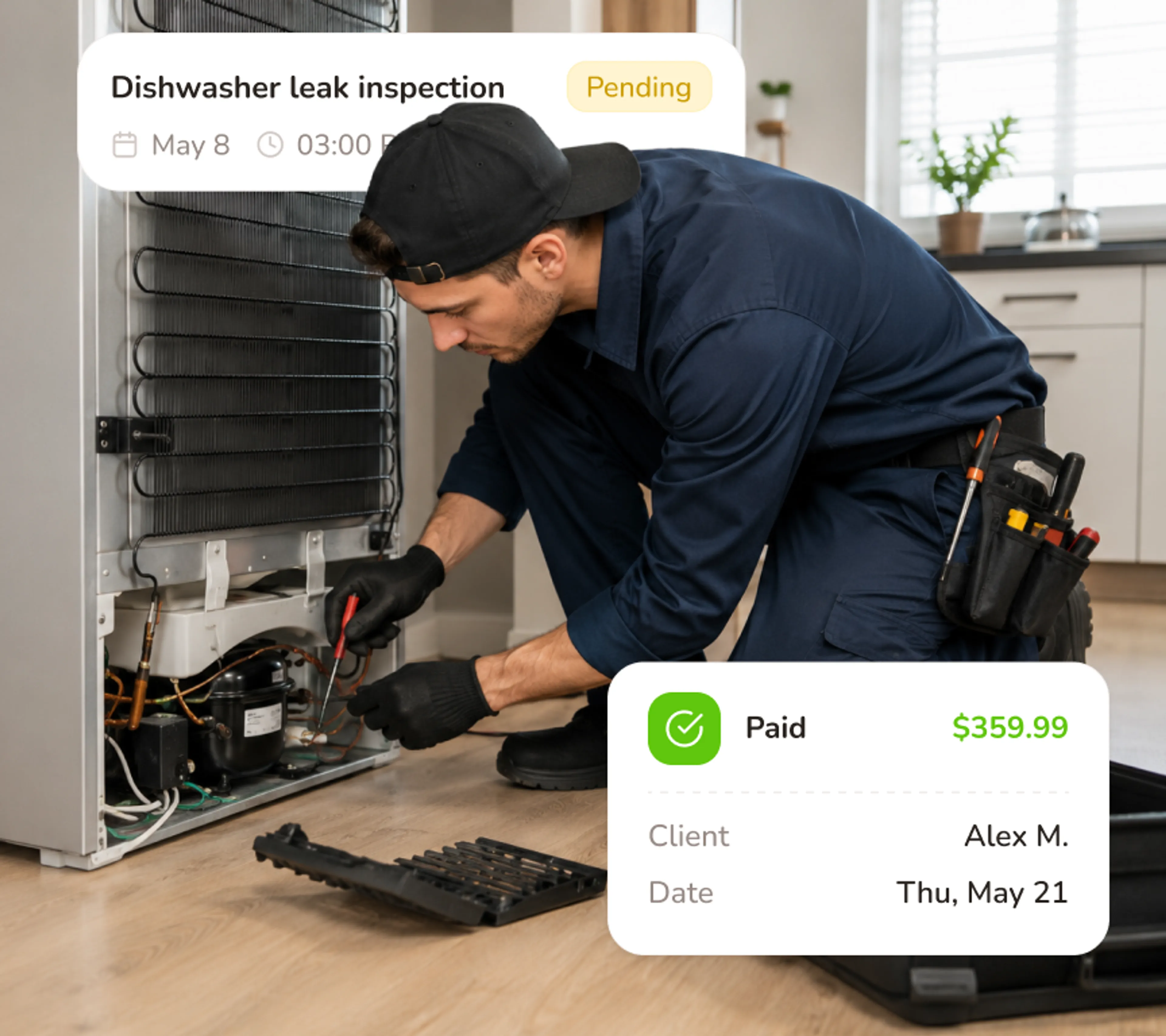
Collect a deposit before you ever leave the shop
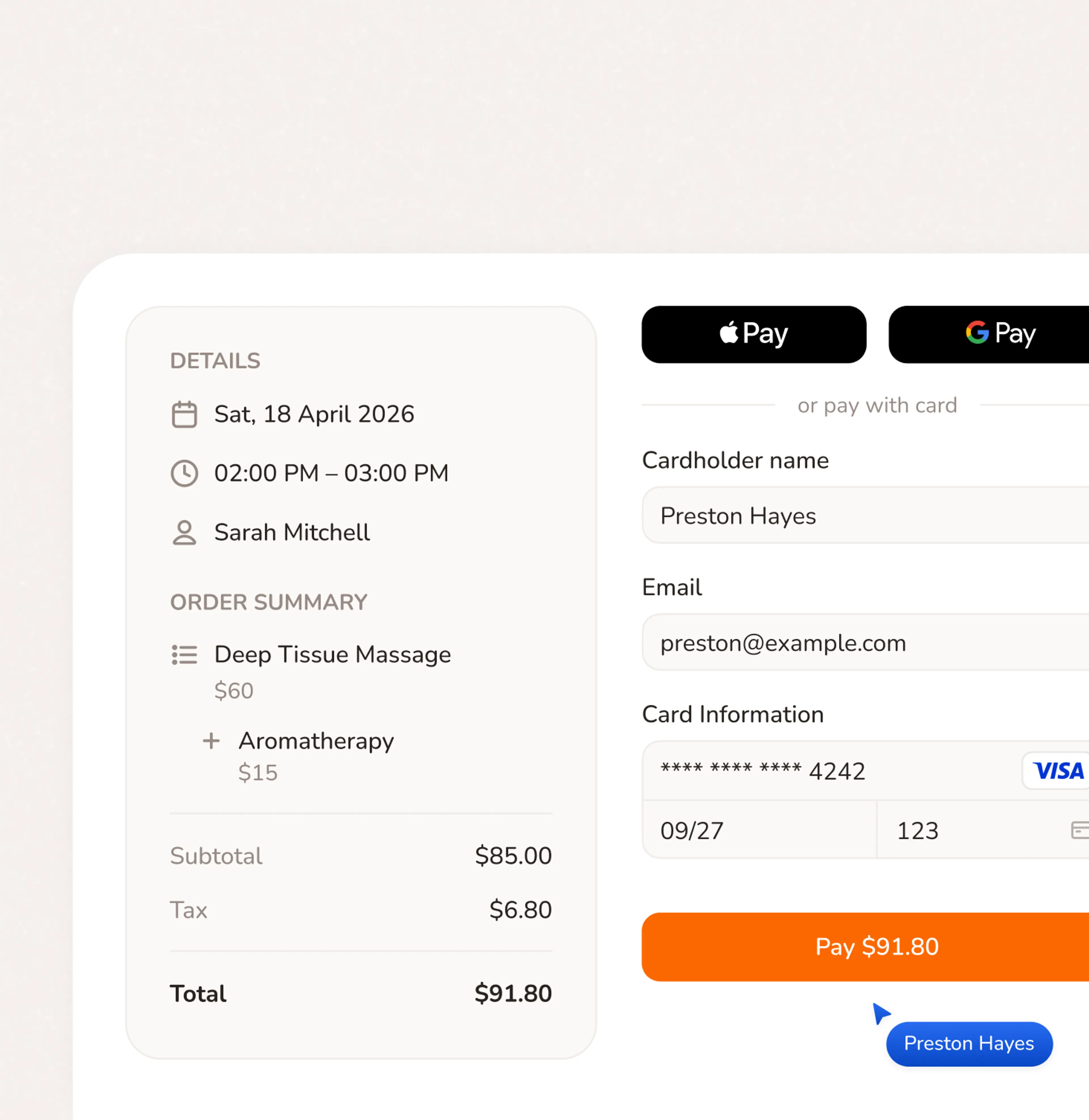
A customer who paid $75 to book a repair isn't going to forget you're coming. Calday collects the deposit at booking - not at the door. If they're not home, the deposit covers the wasted drive. If they are, it applies to the job. Either way, your time had value before the truck pulled out.
- Deposit required at booking — no awkward request after the job
- Appliance info collected at intake — no surprises on arrival
- Access notes and gate codes collected before dispatch
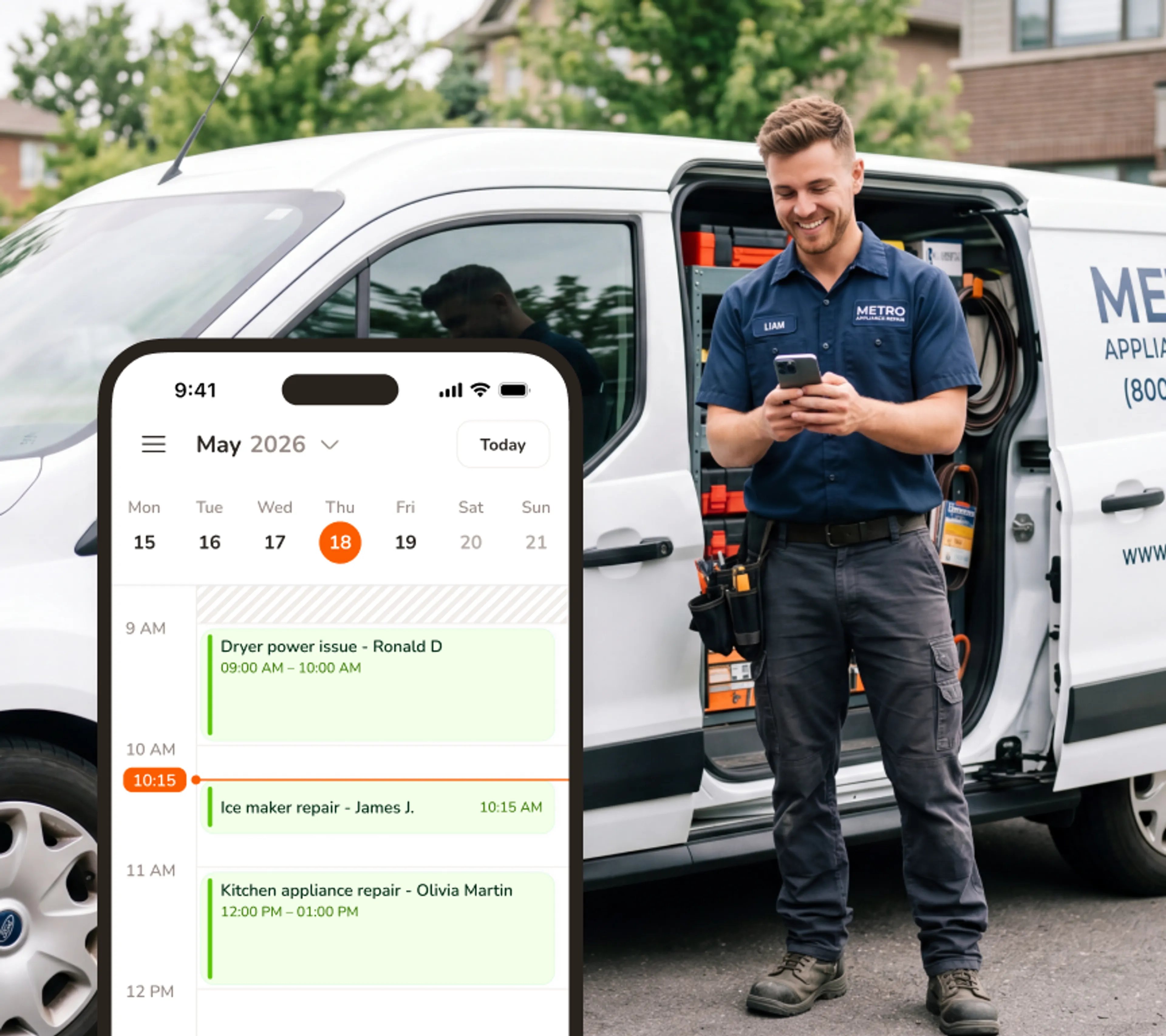
Everything on your phone - because your office is the van
You don't have a desk - you have the driver's seat. Full calendar, customer notes, job details, and rescheduling, all from your phone. When a job runs long, push the next window from the parking lot. When a customer wants an earlier slot, confirm from the road.
- Full calendar and job management on iOS and Android
- View customer details, appliance notes, and access info before you arrive
- Reschedule service calls and send updates directly from the field
Ready in 5 minutes. Free forever on the core plan
- No credit card required
- Free forever plan
- Free 7-day trial
Questions from appliance repair business owners
No. Your booking page runs in any browser on any phone. Customers click your link, pick a service, pick a time, and pay the deposit. No app, no login, no account required. Most bookings take under two minutes.
Yes. Calday syncs with Google Calendar and Apple Calendar. Your existing calendar stays up to date automatically.
Yes, our Free plan is free forever - no credit card, no trial timer. You get the core booking tools to start taking appointments today. Upgrade when you need more.
Yes. You set the deposit amount per service type when you create your services. Every customer pays it at the time of booking — before your technician is dispatched. The deposit is collected by card through Calday's payment system. If a customer no-accesses, the deposit offsets the wasted drive. If they show, it applies to the job total. No cash handling, no chasing, no awkward door conversation.
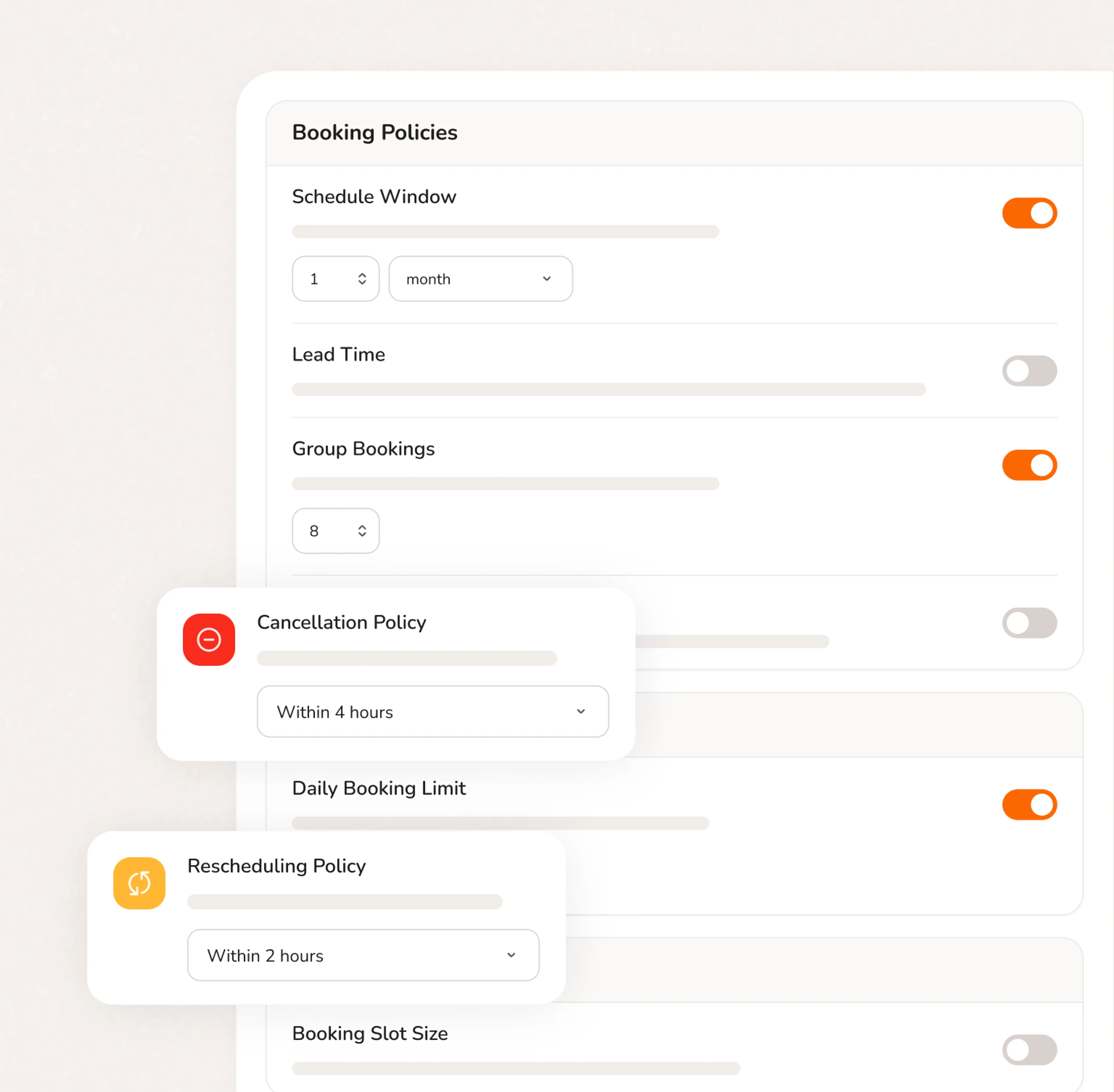
Yes. You set buffer time per service type. For example: 25 minutes of travel time after every washing machine repair, 30 minutes after a refrigerator job. Calday blocks that time on your calendar automatically. Customers can't book back-to-back jobs that leave no time between them. Your route reflects how field work actually runs — not a fantasy where every job ends exactly on time.
Yes. You can designate emergency or same-day service windows in your calendar. Customers see the availability and book it directly — no phone call needed, no manual route change required. You control how many emergency slots you allow per day. When the slot is full, it's gone. This is how appliance repair scheduling software should handle emergency demand without blowing your planned route.
Do you have more questions?
Our team is here to help