


If you're a real business shark, you know how important functionality is. Your clients won't appreciate you forgetting about meetings or being late, and it's certainly not a great idea to miss team meetings if you want to stay updated and make your name in the industry. That being said, you need to have a reliable appointment scheduling tool for one on one and group meetings, one that would enable calendar syncing, real-time availability, and loads of advanced features (if your position calls for such, of course).
By the way, data shows that organizations can gain an average revenue increase of 27% when using appointment scheduling software. And it is not strange - having such an ace up your sleeve will help you save time, satisfy your customers, and increase revenue. Essentially, an online scheduling tool is crucial for remote teams in most departments, including marketing, sales, tech folks, HR teams, and even C-suite executives. Scheduling meetings is a task you should delegate to a tool created with the sole purpose of making your life easier.
One of such tools is called Doodle. Known for its ability to let users schedule literally everything – from meetings to large collaborations, Doodle is, without a doubt, one of the market’s leaders. Nonetheless, not all businesses need extensive software tools to keep their time management efficient. Some might need the solution that simply gets the job done without the excessive hussle around the very process of scheduling something. Hence, today we will talk about the best Doodle alternatives available on the market, diving deep into their pros and cons, as well as comparing their pricings.
Calday
Overview
Calday is one of the best Doodle alternatives on the market. It is an appointment scheduling tool that allows its users to schedule events easily. It has many features for businesses of different sizes and industries but works best for small businesses. Calday's broad functionality includes everything you might need for video calls and other meeting types.
Pros
- Generous free plan — Free plan covers most needs. Premium unlocks unlimited event types, integrations, and business analytics.
- Automated reminders reduce no-shows — Email reminders are sent automatically with updates. Reduces no-shows by 29%.
- Built-in client database — Create contact lists and schedule recurring appointments easily.
- Event as a Service — Create event templates with price, duration and publish them for instant booking.
- Ideal for offline businesses — Especially strong for hospitality and service companies; replaces costly booking integrations.
Cons
- No SMS reminders (coming soon) — SMS notifications are not supported yet, feature is in development.
Pricing
- $4 / week — pay as you go, no upfront commitment
- $12 / month — lower monthly cost
- Yearly plan — best value, significant savings compared to monthly
Why this matters:
- One of the few platforms that supports weekly billing
- No upfront charges
- Flexible plans for individuals, freelancers, and businesses
Calendly
Overview
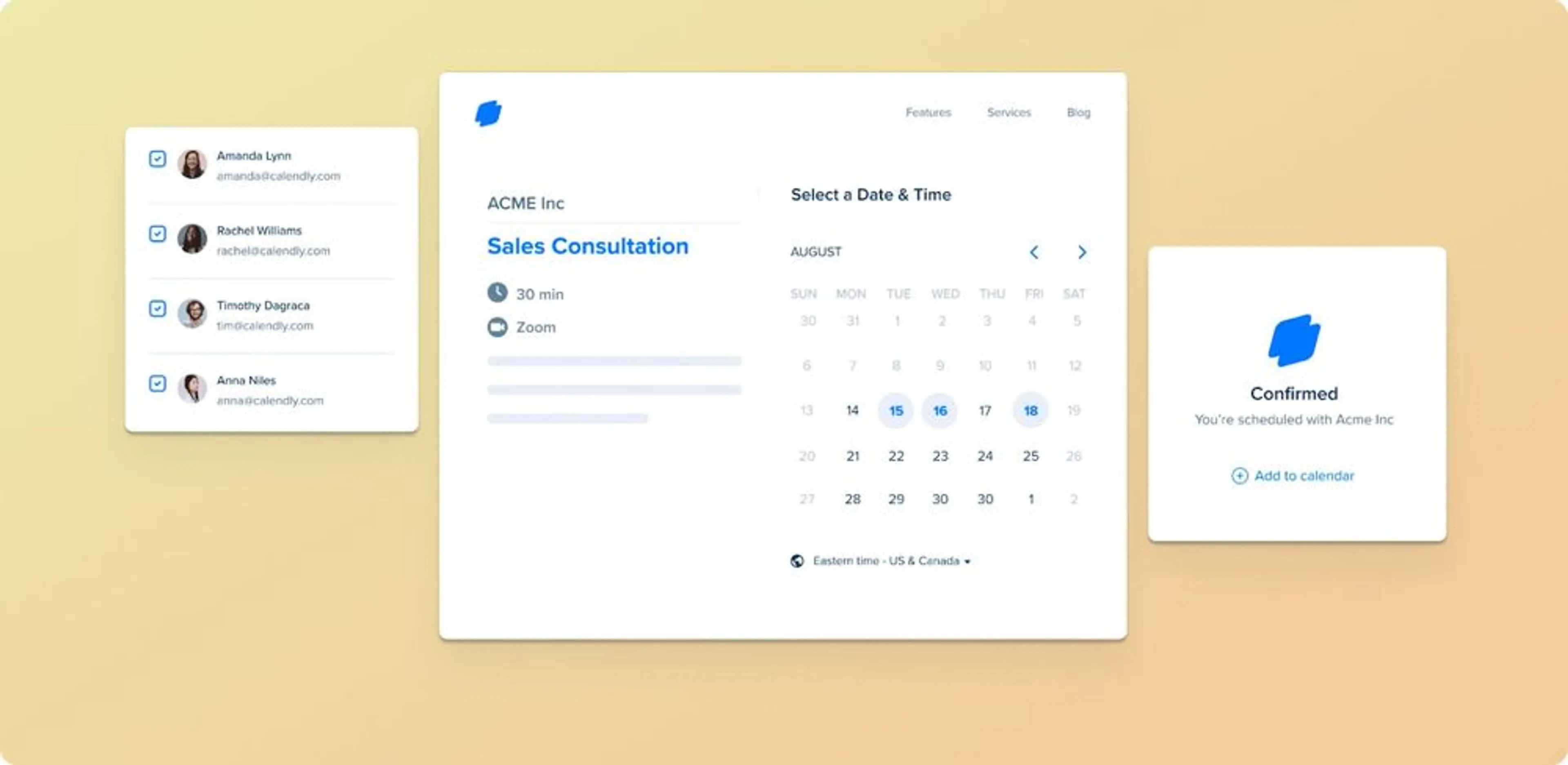
Calendly is another super popular Doodle alternative. It is a simple appointment scheduling software that eliminates the back-and-forth communication involved in finding mutually convenient meeting times. It is a flexible scheduling solution since it serves a wide spectrum of users, including individuals, small businesses, and huge corporations. Users can share personalized booking links with others, allowing them to arrange meetings or appointments depending on the user's availability. It works with a variety of calendar platforms, including Google Calendar, Outlook, and iCloud, to provide real-time availability updates.
Pros
- Highly flexible scheduling — Users can define availability, meeting duration, buffer times, and event rules with precision.
- Strong for remote teams — Excellent time-zone handling makes it ideal for distributed teams and global scheduling.
- Event type personalization — Allows basic customization of event categories.
Cons
- Weak customer support — Setup issues often require relying on forums, documentation, or trial-and-error.
- No built-in calendar — Fully dependent on external calendar services.
- Limited customization — Event types and booking pages offer minimal styling options.
- Generic design — Standard white-blue look with no real control over colors, fonts, or layout.
Calendly Pricing
- Basic — Free
Standard scheduling for individual users. - Essentials — $8 / month
Core professional features. - Professional — $12 / month
Advanced tools: multiple event types, integrations, customization. - Teams — $16 / month
Built for teams with collaboration and team scheduling features.
Related
Looking for something beyond Calendly? Check out the top alternatives.
HubSpot

Overview
Hubspot, among many other tools, offers its users an efficient Doodle alternative called HubSpot Meetings. It helps organizations streamline their scheduling activities and schedule appointments easily. With this scheduling software, businesses can easily schedule meetings with people across multiple time zones.
Pros
- Strong calendar integration — Syncs with Google Calendar and Outlook, reducing conflicts and keeping schedules up to date.
- Deep HubSpot CRM integration — Access contacts, meeting history, and scheduling from one system.
- Shareable scheduling links — Eliminates back-and-forth emails and calls.
- Time-zone detection — Ideal for remote and global teams.
- Smooth booking experience — Real-time availability, easy booking, automatic confirmation emails.
Cons
- Limited free plan — Most useful features are locked behind paid plans.
- Occasional sync issues — Delays between calendars can cause incorrect availability and conflicts.
- Limited customization — Fewer controls compared to dedicated scheduling platforms.
- Not ideal as standalone tool — Best experience requires using other HubSpot products.
- Weaker advanced workflows — Rule-based availability and complex workflows are less powerful than in specialized tools.
Related
Searching for the right CRM? Here are the top tools to consider.
HubSpot Pricing
The HubSpot Meetings tool is completely free for all users. But if you're not using HubSpot CRM, the app's features are somewhat limited. As a standalone solution, HubSpot Meetings may be insufficient for clients with varying needs.
Koalendar
Overview
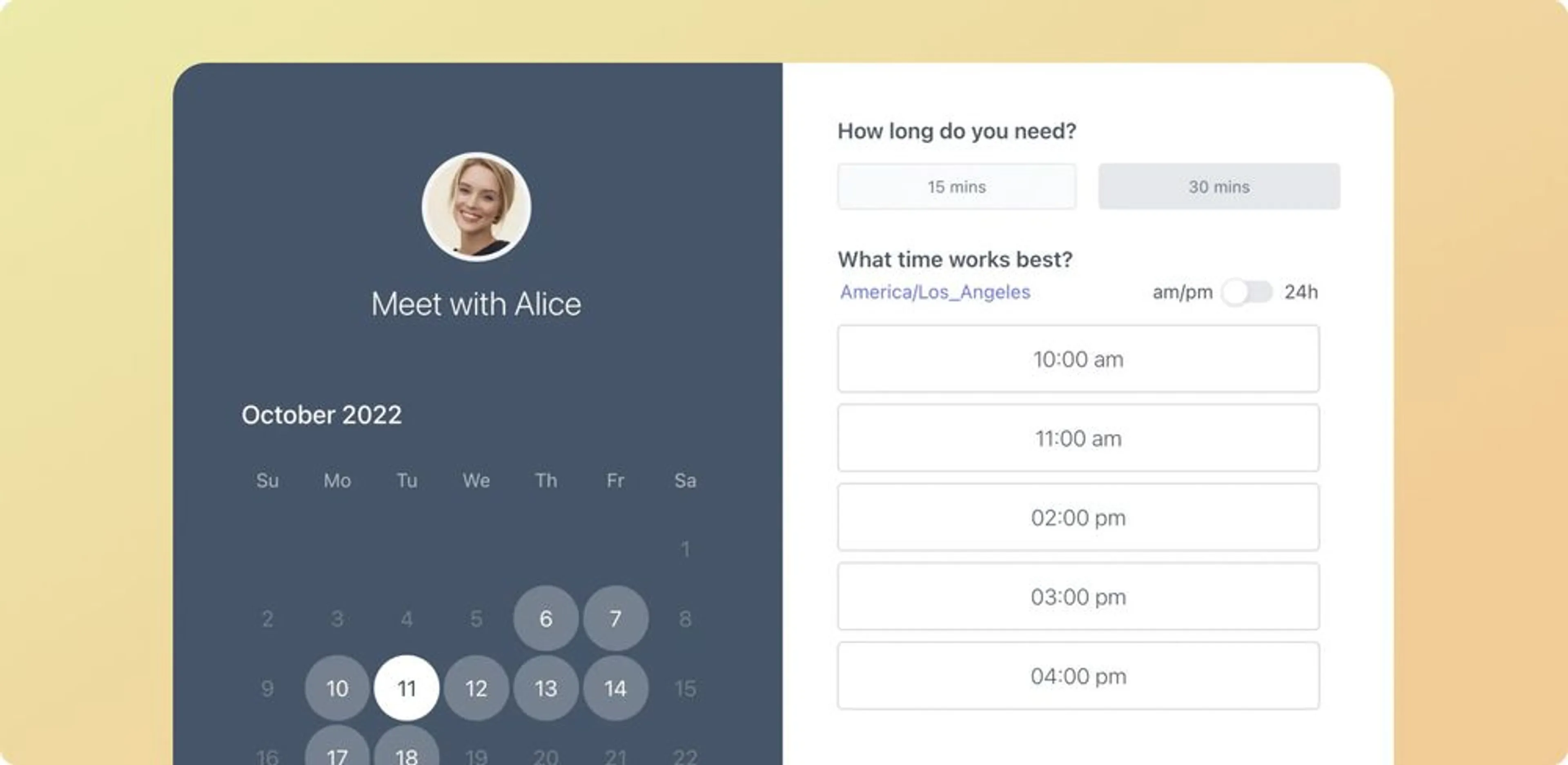
Koalendar is just another Doodle alternative tool. It was designed to make booking appointments and managing schedules easier. It has a standard functionality for an appointment scheduling tool: a user-friendly interface that enables users to demonstrate availability preferences, create unique booking pages, and share them with other people. Not only that, but it is designed both for businesses and individuals alike.
Pros
- Broad calendar integrations — Works with Google Calendar, Outlook, Microsoft Teams, and Apple Calendar.
- Smart scheduling controls — Time-zone detection, buffer times, confirmations, and notifications.
- Custom data collection — Collect extra information from invitees using custom fields.
- Customizable booking pages — Strong control over booking experience.
- Automatic video conferencing — Creates Zoom and Google Meet links automatically.
- Rich event details — Supports meeting title, location, and language settings.
Cons
- Limited functionality even on paid plans — Lacks advanced features and deep customization compared to stronger competitors.
- Weak customer support on lower plans — Slow responses; limited support access unless on higher tiers.
- Not built for teams — No strong collaboration or advanced team scheduling features.
Koalendar Pricing
- Free Plan
Basic scheduling features for individual use. - Premium Plan — $9.99 / month
Unlocks advanced functionality and customization. - Annual Billing — Save 30%
Pay yearly and reduce the total cost by 30%.
Calendar.com
Overview
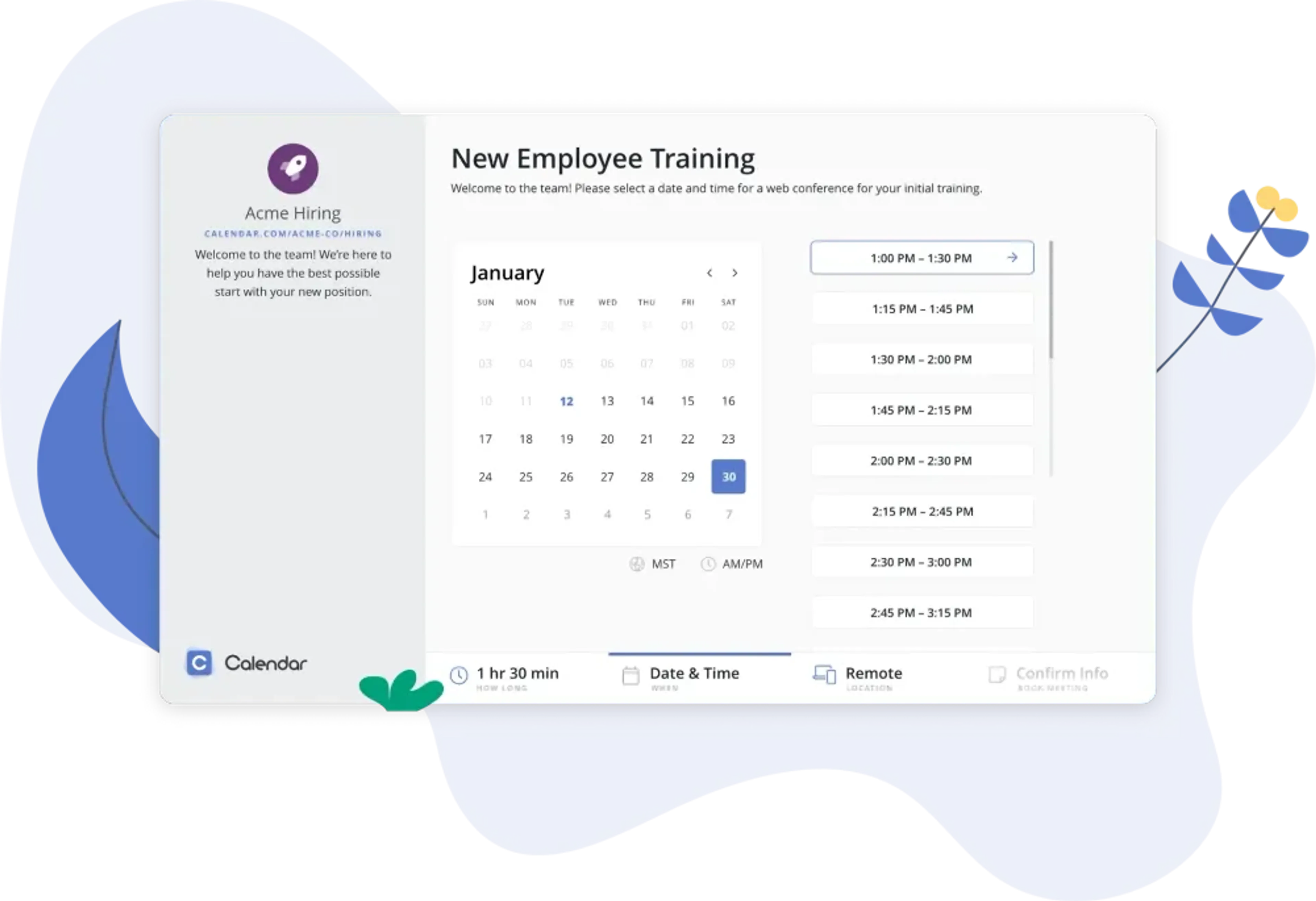
Calendar.com is an appointment management tool that stands among other alternatives to Doodle. It mostly focuses on simplicity, efficiency, and intelligent automation. And, it aims to provide its customers with a streamlined experience through its unique features.
Pros
- AI-powered Smart Scheduling — Uses machine learning to analyze availability, preferences, and history to suggest the best meeting times instantly.
- Natural language scheduling — Create meetings by simply speaking or typing natural commands; the system generates full invitations automatically.
- Schedule from anywhere — Voice and natural language support allow fast scheduling on the go.
Cons
- Learning curve for new users — Advanced features like AI and natural language commands require time to master.
- Not ideal for busy teams — Setup and learning time may be inconvenient for teams that need immediate productivity.
Calendar.com Pricing
- Free — Standard features, no cost
- Standard — $20 / user / month
3 calendars, analytics, Zapier, more time slots - Pro — $24 / user / month
Unlimited features for businesses of any size
Youcanbook.me
Overview
YouCanBookMe.com is mainly used for group meetings. It has several features just like any other meeting scheduling software: different calendar integration, a booking page, and so on.
Pros
- Strong branding & customization — Customize booking pages with your colors, fonts, and logo for a professional, on-brand experience.
- Multi-person availability — View combined availability, ideal for team and group scheduling.
Cons
- Limited collaboration tools — Lacks advanced features like polls, shift scheduling, and detailed staff permissions.
- Branding locked behind paywall — Free plan does not allow custom colors or fonts, limiting brand control.
YouCanBook.me Pricing
- Monthly — $12 / month
- 2-Year Plan — $9.60 / month (best value)
Paid plan includes:
- Advanced customization
- Unlimited booking form questions
- Password-protected booking pages
Conclusion
Regardless of your business size, you'll need an online scheduling tool to help you save time and dedicate your most valuable resources to more demanding tasks. Meetings tend to be time-consuming, but that does not mean that scheduling them should be too!
Long story short, if you’re looking for a decent Doodle alternative, choose the one that includes the following features: different types of booking notifications, integration with different calendars and tools like Google Meet and Google Calendar, enabling both offline and online scheduling, and more. Try and look for a solution that gets the job done in the most simple and efficient of ways possible. It would be quite clumsy to opt for a tool that takes more time to configure than to schedule an actual meeting.
Hopefully, this article has been of help to you and when the time comes to choose your Doodle alternative, you will know your options. If you would like to learn more about the features you might want to have in your scheduling app, access our FAQ section where we answer the most commonly-asked questions about Calday!